

Google has introduced an exciting new AI feature that brings your old photos to life — literally. Rolling out now in the U.S., the tech giant has launched a free AI-powered tool within the Google Photos app that converts still images into dynamic, six-second video clips — complete with transitions, background music, and motion effects.
This new tool is powered by Google’s advanced Veo 2 AI model and is also integrated into YouTube Shorts to make sharing easier than ever.
Let’s dive into how it works and what it means for everyday users.
From Still to Moving: How It Works
This new photo-to-video feature allows users to select any image from their existing photo gallery and turn it into a short, animated video with just a few taps. Using AI-powered animation and music layering, the tool simulates realistic, subtle movements to create a “living photo” effect — something like Apple’s Live Photos, but with more creativity and personalization.
With prompts like “Subtle movements” or “I’m feeling lucky,” users can add dynamic touches to photos that previously sat idle in their albums. A childhood portrait, a scenic vacation shot, or a selfie from years ago can now become engaging content ready for platforms like TikTok, Reels, or YouTube Shorts.
Powered by Google’s Veo 2 Model
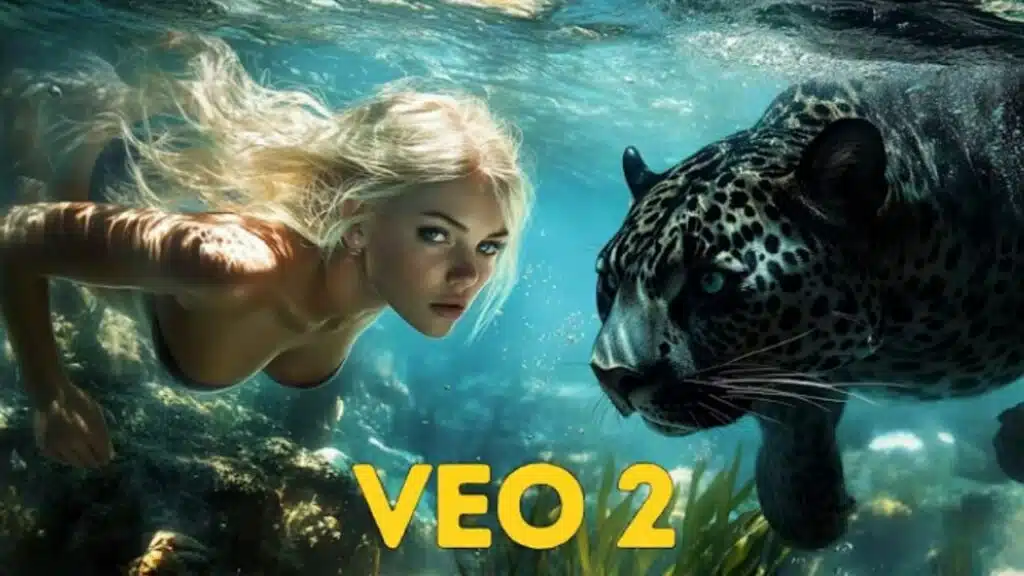
This feature is built on Google’s Veo 2, a generative AI video model unveiled earlier this year. Veo 2 is part of Google DeepMind’s research in creating longer, higher-quality videos using text or image prompts. It supports realistic motion generation, spatial coherence, and context-aware animation — making it perfect for this consumer-facing application inside Google Photos.
In fact, the photo animation tool is one of the first public uses of Veo 2’s capabilities for mainstream consumers. It joins a growing list of AI-powered tools under Google’s expanding suite, which also includes Gemini, the company’s conversational AI platform.
Remixed with Style: Introducing Imagen-Powered Remix
Alongside the animation tool, Google is also rolling out Remix, another AI-powered feature for photos. Remix uses Google’s Imagen — a powerful text-to-image model — to reimagine any photo in your gallery with stylized effects, themes, or artistic filters. For example, you can transform a regular photo into a sketch-style portrait, a surreal art piece, or a cartoon version — all in seconds.
This is perfect for social media creators and everyday users alike who want to give their old pictures a creative twist for storytelling or nostalgia.
Content Transparency with SynthID Watermark
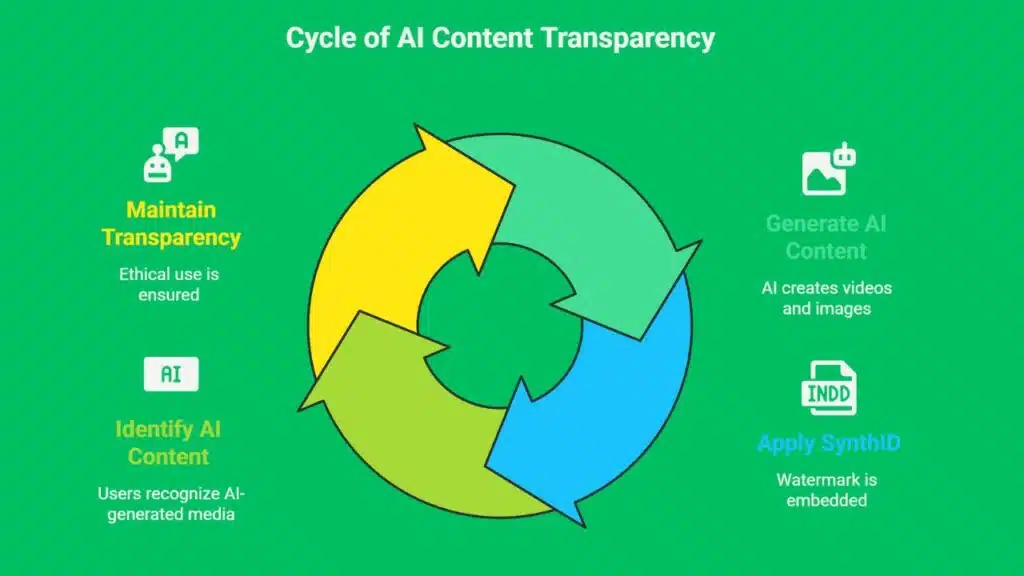
To ensure ethical use and transparency, all AI-generated videos and remixed images will include a SynthID watermark — Google’s proprietary invisible tagging system. This watermark, developed by Google DeepMind, helps identify AI-generated content without affecting the visual quality of the media.
The use of SynthID aligns with growing industry standards around responsible AI development, especially as concerns about misinformation and deepfakes continue to rise.
Availability and Platform Support
Both features — the animated photo-to-video tool and the Remix option — are now gradually rolling out to Android and iOS users across the United States. According to Google, the tools will become widely available to all U.S. users in the coming weeks, with global expansion expected in future updates.
To try them out, make sure your Google Photos app is updated to the latest version on your device. You’ll see new options under your photo menu or editing tools when the feature becomes available to you.
Why This Matters
Google’s latest rollout is more than just a fun trick — it’s part of a larger trend in which generative AI is being integrated into everyday apps for creative expression, personal storytelling, and content creation. By lowering the barrier to producing visually rich media, tools like these empower users to make more from their memories and photos — no video editing skills required.
And with YouTube Shorts now hosting this feature, the overlap between AI, social media, and mobile content creation is clearer than ever.
The Information is Collected from Tech Crunch and Live Mint.

























