

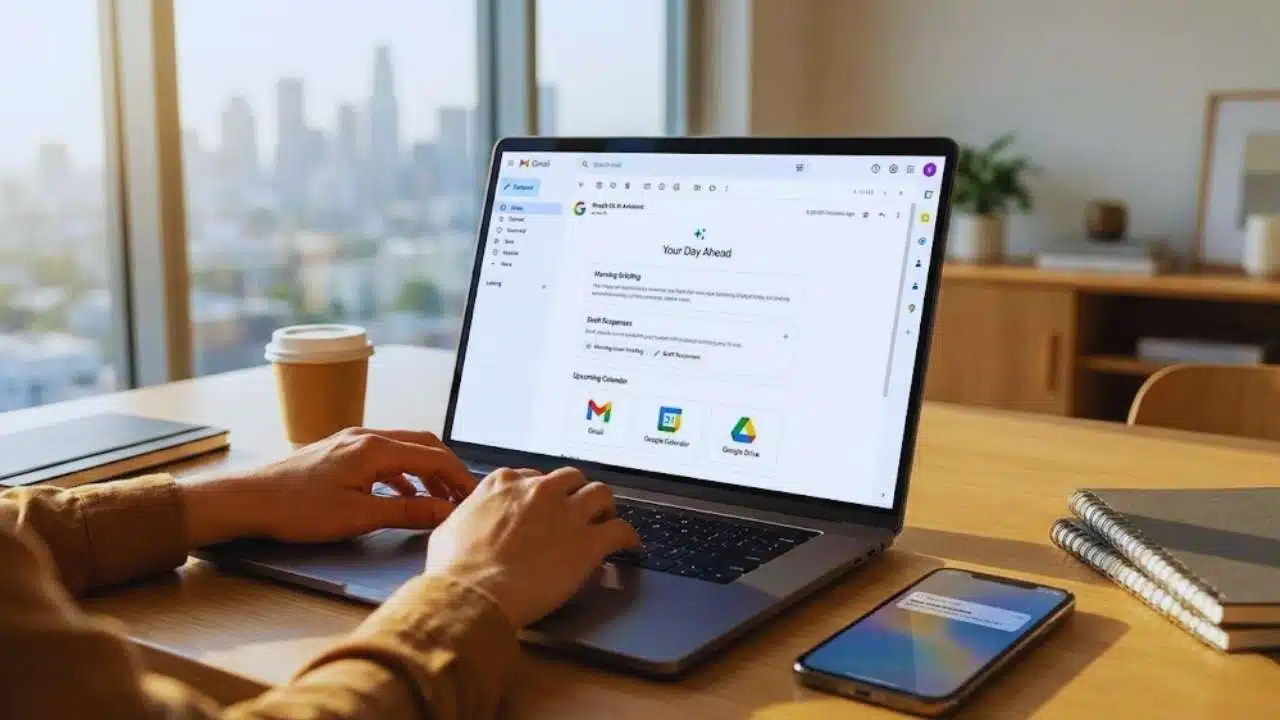
Google has officially unveiled CC, a new experimental AI productivity assistant designed to help users organize their mornings more efficiently. Announced on Monday, CC is built using Google’s Gemini AI models and focuses on delivering a clear, personalized overview of a user’s day. Rather than forcing users to check multiple apps, CC brings together key information from Gmail, Google Calendar, and Google Drive into a single daily email briefing.
The goal of CC is not just to summarize information, but to reduce decision fatigue at the start of the day. By highlighting what matters most—important emails, upcoming meetings, deadlines, and relevant documents—Google aims to help users quickly understand their priorities and move into action without unnecessary friction. This launch reflects Google’s broader strategy of embedding AI deeply into everyday consumer workflows.
How CC Works and What the Daily Briefing Includes
Each morning, CC sends users a “Your Day Ahead” email directly to their inbox. This briefing synthesizes emails, scheduled calendar events, and Drive files that are relevant for the day. The assistant is designed to understand context, such as ongoing conversations, deadlines, or recurring commitments, and present them in a concise but actionable format.
What sets CC apart from basic summaries is its ability to assist with next steps. The assistant can draft email replies, surface links to calendar events, and prepare reminders for tasks like paying bills, reviewing documents, or getting ready for appointments. Users can reply directly to the briefing to add tasks, clarify preferences, or ask CC to find specific information across their connected Google services.
Over time, CC is intended to learn user habits and preferences. Feedback tools such as thumbs up and thumbs down buttons are included in each briefing, allowing users to help refine what the assistant highlights and how it presents information.
Limited Access Through Google Labs and Subscription Requirements
CC is launching through Google Labs, meaning it is still in an experimental phase and not yet available to all users. Access is currently restricted to consumer Google accounts in the United States and Canada, excluding business and Workspace accounts. Users must be at least 18 years old and have a paid Google AI Pro or AI Ultra subscription to be eligible.
Interested users must also join a waitlist via Google’s website. Google has not disclosed how long the waitlist will remain open or when CC might become more widely available. This cautious rollout allows the company to test performance, collect feedback, and address privacy or usability concerns before expanding access.
CC can be contacted through email using a special address format, and it can be added to email threads for summarization. However, the assistant only responds privately to the user, reinforcing Google’s emphasis on controlled interaction and user privacy.
Competition, Market Context, and Why CC Matters
Google’s launch of CC places it squarely in competition with other AI-driven productivity tools. Companies like OpenAI and Microsoft have already introduced daily briefing features through their AI assistants, while smaller startups offer meeting summaries and task-focused digests. However, many of these tools rely on limited data sources or third-party integrations.
Google’s advantage lies in its native access to Gmail, Calendar, and Drive, giving CC a more complete understanding of a user’s digital life. This depth of integration allows for richer context and more relevant recommendations, something competitors may struggle to match at scale.
The timing of the launch also aligns with rapid growth in the AI productivity assistant market. As users face increasing information overload, demand is rising for tools that can filter, prioritize, and act on data intelligently. CC represents Google’s vision of an AI assistant that does not just inform users, but actively helps them manage their day more effectively.
If widely adopted, CC could signal a shift in how people interact with email and productivity tools—moving from manual checking to AI-guided daily planning.


























