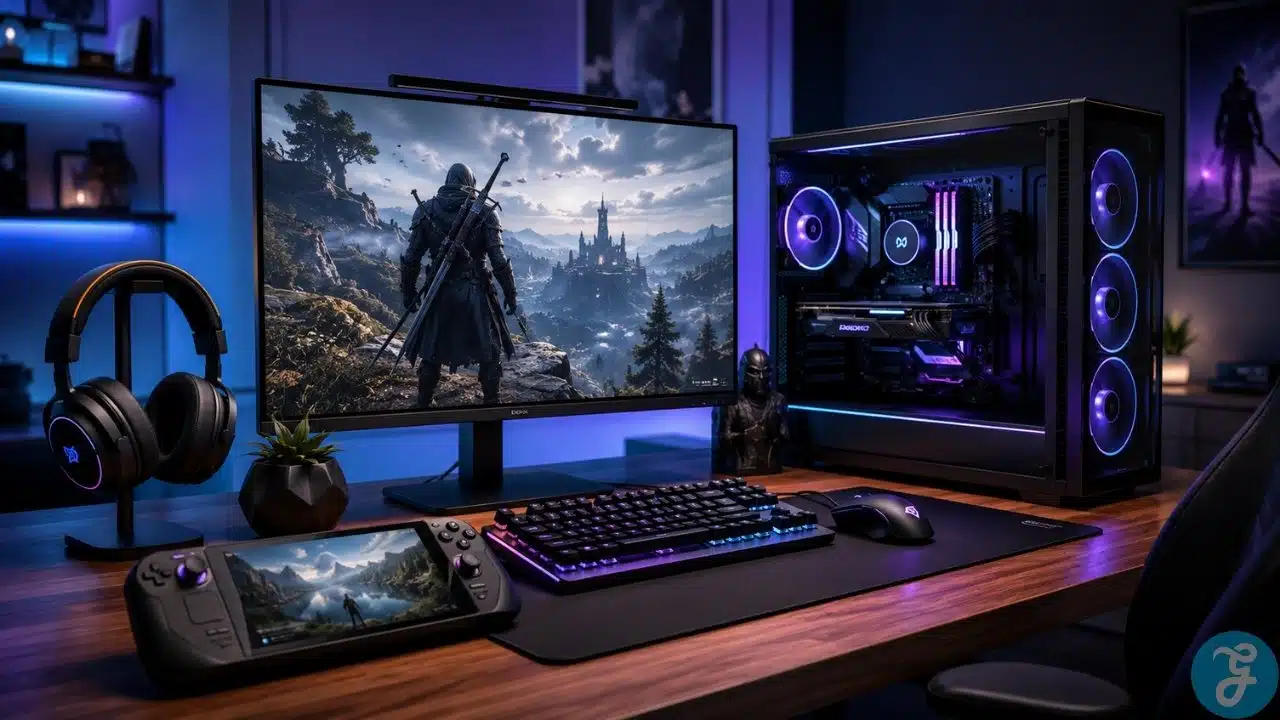
A good PC gaming guide should not make PC gaming sound like rocket science. I say this as someone who genuinely loves PCs, enjoys tweaking hardware, and has somehow become the default “PC guy” for friends and family whenever they want to build, upgrade, or fix something. If someone around me is confused about GPUs, cooling, monitors, storage, or whether they should buy a console instead, I usually end up being the unpaid consultant. The payment is normally stress, coffee, and the privilege of hearing, “Bro, why is my PC making this sound?”
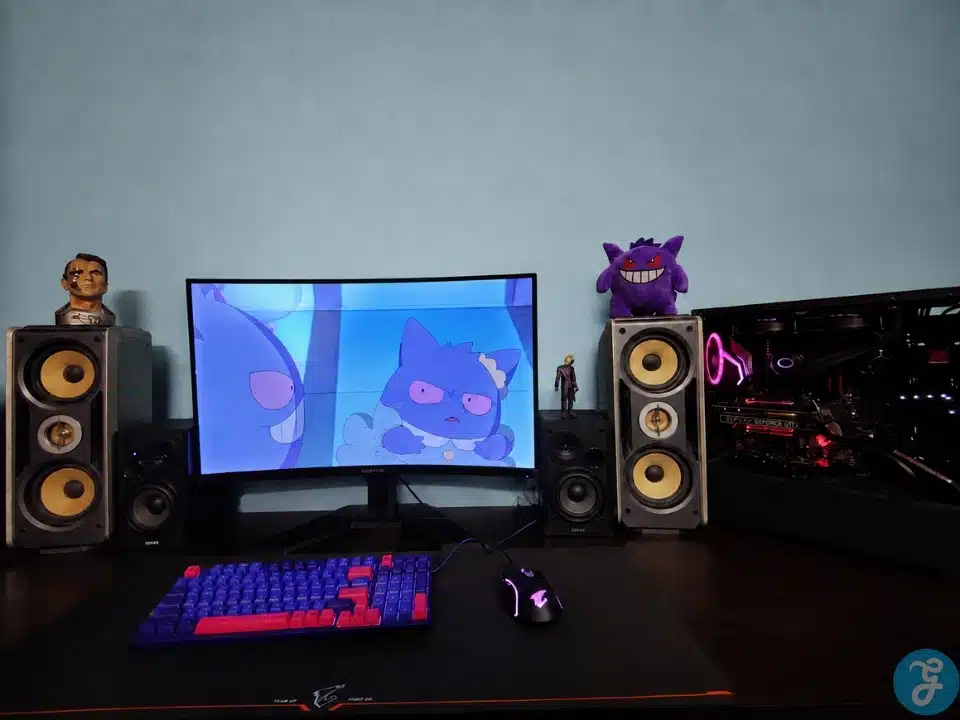
I belong to the PC master race, proudly and shamelessly. But I also understand that not everyone has unlimited money to throw at the latest hardware. I certainly did not. My own PC started as a base build in 2019, and I slowly upgraded it over one to two years. I started with a GTX 1650 Super, later moved to a much stronger RTX 2080-class card, replaced my AIO cooler with a sturdy air cooler after a few years, and upgraded from a basic $200 monitor to a 32-inch curved 165Hz screen.
Now it is 2026, and that same PC is still running perfectly without any major issues. Technology has moved forward a lot, but because I understood the components properly and upgraded with a plan, my PC can still handle most modern games and software without making me regret my life choices. That is exactly why this article exists.
Why This PC Gaming Guide Starts With Real Use
Modern PC gaming still matters because it gives you control. Consoles are convenient, yes, but a gaming PC lets you decide how you want to play, upgrade, tweak, customize, and stretch your money over time.
That flexibility is the whole point. You do not need to build the most expensive machine on day one. You can start with a sensible setup, understand the weak points, and upgrade piece by piece. That is exactly how I did it. My original build was not some monster machine. It was a practical build that gave me a foundation. Then I upgraded the GPU. Then I changed cooling. Then I improved the monitor. Slowly, the setup became much better.
That is the beauty of PC gaming. You are not locked into one fixed box forever. You can improve the parts that matter most when your budget allows it.
Who This PC Gaming Guide Is For
This PC gaming guide is for beginners, console players, budget-conscious gamers, casual players, competitive gamers, students, creators, and anyone who wants to understand PC gaming without getting buried under useless jargon.
It is also for people who do not have a huge budget right now. I know that situation very well. Not everyone can buy the latest GPU, premium motherboard, expensive monitor, and elite peripherals in one shot. Sometimes the smarter move is to build a reliable base and upgrade over time.
This article is also for the person who wants to make informed choices. You do not need to memorize every benchmark chart on the internet. But you should know what the CPU does, why the GPU matters, how RAM affects smoothness, why storage matters, and why a good monitor can completely change how your PC feels.
Choosing A Gaming PC Vs Console
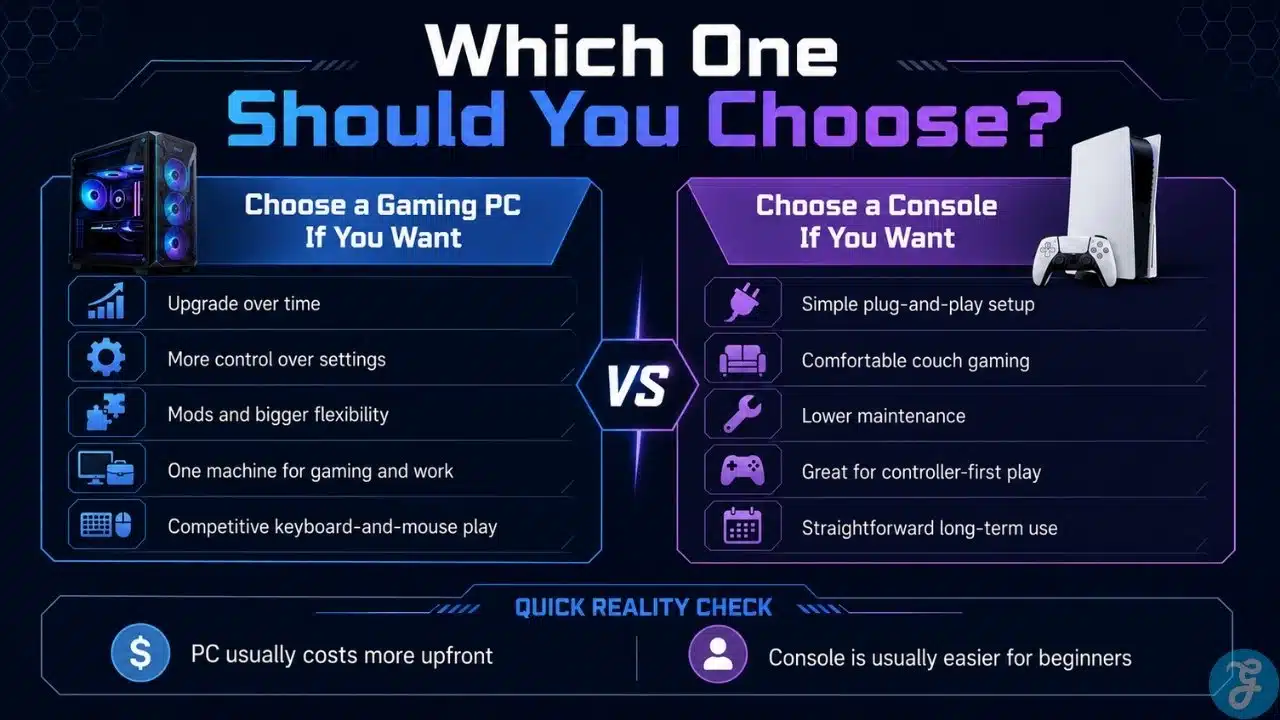
A console is simple. You buy it, connect it to your TV, install your games, and play. I respect that. Not everyone wants to compare graphics cards, worry about drivers, or think about airflow at 2 AM like a normal, totally healthy PC enthusiast.
But a gaming PC gives you something consoles cannot fully match: freedom. You can upgrade parts, use different stores, mod games, adjust graphics settings, connect different displays, use keyboard and mouse, use controllers, and run work or creative software on the same machine.
A console is better if you want simplicity. A gaming PC is better if you want control, flexibility, and long-term upgrade potential. The choosing a gaming PC vs console decision is really about how much freedom you want after the purchase.
Here is the clean comparison.
| Category | Gaming PC | Console |
|---|---|---|
| Setup | Needs more planning | Easier to start |
| Upgrade Options | Strong upgrade path | Limited upgrades |
| Game Library | Very broad | Platform-based |
| Customization | High | Limited |
| Performance Control | Flexible settings | Mostly fixed |
| Extra Uses | Work, study, editing, streaming | Mostly entertainment |
| Best For | Control and flexibility | Simplicity and convenience |
A console is not a bad choice. It is just a different choice. But if you enjoy upgrading, tweaking, and squeezing more life out of hardware, PC gaming is hard to beat.
Gaming PC Build Components Explained
A gaming PC is not powerful because one part is expensive. It works well when the parts are balanced. This is something I always explain to friends and family before they buy anything.
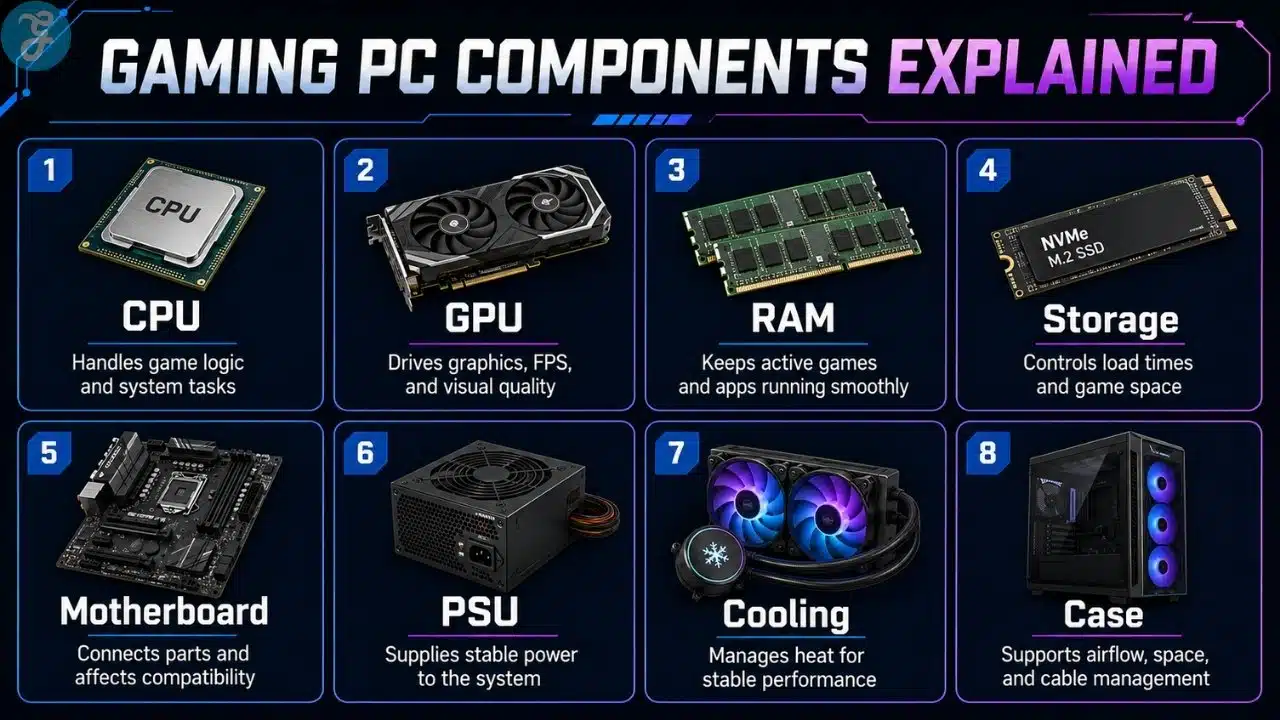
The CPU handles game logic and system tasks. The GPU handles graphics. RAM helps active programs run smoothly. Storage affects loading times and space. The motherboard connects everything. The power supply keeps everything stable. Cooling manages heat. The case affects airflow and upgrade room.
Beginners often obsess over the GPU, and yes, the GPU matters a lot. But a powerful graphics card inside a badly planned build can still create problems. Weak power supply, poor cooling, low RAM, or a bad monitor can all ruin the experience.
This is why gaming PC build components should never be reduced to “buy the best GPU and call it a day.”
Here is the basic breakdown.
| Component | What It Does | Why It Matters For Gaming |
|---|---|---|
| CPU | Handles game logic and system tasks | Helps with smooth gameplay and multitasking |
| GPU | Renders graphics | Affects FPS, resolution, and visual quality |
| RAM | Stores active temporary data | Helps games and apps run smoothly |
| Storage | Holds games and software | Affects loading speed and space |
| Motherboard | Connects all parts | Controls compatibility and upgrade options |
| PSU | Supplies power | Keeps the system stable |
| Cooling | Controls temperature | Helps performance stay consistent |
| Case | Holds the build | Affects airflow, space, and future upgrades |
GPU Selection For Gaming Explained
The GPU is one of the most important parts of any PC gaming guide because it has the biggest direct impact on gaming performance. It controls how well your PC handles resolution, frame rates, graphics settings, ray tracing, and visual quality.
My own upgrade path proved this clearly. I started with a GTX 1650 Super, which was a good practical starting point for my budget at the time. Later, when I upgraded to a much stronger RTX 2080-class card, the difference was massive. Games felt smoother, visuals improved, and the whole PC felt like it had been given a second life.
But the GPU should still match your monitor and your games. A high-end GPU is wasted if your display cannot show the extra performance. A weak GPU will struggle if you pair it with a demanding high-resolution screen.
That is why selecting a GPU is not just about buying the strongest card you can afford. It is about matching the card with the experience you actually want.
How I Think About GPU Upgrades
A GPU upgrade should solve a real problem. If your games are struggling at your target resolution, if you cannot hit the frame rates you want, or if newer software is clearly pushing your card too hard, then the GPU becomes the obvious upgrade.
But if your monitor is basic, your CPU is holding things back, or your power supply is not strong enough, throwing money at a GPU alone may not give you the result you expect. That is where many beginners get trapped.
A smart GPU upgrade should answer three questions: what resolution do I play at, what frame rate do I want, and can the rest of my system support the card properly?
How To Choose The Right Gaming PC Setup
The right gaming PC setup depends on your budget, games, monitor, upgrade plan, and patience. There is no single perfect build for everyone.
Start with your actual use. Do you play esports titles, open-world games, strategy games, simulation games, or cinematic single-player titles? Do you stream? Do you edit videos? Do you use the same PC for work? These answers matter more than internet arguments.
Then choose your target resolution. 1080p is cheaper and easier to run. 1440p is a strong modern balance. 4K looks beautiful but demands much stronger hardware.
Most importantly, do not build for ego. Build for your needs. I love PCs, but I also know the pain of working with limited money. A smart build that you can upgrade over time is often better than trying to buy everything at once and cutting corners in the wrong places.
Prebuilt Vs Custom Gaming PC
A prebuilt gaming PC is easier. You buy the full system, plug it in, and start using it. That can be a good option for beginners who do not want to assemble parts.
A custom gaming PC gives you more control. You choose the parts, manage the budget, understand the build, and plan future upgrades. This is the route I personally prefer because I like knowing exactly what is inside my machine.
That said, custom building is not magic. A badly planned custom build can be worse than a good prebuilt. The goal is not to sound smart. The goal is to choose parts that work well together.
A good prebuilt should be transparent about components. A good custom build should be balanced, upgrade-friendly, and properly cooled.
Gaming Monitor Specs Demystified
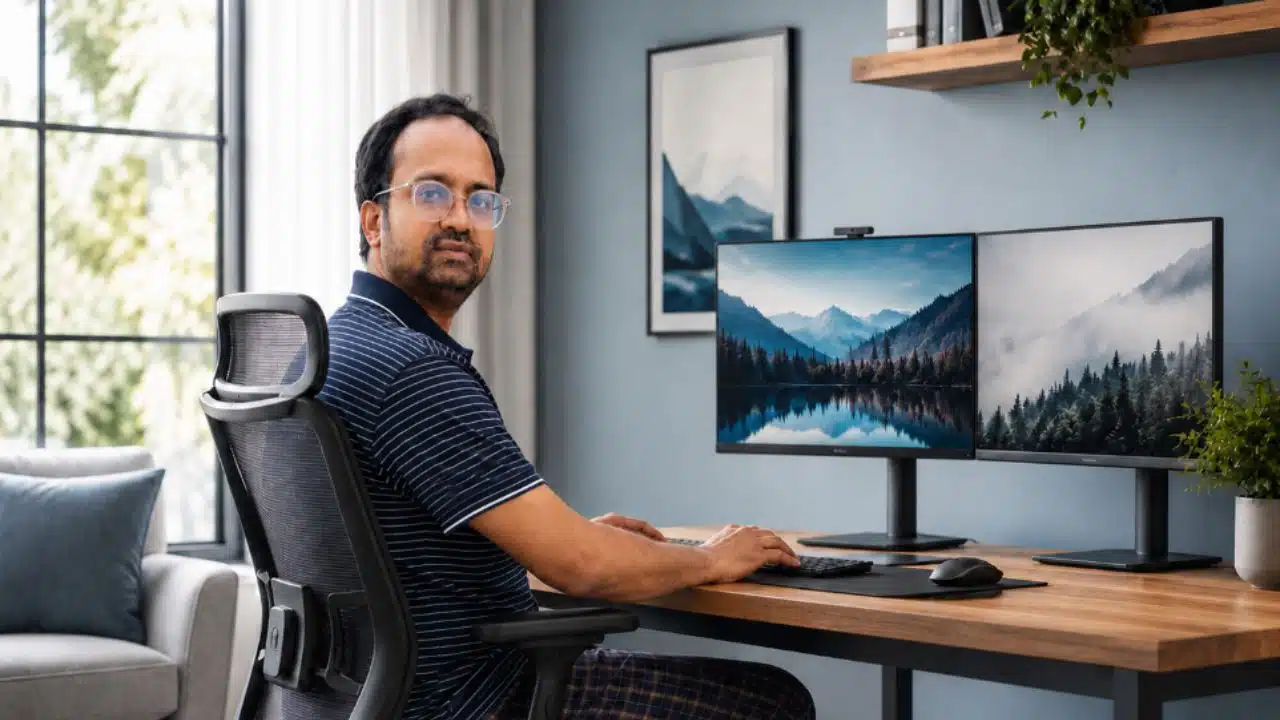
Your monitor is not just an accessory. It is the part of the setup you actually look at every single time you play. I learned this properly when I upgraded from a basic $200 monitor to a 32-inch curved 165Hz display.
That upgrade changed the entire feel of my PC. The same system suddenly felt smoother, more immersive, and more enjoyable. That is why I always tell people not to ignore the monitor.
The main specs to understand are resolution, refresh rate, response time, panel type, screen size, adaptive sync, and connectivity. A powerful GPU paired with a weak monitor is like buying a sports car and driving it only in first gear.
In a proper setup, gaming monitor specs help you understand what your hardware can actually show, not just chasing the biggest number in the product title.
Here is a simple monitor buying view.
| Gaming Goal | Good Monitor Choice | Why It Works |
|---|---|---|
| Budget gaming | 1080p, 75Hz–144Hz | Affordable and easier to run |
| Competitive gaming | 1080p or 1440p, 144Hz–240Hz+ | Better speed and response |
| Balanced gaming | 1440p, 144Hz–165Hz | Strong mix of clarity and smoothness |
| Visual-heavy gaming | 4K, 60Hz–144Hz | Sharper image quality |
| Immersive gaming | Curved or ultrawide display | Better field of view and immersion |
Gaming Peripherals: Keyboards And Mice
Keyboard and mouse choices are often treated like small details, but they affect every gaming session. A bad mouse can ruin aim. An uncomfortable keyboard can make long sessions annoying. Cheap gear is not always bad, but uncomfortable gear is always a problem.
You do not need to buy the most expensive keyboard or the mouse with the most ridiculous DPI number printed on the box. You need gear that fits your hand, desk, grip style, and games.
For keyboards, switch feel, layout, build quality, and comfort matter. For mice, shape, weight, sensor quality, and button placement matter more than marketing numbers.
Good gaming peripherals keyboards and mice should make your setup feel more natural, not just more expensive.
What I Care About In Daily Use
For daily use, comfort beats hype. A keyboard should not make typing or gaming feel like work. A mouse should not fight your grip. Your desk should have enough space for movement.
I care more about how gear feels after three hours than how impressive it looks in a product photo. A clean, comfortable setup will always age better than a flashy one that annoys you every day.
Gaming Headsets Decision Guide
Audio matters more than many beginners think. In competitive games, sound can help you detect footsteps, movement, reloads, and direction. In single-player games, good audio makes the world feel more alive.
A gaming headset should be comfortable first. I do not care how impressive the branding is if it becomes painful after one hour. Comfort, mic clarity, sound quality, and connection type matter more than flashy lighting.
Wired headsets are simple and reliable. Wireless headsets are cleaner and more convenient but need charging. Some players prefer separate headphones and microphones, but a good headset is easier for most people.
A practical gaming headset is comfortable and provides clear communication before anything else.
Steam Deck And Handheld PC Gaming
Handheld PC gaming has become much more relevant now. Devices like the Steam Deck and other handheld gaming PCs give players a way to enjoy PC games away from the desk.
A handheld PC is not the same as a full desktop gaming PC. It has limits in power, battery life, cooling, controls, and screen size. But it also gives you freedom. Couch gaming, travel gaming, indie games, older titles, and casual sessions all make sense on handheld devices.
For some people, a handheld PC is a second device. For others, it can be their first step into PC gaming. It depends on what they play and how much performance they expect.
Steam Deck and handheld PC gaming fits best when portability matters more than maximum performance.
Building A Balanced Gaming Setup By Budget
A balanced setup is not about buying the most expensive parts. It is about putting money where it makes the biggest difference.
For most gaming builds, the GPU deserves serious attention. The CPU should support it properly. RAM should be enough for modern gaming. Storage should be fast. Cooling should be reliable. The PSU should not be garbage. The monitor should match the system.
This is where many beginners make mistakes. They buy a flashy case, RGB fans, and a weak power supply. Or they buy a strong GPU and connect it to a basic monitor that cannot show what the card can do.
Use this budget view before planning a setup.
| Setup Level | Best For | Main Priority |
|---|---|---|
| Entry-Level | Casual gaming and esports | Value GPU, decent CPU, 1080p monitor |
| Mid-Range | 1080p high FPS or 1440p gaming | Strong GPU, SSD, 144Hz+ monitor |
| High-End | 1440p ultra or 4K gaming | Powerful GPU, strong CPU, better cooling |
| Enthusiast | 4K, streaming, heavy multitasking | Premium GPU, high-end display, strong cooling |
A good PC should feel balanced, not just expensive.
Common PC Gaming Mistakes Beginners Should Avoid
The biggest mistake is overspending on looks. I enjoy a good-looking setup as much as anyone, but RGB does not increase frame rates. A beautiful case with bad airflow is still a bad choice.
Another mistake is ignoring the PSU. A power supply is boring until it becomes a problem. Cheap power delivery can cause crashes, instability, and upgrade limitations.
Many beginners also ignore cooling. I started with an AIO cooler, and it worked well, but after a few years I replaced it with a sturdy air cooler. For my use, that made more sense long-term. The lesson is not that air cooling is always better or AIO is bad. The lesson is that cooling should be practical, reliable, and suitable for the build.
The monitor mistake is also common. If your display is weak, your gaming experience will feel limited no matter how good the PC is.
Modern PC Gaming Setup Checklist
Before buying or upgrading, use a checklist. This keeps you from wasting money on parts that do not fit your actual needs.
A good setup should match your games, your budget, your monitor, your desk space, and your upgrade plan. You do not need everything at once. You need a smart foundation.
Use this checklist before making your final decision.
| Setup Area | What To Check |
|---|---|
| Platform Choice | Decide whether PC or console fits your needs |
| Core Hardware | Check CPU, GPU, RAM, storage, PSU, and cooling |
| Graphics Card | Match GPU with your target resolution and FPS |
| Monitor | Choose resolution and refresh rate based on your GPU |
| Keyboard And Mouse | Pick comfort, accuracy, and build quality |
| Headset | Check comfort, sound, mic quality, and connection type |
| Handheld Option | Decide if portable PC gaming fits your lifestyle |
| Upgrade Path | Make sure your setup can grow over time |
How To Think About Performance Without Getting Lost
Gaming performance is not just FPS. FPS matters, but it is only one part of the experience. Resolution, refresh rate, frame time, input delay, temperature, stability, and visual settings all matter.
A game running at a stable 90 FPS can feel better than a game jumping between 140 FPS and 50 FPS. Smoothness matters. Stability matters. Heat and noise matter too.
This is why component knowledge matters. My 2019 PC is still running well in 2026 because I did not treat the build like a one-time purchase. I understood what needed upgrading, what could wait, and what parts were still good enough.
A proper PC gaming guide should help you think like that. Do not chase every new release. Build smart, upgrade when needed, and avoid panic-buying hardware because the internet told you your PC is suddenly ancient.
Gaming Comfort And Desk Setup Basics
A gaming setup is not only about internal hardware. Comfort matters too. Desk height, chair position, keyboard angle, mouse space, monitor distance, cable management, lighting, and headset comfort all affect the experience.
A fast PC is great, but if your wrist hurts, your neck feels stiff, or your desk is a mess, the setup will not feel enjoyable for long.
The monitor should sit at a comfortable height. The mouse should have enough room. The keyboard should not force your wrists into an awkward position. The headset should be comfortable enough for long sessions.
PC gaming is not just about power. It is about making the whole setup feel good to use every day.
Should You Upgrade Or Buy New?
If you already have a gaming PC, do not assume you need to replace everything. Upgrading can be much smarter.
My own PC is the perfect example. I started with a base system in 2019 and slowly improved it. The GPU upgrade made a big difference. The cooler change improved long-term confidence. The monitor upgrade changed the way the whole setup felt. I did not throw the entire PC away every time something new launched.
If your games run poorly at your target resolution, the GPU may be the problem. If multitasking is weak, maybe RAM or CPU needs attention. If loading is slow, storage may be the easiest fix. If the system is hot or loud, cooling and airflow may need work.
Buying new makes sense when the platform is too old, upgrade options are limited, or replacing several parts costs almost as much as a fresh build. But many PCs can last longer than people think if they are built and upgraded properly.
Build Smart, Upgrade With Purpose
The best way to start PC gaming is not to buy the most expensive parts immediately. It is to understand your needs, build a reliable foundation, and upgrade with purpose. That is exactly how I handled my own setup, and it is why my 2019 PC is still running perfectly in 2026.
A strong PC gaming guide should help you avoid wasted money, bad part choices, and panic upgrades. Start with the platform choice. Understand the components. Pick the right GPU. Match it with a suitable monitor. Add comfortable controls and reliable audio. Then upgrade slowly when your needs actually change.
Modern PC gaming is not about having the flashiest setup or the newest part every year. It is about building a machine that fits your games, your budget, your workflow, and your personality. And if you do it right, your PC can keep serving you long after the internet says it should be outdated.
Frequently Asked Questions (FAQs) About PC Gaming
These quick answers cover the most common questions people ask before building, buying, or upgrading a gaming setup.
Is PC Gaming Better Than Console Gaming?
PC gaming is better if you want upgrades, customization, mods, performance control, and a machine that can do more than play games. Console gaming is better if you want simplicity, couch comfort, and fewer technical decisions.
What Is The Most Important Part Of A Gaming PC?
The GPU is usually the most important part for gaming performance because it affects graphics quality, resolution, and frame rates. But the full system still needs balance. A strong GPU with weak cooling, poor power supply, or the wrong monitor can still disappoint.
How Much RAM Is Good For Modern PC Gaming?
For many modern gaming setups, 16GB is a reasonable starting point. 32GB is better if you multitask, stream, edit, or want more room for modern software. RAM should match the rest of the build instead of being judged alone.
Do Gaming Monitors Really Matter?
Yes, gaming monitors matter a lot. My own upgrade from a basic $200 monitor to a 32-inch curved 165Hz screen made the entire setup feel better. Refresh rate, resolution, response time, and screen size can change how your PC experience feels every day.
Are Gaming Keyboards And Mice Worth It?
Yes, if they improve comfort, accuracy, and control. You do not need the most expensive options, but you should choose gear that fits your hand, desk, and game type.
Do I Need A Gaming Headset?
A gaming headset is useful if you play multiplayer games, use voice chat, or want better directional audio. Comfort and mic clarity matter more than flashy branding.
Can A Steam Deck Replace A Gaming PC?
A Steam Deck or handheld gaming PC can replace a desktop for some casual or portable players. But if you want higher performance, better upgrades, and a full desk setup, a desktop gaming PC is still stronger.