You pull in at 18% battery and find two broken stalls. PlugShare is the best of the EV charging station finder apps for most US drivers, because real drivers report which plugs actually work.
Below, you’ll get a side-by-side table of all 10 apps, plus a simple 3-app setup that covers almost any trip.
EV Charging Station Finder Apps Compared
Here’s how all 10 EV charging station finder apps stack up at a glance. Use it to pick two or three, then read their full entries below.
| App | Best for | Pays for charging? | Cost |
|---|---|---|---|
| PlugShare | Knowing which plugs work | At participating sites | Free |
| A Better Route Planner | Road trip planning | No | Free; Premium $4.99/mo |
| Google Maps | Everyday driving | No | Free |
| Tesla app | Supercharger access | Yes | Free; $12.99/mo optional membership |
| ChargePoint | Level 2 at work and shops | Yes | Free app; hosts set prices |
| Electrify America | Highway DC fast charging | Yes | Free; Pass+ membership |
| EVgo | City fast charging | Yes | Free; paid plans |
| ChargeHub | One app for US and Canada | At 100,000+ chargers | Free |
| Apple Maps EV Routing | Supported CarPlay cars | No | Free |
| AFDC Station Locator | Government verified data | No | Free |
Notice that only half of these apps can actually start a charge. That’s why most drivers end up carrying more than one.
What Separates a Good Finder App in 2026
The truth is, finding a charger is easy now. The US had 253,319 public charging ports in June 2026, including more than 73,000 DC fast ports, according to AFDC data. Finding one that works is the hard part.
J.D. Power’s 2026 public charging study found 12% of fast charging visits ended without a charge. That’s better than last year, but it’s still one in eight stops. So the best EV charging station finder apps do four things well:
- Fresh status: Live port data or recent driver reports, not a pin that’s been dead for months.
- Plug filters: NACS (also called J3400), CCS1, and the fading CHAdeMO, so you never route to a plug your car can’t use.
- Power filters: A 50 kW stall and a 350 kW stall look identical on most maps.
- Arrival estimates: How much battery you’ll have when you pull in.
Network quality matters too. In the same study, IONNA ranked first at 807 out of 1,000, while Tesla’s Supercharger network slipped to fourth at 701, its lowest finish yet.
The 10 Best EV Charging Station Finder Apps
These EV charging station finder apps are ranked by how often they get you to a working plug, not by how pretty the map looks.
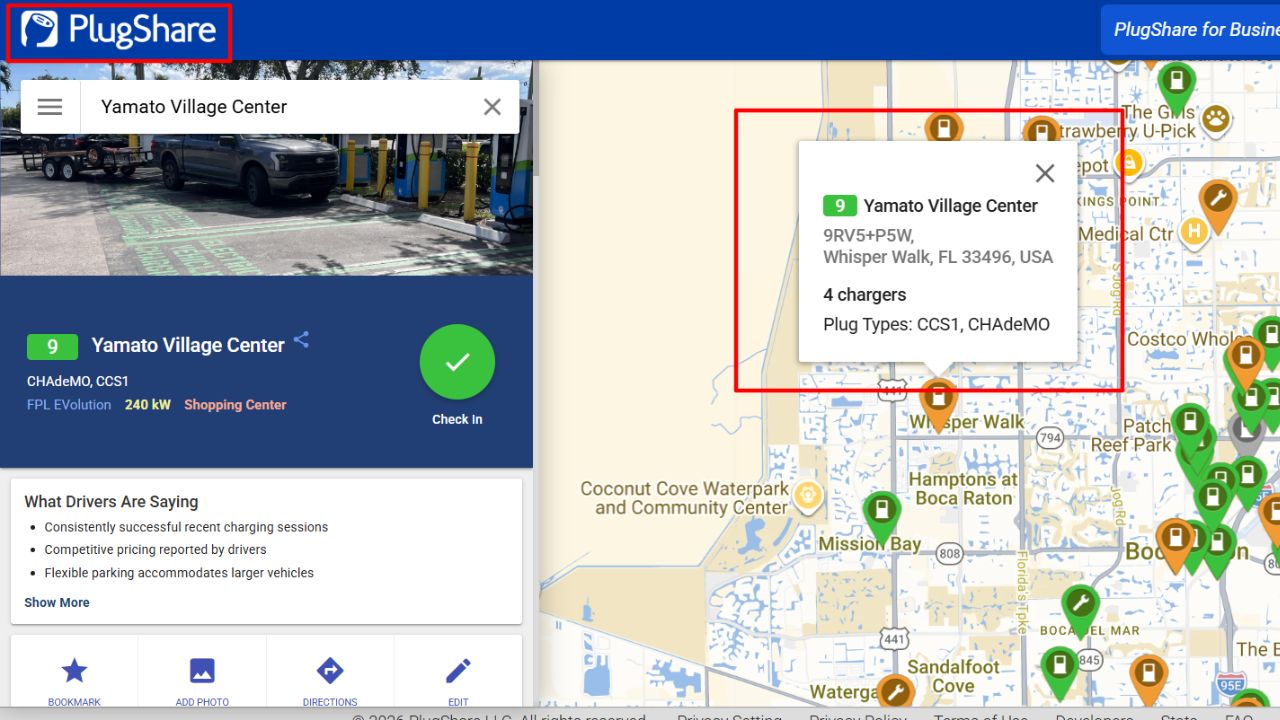
Picture this: you’re crossing Nebraska at night, and the next fast charger is 60 miles away. Before you commit, PlugShare shows a driver photo from two hours ago and a note that stall 3 is broken. That’s the whole value.
- Maps 350,000+ stations, with PlugScore ratings built from driver reports.
- Filters by plug type, power and network, plus a basic trip planner.
- Rated 4.7 stars from about 321,000 iOS ratings.
Honest flaws:
- Some driver reports are weeks old, and closed stations can linger on the map.
- In-app payment works only at participating sites, so you’ll still need network apps.
Who Should Skip This: Tesla owners who only use Superchargers. The Tesla app already shows live stall counts.
2. A Better Route Planner (ABRP): Best for Road Trips
ABRP models your exact car, speed, outside temperature and payload, then tells you where to stop and how much charge you’ll arrive with. It’s the planner serious road trippers lean on, and it pairs well with these tips for planning road trips with electric vehicles.
- Free plan covers basic routes.
- Premium runs $4.99 a month or $49.99 a year for the extra planning features.
Honest flaws:
- The interface is dense, and new users get lost in settings.
- Plans are only as good as your inputs. Leave the default speed, and arrival estimates drift.
Who Should Skip This: drivers who rarely leave town.
3. Google Maps: Best Free Built-in Option
The best part? You probably have it already. Google Maps shows how many ports are open at many stations, filters by your plugs and charging speed, and can estimate battery on arrival for 350+ EV models through Android Auto.
Honest flaws:
- No payment, so you’ll switch apps at the plug.
- Automatic charging stops on your route need a car with Google built in, like newer Ford, GM, Volvo or Polestar models.
Who Should Skip This: drivers whose car supports neither Android Auto nor Google built-in, since the battery estimates won’t work.
4. Tesla App: Best for Supercharger Access
If your EV has a NACS port or a CCS to NACS adapter, the Tesla app opens up the Supercharger network. Turn on the non-Tesla filter first, because not every site accepts other brands.
Here’s the catch: non-Tesla drivers pay a premium. Electrek’s April 2026 analysis put it at about 30 to 35% in practice, and the $12.99 monthly membership erases it if you charge roughly 80 to 100 kWh a month.
Honest flaws:
- Cables are short and built for Tesla charge ports, so some cars must park awkwardly or block a second stall.
- Paired stalls can share power, so a busy neighbor slows your session.
Who Should Skip This: drivers without a NACS port or adapter.
5. ChargePoint: Best for Level 2 Charging
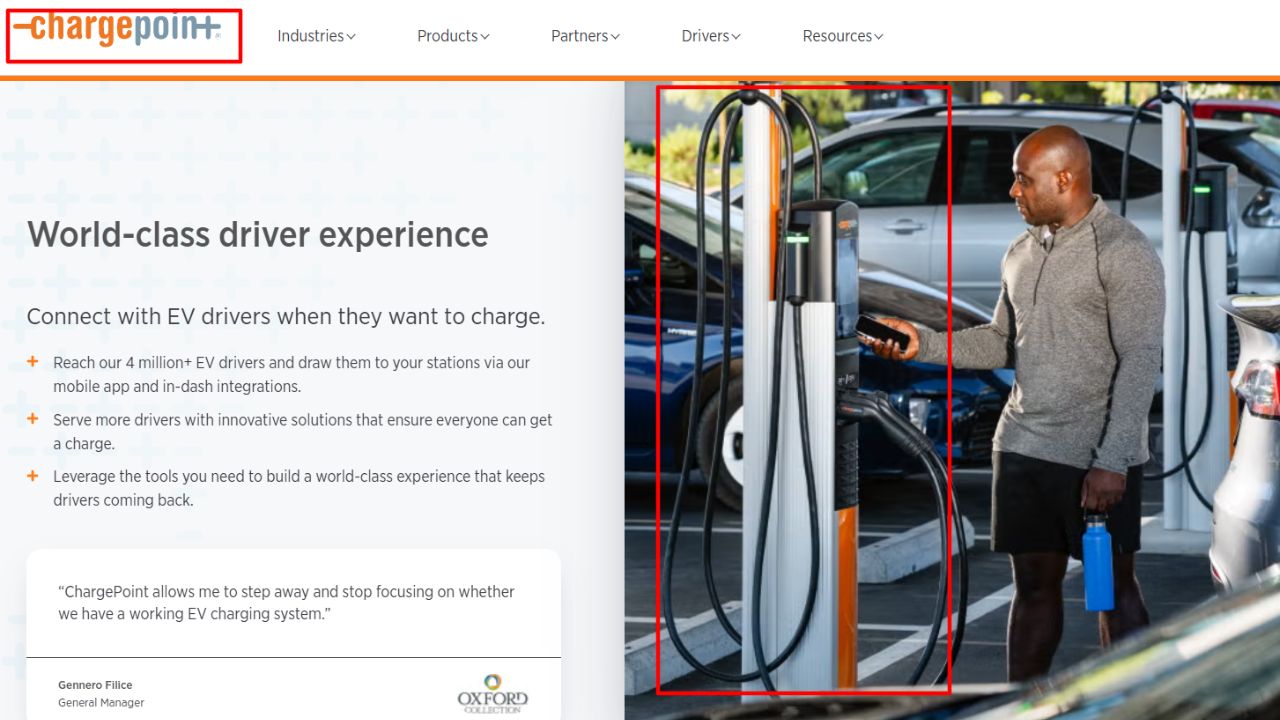
ChargePoint is the biggest network by port count in the federal station data, with 92,677 ports listed in the AFDC network table. You’ll find it at offices, apartments, grocery stores and hotels.
Honest flaws:
- Hosts set their own prices, so two stations a mile apart can cost very different amounts.
- Level 2 adds only about 15 to 25 miles of range per hour. Fine for errands, painful on a road trip.
Who Should Skip This: drivers who mostly need DC fast charging on highways.
6. Electrify America: Best for Highway Fast Charging
Electrify America stalls run from 150 kW to 350 kW, and most sites sit near interstates. For a CCS car on a long drive, it’s often the main fast option along a stretch of interstate.
Honest flaws:
- Owners complain about stalls showing “available” in the app that won’t start a session.
- Older 150 kW sites often deliver well below their rating, especially in cold weather.
Who Should Skip This: anyone with a native NACS car near plenty of Superchargers.
7. EVgo: Best for City Fast Charging
EVgo focuses on metro areas, with chargers from 50 kW to 350 kW at grocery stores and shopping centers. You can reserve a stall in some locations, and Autocharge+ starts sessions when you plug in.
Honest flaws:
- Stalls marked “available” are often taken at peak hours by the time you arrive.
- Owners report stalls rated 350 kW sometimes delivering only 50 to 100 kW.
Who Should Skip This: rural drivers. Coverage thins out fast outside big cities.
8. ChargeHub: Best for US and Canada Trips
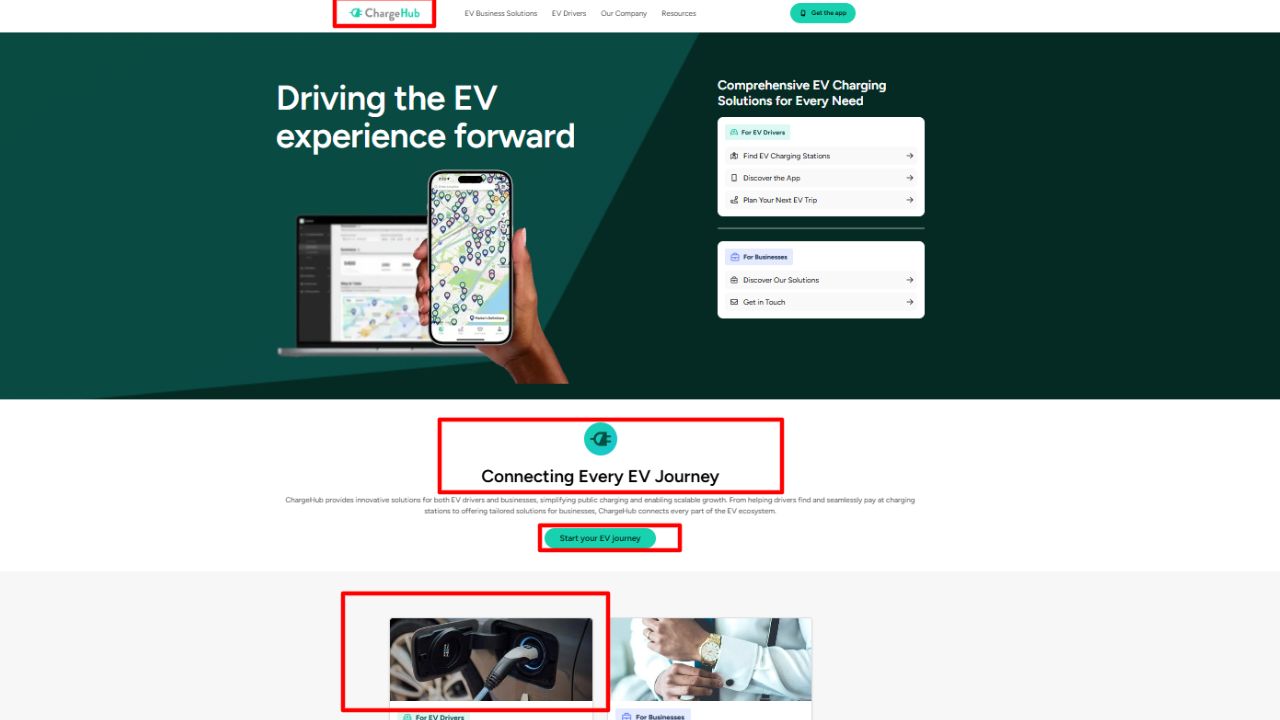
ChargeHub lists 200,000+ stations across the US and Canada and lets you pay at 100,000+ chargers on partner networks. It’s a solid backup if you cross the border.
Honest flaws:
- Its review community is smaller than PlugShare’s, so status reports can be thin in some areas.
- The map gets cluttered in big cities.
Who Should Skip This: drivers who already run PlugShare plus one network app.
9. Apple Maps EV Routing: Best for Supported CarPlay Cars
In supported cars, Apple Maps adds charging stops to your route on its own. The list is short, though, and includes the Ford Mustang Mach-E and F-150 Lightning.
Honest flaws:
- Most EVs aren’t supported yet.
- You can’t easily pick a specific fast charger from a list to trigger battery preconditioning.
Who Should Skip This: anyone whose car isn’t on Apple’s supported list.
10. AFDC Station Locator: Best for Verified Data
The Department of Energy’s Alternative Fuels Data Center runs the federal database behind its Station Locator, one of the most neutral EV charging station finder apps around. It imports data daily from networks with an API and covers about 100 charging networks.
Honest flaws:
- It’s a directory, not a social app, so there are no driver photos or broken stall reports.
- No payment, and the mobile experience feels dated next to commercial apps.
Who Should Skip This: drivers who want reviews before they pull in.
The Biggest Mistake Drivers Make With Charging Apps
That brings us to the biggest mistake people make: trusting one map pin. A station can show “available” and still have a cracked screen or a dead cable.
On the flip side, you don’t need all 10 EV charging station finder apps. Three cover almost any trip:
- A finder like PlugShare to check recent driver reports.
- A planner like ABRP or Google Maps for arrival battery estimates.
- One payment app for the network you use most, such as Tesla, Electrify America or EVgo.
Set them up at home, with payment saved. A weak signal at a highway stop is a bad time to type in a card number.
Frequently Asked Questions (FAQs)
What is the best app to find EV charging stations?
PlugShare is the best all-around pick in the US, because driver reports show which stations actually work.
Can non-Tesla EVs use Tesla Superchargers?
Yes, at many sites. You need a NACS port or a CCS to NACS adapter, plus the Tesla app to start and pay.
Are EV charging apps free?
Most are free to download. You pay for charging itself, and some apps sell optional memberships that lower your per kWh rate.
How do I know if a charger is working before I arrive?
Check recent driver reports on PlugShare and the live status in the network’s own app. Have a backup station within range.
Do I need a separate app for every charging network?
Not always. Aggregators like ChargeHub and PlugShare pay at some partner sites, but one or two network apps still help.
Final Thoughts
Bottom line: the best EV charging station finder apps don’t just show pins; they show which pins work. Start with PlugShare, add a planner, and keep one network app ready to pay.
Still deciding on a car? Compare electric vehicles vs hybrid cars, and read up on the environmental cost of electric vehicles before you buy. Then download your three apps and test them on a short local drive first.