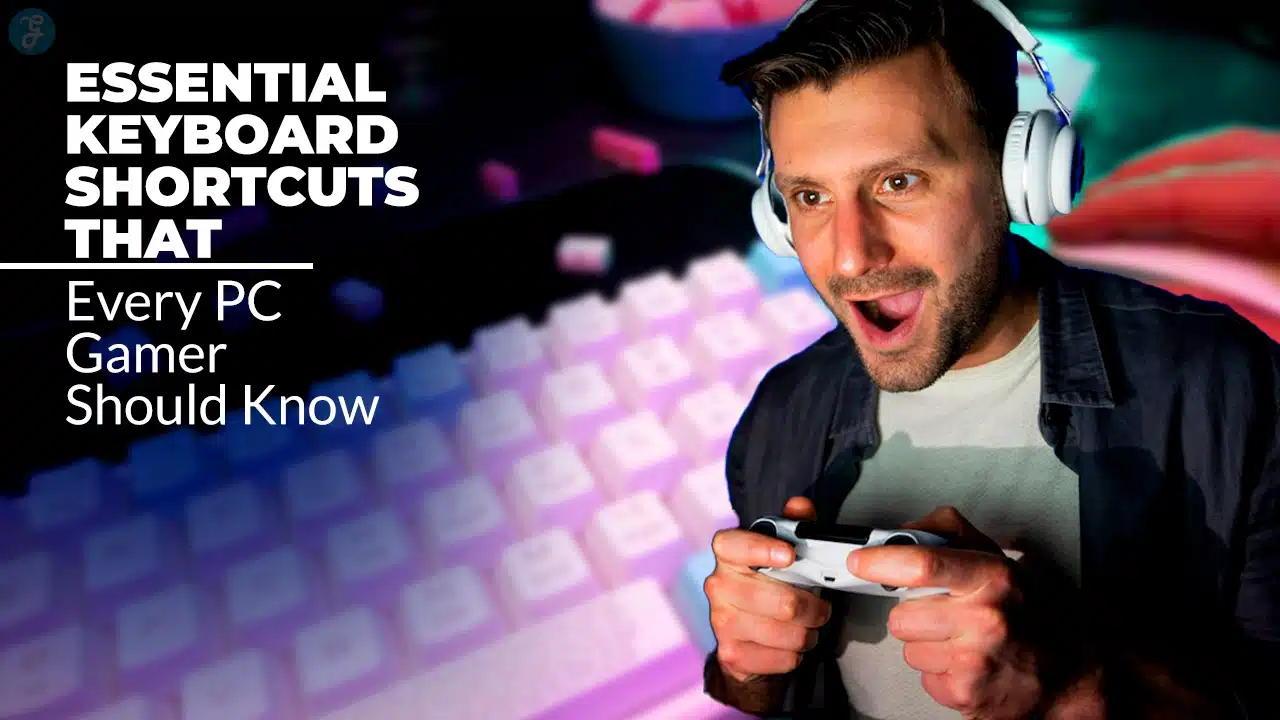
In the fast-paced world of PC gaming, mastering Essential Keyboard Shortcuts for PC Gamers can make the difference between victory and defeat. Whether you’re playing first-person shooters, real-time strategy games, or open-world RPGs, having quick access to key functions can significantly improve your gaming experience.
Many gamers underestimate the power of keyboard shortcuts, relying heavily on their mouse. However, professional players and seasoned gamers know that efficiency in movement, communication, and action execution is crucial.
By using essential keyboard shortcuts effectively, players can enhance reaction time, increase precision, and improve multitasking during intense gameplay moments.
This guide will introduce you to the 7 Essential Keyboard Shortcuts That Every PC Gamer Should Know, along with pro tips for customization and best practices for optimal gaming performance. We’ll also explore real-world examples of how these shortcuts impact competitive gaming and provide tables to help you scan and apply the information quickly.
Why Keyboard Shortcuts Matter in PC Gaming
Keyboard shortcuts are more than just convenient—they’re game-changers. Here’s why every PC gamer should master them:
- Faster Reactions: Every second counts in competitive gaming. Quick commands allow for instantaneous actions without searching for keys.
- Better Multitasking: Shortcut keys help players manage multiple in-game tasks, such as switching weapons while moving or communicating with teammates seamlessly.
- Enhanced Comfort: Customizing key binds reduces strain on fingers and enhances ergonomics, making long gaming sessions more comfortable.
- Increased Precision: Unlike a mouse, which requires movement and precision, pressing a key ensures instant execution of commands.
- Competitive Edge: Mastering Essential Keyboard Shortcuts for PC Gamers can give you an upper hand in ranked matches, allowing for quicker decision-making.
The 7 Essential Keyboard Shortcuts That Every PC Gamer Should Know
Let’s take a look.
1. Quick Weapon Switching
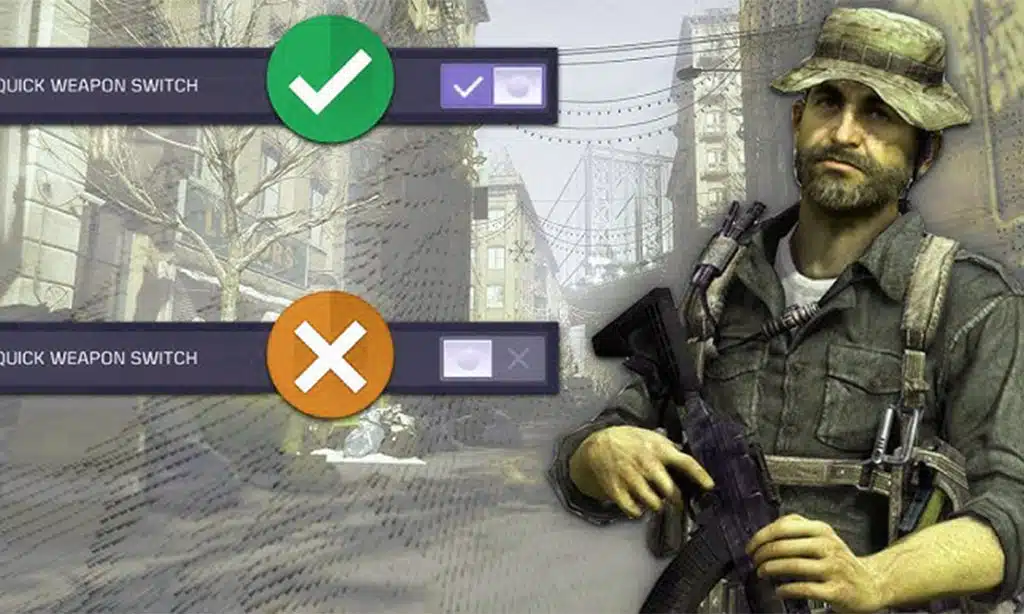
Shortcut: Number keys [1-5] or Scroll Wheel
Switching weapons quickly is essential in fast-paced shooter games. Imagine playing Call of Duty or Counter-Strike and running out of ammo mid-fight—every second matters. Quick weapon switching allows players to switch between primary, secondary, and melee weapons instantly, giving them the flexibility to adapt to different combat situations without hesitation.
| Key Action | Default Shortcut | Customization Tip |
| Primary Weapon | 1 | Assign to a mouse side button for instant access |
| Secondary Weapon | 2 | Use “Q” for quick swap between primary and secondary |
| Melee Weapon | 3 | Assign to “E” for easier reach |
2. Instant Reloading
Shortcut: “R” Key
Reloading at the right time can be the difference between surviving a firefight and getting eliminated. In FPS games like Apex Legends, Halo, and Call of Duty, instant reloading ensures you always have ammo ready before engaging in battle. However, it’s essential to reload at the right moment—doing so in the open can make you vulnerable to attacks. Some games allow “reload canceling,” where switching weapons mid-animation speeds up the reload process.
| Key Action | Default Shortcut | Pro Tip |
| Reload | R | Cancel reload by switching weapons for faster action |
| Drop Ammo | G | Customize to “F” for better accessibility |
3. Fast Communication with Teammates
Shortcut: “T” for Text Chat, “V” for Voice Chat
In multiplayer and esports titles, effective communication is vital for team coordination. Whether you’re strategizing in Valorant, calling for backup in Rainbow Six Siege, or warning teammates about enemy locations in PUBG, using quick communication shortcuts can prevent misplays and ensure efficient teamwork.
| Key Action | Default Shortcut | Optimization Tip |
| Text Chat | T | Assign to “Enter” for faster typing |
| Voice Chat | V | Use “Caps Lock” as a push-to-talk button |
| Ping System | Middle Mouse | Customize for faster marking |
4. Quick Save and Load in Single-Player Games
Shortcut: “F5” for Quick Save, “F9” for Quick Load
If you’ve played RPGs like The Witcher 3, Skyrim, or Fallout, you know how valuable quick saving can be. A well-timed save can prevent hours of lost progress in case of unexpected enemy encounters or wrong decisions. Quick loading, on the other hand, allows players to retry difficult sections or change their approach without starting from scratch.
| Key Action | Default Shortcut | Usage Scenario |
| Quick Save | F5 | Save before engaging a boss fight |
| Quick Load | F9 | Reload after failed dialogue choices |
5. Sprint and Crouch Toggle
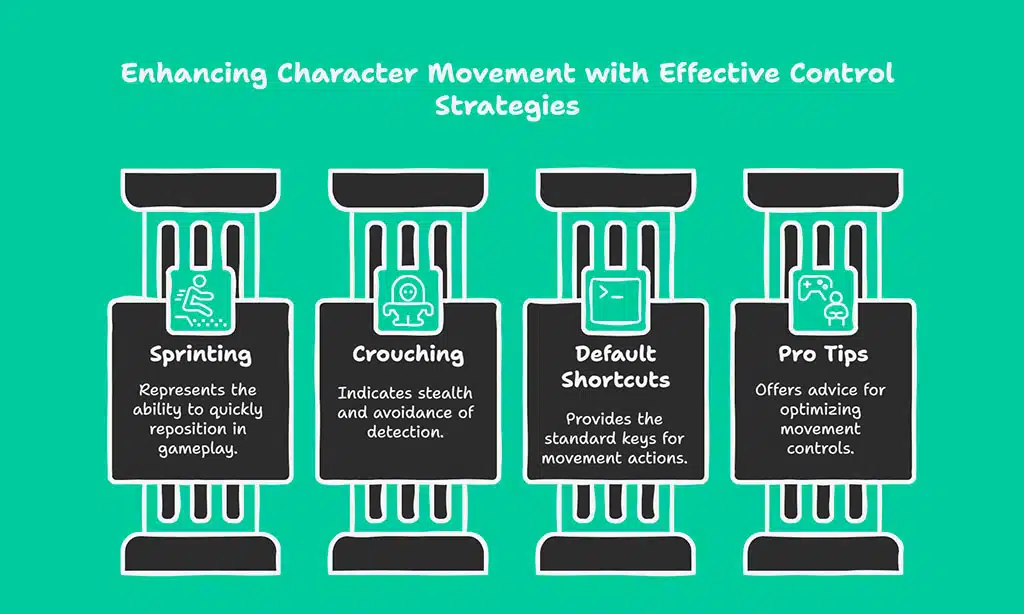
Shortcut: “Shift” for Sprint, “Ctrl” for Crouch
Smooth movement is a core aspect of most games, whether you’re dodging bullets in an FPS or sneaking through enemy lines in a stealth game. Sprinting allows for quick repositioning, while crouching helps avoid detection. Many games offer an option to toggle or hold these functions based on player preference.
| Key Action | Default Shortcut | Pro Tip |
| Sprint | Shift | Enable toggle mode for convenience |
| Crouch | Ctrl | Customize to “C” for easier reach |
6. Instant Map and Inventory Access
Shortcut: “M” for Map, “I” for Inventory
Games with large open worlds, such as Grand Theft Auto, Red Dead Redemption, or Cyberpunk 2077, require frequent map checks and inventory management. Navigating massive terrains, locating objectives, or simply planning your next move demands instant access to the in-game map. Likewise, opening your inventory quickly allows for seamless weapon swaps, health item usage, or crafting without breaking immersion.
In games with intense real-time action, such as battle royales or survival RPGs, even a second of delay in accessing your inventory can mean the difference between life and death. Binding these shortcuts closer to movement keys can improve gameplay efficiency, reducing time spent navigating menus and keeping the focus on the action.
| Key Action | Default Shortcut | Customization Tip | Use Case |
| Open Map | M | Bind to “Tab” for instant access | Quickly locate missions or waypoints |
| Open Inventory | I | Use “G” or “B” for quicker access | Swap weapons, use health packs, or craft faster |
| Open Quest Log | J | Bind to “L” for efficiency | Check progress on active objectives |
| Open Crafting Menu | C | Customize for quick item creation | Survival games like Rust or Ark benefit from fast crafting |
| Open Map | M | Bind to “Tab” for instant access | |
| Open Inventory | I | Use “G” or “B” for quicker access |
7. Screenshot and Screen Recording
Shortcut: “F12” for Screenshots, “Alt + Z” for NVIDIA Overlay
Capturing gaming moments is essential for content creators and casual gamers alike. Whether you’re saving achievements, recording intense matches, or streaming your gameplay live, these shortcuts ensure you never miss a moment. High-quality screenshots and recordings are often used for tutorials, game reviews, or simply sharing great in-game moments with friends or online communities.
Some advanced tools, such as NVIDIA ShadowPlay or AMD ReLive, allow instant replay recording, ensuring you can save the last few minutes of gameplay without manually starting the recording beforehand. For serious content creators, software like OBS Studio provides extensive customization options, including overlays and multi-scene streaming.
| Key Action | Default Shortcut | Alternative Software | Pro Tip |
| Screenshot | F12 | Use Snipping Tool for manual screenshots | Adjust keybinds to avoid conflicts with other programs |
| Screen Record | Alt + Z | OBS Studio for custom recording | Set up instant replay for automatic game highlight saving |
| Live Streaming | Ctrl + Shift + S | Streamlabs, XSplit | Configure overlays and chat integration for interactive streaming |
Takeaways
Mastering Essential Keyboard Shortcuts for PC Gamers is a surefire way to improve gameplay performance, reaction speed, and overall efficiency. Whether you are a casual player or an aspiring esports pro, these shortcuts can give you an edge over the competition.
By customizing key binds, practicing muscle memory, and using optimized shortcuts for different genres, you can enhance your gaming experience. Try implementing these shortcuts in your favorite games today and see the difference for yourself!
What are your favorite keyboard shortcuts? Share them in the comments!