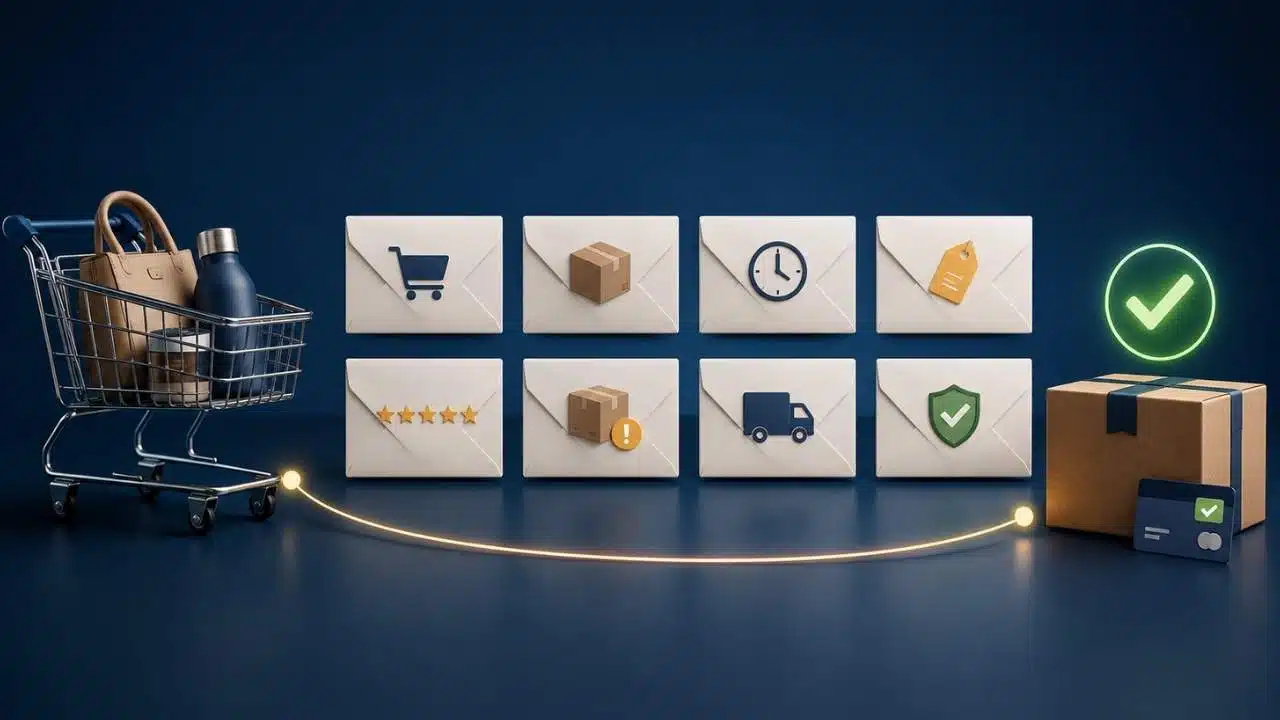
Effective cart abandonment emails recover lost revenue by directly solving the specific reason a shopper walked away. While general research indicates the average cart abandonment rate sits around 70%, nearly half of those users leave simply because they are browsing, comparing options, or got interrupted during checkout.
Rather than relying on repetitive reminders, high-converting recovery sequences target actionable checkout friction—like unexpected shipping costs, hidden fees, complex forms, or missing payment options. An optimized campaign addresses these specific hesitations by delivering quick customer support, reassuring purchase guarantees, clear product details, and timed incentives.
This direct approach converts hesitant intent into completed orders across desktop and mobile devices.
Check the Trigger Before Writing the Email
Ecommerce platforms use “cart abandonment” rather loosely. A product view, an added-to-cart event, and a started checkout represent different levels of intent.
Someone who viewed a product may only be researching. A shopper who added it to a basket has taken a stronger step. A person who entered contact details and reached payment is closer to buying and may need a more direct message.
The automation also needs an email address. Depending on the store, that address may not become available until the shopper signs in, subscribes, or starts checkout.
Shopify’s current abandoned-checkout automation is managed through its Messaging app and includes a link back to checkout. By default, it sends only to customers subscribed to email marketing, although merchants can change the recipient setting.
Klaviyo’s default Shopify abandoned-cart flow starts with the Checkout Started event. A separate Added to Cart flow is available, but it requires the Klaviyo app embed and behavioral tracking.
Before drafting the copy, confirm four things: which event starts the flow, when the email address is captured, whether the recipient can legally be contacted, and whether the recovery link rebuilds the correct cart.
8 Cart Abandonment Emails Worth Testing
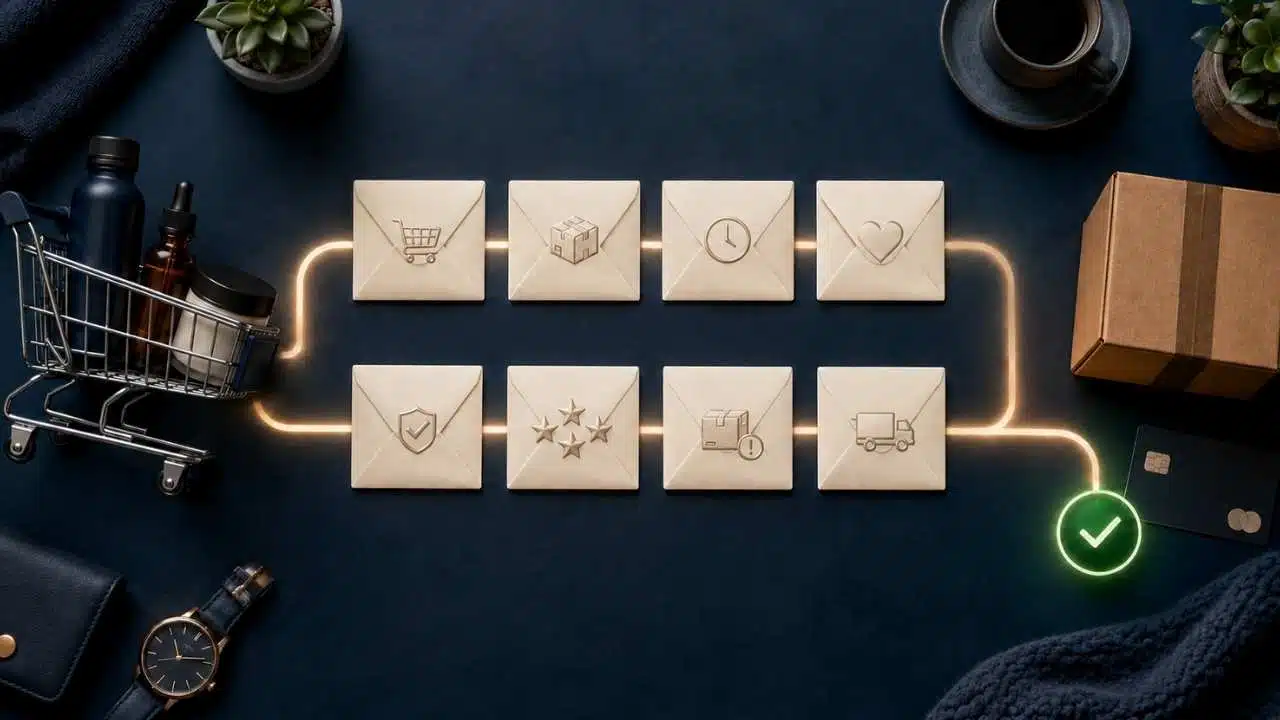
These are eight approaches to choose from, not an eight-message campaign. Most stores need no more than two or three of them in a single recovery sequence.
1. The Uncomplicated Reminder
For most stores, this is the right first email. Assume the shopper was interrupted rather than unconvinced.
Subject: Your cart is ready when you are
Preview text: Return to the items you selected.
Your items are still in your cart. If you were interrupted, you can continue from where you stopped.
Button: Return to my cart
Show the product image, name, selected variant, quantity, and current price. The button should restore those choices, not open the homepage or an empty basket.
Two to four hours after checkout begins is a reasonable starting point. Higher-priced purchases may deserve more time.
2. The Checkout-Help Email
A reminder will not help if payment failed, the delivery address was rejected, or a discount code would not apply.
Subject: Did something stop you at checkout?
If you had trouble with payment, delivery, or a discount code, reply and tell us what happened. We’ll help you find the next step. Only invite replies when someone monitors the inbox and can provide useful support. An unanswered offer of help makes the situation worse.
Shopify records payment events in an abandoned checkout’s history, which may help support staff investigate when a customer contacts them. Do not put a presumed decline reason or other sensitive payment detail in the email. The diagnosis may be wrong, and not every payment failure enters the normal recovery flow.
3. The Product Confidence Email
Some customers leave because the product page did not answer a final question. For clothing, that question may be about fit or exchanges. Furniture buyers may need exact dimensions, assembly details, or doorway clearance. Someone buying electronics may still be checking compatibility, warranty coverage, or what comes in the box.
Subject: A few useful details about your [product name]
Choose two or three verified facts that reduce uncertainty. Do not copy the full product description into the message. Link to a size guide, specifications page, care instructions, or compatibility list when the customer needs more detail.
Specific information is more persuasive than claims such as “premium quality” or “made to last.”
4. The Evidence Email
Reviews are useful when they answer questions that specifications cannot. They are less useful when every quotation says little more than “Great product.”
Subject: What buyers say about [product name]
A footwear store might select a verified review explaining whether a shoe runs small. A cookware seller could use one that discusses weight, cleaning, or induction compatibility.
Keep the quotation intact and traceable to a genuine customer. Do not merge several comments into a stronger testimonial or quietly remove qualifying language. Any incentivized review should carry the disclosure required by the store’s market and review policy.
If the product has little credible feedback, use product guidance or support instead. Weak social proof can make the lack of evidence more noticeable.
5. The Cost-and-Delivery Clarifier
Unexpected costs remain one of the strongest preventable reasons people leave checkout. Slow delivery, unclear totals, and restrictive return policies also contribute.
A useful email might show:
- Available delivery methods
- A realistic arrival estimate
- The free-shipping threshold
- Whether taxes or duties are included
- The return window and important exclusions
Subject: Delivery details for your cart
Only personalize costs when the system can calculate them correctly for the shopper’s location. “Shipping from £4.99” is not helpful if that option is unavailable for the recipient’s address.
This message can recover an order, but repeated exits at the delivery stage point to a checkout problem. Show important charges and restrictions earlier rather than relying on email to explain them afterward.
6. The Genuine Stock Alert
Limited inventory can justify urgency, provided the inventory is actually limited.
Subject: Only [verified quantity] left in your selected option
Use the exact variant. “Two left in medium” is more useful than “selling fast.” Connect the message to current inventory and cancel it if the product sells out.
Stores with multiple warehouses or delayed stock synchronization need particular care. The quantity shown internally may not equal what is available to sell online.
Avoid resettable countdown timers and low-stock warnings attached to every product. Manufactured urgency may produce a few clicks, but it weakens trust in later messages.
7. The Selective Incentive
Discounting every abandoned cart is overrated. It reduces margin, rewards shoppers who were already planning to return, and can teach regular customers to abandon checkout while they wait for an offer.
Use incentives selectively. They may make sense for first-time buyers, higher-margin products, larger carts, or shoppers who did not respond to an earlier reminder.
Subject: Free delivery on your cart until [date and time]
Free shipping often addresses a clearer objection than a percentage discount. Whatever the offer, state the minimum spend, exclusions, region, expiry time, and time zone.
Where the platform supports it, apply the offer through the recovery link. Test it on mobile, with sale items, and near the minimum-spend threshold. A code that disappears or fails at payment can lose the order permanently.
For low-margin stores, better checkout information will usually be more sustainable than automatic coupons.
8. The Respectful Final Reminder
The last email should close the sequence without pretending the customer is about to lose something that will remain available.
Subject: One last reminder about your cart
This is the final reminder we’ll send about these items. If you still want them, you can return to your cart below. If not, there is nothing you need to do.
Button: Review my cart
Mention cart, stock, or discount expiration only when the deadline is genuine.
Timing should reflect the purchase. A low-cost consumable may justify a final message after a couple of days. A shopper comparing furniture, jewellery, mattresses, or expensive electronics may need a longer decision window.
Start With a Short Recovery Sequence
Klaviyo currently recommends sending the first abandoned-checkout message after two to four hours and another 20 to 48 hours later. It also reports that flows containing two or three messages perform best across its ecommerce customer data.
That is useful vendor guidance, not a fixed rule.
A practical starting sequence is:
- Send a simple reminder.
- Follow with product, delivery, review, or support information matched to the likely objection.
- Close with a final reminder, adding an incentive only for a carefully selected segment.
Long-consideration purchases need more space between messages. Groceries, limited stock, event products, and time-sensitive delivery may justify a shorter window.
Do not add emails simply because the automation builder allows it. Each additional message must recover enough profitable sales to justify the extra unsubscribes, complaints, and overlap with other campaigns.
Fix the Workflow Before Turning It On
Test the sequence with real test profiles, not just the email platform’s design preview. Place an order after entering the flow and confirm that later messages stop. Trigger a newer cart and check that the old one is not restored. Open the recovery link on desktop and mobile. Test different currencies, variants, sale items, expired discounts, and products that sell out after the automation begins.
Browse, cart, and checkout flows also need exclusions so the same person does not receive three reminders for one shopping session.
Check the plain-text version, image alternative text, sender address, reply inbox, and unsubscribe process. The email may look fine in the editor while the cart link or dynamic product block fails in the real message.
Authentication affects delivery as well. Google currently requires SPF or DKIM for senders delivering email to personal Gmail accounts. Senders exceeding 5,000 messages per day to Gmail accounts face additional requirements, including SPF, DKIM, DMARC, domain alignment, and one-click unsubscribe for marketing and subscribed messages.
Inbox-provider requirements can change, so high-volume senders should review the latest documentation rather than relying entirely on an email platform’s default setup.
Consent and Compliance Need a Separate Review
An abandoned-checkout tool does not decide whether an email is legally permitted. In the US, CAN-SPAM does not generally require advance consent for commercial email. It does require accurate sender information, a subject line that reflects the content, identification as advertising where applicable, a valid postal address, and a working opt-out method. Opt-out requests must be honoured within 10 business days.
In the UK, PECR generally requires consent for marketing emails to individuals unless every condition of the soft opt-in applies. The soft opt-in can cover a customer who bought or negotiated to buy similar products, but only when the business collected the details directly and offered an opt-out at collection and in every message.
Do not assume that placing an item in a cart automatically satisfies those conditions. The collection wording, customer relationship, recipient type, product, and country all matter. Stores selling internationally should review the rules for the regions they serve and obtain qualified advice when the legal basis is uncertain.
Judge the Flow by Profitable Orders
Recovered revenue matters more than open rate. Track completed orders, click-to-purchase rate, average order value, gross margin after incentives, unsubscribes, complaints, bounces, and delivery failures.
Review the platform’s attribution window before accepting its recovery figure. A customer may receive an email, return independently several days later, and still be credited to the automation.
Open data has another limitation: Apple’s Mail Privacy Protection prevents senders from reliably seeing whether protected users opened a message. Open rate can help identify a large technical change, but it is a poor primary measure of commercial success.
Stores with enough traffic should consider a small eligible holdout group that receives no recovery email. Comparing its purchase rate with the emailed group provides a better estimate of how much additional revenue the sequence influenced.
Final Thoughts
Start with the simple reminder, add one email that addresses the store’s most common checkout objection, and test the full return path before adding anything else.
The strongest cart abandonment emails make it easier to complete a purchase without hiding costs or applying unnecessary pressure. If customers keep leaving for the same reason, fix that problem in the checkout. Recovery email should catch occasional lost orders, not compensate for a buying process that continues to drive people away.