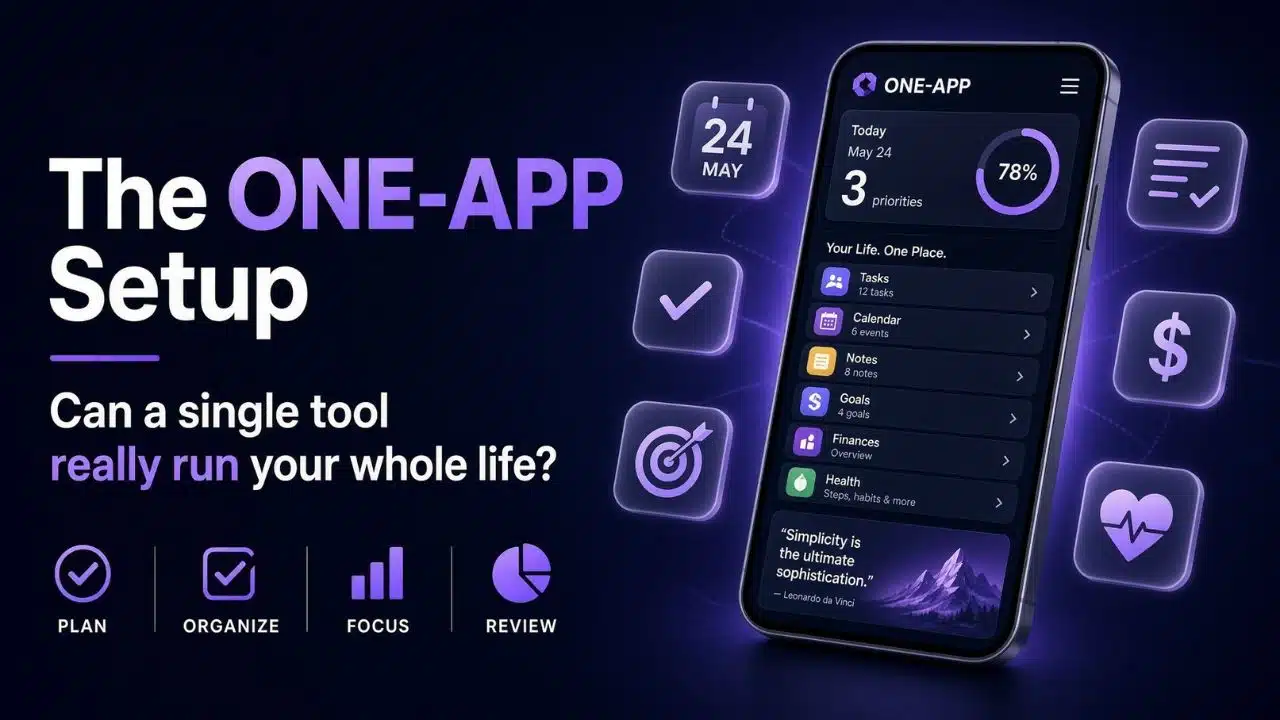
I build software that tries to do many jobs in one place. So I hear a version of this question a lot: can a single tool run your whole life? People usually ask after a bad week. They are tired of paying for five apps, remembering five passwords, and moving the same file between them.
My answer has changed over the past two years. Working on ImagineLab Art and then on RankPilot AI showed me exactly where merging tools saves real hours. It also showed me where merging tools quietly creates a new problem that nobody warns you about.
This is what I have learned from the building side, not from a product page.
What People Actually Mean By a One-App Setup
Almost nobody wants one app for literally everything. Nobody wants their bank inside their photo editor. What people want is fewer places to look. They want one hub for most of the daily work and a small number of side tools for the rest. In practice, most of us are juggling three separate areas:
- Making things (writing, images, video, design)
- Keeping track of things (notes, tasks, files, calendar)
- Money and admin (payments, invoices, records)
A one-app setup usually means picking one strong hub for one of those areas. It rarely means one app across all three. Once I started thinking in areas instead of apps, the whole question got easier to answer.
Can a Single Tool Run Your Whole Life? What Imaginelab Art Taught Me
ImagineLab Art brings image, video, voice, music, writing, infographic, and chat tools into one workspace. That was the whole idea. Creators were not short of tools. They had too many, and the tools did not talk to each other.
The gains were real, and they were boring. That is usually a good sign.
One login instead of seven. One credit balance instead of seven bills in different currencies. Assets that stay where you made them, so you are not downloading an image on one site to upload it on another. When someone makes a picture, then wants a short video from it, then wants a voice-over, that used to be three sign-ups and two file transfers. Now it is one screen.
Here is the part I did not expect. The biggest time saver was not the AI. It was the removal of small friction. Fifteen seconds of file shuffling, done forty times a week, is a real cost. People feel it even when they cannot name it.
But I will not pretend the merged tool wins on every job. A single platform cannot be the deepest option in every category. Our image tools serve people who need good work fast. A professional retoucher who lives inside Photoshop layers is not going to switch and should not. Depth in one narrow job is a different product than breadth across many jobs.
So when someone asks me if one app can cover their creative work, my honest answer is that it can cover most of it. The last ten percent is where the specialists still win.
Where the One-App Idea Broke for Me on Rankpilot AI
RankPilot AI is still in development, and it taught me the limit faster than anything else. The plan was simple. Put SEO work in one dashboard. Keyword data, site data, performance data, and content drafting, all in one place. On paper it is the same idea that worked for our creative platform.
The problem was that we do not own most of that data. Search data comes from Google. Analytics comes from another account. Crawl data comes from tools with their own rules. Every one of those connections has its own login, its own rate limit, its own permission screen, and its own habit of changing without notice.
A single tool can own a workflow. It cannot own data that belongs to someone else.
That difference matters for your own setup too. If a tool is doing something inside its own walls, one app works well. If a tool is pulling from services other companies control, you are not really escaping those services. You are adding a layer on top of them. The layer is often worth it. Just do not expect it to remove the mess underneath.
The Parts of Life That Refuse to Move
Some things resist merging no matter how good the app is. Money is the clearest one. Banking is regulated, and regulation does not care about your workflow. Health records are the same. Government paperwork is the same. Anything shared with another person also breaks, because your workspace only works if they use it too. My team has watched people love a tool and then abandon it because their client would not join.
These are not app problems. They are ownership problems.
The Single Point of Failure Nobody Plans For
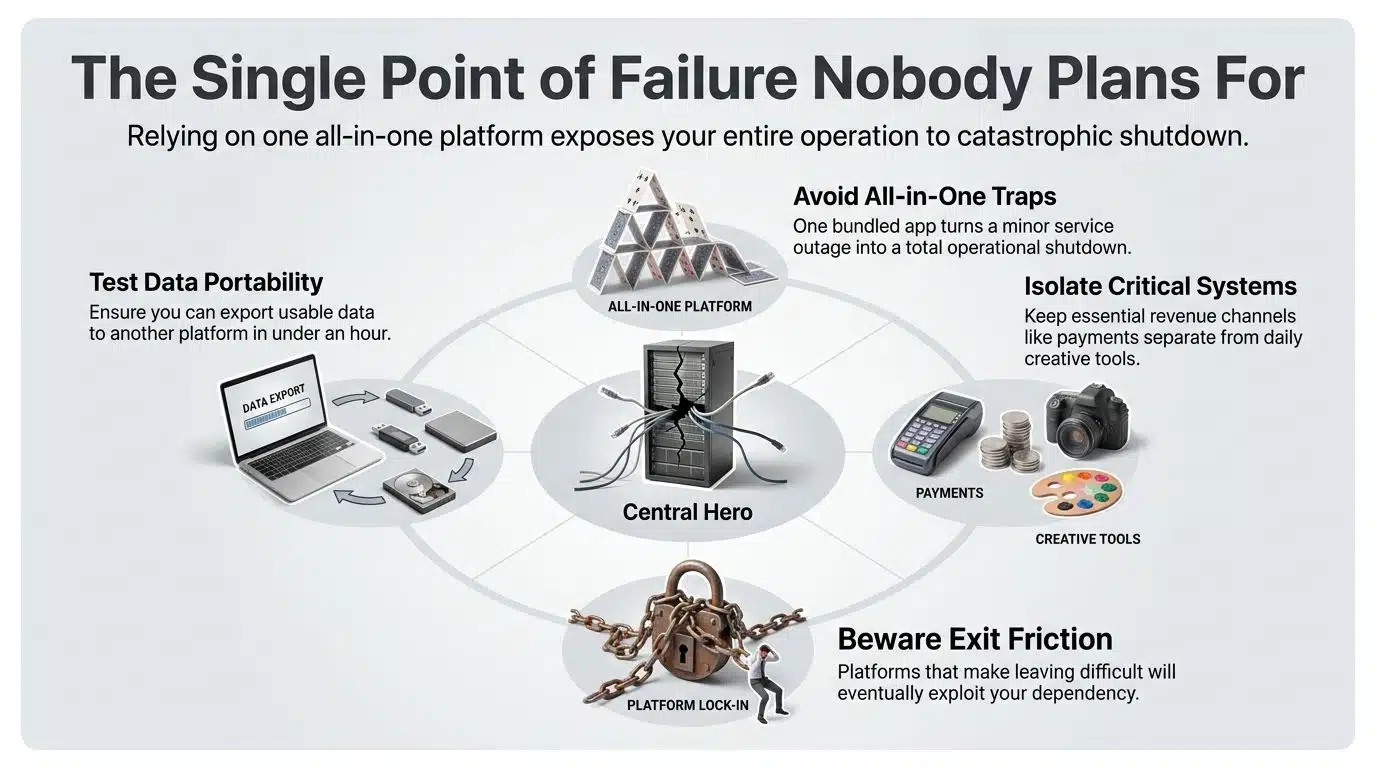
This is the part that changed my thinking the most, because I have to plan for it as a builder. When one tool holds seven jobs, one outage stops seven jobs. One locked account stops all of them. One price change hits all of them at once. One shutdown takes everything with it.
Spread across five apps, a bad day is annoying. In a one-app setup, a bad day is a stopped day.
So I test my own setup with two questions:
Can I get my work out? Not in theory. Right now, in under an hour, in a format another tool can read. If the export is a screenshot or a locked format, that tool has too much power over me.
Can I keep working while it is down? For creative work, usually yes, because deadlines have some give. For payments and client delivery, no. That is why I keep those separate on purpose.
Any platform that makes leaving hard is telling you something about how it plans to treat you later.
The Setup I Use Now
I stopped trying to answer whether a single tool can run my whole life and started picking one hub per area. Three hubs, not one, and not eleven.
| Area of life | What I keep in one hub | What stays separate |
|---|---|---|
| Creative work | Images, video, voice, writing drafts | Final client delivery files |
| Daily organisation | Notes, tasks, calendar | Long-term document storage |
| Money and admin | Invoices and payment records | Banking, tax records |
The rule I follow is short. A new tool has to do something my hub genuinely cannot do, not just do it a little nicer. If it only does it a little nicer, I skip it. That one rule removed more subscriptions than any app comparison ever did.
I also give any new hub thirty days before I move real work into it. Most tools feel great in week one. Week three is when the gaps show up, usually in the mobile version or in some setting buried three menus deep.
Before You Move Everything Into One App
A few checks worth doing first. These take ten minutes and save months.
- Try the export before you commit, not after.
- Look at how you are charged. Credit systems and seat-based plans behave very differently once your usage grows.
- Open the mobile app and do one real task on it. Many all-in-one tools are strong on desktop and thin on phones.
- Check what happens when you invite someone. Shared access is where these tools usually get expensive.
- Move one project first. Not everything. If the tool disappoints, you have lost one project, not a year of work.
One more thing from the builder side. If a platform is very new, and mine was new not long ago, expect changes. Features move. Pricing gets adjusted. That is normal for young products, but it is a reason to keep your important records somewhere stable.
Final Thoughts
So, can a single tool run your whole life? No, and I say that as someone whose job is to build tools that try. What a good single tool can do is run one area of your life properly, and that is worth more than most people expect. The wins come from removing small friction, not from the software being clever.
Pick one hub for the work you do most. Keep money, health, and anything legal outside of it. Check the export door before you walk in. Then stop shopping for apps and go do the work, because the tool was never the hard part.