It’s 6 p.m., your campground is full, and your 35-foot rig needs a spot before dark. The Dyrt is the best of the campsite and RV park finder apps for most campers, with a huge free map and sold out alerts.
Below, you’ll get a table of all 10 apps plus the booking windows that decide who wins the good sites.
Campsite and RV Park Finder Apps Compared
Here’s how all 10 campsite and RV park finder apps stack up at a glance. Pick two or three, then read their full entries below.
| App | Best for | Books sites? | Price |
|---|---|---|---|
| The Dyrt | All around search | At some campgrounds | Free; PRO $59.99/yr |
| Recreation.gov | National parks and forests | Yes | Free app; $6 reservation fee |
| Campendium | Cell coverage and RV research | No | Free; RV Pro $59.99/yr |
| RV LIFE | RV safe GPS | No | Pro $65/yr |
| Harvest Hosts | Wineries, farms, breweries | Yes, via host request | $99 to $179/yr list price |
| iOverlander | Free spots and boondocking | No | Free; Pro $59.99/yr |
| Hipcamp | Private land sites | Yes | Free app; host sets nightly rate |
| AllStays Camp and RV | Low clearances, overnight parking | No | $9.99 one time (iPhone) |
| Campspot | Private RV parks | Yes | Free app |
| KOA | KOA campgrounds | Yes | Free app |
Notice how few apps actually book a site. That’s why most campers carry a finder and a booking app together.
What Separates a Good Campsite Finder in 2026
The truth is, finding a campground is easy. Finding one that fits your rig, has a signal for work and still has an open site is the hard part.
The best campsite and RV park finder apps check five boxes:
- Rig filters: Max length: 30 or 50 amp hookups, pull-through sites and dump stations. A 40-foot fifth wheel can’t squeeze into a 25-foot back in.
- Cell coverage: Carrier-by-carrier maps for AT&T, Verizon and T-Mobile if you work on the road.
- Offline maps: Many forest roads have zero bars, so download before you lose signal.
- Sold out alerts: Cancellations open up spots that the main search never shows.
- Public land layers: BLM and Forest Service boundaries for free dispersed camping, which matters more if you’re weighing frontcountry vs backcountry camping.
Here’s the catch: no app beats the booking clock. Recreation.gov opens federal sites. 6 months ahead on a rolling basis at 10 AM Eastern, per Outdoorithm’s 2026 guide. State systems vary widely, from 120 days in Minnesota to 12 months in Missouri.
The 10 Best Campsite and RV Park Finder Apps
These campsite and RV park finder apps are ranked by how often they get you parked, level and hooked up, not by how many features they list.
1. The Dyrt: Best Overall
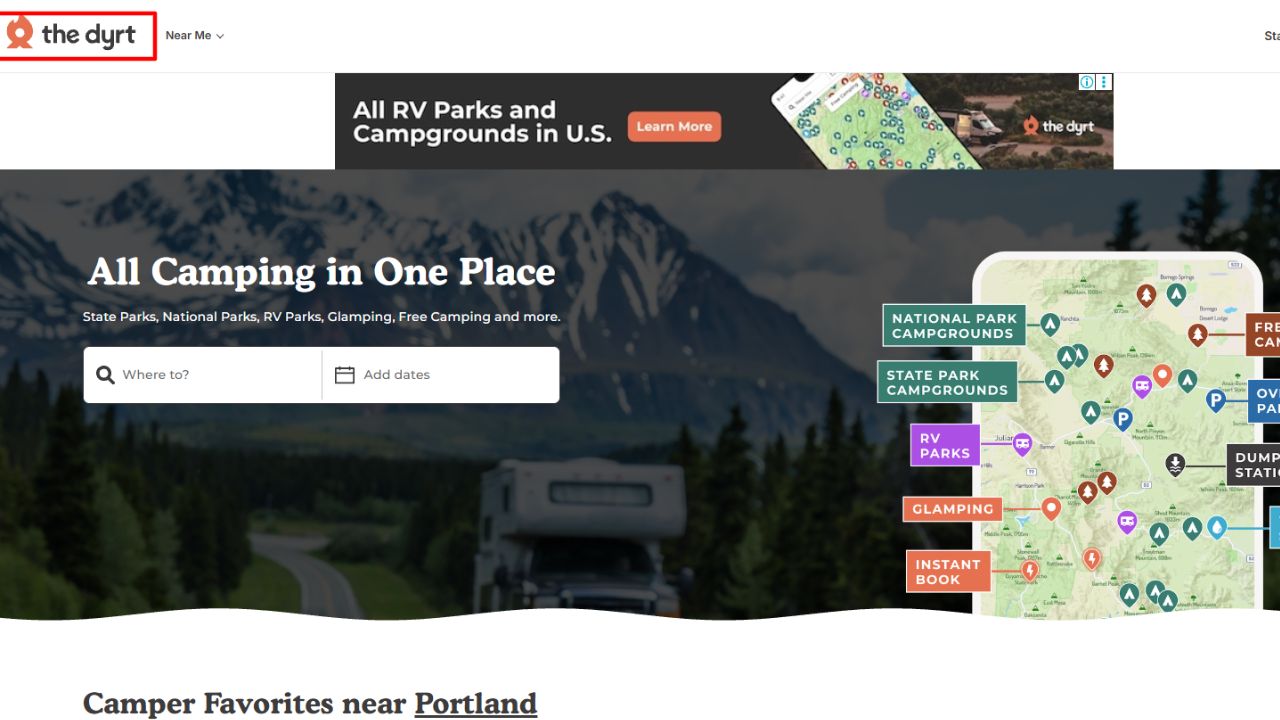
Picture this: you’re scrolling for a Saturday site near Moab, and everything shows full. The Dyrt’s free map still shows reviews, photos and site details, and PRO alerts can ping you when a cancellation opens up.
- PRO costs $59.99 a year and adds offline access, BLM and Forest Service map layers, road trip maps and reusable alerts.
- Discounts of up to 40% with no booking fees at participating campgrounds, per The Dyrt’s support page.
Honest flaws:
- PRO auto renews by default, and some users miss the charge.
- Discounts only apply at participating campgrounds, so savings vary a lot by region.
Who Should Skip This: campers who only book national park sites. Recreation.gov does that job directly.
2. Recreation.gov: Best for National Parks and Forests
Recreation.gov is the official booking site for 4,200+ federal campgrounds. Book here, and the site is truly yours.
- Window: 6 months ahead, rolling daily, at 10 AM Eastern.
- Fees: about $6 per reservation, and roughly $10 if you cancel before arrival.
Honest flaws:
- Popular parks sell out within minutes of release, so you’re racing other campers on refresh.
- Search filters are basic, so RVers often click into each site to check length limits.
Who Should Skip This: RVers who want full hookups. Many federal campgrounds have none.
3. Campendium: Best for Cell Coverage and RV Research
Campendium lists 50,000+ campgrounds across the US, Canada and Mexico, with detailed RVer reviews about road access and signal strength.
- Free: map, listings, reviews and photos.
- RV Pro: $59.99 a year or $19.99 a month, with AT&T, Verizon and T-Mobile coverage maps, CAMPalerts and RV safe navigation.
Honest flaws:
- Offline maps were still listed as “coming soon” in 2026.
- Full trip planning sits on the website first, with mobile support coming later.
Who Should Skip This: tent campers who never need hookups or signal maps.
4. RV LIFE: Best RV Safe GPS
RV LIFE routes around low bridges and weight limits once you enter your rig’s height and weight. That matters when an overpass reads 12 feet 6 inches and your roof AC sits at 13 feet.
- Pro: $65 a year with a 7 day trial, or $19.99 a month.
Honest flaws:
- The best tools sit behind Pro, so the free app feels limited.
- Pro now costs $65 a year, up from the $49.99 some older guides still list, and the monthly plan has no trial.
Who Should Skip This: car and tent campers. Google Maps is enough for you.
5. Harvest Hosts: Best for Unique Overnight Stays
Harvest Hosts lets self-contained RVs park overnight at 9,600+ wineries, farms, breweries and museums. List prices run from $99 a year for Classic to $179 for All Access, which adds golf courses and Boondockers Welcome private hosts.
Honest flaws:
- Stays are usually one night, and hosts expect you to buy something.
- Your rig needs an interior toilet and onboard waste tanks. Tents and rooftop tents don’t qualify.
Who Should Skip This: anyone without a self-contained RV.
6. iOverlander: Best for Free and Dispersed Camping
iOverlander is crowdsourced by overlanders, so it lists free spots, water fills, propane and showers that big apps skip. It pairs well with these tips for an off road camping trip.
- Free: browse listings and download one region at a time.
- Paid: Pro at $59.99 a year or Unlimited at $99.99 a year.
Honest flaws:
- Listings vary in quality, and some spots are closed or posted “no camping” now.
- Free users can’t search by typed location, which feels clunky.
Who Should Skip This: families who want flush toilets and a reservation number.
7. Hipcamp: Best for Private Land Sites
Hipcamp books tent sites, RV spots, cabins and yurts on private land, with 10 million+ nights booked since 2013. RV and tent sites usually run about $20 to $75+ a night.
Honest flaws:
- Quality varies by host, and amenities don’t always match the photos.
- Rural roads can be rough, and some directions use GPS coordinates instead of a street address.
Who Should Skip This: big rig owners who need guaranteed 50 amp hookups.
8. AllStays Camp and RV: Best One-Time Purchase
On the flip side, if you hate subscriptions, AllStays costs $9.99 once on an iPhone and covers 30,000+ campgrounds plus overnight parking spots. It also flags low clearances and steep grades.
Honest flaws:
- It’s iPhone only, and the web version needs a $34.95 yearly Pro plan.
- The interface looks dated next to newer campsite and RV park finder apps.
Who Should Skip This: Android users.
9. Campspot: Best for Booking Private RV Parks
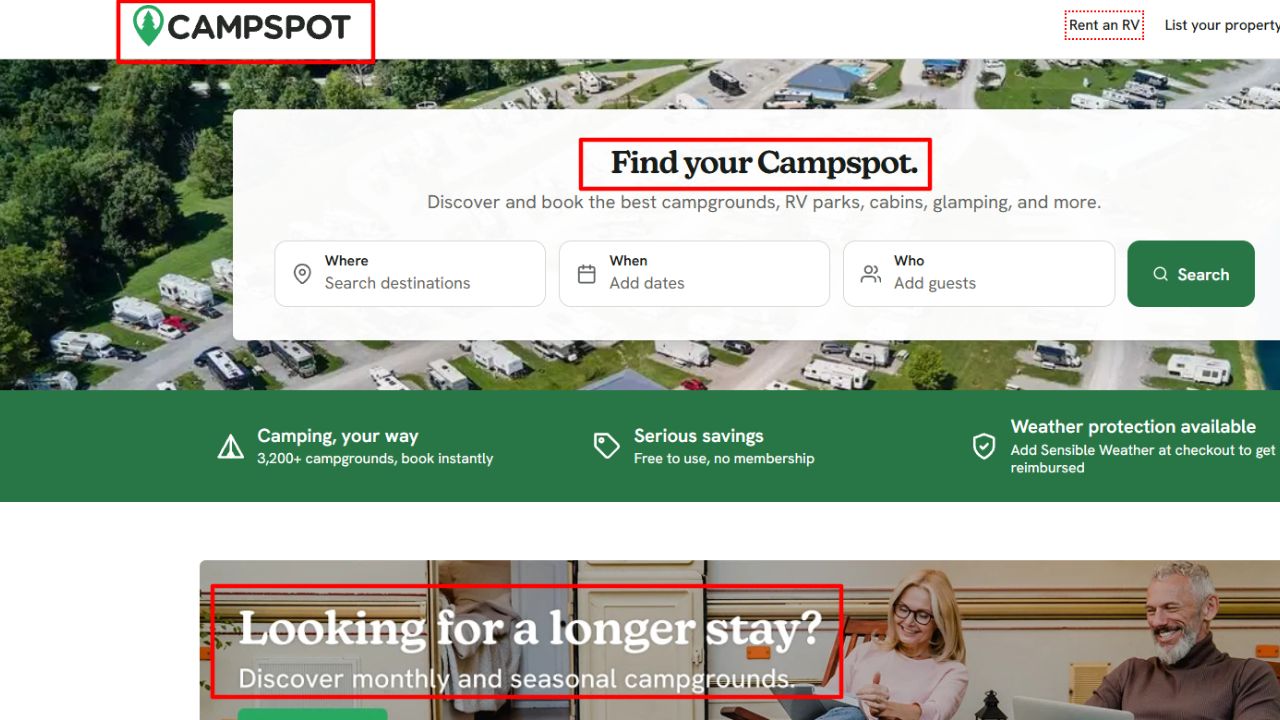
Campspot connects to private campground reservation systems, so you can book instantly and lock a specific site. That means you pick the shady pull through, not the spot next to the dumpster.
Honest flaws:
- It only covers parks that use Campspot, so public campgrounds are missing.
- It’s a booking tool first, so reviews and photos are lighter than on The Dyrt or Campendium.
Who Should Skip This: campers who mostly stay on public land.
10. KOA: Best for KOA Regulars
The KOA app books KOA sites, stores your rewards details, and keeps campground info, searches, and directions available offline.
Honest flaws:
- It only shows KOA campgrounds, so it’s useless for comparing prices.
- KOA sites often cost more than nearby state parks.
Who Should Skip This: budget campers and boondockers.
The Biggest Mistake Campers Make With These Apps
That brings us to the biggest mistake people make: trusting one app’s “available” tag. Listings go stale, and a site that fits a van might not fit a 38-foot motorhome.
Now, you might be wondering how many campsite and RV park finder apps you really need. Three is plenty:
- A finder like The Dyrt or Campendium for reviews and rig fit.
- A booking app like Recreation.gov, Campspot or Hipcamp to lock the site.
- A backup like iOverlander or Harvest Hosts for nights when everything’s full.
Download offline maps before you leave the signal. For more ways to make the night easier once you arrive, see these outdoor adventure camping hacks and tips.
Frequently Asked Questions (FAQs)
What is the best app to find campsites?
The Dyrt is the best all-around pick. Its free map covers public and private campgrounds, and PRO adds offline access and sold-out alerts.
What is the best free app for free camping?
iOverlander is the go-to for free and dispersed spots. Campendium’s free tier is also strong for public land.
How far ahead can you book Recreation.gov campsites?
Usually 6 months ahead, on a rolling daily basis, with new dates opening at 10 AM Eastern.
Can you camp in a tent with Harvest Hosts?
No. Harvest Hosts requires a self-contained RV with an interior toilet and onboard waste tanks.
Which campsite apps work for winter trips?
The Dyrt and Campendium both list year-round campgrounds. Check reviews for plowed roads, and plan ahead if you’re winter camping with a group.
Final Thoughts
Bottom line: the best campsite and RV park finder apps don’t just show pins; they show sites that fit your rig and your dates. Start with The Dyrt, add Recreation.gov for federal land, and keep iOverlander or Harvest Hosts as your backup.
The best part? Most of these apps are free to try. Set them up at home, save your rig’s length and hookups, and test them on a short weekend trip first.