

YouTube’s endless selection is both its strength and its problem. One harmless cartoon can lead to unfamiliar recommendations, noisy creator content, or videos designed to hold attention rather than support learning.
The best YouTube alternatives for young children offer a smaller, controlled environment. Some provide educational programs. Others replace passive watching with games, books, or guided activities. A few offer familiar entertainment with stronger profile controls.
This list focuses on ages 2 to 8 and considers age suitability, advertising, learning value, parental controls, and availability. Features vary by country and device. No app is risk-free, so parents should configure profiles and occasionally watch alongside their child.
1. PBS KIDS Video: Best Free Educational Streamer in the US
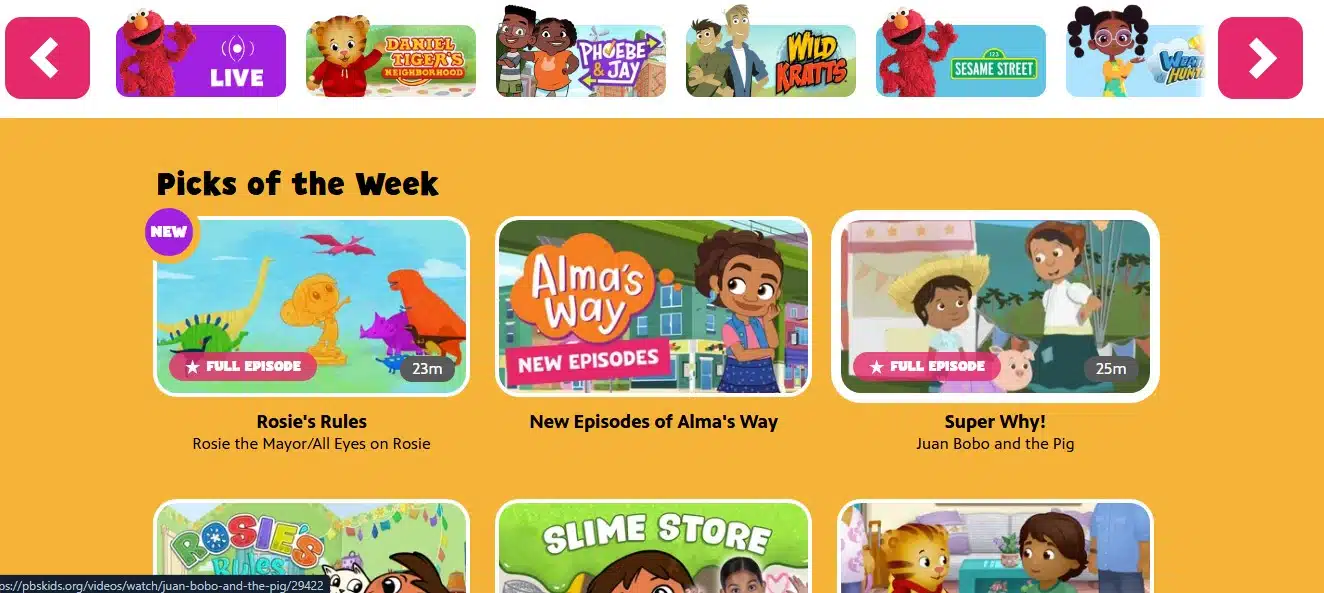
PBS KIDS Video is a strong direct replacement for families wanting recognizable, learning-focused television. It includes full episodes, clips, shorts, movies, and a live channel featuring programs such as Daniel Tiger’s Neighborhood, Wild Kratts, and Sesame Street.
It is free without a subscription or account. Programs serve preschool and early-elementary audiences, selected content can be downloaded, and English captions and some Spanish options are available.
PBS KIDS Video is mainly available in the United States because of licensing restrictions. It has no conventional paid ads, although select programs may begin with brief sponsor acknowledgments. Its time controls are also less extensive than those of some dedicated kids’ services.
2. Khan Academy Kids: Best Completely Free Learning Alternative
Khan Academy Kids makes screen time more active. Designed for ages 2 to 8, it combines short videos and stories with reading, writing, math, creativity, and social-emotional activities.
The app is genuinely free, with no advertisements or family subscription. Children can explore independently or follow a personalized learning path that adjusts to their progress.
It is not a conventional streaming service, and a child expecting only cartoons may need time to adjust. For families trying to reduce passive viewing, that is precisely its advantage.
3. Kidoodle.TV: Best Free Choice for a Broad Streaming Catalog
Kidoodle.TV is a free, ad-supported service built for children. It has no open public-upload feed, and the company says a human reviewer watches and screens every available program.
Its mobile apps provide child profiles, age settings, bedtimes, curfews, and viewing information. It works on phones, tablets, smart televisions, and streaming devices, with broad international availability.
Kidoodle.TV says its ads are reviewed, but children still encounter commercial messages. The catalog mixes educational programs and cartoons with gaming and creator-style shows, so parents should use its filters.
4. Sensical: Best for Expert-Reviewed Short Videos
Sensical divides content for ages 2 to 10 into Preschool, Little Kids, and Big Kids experiences. It offers varied short videos without an unrestricted public-upload system.
Sensical says child-development specialists review every video. Its parent area supports age-based profiles, content blocking, cross-device time limits, and viewing reports—useful controls for families concerned about both content and excessive watching.
Sensical carries advertising, and older age groups include more gaming and creator content. Parents should select the correct profile and review favorite channels because family standards differ.
5. Lingokids: Best for Guided, Interactive Learning
Lingokids combines videos, songs, games, stories, and podcasts for ages 2 to 8. Its activities cover early literacy, numeracy, communication, creativity, and practical skills.
It is ad-free. The Basic version requires no payment details and currently provides one child profile and ten refreshed games from the main feed daily. Plus unlocks the complete library, offline access, more profiles, saved favorites, and fuller progress reports.
The free tier suits short daily sessions, but families using Lingokids as their main learning platform will probably need Plus. Its interactive format may not fit moments when a parent simply wants a story or show.
6. Vooks: Best for Animated Storybooks
Vooks turns illustrated children’s books into gently animated, narrated read-alongs. On-screen text helps children follow the story, while the restrained presentation feels calmer than a stream of unrelated clips.
The ad-free service is aimed mainly at children under 9. Playlists, downloads, and audio-only listening suit travel, quiet time, or bedtime while encouraging an interest in books.
Vooks requires a subscription after its trial or samples. Its focus is a strength for literacy but a limitation for children seeking varied cartoons, music, games, and live action.
7. Kanopy Kids: Best Free, Ad-Free Option Through a Library
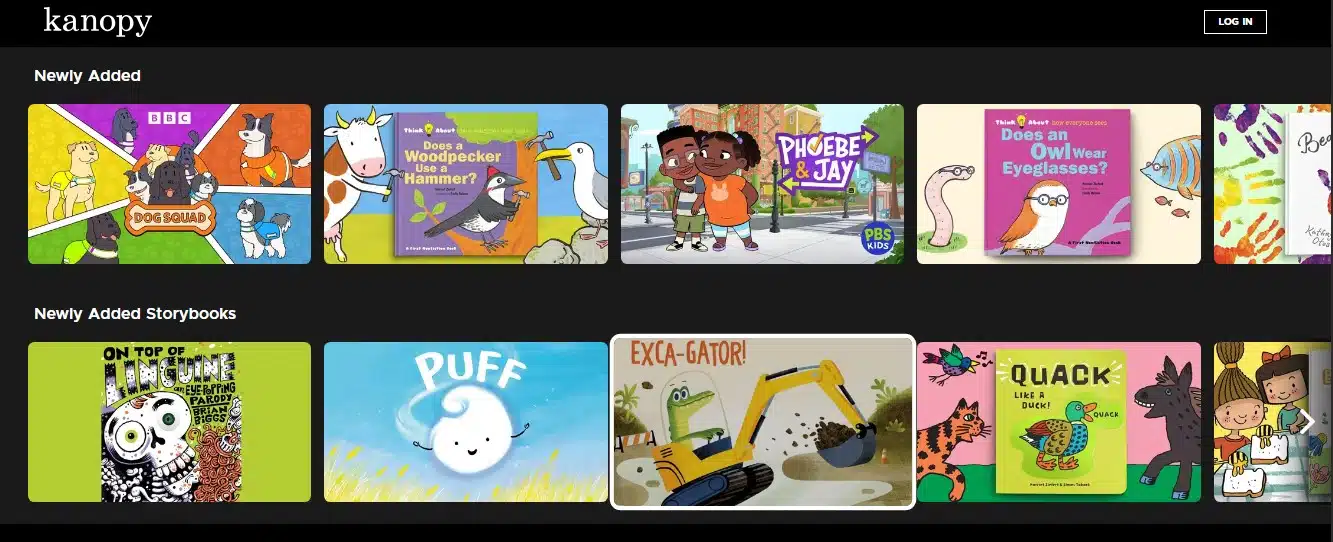
Kanopy Kids comes through participating public libraries rather than a typical subscription. Eligible families receive a curated selection of educational programs, stories, and family entertainment without ads.
Kids-section viewing is unlimited and does not consume tickets that may apply elsewhere on Kanopy. Parents can require a PIN to leave the area, reducing access to the adult catalog.
Not every library offers Kanopy, and programs vary by institution and location. Parents should confirm local access before presenting it as a regular option.
8. Disney+ Junior Mode: Best for Familiar Preschool Characters
Disney+ Junior Mode creates a simplified, restricted space for younger viewers. It suits children who already enjoy Disney Junior, Pixar, and related family brands.
Parents can combine it with profile PINs, profile-creation restrictions, content ratings, and Kid-Proof Exit. Under Disney’s current policy, Junior Mode has no ads, including on ad-supported plans.
Junior Mode excludes parts of the wider catalog, so some expected titles may be absent. It is also an entertainment service, not a structured learning platform.
9. Netflix Kids: Best for Existing Netflix Households
Netflix Kids provides a simplified child profile and is convenient for existing subscribers who do not want another paid service.
Parents can set maturity limits, block titles, protect adult profiles with a PIN, restrict profile creation, review viewing history, and disable episode or preview autoplay. Under Netflix’s current policy, Kids profiles have no ads, even on an ad-supported plan.
The service still uses personalized recommendations, and much of its catalog is entertainment rather than educational material. Parents should configure the adult-profile lock instead of relying on the Kids label alone.
A Smaller Screen World Can Be a Better One
Leaving YouTube need not mean banning videos. It can mean choosing a smaller catalog, clearer boundaries, and content matching a child’s age and the family’s purpose.
The best option is one a parent can understand, configure, and use deliberately, not necessarily the platform with the most shows. Set its controls before handing over the device and watch how the child responds. That thoughtful setup matters more than any “kid-safe” label.
Frequently Asked Questions on YouTube alternatives for young children
1. What is the best free alternative to YouTube for young children?
PBS KIDS Video is an excellent free choice for educational shows in the United States. Khan Academy Kids is completely free where available and is better for active learning. Kidoodle.TV and Sensical provide free streaming but include advertising.
2. Is YouTube Kids safer than regular YouTube?
YouTube Kids offers more filters and parental controls than regular YouTube, but much of its broader catalog is still filtered partly by automated systems. For tighter control, parents can use its Approved Content Only setting, which limits viewing to videos, channels, or collections they personally select and disables search.
3. Are all child-friendly streaming apps ad-free?
No. Kidoodle.TV and Sensical are supported by advertising, while PBS programs may include brief sponsor acknowledgments. Khan Academy Kids, Vooks, Lingokids, and Kanopy Kids do not carry conventional ads. Disney+ Junior Mode and Netflix Kids profiles also exclude ads under their current policies.
4. Does COPPA compliance mean an app’s videos are safe?
No. COPPA is a US privacy law governing how services collect and use personal information from children under 13. It does not certify the quality, educational value, or suitability of individual videos.
5. How much screen time should a young child have?
There is no single limit that fits every child. For ages 2 to 5, about one hour or less of high-quality media a day can be a practical starting boundary. Co-viewing and protecting sleep, active play, reading, meals, and family time matter as much as the clock.
























