


Your notes may hold client details. Your calendar can reveal where you will be and when. Project files may contain plans you would not share publicly. The best privacy-first productivity apps help you organize this information while giving you more control over how it is stored, synced, and shared.
These tools protect data in different ways. Some encrypt content end to end; others store notes locally or let you run the service yourself. This list is organized by the work each app handles best, not as a universal security ranking. The best privacy-first productivity apps are the ones whose protections match your needs and whose setup you can manage.
What to Check First
“Private” is not one technical feature. End-to-end encryption can prevent a provider from reading the contents of your notes or files. Local storage reduces reliance on a cloud service. Self-hosting gives you control over where a service runs, but puts server maintenance and security in your hands.
Check which information is actually protected. A calendar might encrypt event names and descriptions but still process dates and times to send reminders. A notes app may encrypt synced data, while access to your account still depends on your password and recovery setup. For the best privacy-first productivity apps, the useful question is whether the protection fits the information you plan to store.
1. Proton Drive — Best for Private Documents
Proton Drive is the most direct fit here for storing and sharing documents and files. It includes Proton Docs for collaborative editing. Proton says files, filenames, and folder names are encrypted before leaving your device, and Docs are end-to-end encrypted.
That makes it worth considering for drafts, plans, or files you do not want your storage provider to read. But it is not a full project-management system. If your team depends on detailed task dependencies or extensive integrations, you may need a separate tool for those workflows.
My Experience Using Proton Drive for Personal and Company Tasks
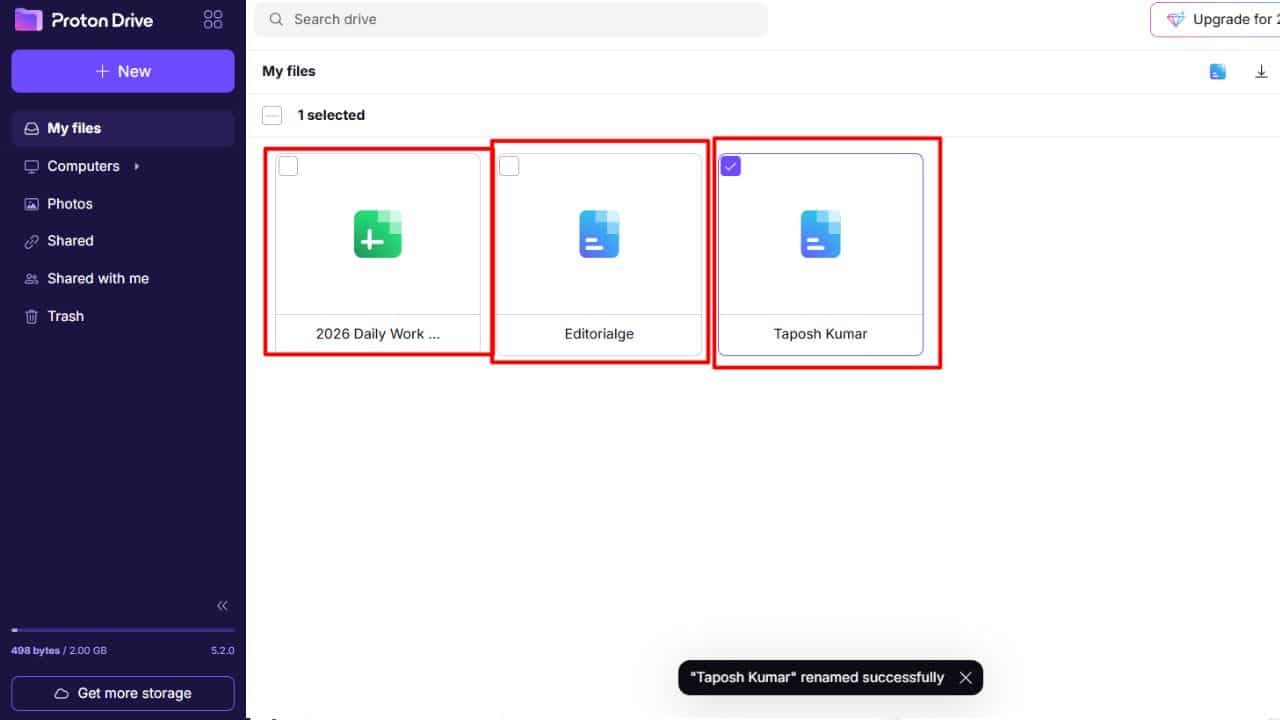
I use Proton Drive for both personal and company tasks. It gives me one familiar place to keep the files and documents connected to each part of my work. For company documents that need collaboration, Proton Docs is available within Drive. Proton files, filenames, and folder names are encrypted before leaving your device, and Docs are end-to-end encrypted.
2. Standard Notes — Best for Sensitive Notes
Standard Notes is a focused notes app. Its documentation says notes are encrypted on your device before syncing, and the service cannot read their contents. It can also work offline. If you use it without an account, you need to set an application passcode to encrypt locally stored data.
Use it for personal records, research, or work notes that do not need to sit inside a large team workspace. Standard Notes joined Proton but remains a separate product, according to the companies’ announcements.
3. Obsidian — Best for Local Notes
Obsidian saves notes as files in a folder on your device, called a vault. You do not need an account for basic use, and Obsidian says its apps do not collect telemetry. Its optional Sync service encrypts vault data end to end.
The local files make Obsidian useful for research and project notes that link to one another. You also have flexibility in how you back them up. That flexibility has a cost: if you choose a third-party syncing method, you need to assess that provider separately. Keep an independent backup as well; local storage cannot save files from a lost or damaged device.
4. Joplin — Best for Notes and To-Do Lists
Joplin combines notes and to-do lists and is designed to work offline, with data stored locally on your device. It supports several sync targets, including Joplin Cloud and third-party services. End-to-end encryption is available, but you need to configure it correctly across devices.
This is a sensible choice if you want to choose where your data syncs instead of relying on one provider. Take care during setup: follow Joplin’s current instructions and confirm that the encrypted notes open on each device before making the app your only copy.
5. Notesnook — Best for Everyday Encrypted Notes
Notesnook combines notebooks, tags, checklists, and reminders with end-to-end encryption. Its documentation says notes are encrypted on the device before they are sent to its servers. The service lists desktop, mobile, and web apps; its web app encrypts notes in the browser before syncing.
This is a practical middle ground for people who want familiar note-taking features without managing a local file system. Treat recovery as part of setup, though. Notesnook documents account recovery options, but losing access to encryption keys and recovery materials can make encrypted data inaccessible. Keep recovery details and backups somewhere safe.
6. Anytype — Best for a Connected Workspace
Anytype combines documents, notes, databases, and tasks in a local-first workspace. Its product information describes on-device encryption, offline use, and peer-to-peer syncing on local networks. Its underlying sync protocol is open source.
It can connect project notes to tasks and reference material, which is useful if scattered information is slowing your work. But a flexible workspace can become a project in itself. Start with one work area and see whether the links and databases help before migrating everything.
7. CryptPad — Best for Collaborative Documents
CryptPad is an open-source suite with documents, spreadsheets, presentations, forms, kanban boards, and whiteboards. CryptPad says the data is encrypted in the browser, so the service cannot read document contents. Users can choose a hosted instance or host the software themselves.
For browser-based collaboration, this is one of the best privacy-first productivity apps to consider, especially when multiple people need to edit or review shared work. Check whether its collaboration features suit your team before moving active projects. If you self-host, someone on the team must maintain and secure the server.
8. Proton Calendar — Best for Private Scheduling
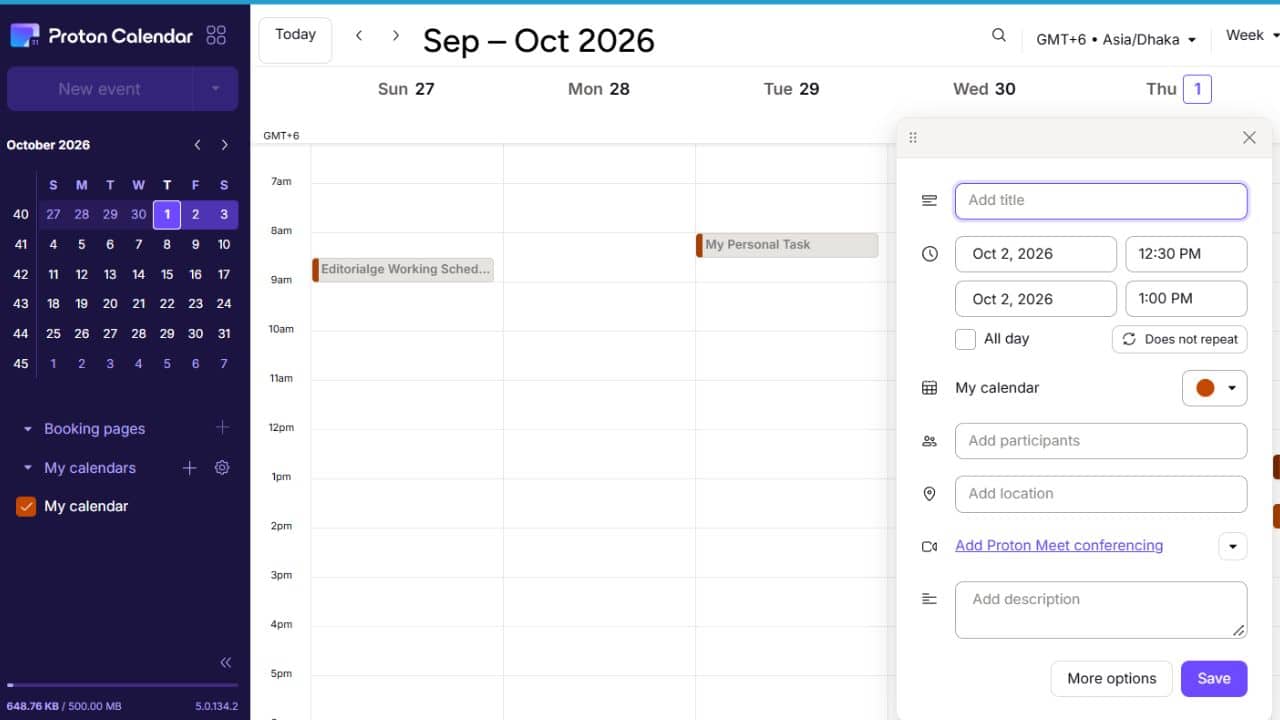
A calendar can reveal more than the next meeting. Proton Calendar encrypts event titles, descriptions, locations, and attendee identifiers. Its privacy policy says the service can still access some event properties—including start and end times, time zones, recurrence rules, and event status—to provide reminders and scheduling functions.
It is available on the web, Android, and iOS, and may fit naturally if you already use Proton Mail. proton.me Before switching, check that invitations and calendar connections work with the services your colleagues rely on.
9. Tasks.org — Best for Android Tasks
Tasks.org is a free, open-source task-management app for Android. It can sync with Google Tasks, CalDAV, EteSync, and its own service. EteSync is the end-to-end encrypted option in that group for synchronizing tasks, contacts, and calendars.
Its appeal is choice: Android users can pick a sync provider that suits their setup. The limitation is equally clear. If you need the same dedicated task app across several operating systems, check the companion apps and sync workflow before building your routine around it. For Android users prioritizing control over task syncing, it is among the best privacy-first productivity apps on this list.
10. Nextcloud Groupware — Best for Self-Hosted Teams
Nextcloud Groupware brings together Mail, Calendar, Contacts, and Deck, a kanban-style project board. The platform is open source and can be self-hosted, giving organizations more control over where their workspace runs.
That control comes with operational work. Someone has to manage updates, backups, access permissions, and server security. Nextcloud supports different encryption methods, and they do not offer identical protection; self-hosting by itself does not make data end-to-end encrypted.
Choose it when your organization has the technical capacity to run its own service. Without that support, a hosted option may be easier to keep secure and up to date.
Final Thoughts
The best privacy-first productivity apps protect the information you care about without making everyday work hard to maintain. For notes, compare Standard Notes, Notesnook, Joplin, and Obsidian. For documents, consider Proton Drive or CryptPad. Anytype and Nextcloud suit broader workspaces, but bring more setup decisions.
Start with one project rather than migrating everything at once. Check how syncing works, test your export or backup process, and save account recovery information securely. The best privacy-first productivity apps are ultimately the ones you can use consistently and recover from when something goes wrong.
Frequently Asked Questions (FAQs)
Does end-to-end encryption protect every kind of data in an app?
No. An app may encrypt the content you write but still process some information to provide reminders, search, or syncing. Check the product documentation to see which data fields are covered.
Is local storage safer than cloud storage?
Neither is automatically safer in every situation. Local files reduce reliance on a provider but can be lost if your device fails. Cloud sync makes files easier to reach across devices but requires trust in the provider and careful account security. Keep a backup with either setup.
Are open-source productivity apps automatically private?
No. Open-source code can be inspected, but that does not guarantee secure hosting or account practices. Review the app’s privacy documentation and check the service you choose for syncing.
Can these apps work for a team?
Some can. CryptPad supports shared document work, and Nextcloud offers groupware that organizations can host themselves. Check sharing controls and decide who will manage permissions, backups, and updates before adopting either across a team.
What should I check before switching apps?
Test with a small project. Confirm that syncing works on your devices, review export and backup options, and store recovery details securely. Keep your original files until you know the new setup works as expected.






















