

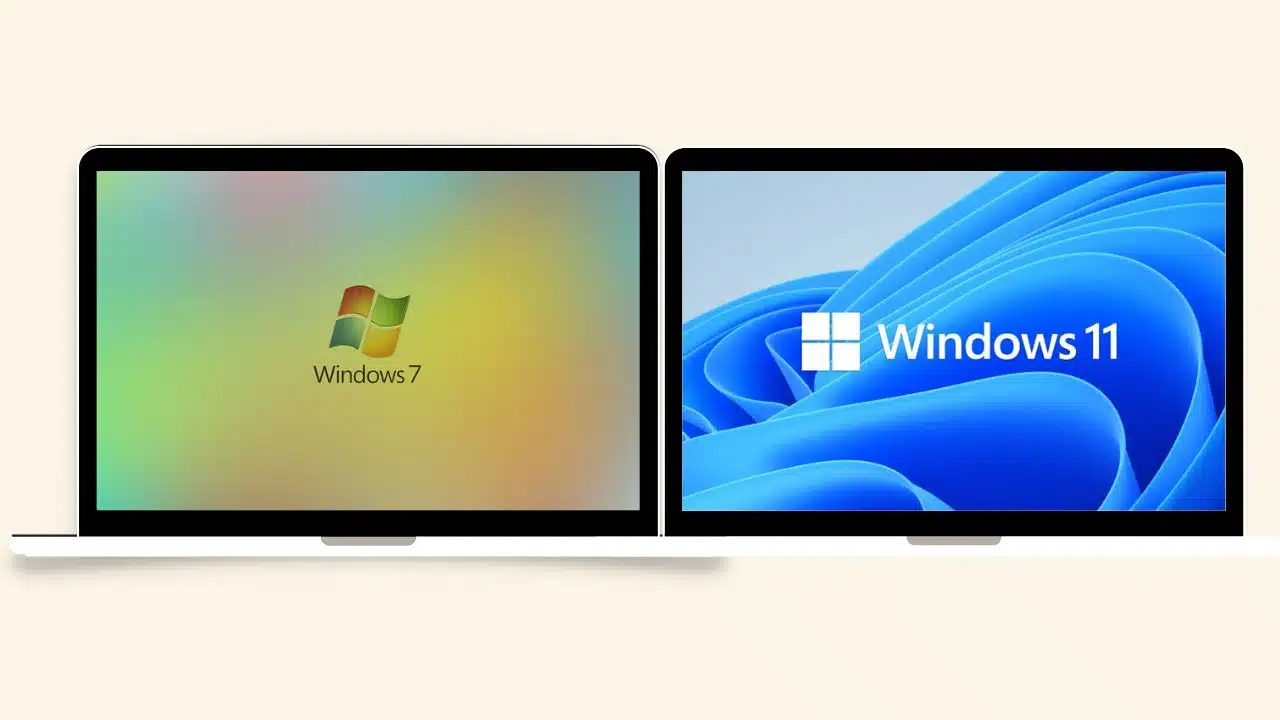
Microsoft Ends Windows 7 Backdoor Upgrade to Windows 11, Closing Loophole

Microsoft Ends Windows 7 8 Free Upgrade to Windows 11

Microsoft has finally terminated an exploit that allowed users with old Windows 7 or 8 license keys to upgrade to the latest Windows 11 for free.

The company had permitted this backdoor upgrade path for years beyond its initial 2015 offer. But now Windows 7/8 keys no longer activate Windows 11.

Longstanding Free Upgrade Loophole Now Shut

Since 2015, Windows users could upgrade to new versions like Windows 10 for free for one year. Quiet extensions stretched this to allow Windows 7/8 to 11 upgrades.

But Microsoft partners confirmed last month that Windows 7/8 keys no longer enabled Windows 11 activation, closing the longstanding loophole.

Loophole Persisted Years Beyond Initial Offer

Microsoft’s initial 2015 Windows 10 upgrade offer was for one year, but hidden extensions allowed upgrades until now.

Users have been exploiting the 7/8 to 11 path to bypass Windows 11’s $130 price tag for years after support ended.

Motivation to End the Practice

With Windows 7 and 8 now completely obsolete without any security updates, Microsoft is motivated to drive upgrades to supported versions.

Letting users indefinitely access Windows 11 via old unsupported licenses undermines this. So Microsoft closed the legacy upgrade option.

Still Possible to Upgrade Windows 10 to 11

Importantly, users can still upgrade valid Windows 10 licenses to Windows 11 for free.

Only the backdoor upgrade route from Windows 7/8 has been shut down by Microsoft.

Windows 11 Adoption Hampered by Controversial Features

Many avoiding Windows 11 upgrades cite disliked features like pervasive AI assistants rather than cost.

With Windows 10 support ending October 2025, Microsoft aims to motivate more users to migrate to Windows 11.

Analysis: Microsoft Seeks to Control Windows 11 Adoption

By closing the 7/8 loophole, Microsoft regains control over Windows 11 upgrades to drive revenue and usage. But persuading consumer adoption remains tricky.

Pushing Users to Current Versions

Preventing indefinite free 7/8 to 11 upgrades should incentivize users to buy new licenses and run supported Windows versions.

But controversial aspects of Windows 11 still deter many from upgrading. Microsoft must address feedback to convince users.

Balancing Commercial Interests

While seeking to maximize Windows 11 adoption and revenue, Microsoft must avoid angering users with perceived greed.

If Windows 12 delivers compelling improvements, offering another affordable upgrade path may be wise.

Evolving the Windows Business Model

Microsoft may need to innovate its OS licensing model long-term to adapt to new user behavior and preferences.

Subscriptions or freemium models could suit modern dynamics better than one-off purchases. A pivot may be nearing.



Subscribe to Our Newsletter

Related Articles

Top Trending

Best Apps for Finding Airport Lounge Access
10 Best Apps for Finding Airport Lounge Access
Loot Box Legal Questions Issues Gamers and Developers Should Know
8 Legal Questions Surrounding Loot Boxes and Gaming Rewards
Inventory Apps for Etsy and Handmade Sellers
8 Best Inventory Apps for Etsy and Handmade Sellers
Who Owns In-Game Items Skins, Purchases, and Virtual Assets
Who Owns In-Game Skins, Purchases and Virtual Assets?
Best Food Discovery Apps for Travelers
15 Best Food Discovery Apps for Travelers Around the World

Technology & AI

Digital Legacy What Happens to Your Online Accounts After Death
What Is a Digital Legacy: What Happens to Your Online Accounts After Death?
best tablets for kids
12 Best Tablets for Kids: Parental Controls, Durability and Value Compared
How to Spot AI Generated Photos Before You Share Them
How to Spot AI-Generated Photos Before You Share Them
Follow-Up Rules for Outreach
8 Follow-Up Rules for Outreach That Isn't Annoying
AI chatbots for study planning
12 Ways to Use AI Chatbots for Study Planning

GAMING

Loot Box Legal Questions Issues Gamers and Developers Should Know
8 Legal Questions Surrounding Loot Boxes and Gaming Rewards
Who Owns In-Game Items Skins, Purchases, and Virtual Assets
Who Owns In-Game Skins, Purchases and Virtual Assets?
Mobile Gameplay Recording Apps
8 Apps for Recording and Editing Mobile Gameplay
Esports Legal Issues Every Player Should Understand
9 Legal Issues Every Esports Player Should Understand
Basketball Video Analysis Tools Coaches Use to Review Games
6 Video-Analysis Tools Coaches Use to Review Basketball Games

Business & Marketing

Crypto Token Launch Marketing
Crypto Token Launch Marketing: From Pre-Sale, TGE, Listing to Post-Launch
data risks for installing free browser extensions
9 Data Risks When Employees Install Free Browser Extensions
Crypto and Blockchain Trends to Watch
10 Crypto and Blockchain Trends to Watch in 2026
marketing books that aged well
10 Marketing Books That Aged Surprisingly Well
Registered Agent Services to Compare Before Forming an LLC
6 Registered Agent Services to Compare Before Forming an LLC

EdTech & E-Learning

How To Evaluate An EdTech Tool
How to Evaluate an EdTech Tool Before You Commit
how to homeschool with apps
How to Homeschool With Apps: Build a Digital Curriculum
assistive technology in early learning
What is Assistive Technology in Early Learning: Examples and Benefits
best typing programs for kids
10 Best Typing Programs for Kids: Free and Paid Options That Teach Real Skills
homework help apps for kids
10 Best Homework Help Apps That Don’t Do the Work for Them

Software & Apps

Best Apps for Finding Airport Lounge Access
10 Best Apps for Finding Airport Lounge Access
Inventory Apps for Etsy and Handmade Sellers
8 Best Inventory Apps for Etsy and Handmade Sellers
Best Food Discovery Apps for Travelers
15 Best Food Discovery Apps for Travelers Around the World
3d virtual tour apps for real estate listings
10 Best 3D Virtual Tour Apps for Real Estate Listings
Best Apps for Tracking Lost Luggage
10 Best Apps for Tracking Lost Luggage






















