


Buyers want to walk through a home before they book a showing. The hard part for agents is choosing the tool. There are dozens of 3D virtual tour apps for real estate listings, and many of them sound the same but deliver very different results. This guide compares the 10 best options in 2026, with real prices, so you can pick one that fits your listings and your budget.
Quick answer: Matterport is the best overall for true 3D models. Zillow 3D Home is the best free option. iGUIDE is the best for accurate floor plans. Kuula and Panoee are the best low-cost choices for simple 360 tours.
Quick Comparison
This table shows how the top 3D virtual tour apps for real estate listings compare at a glance.
| App | Best for | Starting price | What you get |
|---|---|---|---|
| Matterport | Luxury homes | Free plan; paid from about $90/month | Full 3D model |
| Zillow 3D Home | Zillow listings | Free | 360 tour and floor plan |
| iGUIDE | Floor plans | Pay per property | Tour and measured floor plan |
| RICOH360 Tours | AI photo editing | $39/month (yearly) | 360 tour |
| Giraffe360 | All in one capture | $360/month, camera included | Full 3D model |
| Realsee | Pay as you go | Free trial | Full 3D model |
| CloudPano | Branding and live calls | Paid plans | 360 tour |
| Kuula | Small budgets | Free plan | 360 tour |
| Asteroom | Phone capture | Free version | Dollhouse view |
| Panoee | Free tours | Free plan | 360 tour |
The Problem: Many “3D” Tours Are Not Really 3D
Here is what most buying guides skip. Many apps sold as 3D virtual tour apps for real estate listings really make 360 tours. A 360 tour links round photos together, so buyers can click from room to room. A true 3D tour also builds a model of the home. That lets buyers see a “dollhouse” view from above and measure rooms.
Both can work. But you should know which one you are paying for.
Three more problems catch agents off guard:
- Tours can go dark. On subscription apps, tours often stay live only while you keep paying.
- MLS rules. Many MLS systems accept only unbranded tour links, so check that your app can make one.
- Floor plans matter more than you think. In the National Association of Realtors’ 2025 research, 57% of buyers rated floor plans very useful, compared with 41% for virtual tours. An app that makes both gives you more value.
The 10 Best 3D Virtual Tour Apps for Real Estate Listings
1. Matterport: Best Overall for True 3D
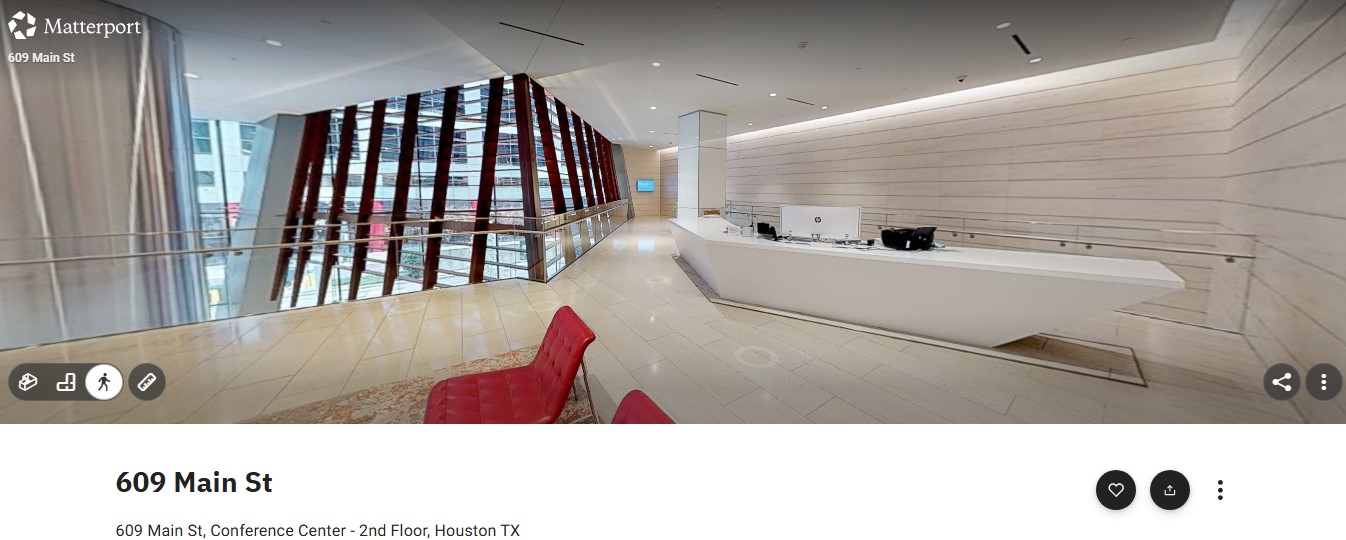
Matterport is still the standard that other 3D virtual tour apps for real estate listings are measured against. Tours are smooth and include a dollhouse view, floor selector, and measurement tools. You can capture with a phone, a 360 camera, or Matterport’s Pro3 LiDAR camera.
CoStar Group bought Matterport in February 2025. Tours now publish to CoStar’s sites, including Homes.com, Apartments.com, and LoopNet, as well as Google Street View.
- Price: A free plan covers one active tour. As of October 2026, the professional plan starts at about $108 a month for 10 active tours, or $90 a month billed yearly.
- Watch out: Tours stay live only while you pay.
2. Zillow 3D Home: Best Free App
Zillow 3D Home is free on iPhone and Android. Among 3D virtual tour apps for real estate listings, it is the easiest way to get a tour on Zillow. It works with supported Insta360 and Ricoh Theta cameras and builds an interactive floor plan for you. With only a phone camera, you get a tour without the floor plan.
Tours post automatically to Zillow, Trulia, and Redfin. Zillow says listings with a 3D home tour or interactive floor plan got twice as many views and sold about 10% faster on average.
- Price: Free.
- Watch out: Zillow Showcase, the paid premium listing, needs both a tour and a floor plan.
3. iGUIDE: Best for Accurate Floor Plans
iGUIDE focuses on measurements. Its PLANIX camera captures photos, a 3D tour, and an exact floor plan with square footage, all in one visit. That makes it one of the most useful 3D virtual tour apps for real estate listings when size matters.
In October 2025, REA Group, the owner of realestate.com.au, bought a 61.5% stake in iGUIDE’s maker, Planitar. iGUIDE says 25% of homes sold in Canada in 2025 used an iGUIDE listing.
- Price: Pay per property, priced by square footage. There is no monthly fee.
- Watch out: You need the iGUIDE camera, or you have to hire an iGUIDE photographer.
4. RICOH360 Tours: Best for AI Photo Fixes
RICOH360 Tours is a good fit for agents who already own a Ricoh Theta camera. Its AI brightens and cleans up images, which saves editing time. That makes it one of the faster 3D virtual tour apps for real estate listings for solo agents.
- Price: The Pro plan costs $39 a month billed yearly. It includes unlimited active tours, 20 AI virtual staging rooms a month, and floor plans at $20 per floor.
- Watch out: It makes 360 tours, not full 3D models.
5. Giraffe360: Best All-in-One Camera
Giraffe360 rents you a robotic camera that does the work of a photographer. One visit can produce HDR photos, a 3D tour, a measured floor plan, and short videos. Of all the 3D virtual tour apps for real estate listings here, it saves the most time per home.
The company raised $10 million in March 2026 to grow.
- Price: The US PRO plan costs $360 a month and includes the camera and unlimited projects under fair use.
- Watch out: It only makes financial sense if you list homes every month.
6. Realsee: Best Pay as You Go Option
Realsee works with its Galois LiDAR camera, a 360 camera, or just your phone. Unlike most 3D virtual tour apps for real estate listings, it uses credits instead of a monthly fee, so you pay only when you host or download a tour.
Realsee is the exclusive 3D tour provider for Ke Holdings, which runs Beike, one of China’s largest home platforms.
- Price: A free trial is available, followed by credits as you need them.
- Watch out: The best results need the Galois camera, which you buy separately.
7. CloudPano: Best for Branding and Live Calls
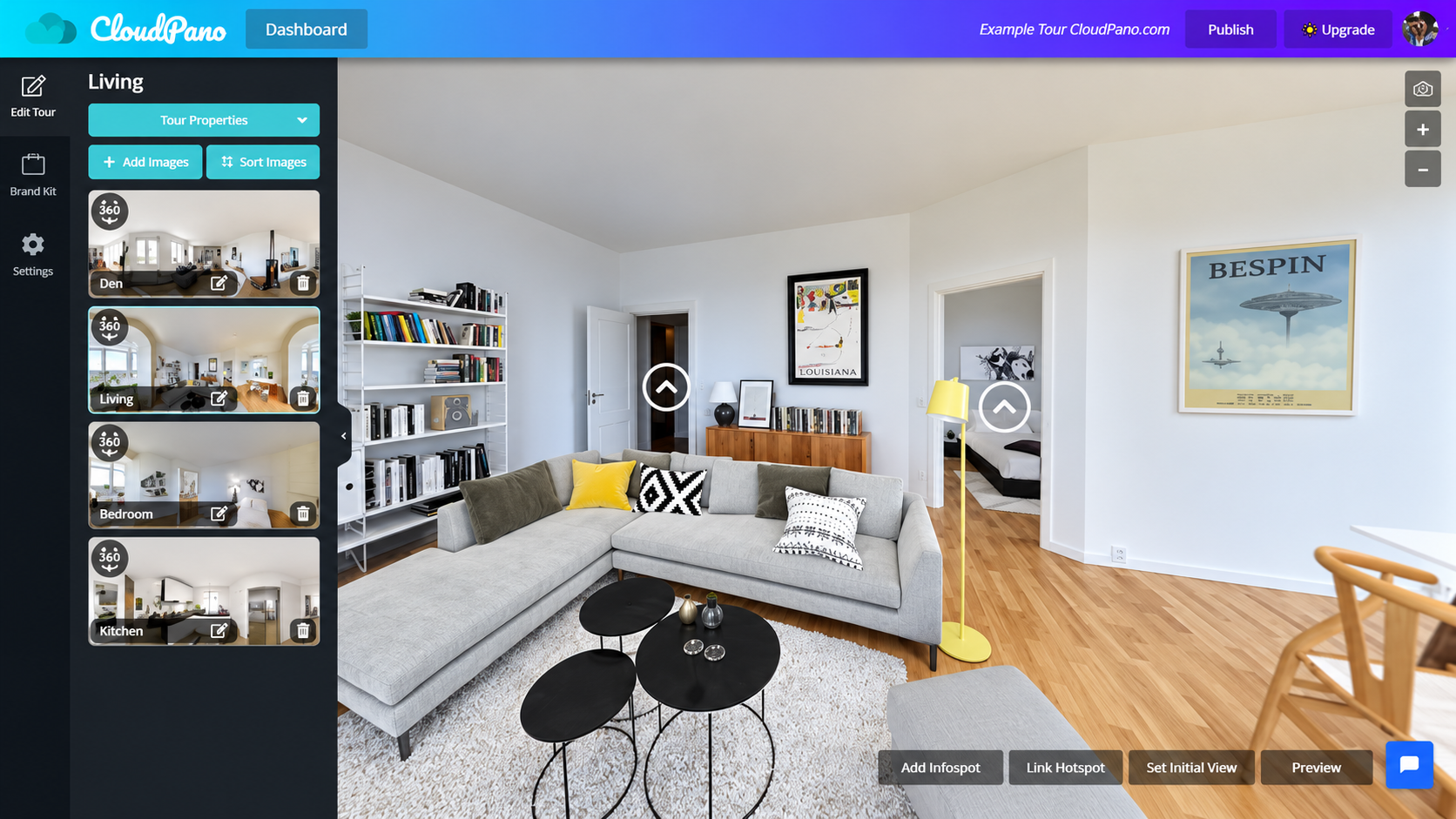
CloudPano lets you add your own branding, lead capture forms, and live video calls inside the tour so you can walk a buyer through a home in real time. That sales focus sets it apart from other 3D virtual tour apps for real estate listings. CloudPano says it has more than 16,000 users.
- Price: Paid plans only. Check the CloudPano site for current prices.
- Watch out: It makes 360 tours. A few users report tour links going down, so test before a big launch.
8. Kuula: Best Low-Cost Choice
Kuula runs in your browser and works with most 360 cameras. It supports VR headsets and charges a flat fee with no cost per tour. That keeps it among the cheapest 3D virtual tour apps for real estate listings.
- Price: There is a free basic plan. Pro costs about $16 to $20 a month, and Business is about $36 a month billed yearly.
- Watch out: Its floor plan tool is a simple layout, not a measured drawing.
9. Asteroom: Best for Phone Capture
Asteroom turns your smartphone into a capture tool with its low-cost Pano Kit. You get a dollhouse view, 2D floor plans, and virtual staging. If you’d rather not shoot at all, you can book a certified Asteroom photographer. It is one of the few 3D virtual tour apps for real estate listings built around phones.
- Price: A free version and a trial are available, with flat-rate paid plans.
- Watch out: Phone capture takes longer than a dedicated camera in large homes.
10. Panoee: Best Free Plan for 360 Tours
Panoee’s free plan includes unlimited projects and puts no watermark on your panoramas. It also includes lead capture forms, which is rare among free 3D virtual tour apps for real estate listings.
- Price: Free. The paid Companion+ plan costs $180 a year.
- Watch out: You need your own 360 camera, and it does not build a 3D model.
Who Owns the Tour Matters More in 2026
Big home sites now own the tour tools. CoStar owns Matterport, Zillow runs its own 3D Home app, REA Group controls iGUIDE, and Realsee serves Beike. This affects 3D virtual tour apps for real estate listings in a practical way: a tool often works best on the portal that owns it.
So think about where your buyers search. A Zillow first market point is Zillow 3D Home. A Homes.com push points to Matterport. To learn how these portals are changing agents’ daily work, read our guide on real estate platforms and the future of work.
How to Choose the Right App for Your Listings
Use these five questions to narrow down the 3D virtual tour apps for real estate listings:
- Do you need true 3D or a 360 tour? For luxury and multi-level homes, choose true 3D. For condos and starter homes, a 360 tour is often enough.
- Do you need a floor plan? Buyers value floor plans highly, so pick an app that makes one.
- What camera do you already own? Start with an app that supports it.
- How many homes do you list a month? At low volume, choose free or pay per property. At high volume, a subscription costs less per home.
- Where do your buyers search? Match the app to that portal.
Also check that the app fits the tools you already use. Our guide to AI workflows in real estate shows how tours, AI staging, and listing copy can work together.
Final Thoughts
The best 3D virtual tour apps for real estate listings are the ones that match your homes, your camera, and your market. Start with Zillow 3D Home or Panoee if you want to test for free. Move to Matterport, iGUIDE, or Giraffe360 when you need true 3D models, accurate floor plans, or faster shoots.
Pick one app, use it on your next three listings, and compare the views and showing requests you get.
Frequently Asked Questions (FAQs)
What is the best free 3D virtual tour app for real estate?
Zillow 3D Home is the best free choice for agents who list on Zillow. It posts tours to Zillow, Trulia, and Redfin automatically. For tours you can share anywhere, Panoee and Kuula both have free plans.
Can I make a 3D virtual tour with my iPhone?
Yes. Matterport, Zillow 3D Home, Realsee, and Asteroom all support phone capture. Zillow 3D Home needs a supported 360 camera to build a floor plan.
How much does a 3D virtual tour cost for a house?
It ranges from free to a few hundred dollars. Free apps cost nothing. Paid subscriptions run from about $16 to $360 a month. Hiring a photographer for a Matterport tour usually costs more per home.
What is the difference between a 360 tour and a 3D tour?
A 360 tour links round photos so you can click from room to room. A 3D tour also builds a model of the home, which adds a dollhouse view and room measurements.
Is Matterport worth it for real estate agents?
For luxury, large, or multi-level homes, usually yes, because buyers can see the layout and measure rooms. For smaller, lower-priced homes, a free or cheaper app is often enough.
Do virtual tours help sell homes faster?
They can. Zillow says listings with a 3D Home tour or interactive floor plan sold about 10% faster on average. Results depend on price, market, and photo quality.
























