Recorded a video only to realize it’s shaky and needs some stabilization work? No worries, you can fix it in mere minutes. In this post, you’ll discover a couple of useful tips to avoid camera shakes while recording your footage. We’re also going to talk about the best video editing programs that allow you to stabilize videos. So let’s get started right now.
3 Tips to Record a Stable Video
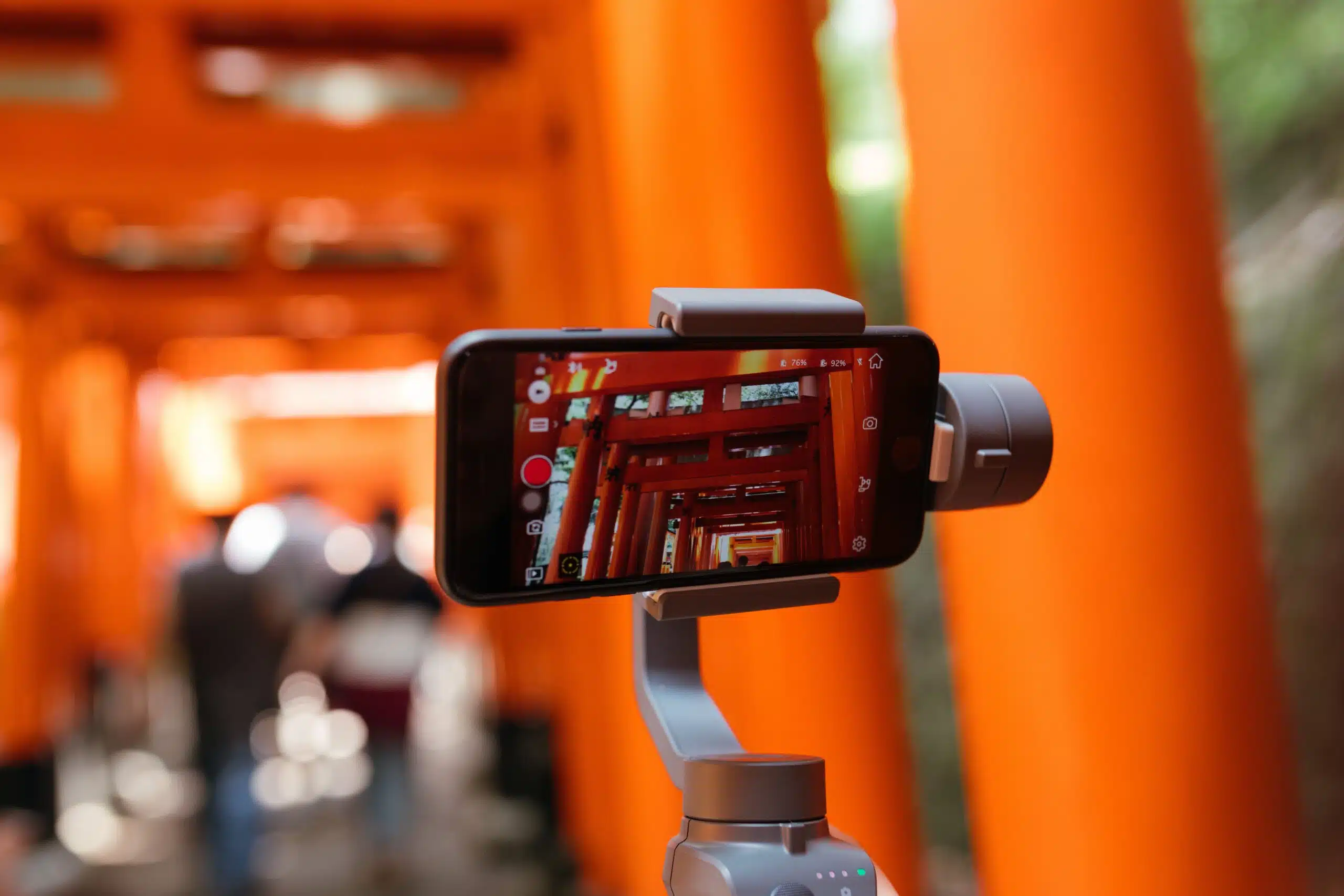
As video production develops, the number of recording tricks and equipment grows. Below, we’ll share 3 tips that you can try the next time you capture something. This is how to stabilize a video while recording:
1. Record Videos Using a Tripod
A tripod is a must-have for recording videos, as it can greatly help in achieving stability. This device provides a solid foundation and eliminates the unintentional movements and shakes that can occur when shooting handheld. With its sturdy legs and adjustable head, a tripod allows for precise positioning and framing, so that your camera remains steady throughout the video recording process.
Whether you are capturing a breathtaking landscape, filming a vlog, or shooting a documentary, using a tripod guarantees a level of stability that enhances the overall quality and professionalism of your videos.
When choosing a tripod, make sure it is not too heavy so that you are able to carry it around easily. But it should not be too light either, because it has to support the weight of your camera equipment.
2. Use Lens or In-Camera Stabilization
Cameras often come with lens stabilization or in-camera stabilization technology, or even a combination of them. They ensure video stabilization even without using external devices like a tripod. However, a camera with such capabilities might cost you a lot of money, so consider your needs and budget before purchasing one.
3. Choose the Right Frame Rate
Another way to capture a stable video is by choosing the right frame rate in your camera’s settings. Frame rate refers to the number of individual frames captured per second in a video. So how does it affect stabilization? A higher frame rate means more frames are captured, resulting in smoother motion and reduced motion blur.
How to Stabilize a Video in Post-Production?

Even though there are many ways to stabilize a video while recording it, the methods only minimize camera shakes, but they don’t remove them completely. Luckily, there are dozens of programs that can help you fix it in post-production. They might differ in price, capabilities, and usability. Let’s take a look at some of the best options and figure out which video editor suits you better.
Adobe After Effects
If you don’t mind a costly subscription and a steep learning curve, you can use Adobe After Effects for stabilizing your videos. This software is widely used by motion designers and creators specializing in film making or animation. Adobe After Effects includes built-in motion tracking tools that let you track the movement of objects or elements in a video clip. This allows for precise integration of visual effects onto moving objects and comes in handy when making your shaky footage stable.
Final Cut Pro
Another program you might like to use is Final Cut Pro. This is a video editor that offers a range of advanced editing tools, including timeline-based editing, multi-camera editing, color grading, audio editing, and more. By the way, Final Cut Pro provides a user-friendly interface with a customizable layout – it allows you to organize your workspace according to your preferences. However, this software is only available for Mac computers.
Clipify
Clipify is a beginner-friendly video editor that even non-experienced users can master right away. This software lets you stabilize your footage in just one click. You can also use its other features to quickly perfect your footage: overlay videos, change the speed, record your screen activities, webcam videos, and audio comments, adjust the sound, and replace the background with another using the Chroma Key tool. What’s more, Clipify comes with a collection of 200+ royalty-free music tracks and 450+ effects and titles.
FlexClip
If you’d like to edit your videos online, you can try FlexClip. This program allows you to create stunning videos using ready-made templates or from scratch. The program offers most of the basic video montage tools, such as speed adjustment and color correction. It also lets you merge and trim clips, make videos steady, add text to your footage, and so on. The web-based video editor also features a collaboration feature, so you can cooperate with others even remotely.
Summary
In this post, we’ve covered some basic video stabilization tips and tricks. For more information about stabilizing shaky footage, follow this link and read an article about how to make a video steady. All you need to do now is choose one of the video editing programs we’ve discussed and polish your content like a pro.