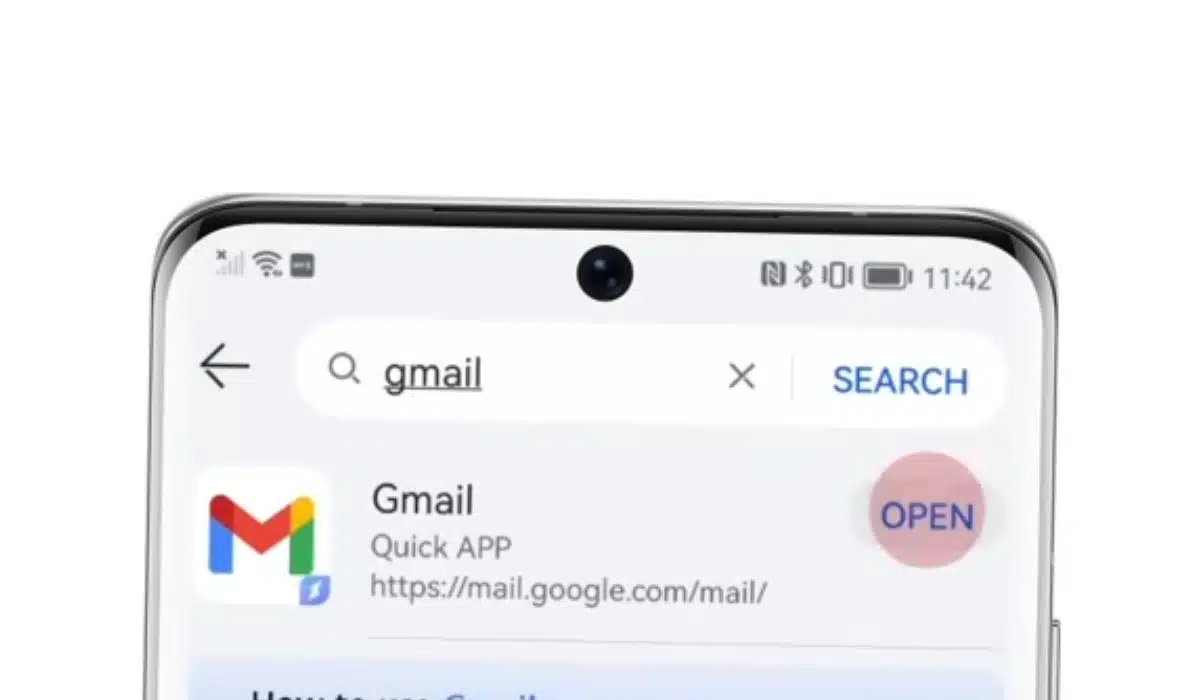
Gmail mobile app: How to Translate Emails to Communicate with International Clients?

Translate an email in Gmail Mobile app

Gmail users, That nifty translation feature you’ve been eagerly awaiting on the mobile app? It’s finally here. Now, chatting with pals across the globe just got easier. Dive into seamless conversations without those pesky language barriers getting in the way.

Keen on getting started? Here’s a quick guide on how to translate emails natively within the Gmail mobile app.

Gmail Mobile App Now Has Native Translation

Good news straight from the Google Workspace Updates blog. That super handy translation feature we’ve loved on the web version of Gmail? It’s now on mobile too!

Whether you’re team Android or team iOS, your Gmail app’s got your back. Wave goodbye to language barriers because you can now natively translate emails into a plethora of languages.

Bonus: Want more control? Set up Gmail to always or never translate specific languages. Talk about a tailored experience!

How to Use Native Translation in the Gmail App?

Did you know Gmail’s mobile app has this cool translation feature? If you get an email in a different language than what you’ve set, a handy “Translate” banner pops up right at the top of your email. Just tap on it and choose the language you’d like the email to be translated into. Voila! You can read the email in your preferred language.

Now, sometimes, Gmail might not catch that there’s another language in the email. No worries! You can still get that translation. Just tap on those three little dots on the top right of your email and pick the “Translate message” option.

Want the translation in another language? Easy! Click on the Settings icon on the top right corner of the Translate banner and pick your desired language. Oh, and if you ever dismiss the Translate banner by accident, it’ll pop right back up if the email’s content isn’t in your display language.

Enjoy Your Emails on the Gmail App in Your Preferred Language

Have you checked out the newest update on the Gmail mobile app? It’s a game-changer. Now you can translate emails into over 100 different languages. Imagine getting an email in a language you don’t speak and being able to instantly understand it. That’s the power of this update, making your Gmail experience even more personal and user-friendly.

This is a godsend for those of us who frequently chat with folks from all around the world. You can read their messages just as if they were written in your native language, making connections and communication so much smoother.

If you’re ever out and about and need a quick translation, don’t forget about the Google Translate app. It’s super handy for on-the-spot translations on both Android and iOS.



Subscribe to Our Newsletter

Related Articles

Top Trending

white label saas
What Is White-Label SaaS and How Does It Make Money?
G15tools Com Gadget
G15tools Com Gadget: The Complete Source of Top-notch Gadgets
Productivity Statistics
10 Productivity Statistics That Explain Modern Burnout [Explained]
How to Sell SaaS to Enterprises as a Small Team
Parent using picture cards with a child to practice sound patterns, showing the importance of rhyming in phonics for early reading readiness.
Why the Importance of Rhyming in Phonics Matters for Early Reading Success

Technology & AI

white label saas
What Is White-Label SaaS and How Does It Make Money?
G15tools Com Gadget
G15tools Com Gadget: The Complete Source of Top-notch Gadgets
How to Sell SaaS to Enterprises as a Small Team
A guide comparing best password manager software for their security features, value, and plans, featuring a secure shield and app icons
Best Password Managers Compared: 10 Secure Choices for 2026
Best AI cybersecurity tools for smarter threat detection, endpoint protection, enterprise security, and AI analytics in a futuristic digital security graphic
10 Best AI-Powered Cybersecurity Tools for Smarter Threat Detection

GAMING

Complete Guide on Game Programgeeks
Game Programgeeks: A Complete Guide on PC, Game Dev, and Tech
Online Color Game Philippines
Online Color Game Philippines: What Every Beginner Should Know Before Playing
Ways to Reduce Game Development Costs
12 Ways Studios Cut Game Development Costs
NFT game development cost
How Much Does NFT Game Development Cost? A Realistic Budget Breakdown
Reasons Why You No Longer Need the Best Roblox AI Scripter
Forget Best Roblox AI Scripter: 10 Reasons Why You No Longer Need It

Business & Marketing

AI marketing profitability illustrated by balancing faster campaign production against editing time, software costs, and revisions.
AI Marketing Profitability: The Hidden Costs Crushing Agency Margins
Why Long-Term AI Data Center Investment Matters Now
Why Driving Long-Term Investment in AI Data Center Infrastructure Is Front and Center Today
cut company saas spend
How to Cut Company SaaS Spend: 10 Proven Tactics
Best Communities for SaaS Founders
12 Best Communities for SaaS Founders to Find Mentors and Peers
Bootstrapping vs VC for SaaS founders reviewing growth and burn trends, showing how funding choices can affect control, spending, and sustainable company growth
Bootstrapping vs VC for SaaS: How To Evaluate Capital Strategy

EdTech & E-Learning

AI in University Assessments
How Universities Are Redesigning Assessment for the AI Era
Selecting edtech tools through a structured review of learning value, privacy, usability, integration, and cost.
Selecting EdTech Tools: 7 Questions School Leaders Must Ask Before Buying
Alphabet Recognition and Why It Matters
What Is Alphabet Recognition and Why Does It Matter
Assistive Technology for Diverse Learners
How Assistive Technology Supports Diverse Learners
VR and AR in Classrooms
How VR and AR Are Actually Being Used in Classrooms Today

Software & Apps

How to Sell SaaS to Enterprises as a Small Team
A guide comparing best password manager software for their security features, value, and plans, featuring a secure shield and app icons
Best Password Managers Compared: 10 Secure Choices for 2026
ImagineLab.art vs Canva for Non-Technical Marketers
ImagineLab.art vs Canva for Non-Technical Marketers: Which One Fits the Real Workflow?
automations students can build with free tools
9 Best Automations Students Can Build With Free Tools
ImagineLab.art vs adobe for design team
ImagineLab.art vs Adobe for Professional Design Teams: Which One Fits the Real Workflow?