Yes, you can get an Amazon Prime refund, but it depends on when you cancel and whether your account has used the benefits. For US memberships, Amazon says paid members who have not used their benefits qualify for a full refund of the current membership period. Simply cancelling does not guarantee money back.
Start with your latest membership charge, not the date you last bought something. Then check whether you are paying for full Prime, a standalone Prime Video subscription, or a membership billed through another company. Those details determine which policy to read and where to cancel.
Scope and method: This research-based guide covers Amazon.com’s US membership policy, checked November 15, 2026. It draws on Amazon’s published instructions and FTC guidance. No membership was cancelled, no account-specific refund offer was inspected, and no refund was received or timed for this article. Policies outside the US may differ.
When Does Amazon Prime Qualify for a Refund?
The US Prime terms, updated August 14, 2026, set out these conditions:
| Your situation | What the policy says |
|---|---|
| Cancelling within three business days of paid signup or trial conversion | The fee is refundable, but Amazon may deduct the value of benefits used during that window. |
| Cancelling later, with no eligible purchases or Prime benefits used since the latest charge | A full membership fee refund is available. |
| Cancelling later after using benefits | No routine full or prorated refund is promised under these cancellation terms. |
| Membership purchased through a third party | Contact that provider about its applicable policy. |
The three-business-day provision refers to signup or a free trial becoming paid. Do not assume it restarts at every renewal. Nor should an annual subscriber calculate a promised refund by dividing the fee into unused months: that formula is not offered for ordinary customer cancellation.
Amazon separately describes prorated refunds when Amazon terminates a membership, with exclusions. That is a different clause from cancelling it yourself.
Check These Details Before You Cancel
Have your membership page and the relevant payment record open together. Make a short note of:
- The exact subscription name and the company that billed you.
- The latest charge date and amount.
- Whether the charge followed signup, trial conversion, or renewal.
- Any benefit usage you need Amazon to check.
- The outcome you want: stop future billing, request money back, or both.
Keep the questions separate when you contact support. “Has renewal stopped?” asks about the next payment. “Has a refund been approved?” asks about money already charged. A useful confirmation should answer both, along with the membership end date.
For benefit usage, review more than your shopping orders. Amazon describes Prime as including delivery and entertainment, among other services. Its overview of Prime and cancellation instructions helps identify the services to check. If you are uncertain about a particular activity, ask support to explain what its records show rather than guessing.
How to Cancel Amazon Prime and Check Your Refund
Amazon’s current cancellation help page directs members to its cancellation page and the prompts shown there. The following routes are based on Amazon’s documentation, not a tested account walkthrough; labels may differ on your screen.
On the Amazon Website
- Sign in to the account holding the membership.
- Open Accounts & Lists, then Prime Membership.
- Find Manage Membership and select End Membership.
- Follow the remaining cancellation prompts.
In the Amazon Shopping App
- Open your profile in the app.
- Find Manage Prime Membership.
- Open the membership-management options and select End Membership.
- Complete the prompts shown for your account.
Before confirming any choice, read its stated end date and refund amount, if one is displayed. Afterwards, save the confirmation. If the screen is ambiguous, ask Amazon to confirm the cancellation status and refund decision in writing.
For cancellation support, Amazon’s help page directs users to Customer Service, then Help with other issues, followed by I need help with something else.
If Google Play Bills You
Amazon directs members who subscribed through Google Play on Android to Google’s subscription-management service. In Google Play’s instructions, you open subscriptions under the correct Google account, choose the subscription, select Cancel subscription, and follow the prompts.
Google explicitly warns that uninstalling an app does not cancel its subscription. Its guidance also says ordinary cancellation leaves access available for the time already paid for; a refund request is a separate question. Check the billing provider before applying Amazon’s direct-billing rules.
How Long Does an Amazon Prime Refund Take?
Amazon’s cancellation help page gives a processing window of three to five business days for eligible refunds. Treat that as Amazon’s published processing estimate, not a measured result from this guide or a guarantee of the date a credit will appear on your statement.
If you are following up, use the approval confirmation as your starting point. Ask when the refund was issued, what amount was approved, and where it was sent. Keep that response with the original charge so you can match the credit to the correct transaction.
What to Say If No Refund Is Offered
Give support the facts that identify your case. You could write:
Please review the Prime membership charge dated [date] for [amount]. I want to cancel and have my refund eligibility checked. Please confirm whether any recorded benefit usage affects the decision, the approved refund amount if applicable, and the membership end date.
Replace the brackets with your own details. Only add “I have not used any benefits” if you can accurately say that. The request should help support investigation; it should not assert an entitlement you have not established.
If support declines, ask for the specific reason and the policy applied. A written explanation is more useful than repeatedly submitting the same request without knowing what caused the refusal.
For wider help reviewing recurring charges, Editorialge’s guide to subscription traps and cancellation tools covers ways to organize your subscriptions.
If Charges Continue After Cancellation
The FTC’s subscription guidance recommends keeping cancellation requests and notes of conversations, then checking subsequent bank or card statements. If a company continues billing after you have tried to cancel, the agency advises disputing the charge with your card issuer and following up in writing.
Keep a compact evidence file: the cancellation date, confirmation, relevant charge, and support correspondence. Describe the issue accurately to the issuer—such as continued billing after cancellation—and follow its dispute instructions. This is different from simply being disappointed that a valid membership charge was not refunded.
Prime Video and Add-On Subscriptions Need a Separate Check
Standalone Prime Video: Amazon’s Prime Video terms distinguish video-only subscriptions from video access bundled with Prime. For a directly billed US video-only membership, the terms provide a three-business-day signup or trial-conversion window, subject to deductions for service used. Later full refunds require that subscription content has not been accessed since the latest charge. Video bundled with Prime follows the relevant Prime membership terms.
Paid channel add-ons: Amazon’s current cancellation help says subscriptions on Prime Video, such as Paramount+, continue after Prime ends. Review each subscription you intend to stop instead of assuming one cancellation covers every charge.
Is This the Same as the Amazon Prime Settlement Refund?
No. A refund requested when cancelling your membership and a payment under the FTC settlement have different eligibility rules.
The FTC’s current Amazon refund page says eligible US customers must meet the specified historical enrollment or unsuccessful-cancellation conditions between June 23, 2019, and June 23, 2025, and the benefit-usage limit. Under the revised program, qualifying payments are automatic, with no claim form required. The maximum total payment is $200; that is a ceiling, not a promised payment for every member. The agency says eligible customers will receive their refund by April 2027.
In the FTC’s September 2026 announcement, Christopher Mufarrige, director of its Bureau of Consumer Protection, said the revised order would extend the settlement’s benefits to more affected consumers. That statement concerns the settlement program; it does not expand ordinary cancellation eligibility for everyone.
Use the FTC page to check settlement information rather than assuming cancelling today creates a claim. The agency warns that nobody from Amazon will ask you to pay money to receive a settlement refund.
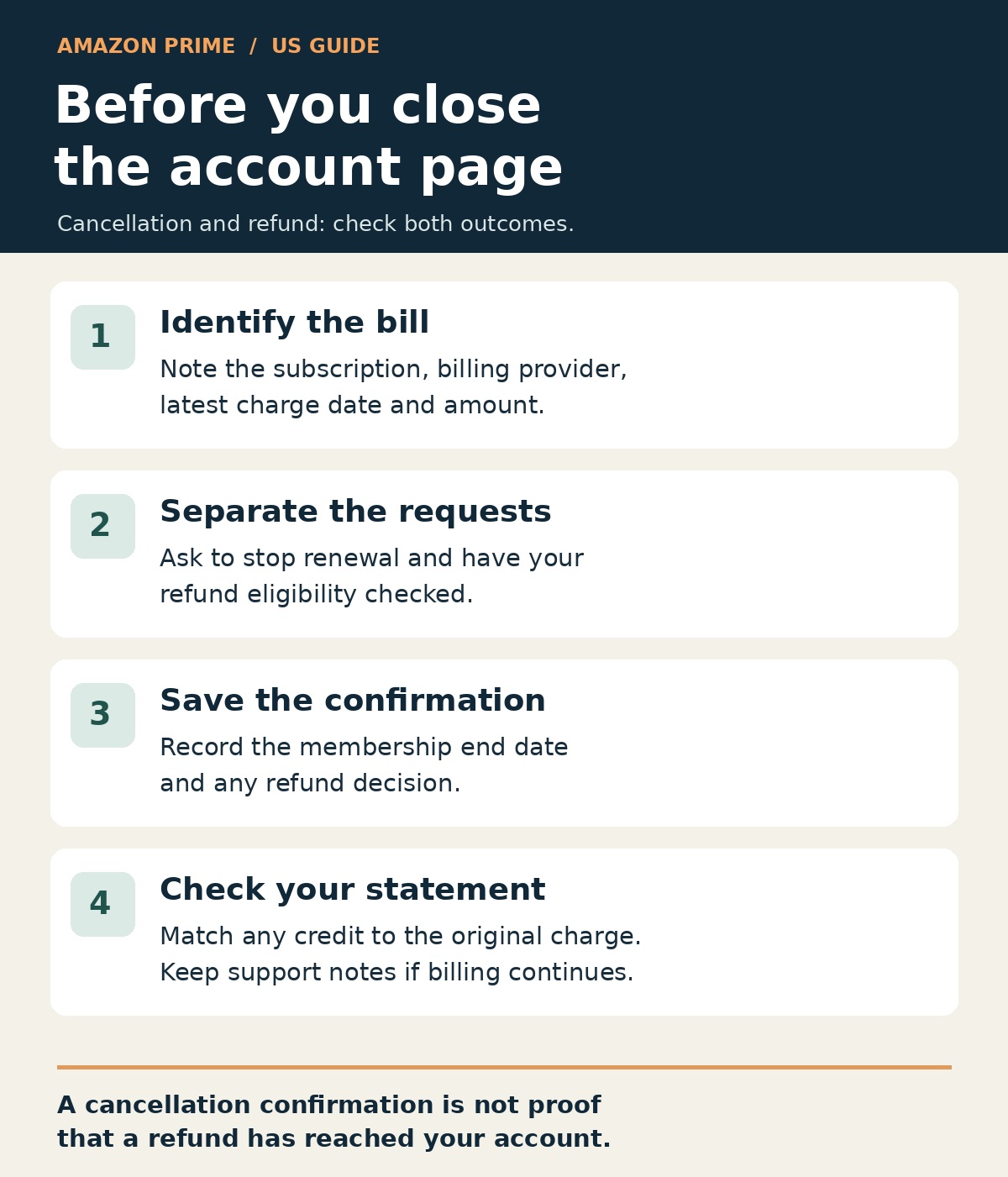
Before You Close the Account Page
Check three things: the membership end date, whether another renewal is scheduled, and any refund decision. Save the records together. Those details give you something concrete to follow up on if the expected credit does not arrive or another membership charge appears.