A free landing page builder can help you test an offer before paying for a full website. But free can mean several things. One tool may publish on a branded subdomain; another may produce a file that you host yourself. A third may offer a temporary preview until you create an account.
For a small business, those differences matter. Before choosing a builder, find out whether customers can reach the page, whether the contact form works, and what happens when you want your own domain.
How We Researched and Tested
We reviewed public product and pricing information on November 6, 2026. In an AI-assisted browser session, we submitted the same fictional brief to two accessible builders: Website Wombat and AI Site Builder by AdCreator AI. We asked for a bookkeeping-service landing page offering a free consultation, benefits, a contact form and a clear call to action.
Both produced a draft. We inspected the output, but did not complete publication, submit a form, measure speed or verify mobile rendering. The other five products were assessed using public vendor information. This is a shortlist, not a performance ranking based on seven identical tests.
Quick Comparison
| Builder | Free route or consideration | Evidence |
| Website Wombat | Draft and download; arrange hosting | Draft inspected |
| AdCreator AI | Vendor offers free hosted site; account to claim preview | Preview inspected |
| Wix | Free Wix URL; check custom-domain plan | Vendor sources; sign-in route |
| Framer | Free Framer domain; check custom-domain plan | Vendor sources; login required |
| Mobirise AI | Vendor advertises free generation/publishing | Prompt redirected to login |
| HubSpot | Free landing-page builder; check AI access | Vendor sources |
| Canva | Free design and Canva-hosted publishing, limits apply | Vendor sources |
Free plans, features and availability can change. Confirm the current offer and billing terms for your location.
What Happened When We Tested Two Builders?
Website Wombat generated a fictional bookkeeping business, a free-consultation message and benefit sections. It supplied contact details and claims of expertise and compliance that were not in our brief. Replace or substantiate such details. Although we requested a contact form, the inspected draft showed phone and email buttons rather than a visible form; we did not establish whether one could be added.
AdCreator AI generated a preview containing a contact form and a Request a Quote button. Its headline read “Create a”, the business name remained a placeholder, and parts of the brief became service headings. The preview displayed a 72-hour expiry notice and an account-claim option. We did not submit the form or claim the site.
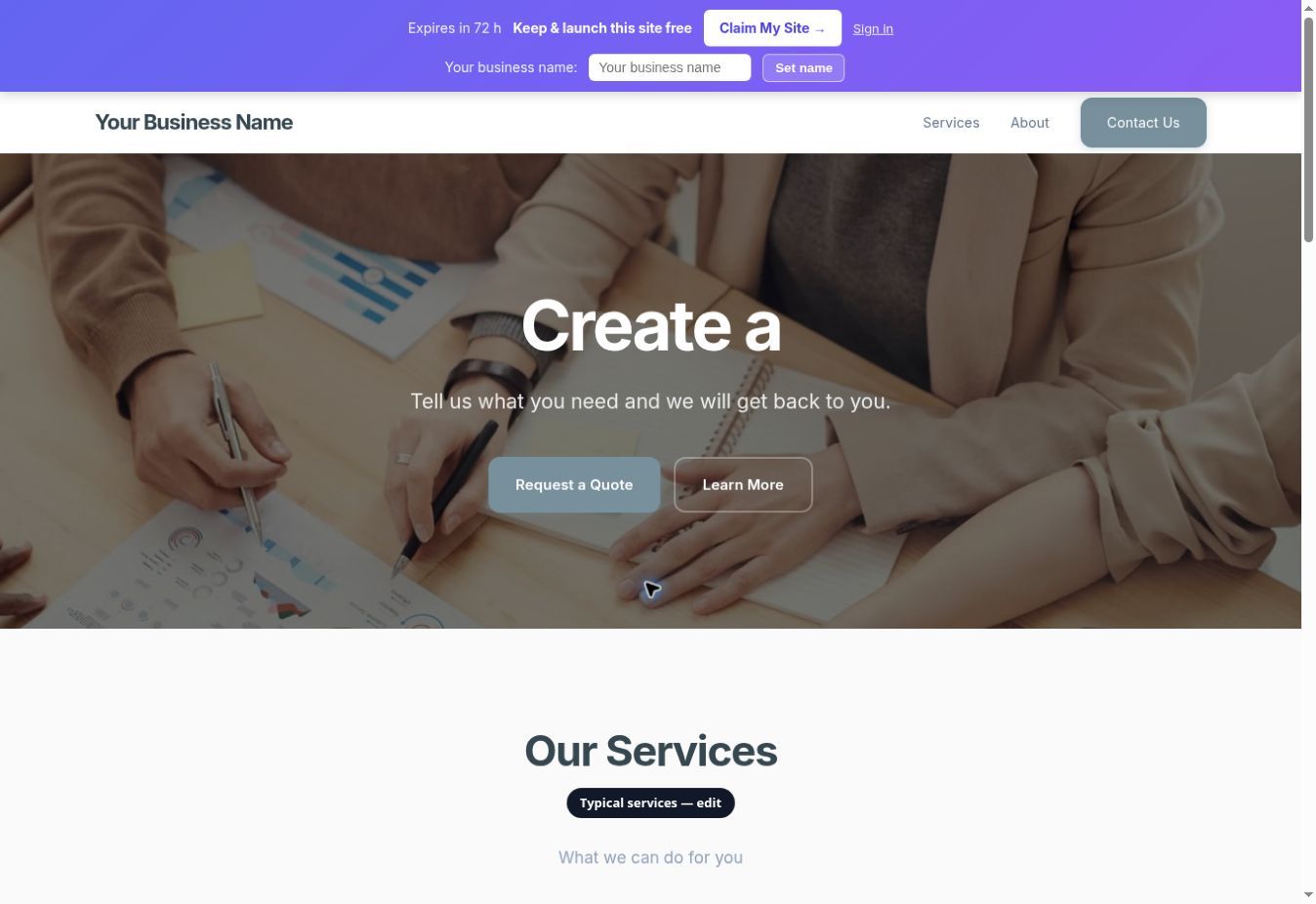
The lesson: an AI draft can look complete while containing invented facts or an ineffective call to action. Our one-off observations are not a universal ranking.
1. Wix — Consider for a Page That May Become a Full Website
Wix says its landing-page builder supports AI assistance, templates and forms, and that users can publish on a free Wix URL. That route can suit an early campaign, while a business that needs its own domain should verify the relevant paid plan. We inspected the public page; the editor route pointed to sign-in.
2. Framer — Consider for a Design-Focused Page
Framer offers a visual canvas and lists a free Framer domain. Review AI usage, forms and the plan needed for a custom domain. Our common brief led to a login screen; we did not inspect an output.
3. Mobirise AI — Consider for Prompt-Based Drafts
Mobirise describes AI-generated website drafts and several hosting options. When we submitted the common brief, the browser redirected to login, so no draft was observed. Verify account requirements, export and domain conditions before choosing.
4. HubSpot — Consider When Lead Management Matters
HubSpot offers a free landing-page builder alongside marketing and lead-management tools. Check which AI functions, form features, branding controls and contact limits are available on the particular account. No page was created in this session.
5. Canva — Consider for a Simple Visual Campaign
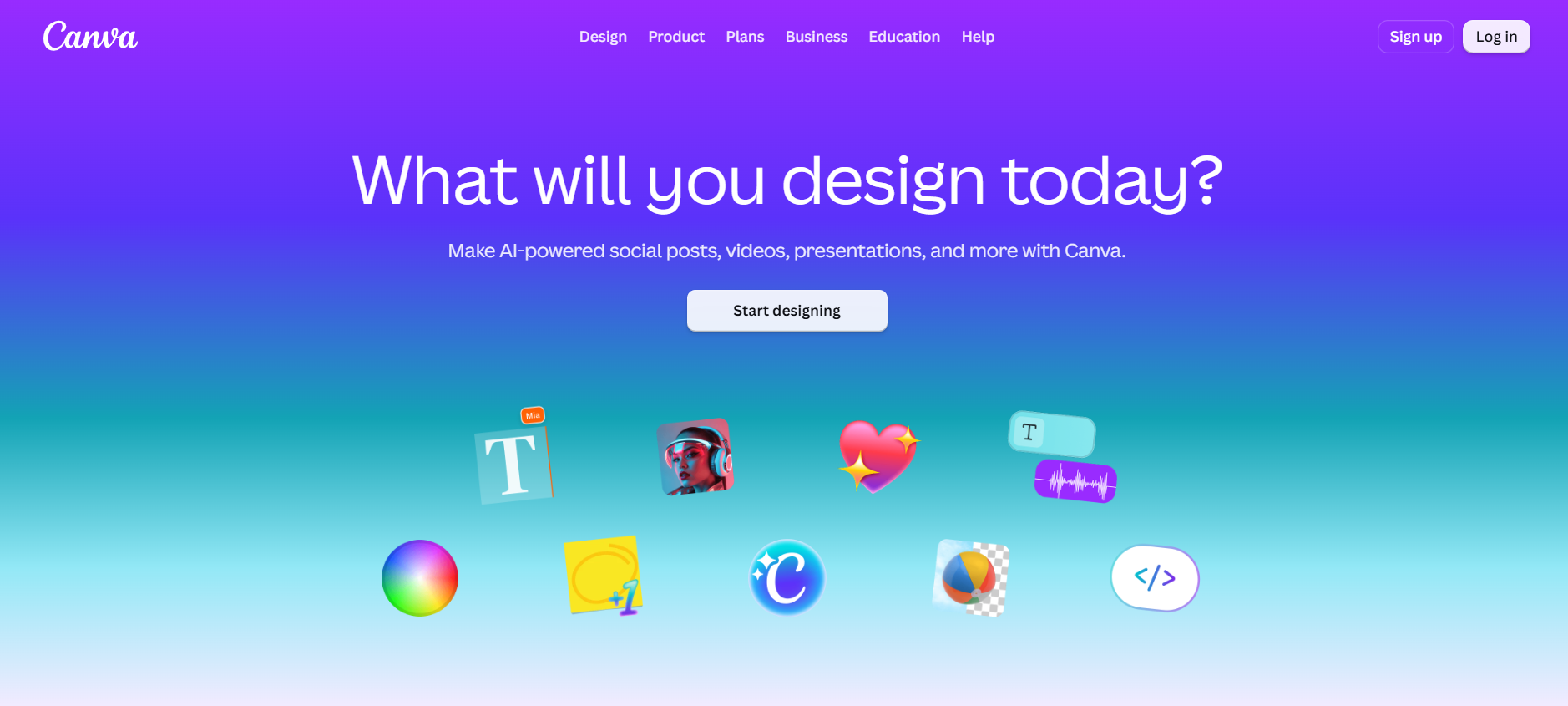
Canva offers landing-page designs and publishing, together with AI-assisted design features. Its help page states that Canva Free users can design with up to 20 sections per page but publish a site with up to 10 sections per page. Check current domain, form and publishing limits. A connected Canva generation tool was disabled by the team administrator, so no Canva page was generated.
6. Website Wombat — Consider a Downloadable Starting Point
Its generated bookkeeping draft reflected the brief more closely than the other draft in our limited session. The provider describes an HTML download for external hosting, but we did not complete that download or deploy the file. The requested contact form was not visible and the invented details need correction.
7. AI Site Builder by AdCreator AI — Inspect the Preview
The provider advertises a free hosted site and lists a custom domain on a paid plan. Our no-account preview had a visible form, but contained placeholders and misread parts of the brief; form delivery and publication were not tested. Its preview displayed an expiry and an account-claim option.
What Does Publish for Free Actually Mean?
Separate four steps: generate a draft, preview it, publish it at an accessible address, and operate its form and integrations. A free draft or temporary preview does not establish that a permanent live site or custom domain is included.
Wix describes publishing on a Wix URL and Framer lists a free Framer domain. Website Wombat describes a downloadable file for external hosting. These are different routes, each with different costs and responsibilities.
Which Should a Small Business Try First?
For a page that may grow into a larger website, investigate Wix. For visual design control, investigate Framer. For a broader lead-management workflow, investigate HubSpot. If you already use Canva, check its publishing limits. Website Wombat generated an accessible draft in our session, but its hosting and form workflow still need testing. These are starting points, not a tested ranking.
Before You Publish
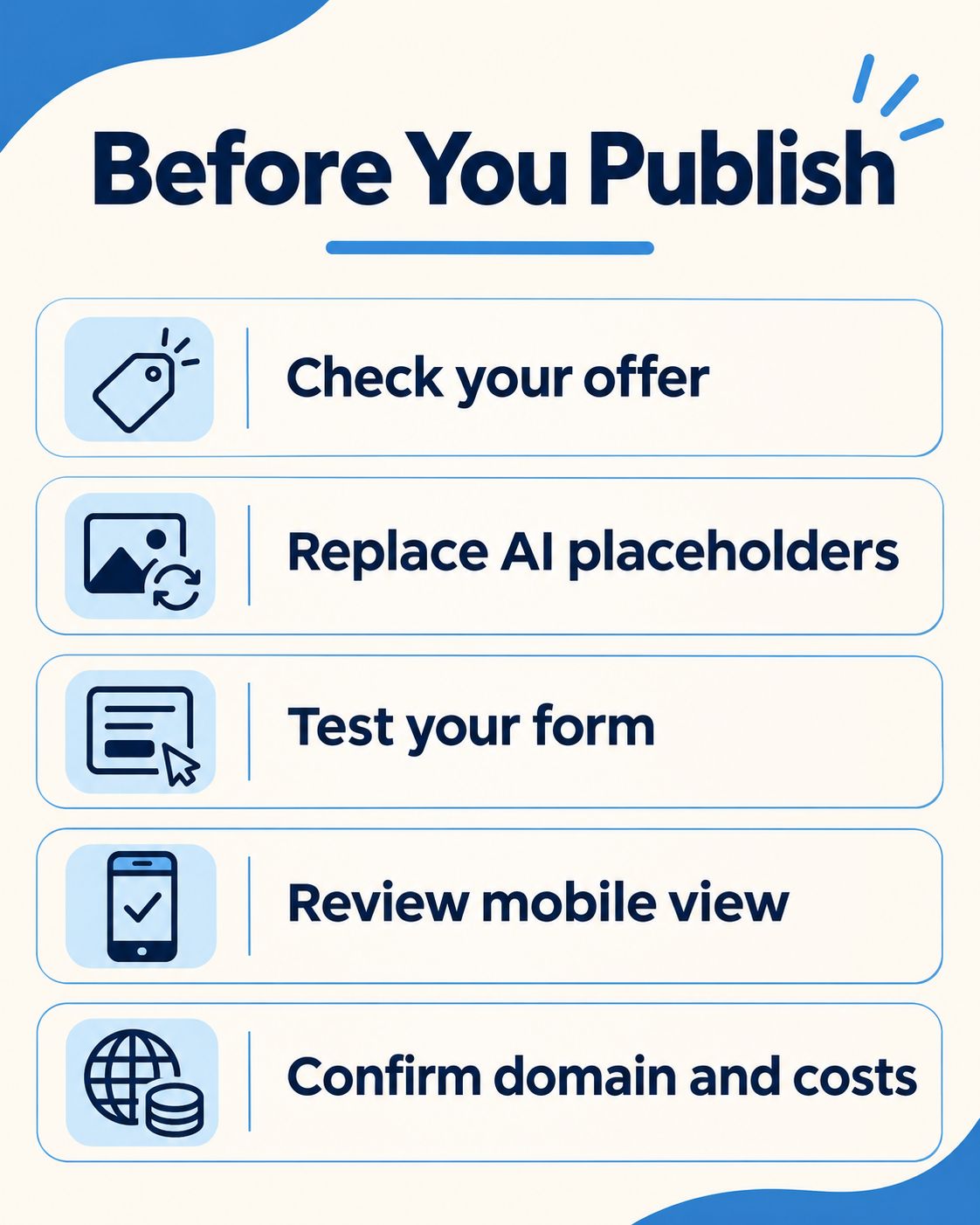
- Replace invented names, phone numbers and email addresses.
- Remove or verify testimonials, credentials and guarantees.
- Check the headline, buttons and layout on a phone.
- Submit a controlled test inquiry and confirm delivery.
- Confirm domain, hosting, form, integration and privacy requirements.
Frequently Asked Questions
Can I publish an AI landing page completely free?
Some providers offer a free subdomain. Others offer only a preview or a downloadable file requiring separate hosting. Verify the complete workflow.
Do I need a custom domain?
A free subdomain can be enough for an early test. Domain registration and connecting it to a builder may have separate costs.
Does a visible form automatically work?
No. A form may require setup or an integration. We did not test form delivery in either draft; verify it with an inquiry before launch.
Are the two tested builders the best overall?
No. They were accessible for draft generation in this session. We did not complete equivalent end-to-end tests of all seven.