


You can learn how to spot ai generated photos by using a fast visual check, a source check, and one careful tool check. You can usually complete the process in five to ten minutes with the image, a web browser, and your cell phone. Begin before you share the post, because a screenshot or cropped copy can hide useful clues.
The goal is not perfect certainty from one sign. It is a clear decision based on several checks. Use the final checklist to decide whether to share, pause, or label the image as unverified.
Time needed: 5-10 minutes
What you’ll need: The image file, a web browser, and your cell phone
Step 1: Pause and inspect the whole scene
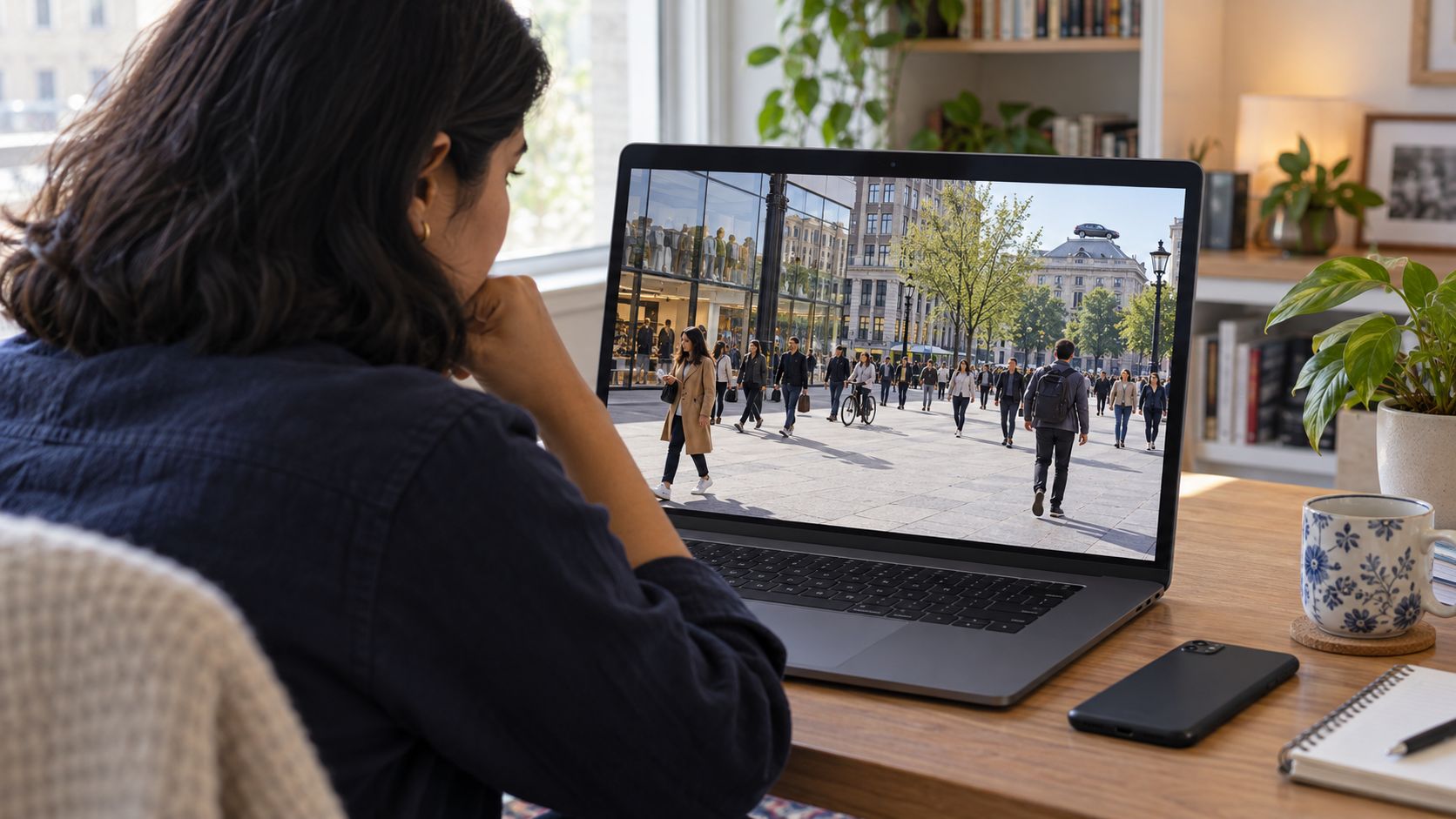
Look at the entire image before you zoom in. Does the scene make sense as one moment in time?
Check whether the lighting and shadows agree
Light should come from one direction and cast shadows the same way. A shadow under a tree should match the shadow under a person in the same photo. When light hits a face from the left, the shadow should fall on the right. AI often places light sources that disagree with each other. One person may have a sharp noon shadow while another has a soft evening shadow. Check whether reflections in windows or water match the main scene.
Look for objects, people, or text that do not fit the scene
AI mixes training data in strange ways. You may see a stop sign in a field, a door handle at shoulder height, or a chair with five legs. People may wear clothes from different eras or seasons. A winter coat in a beach scene is a red flag. Crowds often contain repeated faces or identical outfits. Backgrounds may blur into each other where two objects should meet.
Compare the image with the claim beside it
An AI image of Katy Perry at the 2024 Met Gala once went viral on X, raking in over 16 million views. The post was quickly debunked. People confirmed that Perry had not attended the 2024 Gala. The carpet in the picture was actually from the 2018 Met Gala.
Read the caption and the date of the post. Check if the location in the photo matches the location in the claim. Check if the weather matches the season. A claim about a summer event should not show snow.
Step 2: How to spot AI-generated photos in detail
Zoom in and examine small areas one at a time. AI generators struggle with fine detail and consistency.
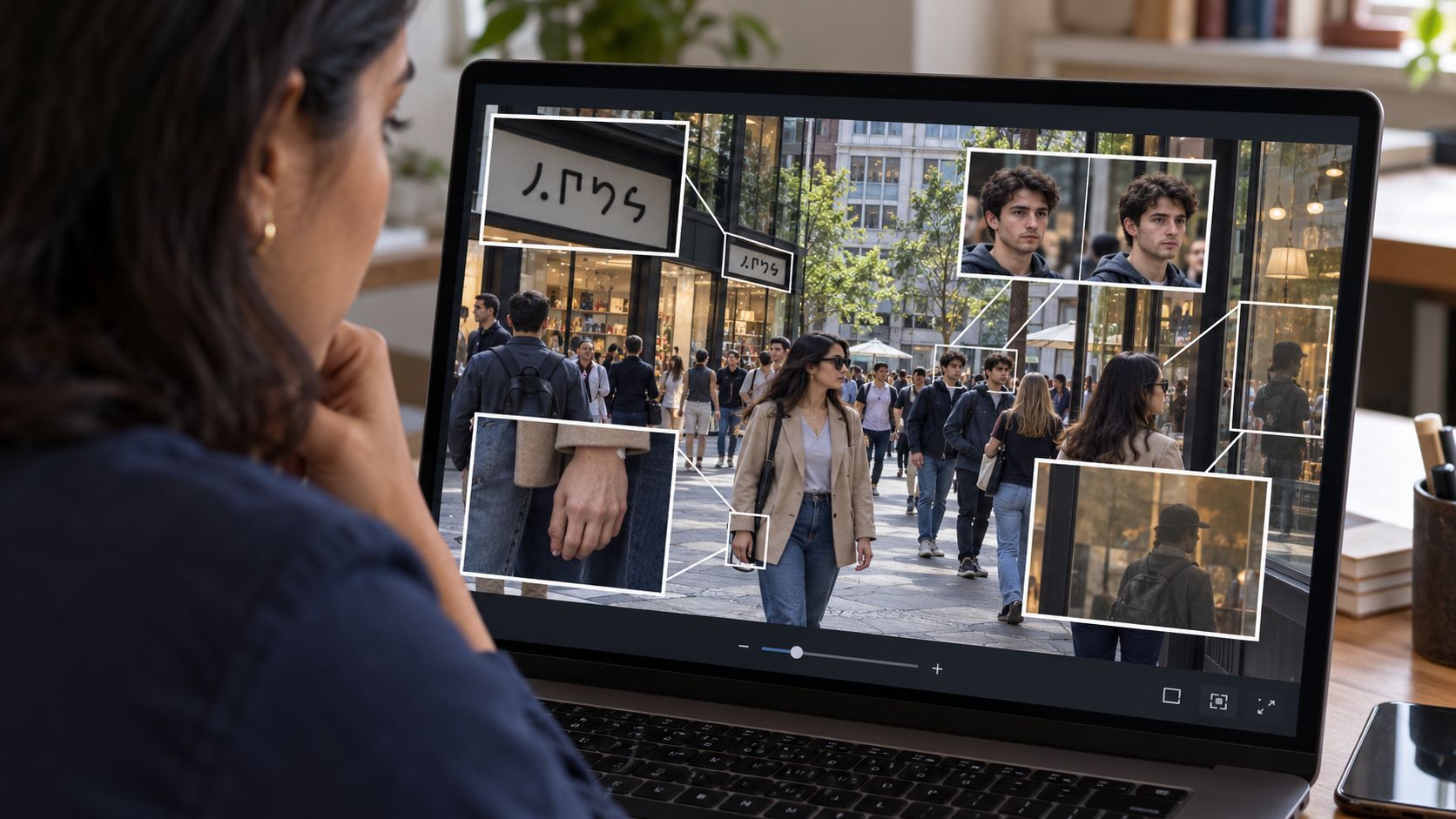
Key details to inspect:
- Hands: Count the fingers and check their direction
- Eyes: Compare color, shape, and pupil alignment
- Text: Look for garbled or nonsense letters
- Reflections: Check if mirrors and glass match the scene
- Shadows: Confirm they point the same direction
- Repeated patterns: Watch for identical faces in crowds
Inspect hands, faces, reflections, and repeated details
Hands are the most common giveaway. Count the fingers. AI often generates six fingers, fused fingers, or fingers that bend the wrong way. Thumbnails may point in odd directions. Eyes should have the same color and shape. One iris may be larger than the other, or the pupils may point in different directions. Reflections in mirrors or sunglasses should match the scene. When a person stands in front of a window, you should see the room behind them in the glass. Repeated patterns like bricks, floor tiles, or fence posts often drift out of alignment.
Zoom in on signs, labels, logos, and small text
AI cannot spell. Text on signs, shirts, book spines, and menus will be jumbled letters or nonsense words. A brand logo may have the right colors but the wrong letters. License plates will show random characters that do not match any real format. Jewelry, zippers, and buttons may be half-formed or missing. Glasses may have one arm or none.
Separate compression damage from generation errors
A real photo compressed for social media will show blocky areas and color banding. JPEG compression creates small squares around edges. AI-generated images or videos create smooth gradients and waxy skin. Compression damage is uniform across the whole image. AI errors cluster around complex areas like hair, hands, and crowds. A blurry edge is not proof of AI. A hand with seven fingers is.
Step 3: Verify the source on your phone
Open the image in its original post before you check the details. The account and the context matter as much as the pixels.

Open the original post and inspect the account
Tap through to the full post, not the screenshot. Read the account name and bio. How old is the account? Does it have other posts? An account created last week with one viral photo and no other activity is suspicious. Check whether the account normally posts news, personal photos, or memes. A sudden shift to breaking news from an account that usually shares cat videos is a warning sign.
Search for earlier versions of the image
Screenshot the image and run a reverse image search in Google Images or TinEye. Drag the file into the search box. Earlier versions may show the original context or reveal that the photo has been edited. A flood photo claimed to be from this week may actually be from 2019. An image credited to one news outlet may have first appeared on a satire site. No results do not prove the image is real or fake. A brand-new photo will not have earlier matches.
Check the date, location, and surrounding context
Does the claimed date match the image? A photo labeled “today” that shows green trees in October may be wrong. Look at the weather, the clothes, and the light. Morning light is cool and angled; noon light is flat and harsh; evening light is warm. Check whether the location is real. Search for the street name or building in the background. If the post says “Paris” but the signs are in Cyrillic, something is off.
Step 4: Use detectors as supporting evidence
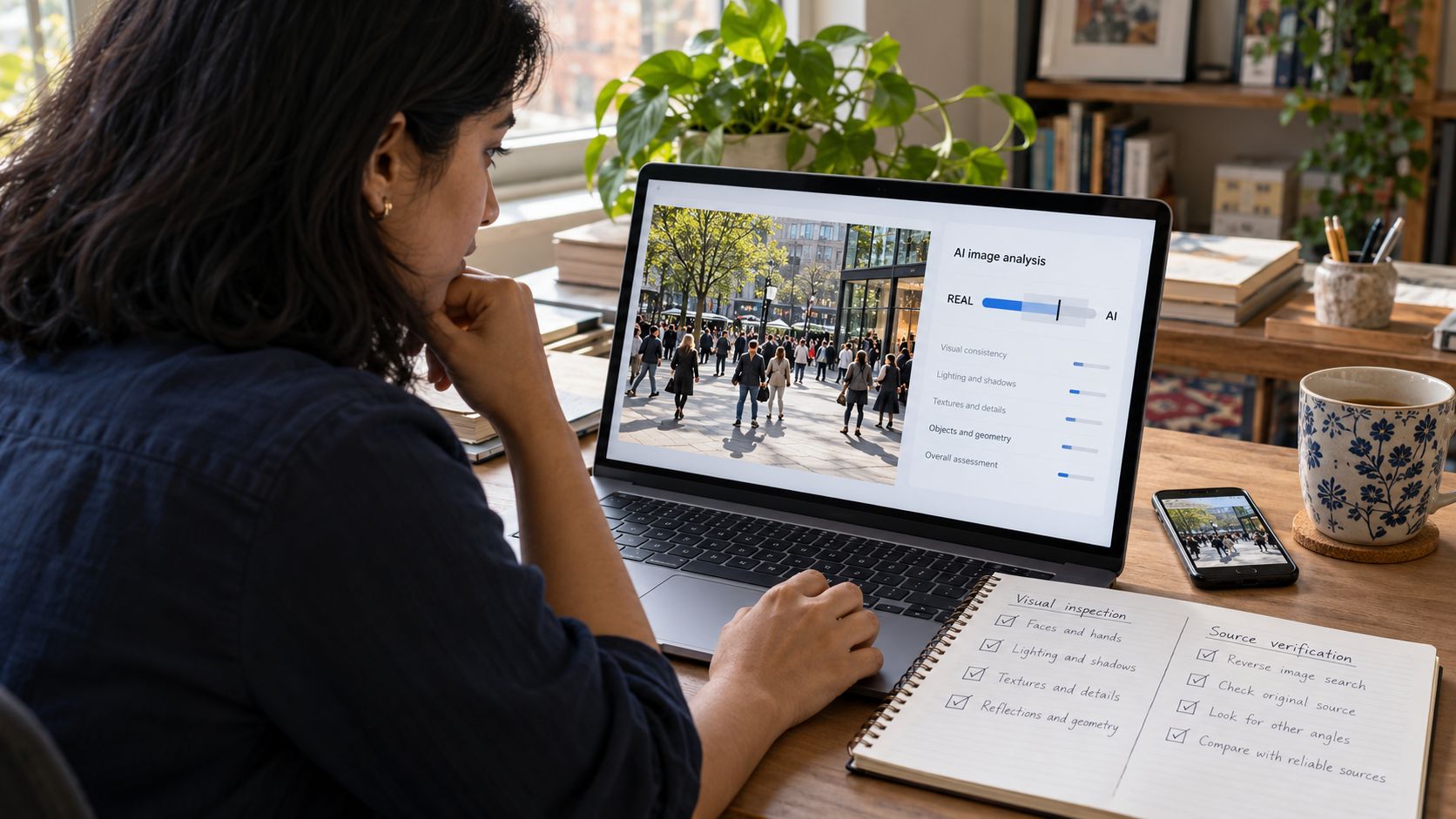
Run the image through a detector tool after you finish the visual and source checks. Treat the result as one more piece of evidence, not a final answer.
Choose a detector that accepts the full image
Upload the original file. Do not upload a screenshot or crop. A detector needs the full resolution and metadata. Tools like DeepAI’s AI Image Detector and Sightengine’s AI detection service analyze the whole image. They return a probability score. Free tools offer quick checks. You do not need to sign up. Each tool uses a different model. Results will vary.
Learn how students can verify AI-generated information here.
Understand why detector results can be wrong
Detectors flag patterns, not truth. A heavily edited real photo may score as AI. A simple AI image with few details may score as real. Compression removes clues that detectors rely on. A screenshot of an AI image posted to Instagram and then re-saved has been compressed twice. The detector may see only noise. Low confidence scores mean the tool is uncertain.
Combine tool results with visual and source checks
When a detector shows a high AI score and a visual check finds strange hands, both pieces of evidence agree. When a detector shows the image is likely real but a source check finds no earlier version and the account has no history, the evidence conflicts. Weight all the evidence. One strong signal beats three weak ones. When the hands, the text, and the shadows all fail, a low AI score from a detector does not save the image.
Step 5: Make the sharing decision
Decide whether to share, pause, or label based on the sum of your checks. You are not a forensics lab. You are deciding what belongs in your feed.
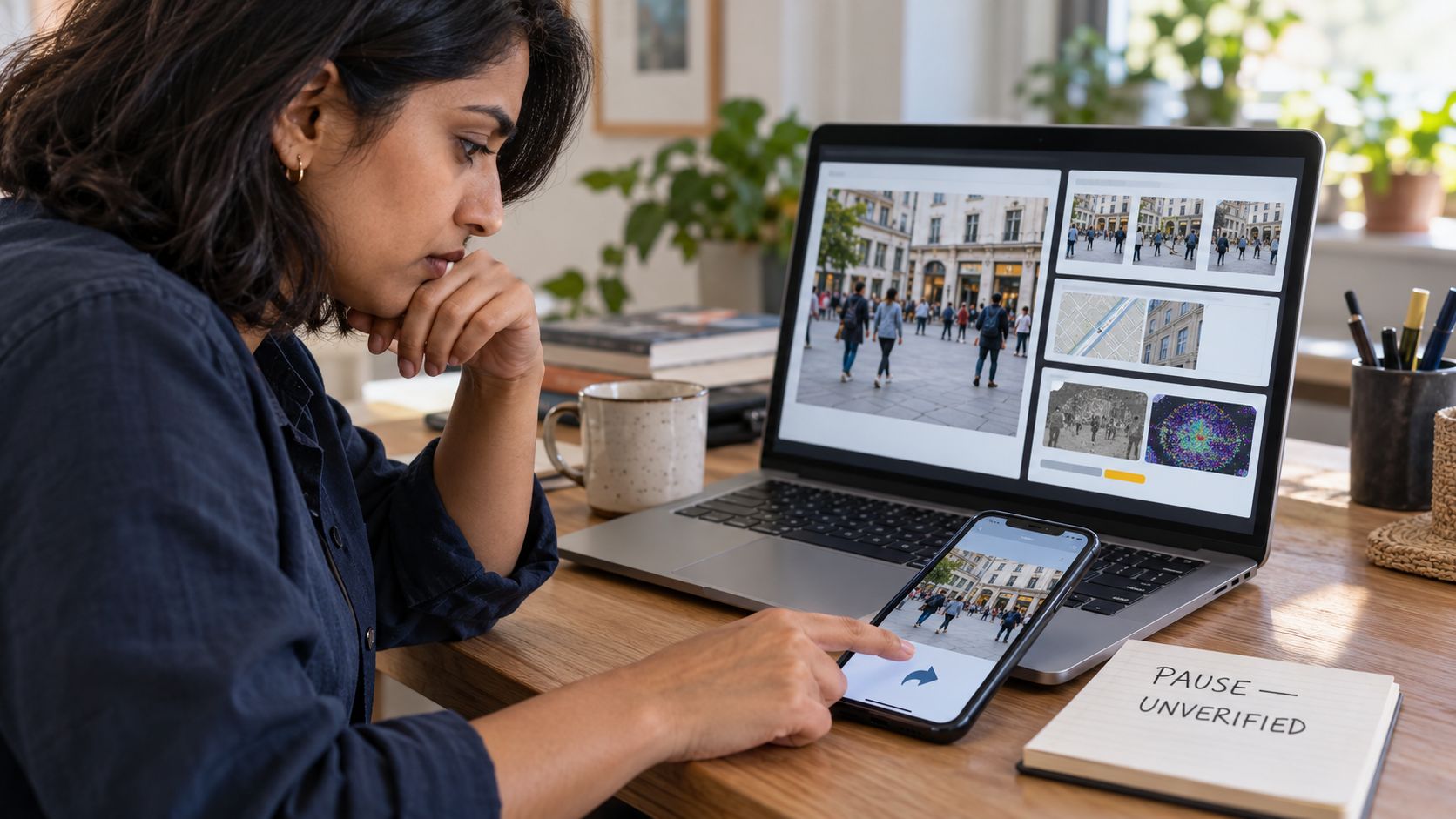
Share if the visual check finds no errors, the source is credible and old enough to verify, and the context matches the claim. A news photo from a known outlet with no weird hands and a reverse search that shows earlier publication on the outlet’s own site is safe. Personal photos from friends you know in real life are usually fine. Check anyway if the claim is shocking.
Pause when the evidence is incomplete or conflicting
Pause if one check passes and one fails. Perfectly rendered images from brand-new accounts with no other posts should wait. Claims with the right date but the wrong weather should wait. Detectors that show results near the middle are uncertain. When you are unsure, do not share. Wait for other sources to confirm or debunk it.
Label or report images that remain unverified
Label an image when you want to share it but cannot confirm it. Add a note that says “unverified” or “claimed to show”. Report an image when the checks clearly fail and the post is presented as real news. Most platforms let you report misleading media. Reporting flags the image for review; it does not delete it. Share the debunk if you see others sharing the fake.
Questions You May Still Have about How to Spot AI Generated Photos
Can a real photo look AI-generated? Can you tell AI from real in every case? Is it safe to ask ChatGPT whether a photo is fake? How do you verify a fake photo when you find one? What app should you use to identify fake pictures?
Can a real photo look AI-generated?
Yes. A heavily edited real photo can look smooth and waxy like an AI image. Beauty filters, HDR processing, and heavy color grading all create an unnatural look. A bad photo taken at the wrong moment can show odd proportions or strange expressions. Context and source checks matter more than appearance alone.
Should you reverse-search every image?
No. Reverse-search images that make strong claims or show shocking events. Personal photos from friends and images from verified news outlets on their own sites usually do not need a search. When the claim feels off or the image looks strange, search. It takes thirty seconds.
What should you do after finding a fake?
Do not share it. Report it to the platform if it is presented as real news. Comment on the post with your findings if you want to warn others. Share the debunk from a credible fact-checker if one exists. Do not attack the person who shared it. Many people share fakes by mistake.
What to Do Next
Start with the next surprising image in your feed. Pause, inspect the scene, check the hands and text, verify the source, and run one detector check. Decide whether to share, pause, or label. The process takes five minutes and stops most fakes. Practice on images you know are real to learn what normal compression and lighting look like. Build the habit now, before the next election or disaster.
























