If you have ever tried teaching a young child a second language using flashcards or direct translation drills, you already know the truth: it rarely works. Children do not learn languages by memorizing grammar rules; they absorb them naturally through immersion, context, play, and curiosity.
Screen time is a constant balancing act for parents, but when used intentionally, interactive apps can transform a tablet into a personalized, native-speaking tutor. After weeding through the “fake free” apps loaded with hidden paywalls and mindless tapping, we evaluated the market to find the tools that actually work for ESL (English as a Second Language) learners.
Here is our deeply researched guide to the ten most effective, safe, and engaging apps for kids learning English, complete with up-to-date pricing and pedagogical insights.
1. Khan Academy Kids
Target Ages: 2–8
Current Pricing: 100% Free (No ads, no subscriptions)
If you only download one app from this list, make it Khan Academy Kids. Unlike educational apps that claim to be free but lock the best features behind a paywall, this platform is genuinely free forever. It guides kids through over 5,000 learning games and stories hosted by charming animal characters.
The ESL Superpower: The app does not isolate English vocabulary. Instead, it weaves language learning naturally into math, logic, and social-emotional skills. For an ESL learner, this means they learn English in context, figuring out what “bigger,” “red,” or “happy” means by actually solving a visual puzzle, rather than just matching a word to a native-language translation.
The Parent Takeaway: The undisputed king of free early childhood education. It is completely safe, ad-free, and highly effective for natural, stress-free immersion.
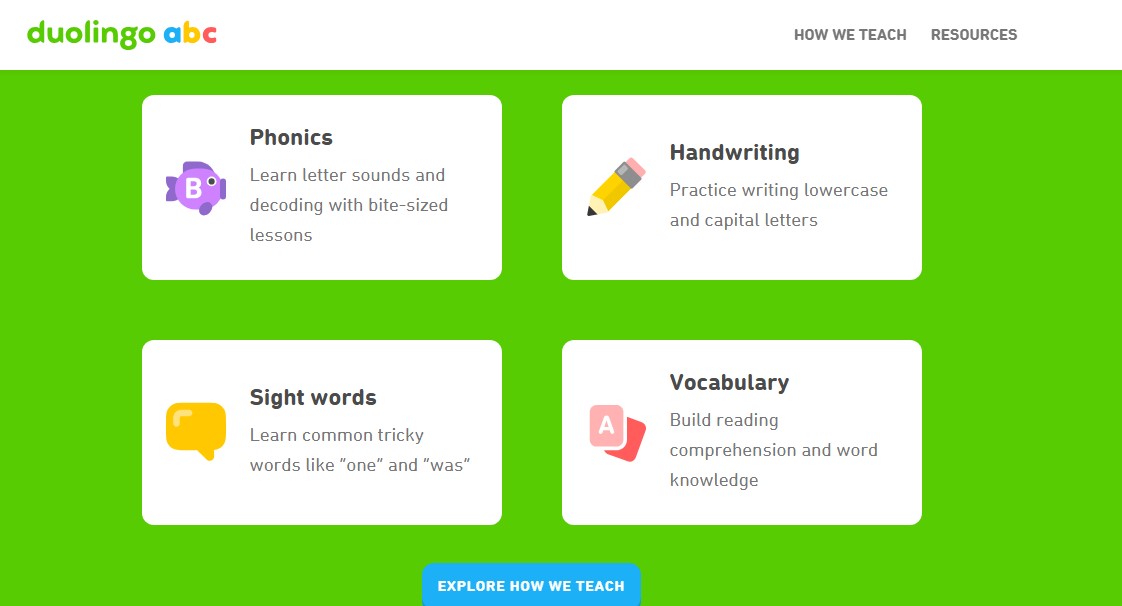
2. Duolingo ABC
Target Ages: 3–8
Current Pricing: 100% Free (No “Super” upgrade required)
While older students and adults love the main Duolingo app, Duolingo ABC is engineered specifically for early reading and foundational phonics. It is an absolute powerhouse for kids who need to learn how English letters sound and blend together.
How It Cracks the Language Code: English spelling is notoriously tricky for non-native speakers. Duolingo ABC tackles this with handwriting tracing, sound blending exercises, and sight-word memorization. It uses bite-sized, offline-capable stories that feel entirely like a game, keeping frustration low for absolute beginners.
The Quick Take: Ideal for young children who are ready to connect spoken English to written words. Zero ads, zero hidden fees, and no social networking features to worry about.
3. Lingokids
Target Ages: 2–8
Current Pricing: ~$14.99 – $15.99/month (or ~$72 – $90/year)
Lingokids excels at a concept they call “Playlearning.” It features highly polished, interactive games that teach English vocabulary alongside daily habits, math, and modern skills.
The Learning Advantage: The curriculum is massive, boasting over 1,200 activities backed by Oxford University Press. ESL learners benefit greatly from its interactive voice recognition technology, which prompts children to actually speak the words out loud to advance in the game. It also includes an offline mode, which is fantastic for traveling bilingual families.
Value for Families: While it carries a premium price tag, a single subscription allows for multiple child profiles, making it a cost-effective choice for multi-child households.
4. Studycat [Fun English]
Target Ages: 3–8
Current Pricing: Free limited trial; premium subscription required for full access
Young children have notoriously short attention spans. Studycat solves this by introducing vocabulary through a rapid-fire series of varied mini-games. One moment your child is matching colors, and the next they are popping balloons to hear animal names.
How It Keeps Kids Hooked: Repetition is the secret to language retention, but kids hate doing the same drill twice. Studycat masks intense repetition by placing the same 10 vocabulary words into 5 completely different game styles. It also cleverly exposes children to both British and American English accents, which is a massive bonus for ear training.
Who Will Love It: The heavy gamification makes this the ultimate pick for children who are usually resistant to traditional “educational” apps.
5. Mondly Kids
Target Ages: 4–10
Current Pricing: ~$9.99/month or ~$47.99/year
Mondly Kids takes the proven mechanics of adult language apps and wraps them in a colorful, kid-friendly package. It smartly organizes lessons by familiar topics, such as family, nature, animals, and food.
The Habit-Building Magic: The app is built entirely around short daily wins. It encourages just a few minutes of play each day, using interactive animations and professional voice actors to help children build a steady habit of practicing their listening and pronunciation.
The Smart Pick: One of the most budget-friendly paid options on the market. It serves as a great middle ground for kids who are starting to outgrow basic letter-tracing apps.
6. Alphabet Magic trace & phonics
Target Ages: 2–6 (Toddlers & Preschoolers)
Current Pricing: 100% Free (Ad-free)
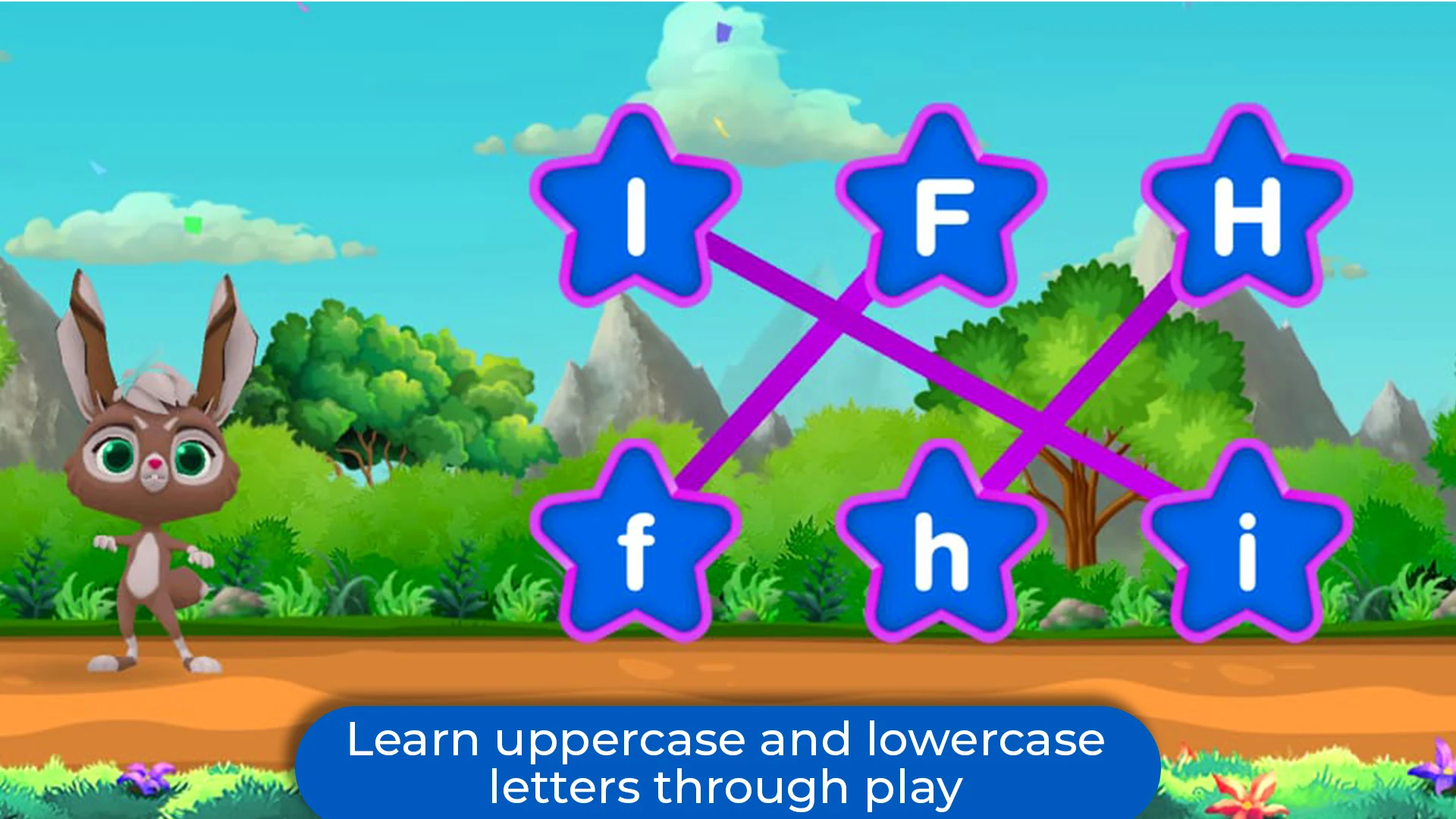
Alphabet Magic trace & phonics is a fantastic, straightforward tool designed specifically to build foundational reading and writing skills. It focuses heavily on early literacy, wrapping letter recognition and phonics into exciting mini-games like “Cosmic Letter Discovery” and “Ocean Adventure”.
How It Cracks the Language Code: English spelling and letter sounds can be confusing for young non-native speakers. This app breaks down that barrier by combining guided physical tracing for both uppercase and lowercase letters with auditory phonics sounds. Mini-games like “Star Connect” and “Twinkle Tap” force children to associate the visual shape of a letter with the exact sound it makes, bridging the crucial gap between seeing English and speaking it.
The Parent Takeaway: It is completely free, 100% ad-free, and intentionally designed with simple controls for young children. If you want a safe, distraction-free environment for your toddler to practice the English alphabet and basic word spelling without worrying about pop-ups or accidental in-app purchases, this is a highly effective choice.
7. Gus on the Go
Target Ages: 4–8
Current Pricing: One-time purchase per app (No subscription)
In an era of endless monthly subscriptions, Gus on the Go is a breath of fresh air, offering individual language apps for a low, one-time fee.
The Storybook Effect: The app uses timeless children’s stories, like The Three Little Pigs, to teach vocabulary in context. Kids complete interactive lessons and unlock games as they progress through the narrative. For an ESL learner, associating a new English word with a recognizable global story provides an instant mental anchor.
The Budget Win: Hands-down the best low-cost option for parents looking to avoid ongoing subscription fatigue.
8. Muzzy BBC
Target Ages: 2–12
Current Pricing: Subscription-based
Muzzy relies on the legendary “natural immersion method” developed by the BBC. There is zero direct translation—children learn English by watching animated stories unfold.
The Immersion Secret: Instead of memorizing isolated word lists, children watch animated characters navigate real situations. The language builds organically from simple greetings to complex sentences. With 28 dedicated vocabulary builder videos and 24 sing-a-long songs, it targets both visual and auditory learners seamlessly.
Who It’s Best For: Families with multiple children across different age groups. Because it is story-driven, toddlers and older elementary kids can watch and absorb the language together.
9. Helen Doron English
Target Ages: 4–10
Current Pricing: Mix of Free and Paid
Helen Doon is a globally recognized ESL classroom methodology, and their suite of apps reflects decades of offline teaching expertise. Instead of one massive app, they offer targeted tools like Kangi Club for games and Alphachat for reading practice.
The Classroom Secret: The methodology relies heavily on background listening and musical repetition. Their apps utilize catchy songs and rhymes that stick in a child’s head, making the repetition necessary for language acquisition feel completely effortless.
The Final Stamp: Excellent for parents who want classroom-tested ESL pedagogy rather than just a tech company’s gamified product.
10. Babbel
Target Ages: 10+
Current Pricing: ~$11.00 – $17.95/month depending on plan length
Once your child ages out of animated bears and balloon-popping, they need something with real conversation structure. Babbel is perfect for older kids and pre-teens who already have a basic English foundation and want to understand how sentences fit together.
Bridging the Gap to Fluency: It focuses heavily on real-life, practical scenarios like ordering food, asking for directions, or talking about hobbies. It bridges the gap between random vocabulary memorization and actual conversational fluency.
The Next-Level Pick: Highly structured and serious. It serves as an ideal supplement for students preparing for or enrolled in formal middle school English courses.
Turning Screen Time into Speaking Time
Choosing the right ESL app for your child ultimately comes down to their age, learning style, and your household budget.
If you want a zero-risk, deeply educational starting point, you cannot go wrong downloading Khan Academy Kids or Duolingo ABC today, they are free, ad-free, and highly effective. If you have a larger family and want an immersive, play-based curriculum, Lingokids offers the best multi-profile value. Finally, for older kids craving real-world context and conversational skills, Babbel and Memrise offer the perfect step up into fluency.
The goal isn’t to force fluency overnight. It is about sparking a genuine curiosity for the English language so that learning feels less like a daily chore, and more like an adventure.
Frequently Asked Questions on the Best Apps for Kids Learning English
1. What is the best age to start teaching my child English as a Second Language?
The earlier, the better. Linguists agree that the “critical period” for language acquisition peaks between ages 2 and 7. During this window, a child’s brain is highly flexible, allowing them to absorb foreign accents, phonics, and grammar rules naturally, much like they do with their native tongue.
2. Are free ESL apps actually safe for my child to use alone?
It depends entirely on the app’s monetization model. Genuinely free tools like Khan Academy Kids and Duolingo ABC are 100% safe, ad-free, and collect no predatory data. However, many “freemium” apps are flooded with pop-up ads that can lead kids to outside websites. Always disable in-app purchases in your tablet’s settings before handing it to a child.
3. How much time should my child spend on these apps each day?
Consistency dramatically beats duration. Just 10 to 15 minutes a day of focused, engaged play is far more effective than an hour of mindless screen tapping on the weekends. Short bursts keep the experience fun, prevent screen fatigue, and align with a child’s natural attention span.
4. Will a language app fix my child’s pronunciation?
Apps are fantastic for ear training and basic repetition, but they are not a complete replacement for human interaction. Apps can introduce the sounds and vocabulary, but practicing speaking with a parent, tutor, or sibling is what truly solidifies correct pronunciation and conversational confidence.
5. How can I help my child if I don’t speak English fluently myself?
You do not need to be fluent to be highly supportive. Learn alongside them! Ask them to teach you the words they learned that day, celebrate their daily streaks, and listen to English music together. Your enthusiasm and positive reinforcement for the language matter far more than your personal vocabulary size.