Ever look at a photo or video online and wonder, “Did this really come straight from the source?” That question is exactly why c2pa content credentials matter.
I dug into this standard because I wanted a cleaner way to check who made a file, what tool touched it, and whether its history still holds up. In January, the Content Authenticity Initiative says its community has grown to more than 6,000 members, which tells me this is moving far beyond a small tech experiment.
I’m going to walk you through what a content credential is, how C2PA manifests work, where Adobe, OpenAI, cameras, and news workflows fit in, and what these labels can and cannot prove.
What Are C2PA Content Credentials?
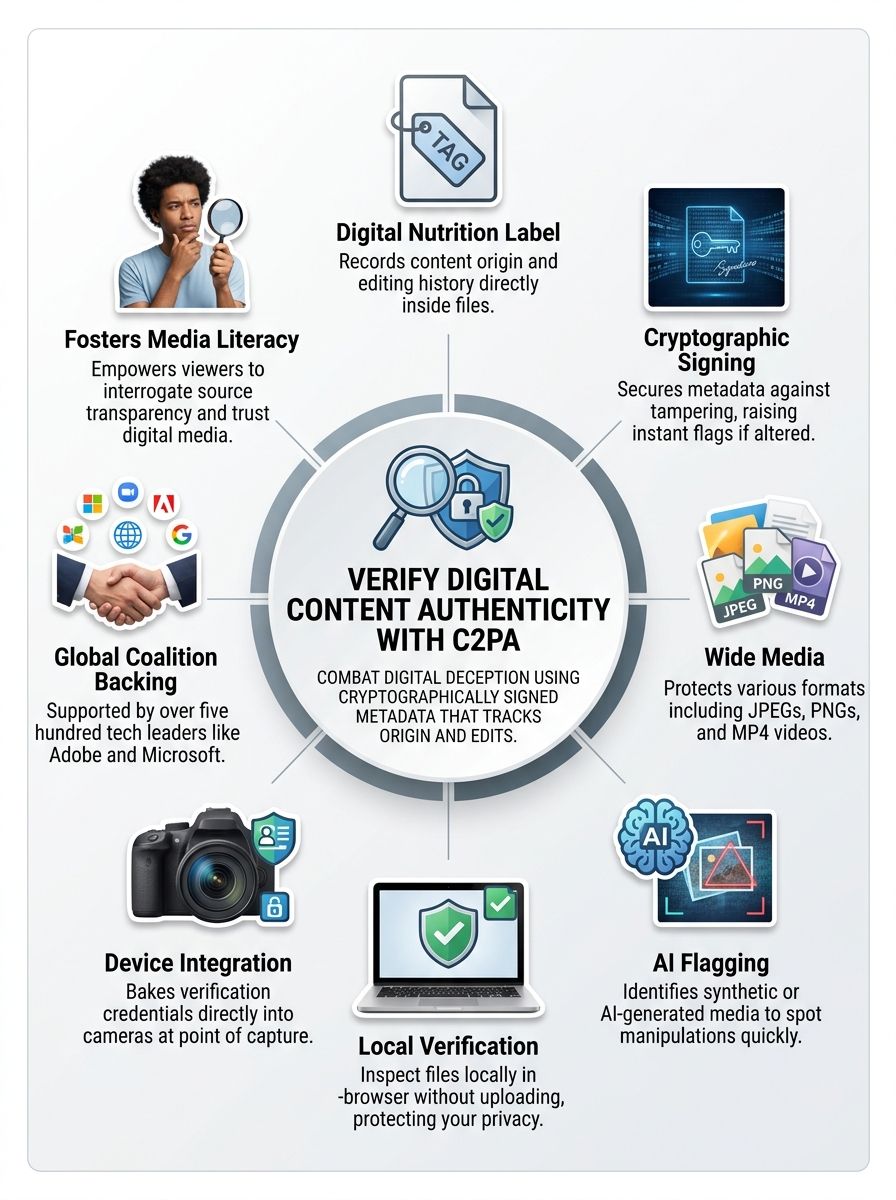
C2PA Content Credentials are a way to attach verifiable history to digital content. In plain English, they are a tamper-evident record that can travel with an image, video, audio file, or document and show where that file came from and how it changed over time.
The standard itself comes from the Coalition for Content Provenance and Authenticity, an open standards body created to make provenance usable across many tools, devices, and platforms. On the official C2PA membership page, the steering committee includes Adobe, Amazon, BBC, Google, Meta, Microsoft, OpenAI, Publicis Groupe, Sony, and Truepic, which matters because interoperability only works when the major players agree on the same rules.
- Origin: who or what recorded the asset, such as a camera, editing app, or AI tool.
- Edit history: what happened after creation, including crops, color changes, or generated elements.
- Assertions: statements inside the manifest about the file, such as AI use, timestamps, or ingredients from earlier assets.
- Verification: a cryptographic check that helps you see whether the metadata still matches the file.
I still think the “nutrition label for digital content” comparison is the easiest way to understand it. A content credential does not tell me whether I should trust the story around a file, but it gives me much better evidence about the file itself.
Content Credentials do not decide what is true. They give you a verifiable record of how a file was created, edited, and signed.
That difference is important. The C2PA explainer makes this point clearly: the system verifies provenance and integrity, not the truthfulness of the claims around the media. For readers, that means a credential is a strong context signal, not a magic lie detector.
The Importance of Content Authenticity
I care about content authenticity because digital media moves fast, and suspicion moves even faster. A photo with no history can still be real, but a photo with clear provenance gives me a better starting point for judging what I’m seeing.
That is where a content credential helps. It adds structured metadata, ties it to the asset with cryptographic protection, and gives readers, editors, and platforms a shared way to inspect that history.
Addressing misinformation and deceptive content
The biggest win here is simple: C2PA gives honest publishers and creators a way to show their work. If an image came from a C2PA-enabled camera, or if an AI-generated image was exported from a tool that records provenance, that history can stay visible instead of living as a private claim.
- For readers: check whether the file shows a recorder, a signing time, and a readable edit trail.
- For journalists: use credentials as one more verification layer before treating media as original footage.
- For creators: attach authorship, workflow details, and AI disclosure so your work has context when it travels.
- For platforms: surface a visible label or inspection view so users do not need forensic skills to spot provenance data.
I also think it helps to be honest about the limits. Content Credentials do not tell you that a file is “fake” or “real” by themselves. The CAI’s developer FAQ is clear that they provide a positive signal about origin and history, not a negative signal that automatically exposes every false image.
That is why I treat C2PA as part of a stack. Metadata helps, invisible watermarking can help provenance survive transformations, and fingerprinting can help rediscover credentials after stripping. Put together, those layers are much more useful than any one signal on its own.
Ensuring transparency in digital media
Transparency gets more practical once credentials show up where people already spend time. LinkedIn says image and video posts with cryptographically signed C2PA data receive a visible label, while Google Photos displays compatible credentials in a “How this was made” section for supported image files.
| Where you may see it | What it shows | Why it matters |
| A visible label on signed image and video content | Readers can check available metadata without leaving the post | |
| Google Photos | A “How this was made” view for compatible images | Provenance becomes part of everyday photo browsing, not a niche expert task |
| Adobe Inspect | Detailed manifest, issuer, and ingredient history | Great for deeper checks when the file matters more |
That is the direction I want to see more of. The easier it is to view provenance, the more useful the standard becomes for ordinary readers instead of just technical teams.
How Do C2PA Content Credentials Work?
At a high level, C2PA works by bundling provenance claims into a manifest, binding that manifest to the asset, and signing the result so later viewers can check whether anything drifted or was tampered with.
Once you understand those three moving parts, metadata, binding, and signature, the rest becomes much easier to follow.
Attaching metadata to digital assets
A C2PA manifest can hold assertions about origin, edits, ingredients, timestamps, devices, and AI involvement. The official explainer describes Content Credentials as one or more assertions about an asset, such as when and where it was created, what modifications were made, and how AI was used.
In practice, that means the file can carry a record like this: captured on a camera, opened in Photoshop, cropped in Lightroom, exported with attribution, then published to a platform that still preserves or displays the credential.
| Storage approach | Best use | Tradeoff to know |
| Embedded in the file | Sharing a self-contained asset | Keeps everything together, but some platforms may strip metadata |
| Separate sidecar manifest | Controlled production workflows | Flexible for teams, but easier to lose if files get separated |
| Cloud-backed credential storage | Public publishing and recovery workflows | Can make recovery easier, but support varies by vendor and platform |
I find this part especially helpful for one reason: support depends on the tool, not just the standard. A file format may be readable in one verifier and still have different write or export rules in the app that produced it.
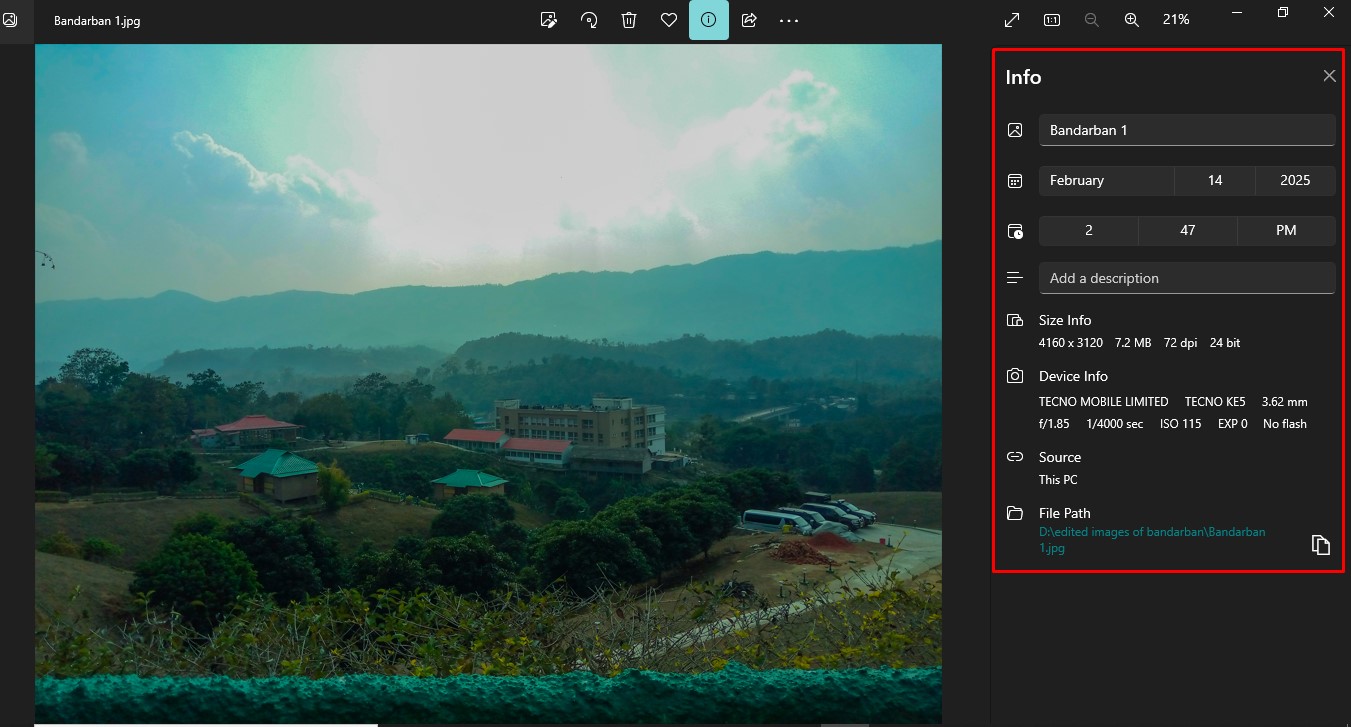
When I verify a sensitive file, I first check whether the manifest is still attached, then I look for a clear chain of edits instead of trusting a single label.
Cryptographic signing for tamper-evident verification
This is the part that makes C2PA more than ordinary metadata. The C2PA FAQ says the system relies on SHA-256 hashes, X.509 certificates, and digital signatures, so if the asset or its protected metadata changes, the verification check can fail.
That is why people call it tamper-evident. The standard does not stop someone from editing a file, but it does make it much easier to detect when protected provenance no longer lines up with the asset in front of you.
- Check the signer: a recognized issuer is stronger than an unknown test signature.
- Check the signing time: it helps place the credential in sequence.
- Check the ingredients: if the asset was composed from earlier files, the ingredient chain can explain why.
- Check trust status: modern validator products use trust lists to decide whether a signing chain is recognized.
The current C2PA ecosystem also supports offline workflows. Cameras can sign content locally, which is a big deal for field reporting and other situations where you cannot depend on a constant network connection.
Key Features of C2PA Content Credentials
What I like most about C2PA is that it does not force a single workflow. It gives creators, developers, publishers, and readers a shared technical standard, then lets each product expose the right amount of detail for its audience.
Provenance data and editing history
A good content credential can show far more than a creator name. Adobe’s current documentation says credentials can include the recorder, identity details, creative process information, and generative AI training preferences.
- Recorder: the app or device used to capture or create the content
- Identity: optional creator details, such as a verified name or linked profile information
- Creative process: edits like color changes, crops, exposure adjustments, or added ingredients
- AI disclosure: whether generative AI played a role in making or editing the asset
That history becomes even more useful when multiple tools append new manifests instead of overwriting the old story. In a healthy workflow, each major step adds context instead of erasing it.
Support for images, videos, and other media
Support is broader than many people realize, but it is uneven across products. Adobe’s Inspect tool currently reads image formats such as AVIF, DNG, GIF, HEIC, HEIF, JPEG, PNG, SVG, TIFF, and WebP, plus video and audio formats including AVI, M4A, MOV, MP3, MP4, and WAV, along with PDF documents.
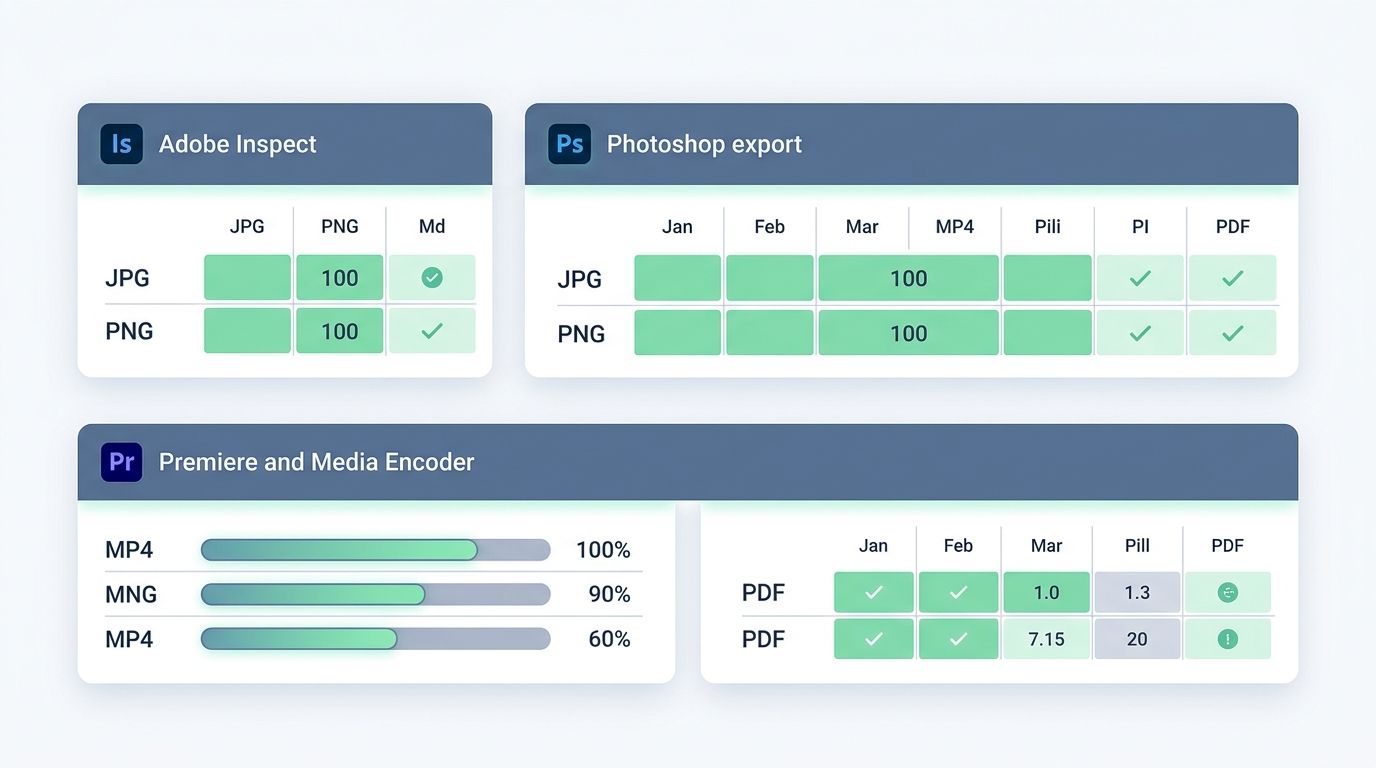
| Tool | What it supports right now | Practical takeaway |
| Adobe Inspect | Images, video, audio, and PDF across a wide format range | Best for reading and reviewing credentials across mixed media |
| Photoshop export with Content Credentials | JPG and PNG | Great for common image publishing workflows, but not every format can be exported with credentials |
| Premiere and Media Encoder | MP4, MOV, AVI, WAV, MP3, JPEG, PNG, and TIFF | Useful for video teams that need provenance to survive export |
This is one of the easiest mistakes to make: assuming “C2PA supports a format” means every app can write and read that format the same way. I always check the exact product docs before I build a workflow around it.
Compatibility with AI-generated content
C2PA is especially useful with generative AI because it can record that AI was involved instead of leaving viewers to guess. Adobe says Content Credentials are applied automatically to content generated on Adobe Firefly and its APIs, and OpenAI says images generated with ChatGPT, Codex, and its API include both C2PA metadata and SynthID watermarks.
- Adobe Firefly: automatic credentials help disclose AI generation inside Adobe workflows
- OpenAI image tools: C2PA metadata paired with an additional watermarking signal
- Microsoft Azure avatar video: content credentials are automatically added to supported MP4 avatar output
That matters because AI disclosure works best when it happens at creation time. If the tool records the provenance at the moment the media is made, the chain starts strong instead of being reconstructed later from memory.
Real-World Applications of C2PA Content Credentials
I see C2PA working best in places where provenance changes a decision. Newsrooms need it to speed up verification, creators need it to claim authorship, and readers need it to ask better questions before they share something.
Media and journalism
Photojournalism is one of the clearest use cases. In May 2026, Canon introduced a C2PA-compliant authenticity imaging system for news organizations built around point-of-capture provenance, trusted timestamps, and certificate-backed verification, and Reuters collaborated on early testing with supported cameras.
- At capture: provenance starts in the camera instead of being added later
- During editing: trusted tools can append history instead of breaking it
- At publication: editors can verify what happened before the asset goes live
That is the workflow I want to see more of, especially for breaking news. The closer provenance starts to the shutter press, the harder it is to fake a clean history after the fact.
Combatting synthetic and manipulated content
C2PA helps separate honest synthetic media from deceptive synthetic media. If an AI tool records that a file was generated or substantially edited with generative artificial intelligence, the creator has done viewers a favor by making that visible.
The caution is just as important: no credential does not mean fake content. It may mean the tool never supported C2PA, the platform stripped metadata, or the asset was turned into a screenshot or recompressed copy along the way.
No content credential is a reason to slow down and verify more. It is not proof that the media is false.
That is why I still pair provenance with old-school verification habits. Reverse search, source contact, context checks, and reporting discipline still matter.
Enhancing media literacy
For everyday readers, C2PA can teach a useful habit: stop and inspect before you share. The presence of a credential nudges me to ask better questions, and the absence of one reminds me not to overconfidently assume origin.
- Look for a visible credential label or inspection option.
- Check which app or device recorded the file.
- Scan the edit history for major changes or AI involvement.
- Treat provenance as one signal, then compare it with the surrounding story.
That is a small shift, but it changes how I read digital media. Instead of asking only, “Do I like this?” I ask, “What is the file telling me about itself?”
Who Is Behind C2PA?
This part matters because standards are only useful if the governance is credible. C2PA is the standards body, while the Content Authenticity Initiative helps drive adoption and builds open-source tools that implement the standard in real products.
The Coalition for Content Provenance and Authenticity
The Coalition for Content Provenance and Authenticity is a standards development organization under the Linux Foundation’s Joint Development Foundation structure. It publishes the technical specification, runs the conformance program, and maintains the trust framework that helps validator products recognize approved signing chains.
- C2PA: defines the technical standard and conformance rules
- CAI: promotes adoption, education, and open-source implementation
- Trust List: helps validators decide whether a signer is recognized
- Conformance Program: gives products a clearer path to being trusted across the ecosystem
I also like that the C2PA FAQ states the technology is royalty-free to implement. That lowers friction for both open-source and commercial teams that want to build support into real products.
Collaboration with Adobe, Microsoft, and other industry leaders
The ecosystem is bigger than any one company, which is exactly what you want from a technical standard. The current steering committee brings together software vendors, media organizations, AI companies, and provenance specialists instead of leaving the problem to one platform alone.
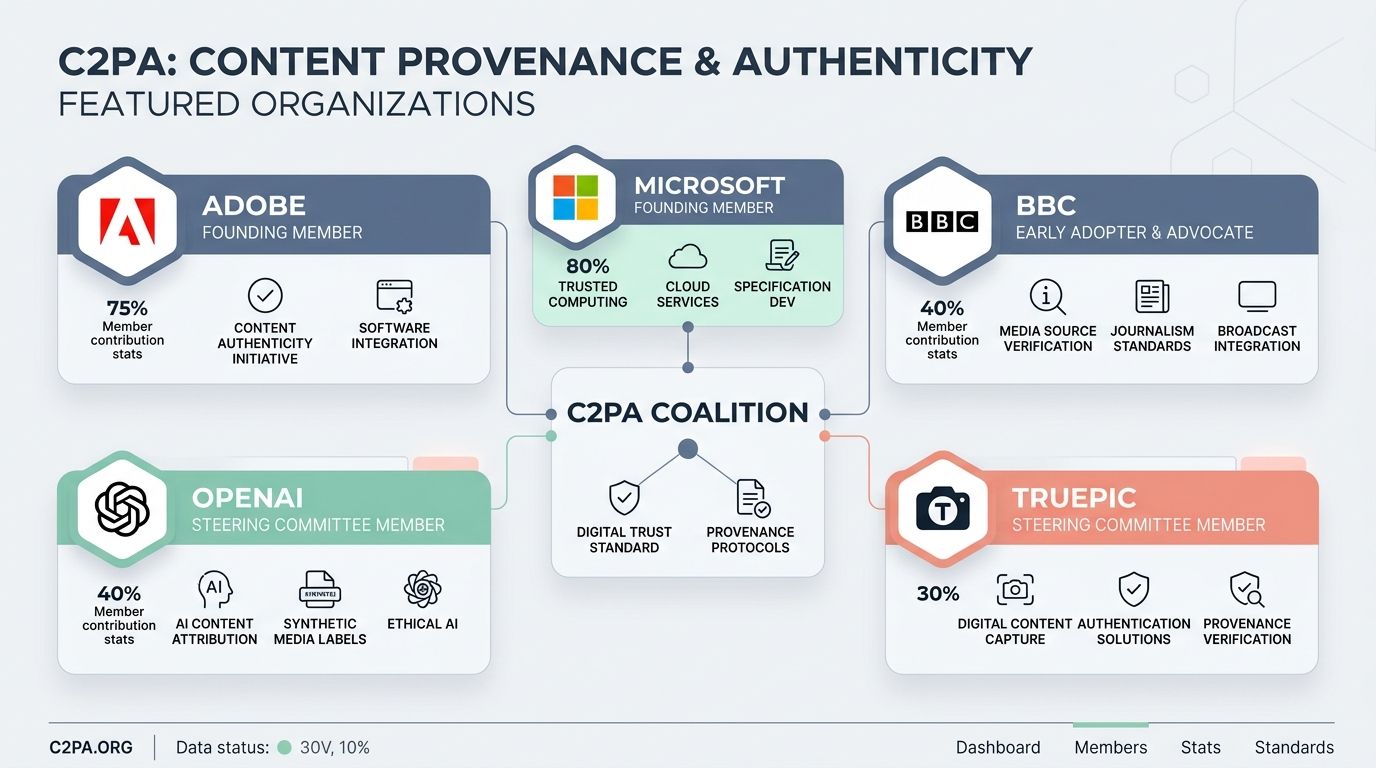
| Organization | Why it matters to readers |
| Adobe | Built major creation and inspection tools, and helped push Content Credentials into creative workflows |
| Microsoft | Uses credentials in supported AI video scenarios and contributes to broader ecosystem adoption |
| BBC | Represents newsroom and publisher needs, where provenance is a public trust issue |
| OpenAI | Adds provenance signals to generated images, which makes AI disclosure more practical |
| Truepic | Focuses on capture trust and verification, which is useful for high-integrity imaging workflows |
That mix tells me C2PA is being shaped by real-world use cases, not just theory. Cameras, editing apps, AI systems, and publishing platforms all have to agree for provenance to stay useful from start to finish.
Implementation in Technology and Tools
This is where the standard turns from a concept into something you can actually use. Devices can sign at capture, apps can append new manifests during editing, and validators can read the record later without guessing what happened in the middle.
Integration into devices like cameras and smartphones
Point-of-capture provenance is the strongest version of the story because it starts before the file begins bouncing across apps and platforms. Leica says the M11-P was the world’s first camera to integrate Content Credentials, and Nikon’s Z6III firmware version 2.00 adds support for Nikon Authenticity Service, though Nikon notes availability can vary by region and requires registration.
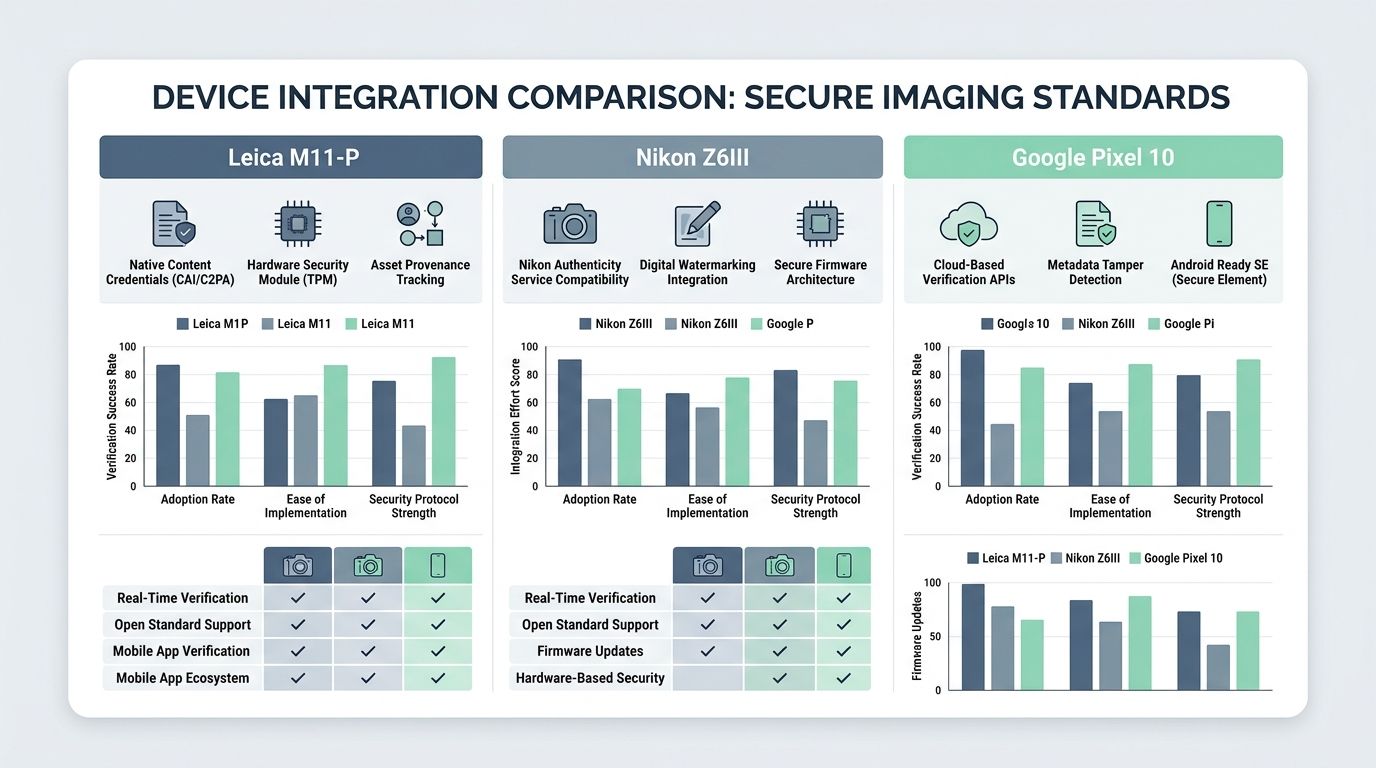
| Device example | What it adds | What I think it means |
| Leica M11-P | Native Content Credentials at capture | A strong fit for photographers who want provenance from the shutter onward |
| Nikon Z6III | C2PA support through Nikon Authenticity Service | Promising for working shooters, but setup and regional availability matter |
| Google Pixel 10 | Google said in May 2026 it was the first smartphone to provide Content Credentials for images in the native camera app | This is the kind of mainstream adoption that can make provenance normal for everyday users |
That last point is a big deal to me. Once credentials move into phones, provenance stops being a specialist feature and starts becoming part of everyday image creation.
Tools for verifying C2PA metadata
You do not need to build your own verifier from scratch. There are consumer-friendly tools for quick checks and open-source tools for deeper integration.
- Browser inspection tools: good for fast checks on images, video, audio, and documents
- C2PA Tool: the official command-line utility for reading JSON reports, low-level manifest data, and adding manifests to supported files
- Open-source SDKs: JavaScript, Python, Node.js, C and C++, Rust, and mobile libraries let teams read, validate, create, sign, and embed manifests
- Browser extensions: useful when you want to inspect credentials directly on supported web content
If I’m doing a quick reader check, I start with a browser-based inspector. If I’m thinking like a product team, I look at the SDKs and c2patool first because they show what is possible inside a workflow, not just on the surface.
Benefits of Adopting C2PA Standards
The biggest benefit is clarity. A file with a content credential gives me context that would otherwise be hidden or impossible to verify later.
Building trust in digital content
Trust grows when a file can explain itself. A content credential can show who recorded it, which tools were involved, when the credential was signed, and whether generative AI played a role.
- Creators get credit: attribution and identity details can travel with the work
- Readers get context: the file carries more than pixels, it carries history
- Editors get evidence: verification starts with structured data instead of guesswork
- Platforms get a shared standard: they can display the same kind of provenance across many sources
That does not solve every trust problem online, but it gives honest actors a much better way to show their work.
Fostering a safer digital ecosystem
I also like the fact that C2PA is open and practical. The spec is royalty-free, it works with existing metadata systems such as IPTC, XMP, and EXIF, and the added file size is usually modest, often measured in kilobytes rather than something dramatic.
Safety improves when more content carries provenance, more tools can read it, and more people know how to interpret it. That is how you make misinformation harder to spread without turning every verification step into a forensic investigation.
Wrapping Up
C2PA content credentials give digital content a verifiable backstory, and that makes them one of the most practical tools I’ve seen for improving transparency in digital media.
I see them as a trust layer, not a truth machine. If more cameras, AI tools, editors, and platforms keep adopting the standard, readers will have a much better shot at understanding where digital content came from and what happened to it before it reached their screens.
Frequently Asked Questions on C2PA Content Credentials
1. What are C2PA content credentials?
C2PA content credentials are digital stamps that tie a piece of content to its maker and edit history, they show who did what and when. They help prove the authenticity of digital content.
2. How do content credentials work?
They attach signed provenance data to the content, like a chain of custody in plain sight. The data travels with the file, and tools can read it to check authenticity.
3. Who benefits from C2PA, and why should they care?
Publishers, readers, and creators gain trust, they can spot altered content faster. It fights fraud, and it protects creator rights.
4. Are there limits to C2PA content credentials?
Yes, they help a lot, but they do not stop all bad actors, people can forget to sign, or tools might not read the data. Human checks still matter, and systems must work well together.