

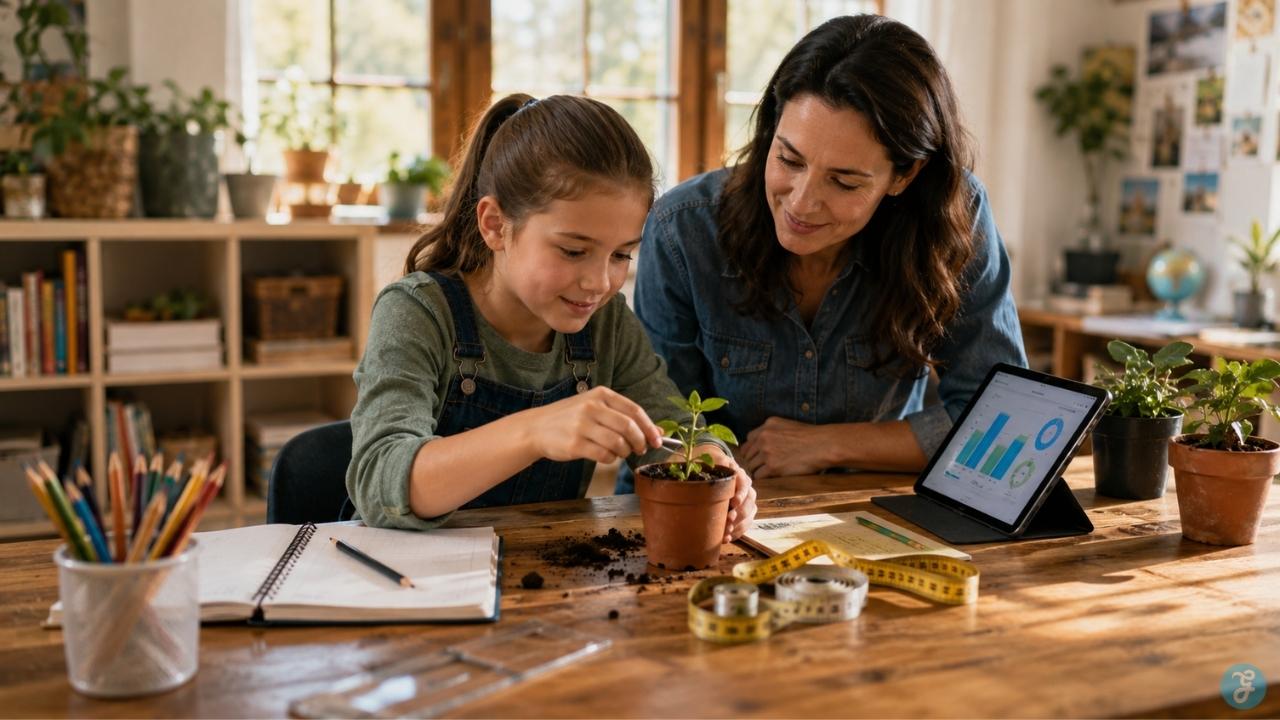
Technology can make learning better, but only when it has a real job. A child can spend an hour clicking through educational apps and still come away with very little. Another child can spend that same hour photographing backyard plants, measuring growth, checking sunlight, recording notes, and building a simple presentation about which spot is best for growing herbs.
Both activities involve a screen. Only one turns technology into learning. That is the heart of project-based learning tech. The goal is not to put kids in front of more devices. The goal is to help them ask better questions, build real things, test ideas, document progress, and explain what they learned.
This matters especially for homeschool families. A strong PBL homeschool project can turn one meaningful question into science, writing, math, art, technology, communication, and problem-solving without making the day feel like a stack of disconnected worksheets.
But this approach only works when the project leads and the technology follows. The app is not the lesson. The screen is not the teacher. The final product is not the whole point.
The learning happens in the messy middle: asking, trying, failing, revising, and explaining.
What Project-Based Learning Tech Actually Means
Project-based learning is often misunderstood. It does not mean giving a child a fun project after the “real lesson” is finished. It does not mean making a pretty poster at the end of a unit. And it definitely does not mean handing kids an app and calling it independent learning. In real project-based learning, the project is the way the child learns.
A child does not just learn about weather and then make a poster about clouds. Instead, they might ask, “Can we track the weather at home and compare our observations with the forecast?” That question leads to reading, observation, measurement, note-taking, graphing, and presentation.
Technology can support that process beautifully. A child can use a weather app, spreadsheet, camera, voice recorder, or slideshow tool. But the real learning still comes from observing the sky, tracking patterns, asking why the forecast was wrong, and explaining what they noticed.
That is what separates project-based learning tech from ordinary screen time. It is not about using technology because it is available. It is about using technology because it helps the child investigate, create, or communicate something more clearly.
Why This Works So Well for Homeschool Families
Homeschooling gives families something traditional classrooms often struggle to protect: time.
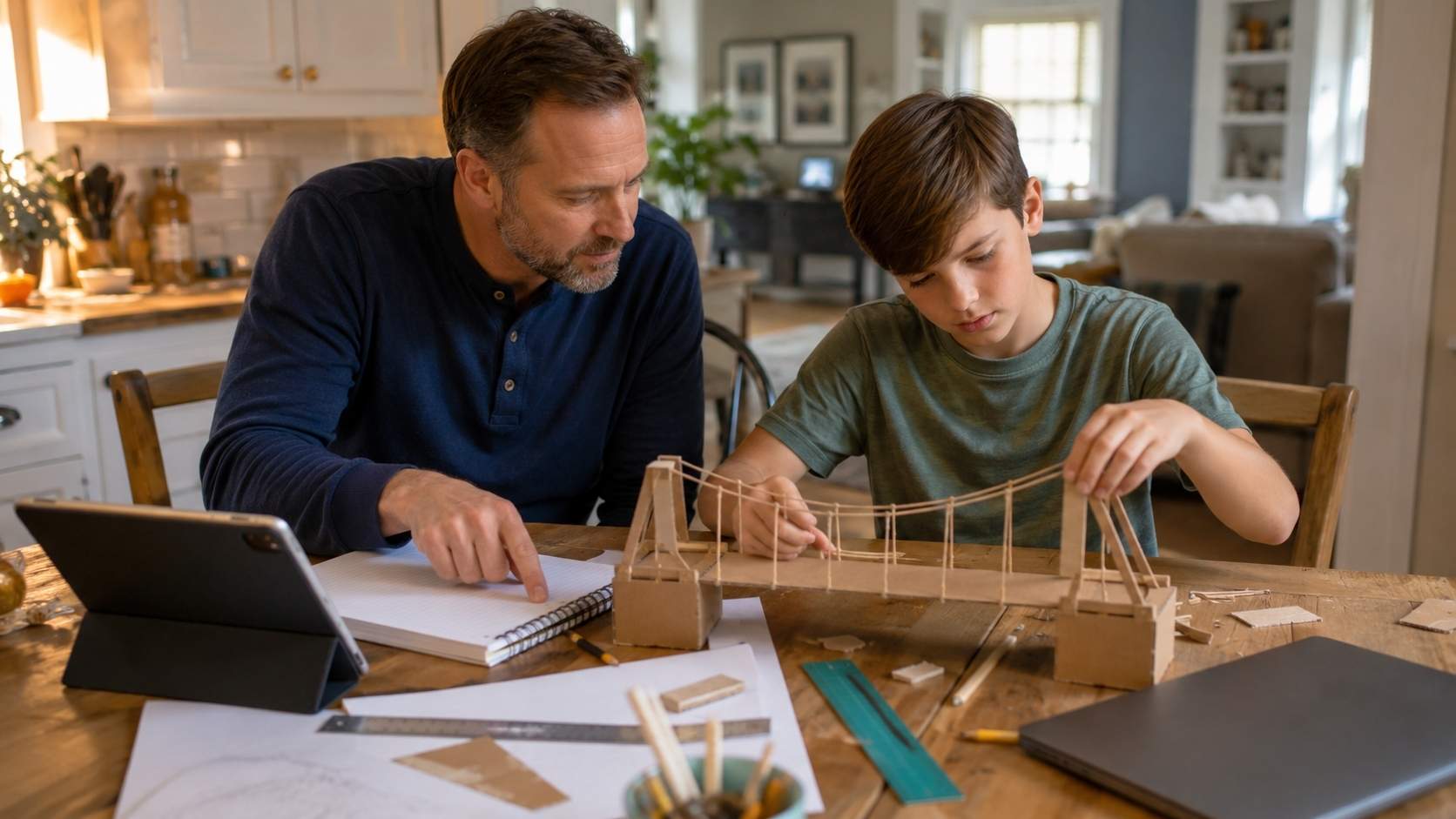
A school project may need to fit around bells, class periods, grading windows, and group schedules. At home, a child can spend a full morning building a bridge, filming an interview, testing a recipe, editing a podcast, or comparing plant growth in different parts of the house.
That flexibility is one of the biggest reasons PBL homeschool can work so well.
One project can naturally connect multiple subjects. A home water-use investigation, for example, can include math, environmental science, writing, technology, and family discussion. A child might time showers, count laundry loads, check faucet habits, create a chart, and suggest a practical water-saving plan.
That is not a worksheet pretending to be useful. It is useful. For project learning kids can actually enjoy, the question should feel close enough to their world. It does not need to be grand. “Which bird feeder works best in our yard?” can become a strong project. So can “Can we make a healthier snack recipe?” or “How can we redesign my study corner?”
Small questions often make the best starting points because children can see, touch, measure, and explain the results.
Project-Based Learning Is Not the Same as Doing a Project
This is where many parents get stuck. A project can be decorative without being deep. A child can make a beautiful slideshow and still understand very little. They can build a model, color a poster, or record a video without really investigating anything.
That does not make the work useless, but it does mean we should be honest about what kind of learning happened. The better question is: Did the child have to think?
A strong project usually begins with a question that cannot be answered in one quick search. It gives the child a reason to read, test, interview, measure, compare, build, or revise. It also gives them some ownership over the process.
For example, “Make a poster about pollinators” is fine. But “How can we make our balcony or backyard better for pollinators?” is stronger.
Now the child has to observe the space, research local pollinators, compare plant choices, think about sunlight, maybe create a small habitat plan, and explain why their choices make sense. Technology can help with research, photos, plant identification, budgeting, and presentation, but the project itself still belongs to the child.
That is the difference between a project that decorates learning and a project that creates learning.
Technology Should Support Hands-On Learning, Not Replace It
The phrase hands-on learning tech can sound contradictory at first. But it makes sense when technology supports real activity instead of replacing it.
A child can use a tablet to record plant growth, but they still need to grow the plant. They can use a spreadsheet to track rainfall, but they still need to collect the data. They can use video editing software for a documentary, but they still need to plan questions, record footage, listen carefully, and decide what matters.
Technology is useful when it helps kids see patterns, capture evidence, create something they could not easily make by hand, or share their work with an audience. It becomes a problem when it turns the child into a passive user.
That is why the best project-based learning tech has a rhythm. The child goes from screen to real-world activity and back again. Research, then build. Record, then observe. Edit, then revise. Present, then reflect.
The screen should open for a reason and close when the real work needs hands, eyes, tools, paper, dirt, cardboard, conversation, or movement.
How Technology Fits Into a Real Project
A helpful way to think about technology is by project stage, not by tool name. Parents often start with, “Which app should we use?” But the better question is, “What is the child trying to do?”
| Project Stage | What the Child Is Doing | How Technology Can Help |
| Inquiry | Asking questions and exploring the topic | Safe search, digital libraries, maps, short videos, online archives |
| Planning | Breaking the project into steps | Checklists, calendars, mind maps, shared notes |
| Creating | Building the final product | Coding tools, design apps, video editors, audio tools, presentation software |
| Documenting | Capturing the process | Photos, videos, voice notes, digital journals, spreadsheets |
| Presenting | Explaining the learning | Slides, websites, podcasts, short videos, digital portfolios |
| Reflecting | Thinking about what changed | Learning journals, recorded reflections, parent-child discussion notes |
This keeps technology in its proper place. A tool should help the project move forward. If it adds confusion, distracts the child, or becomes harder than the project itself, it is the wrong tool for that moment.
Sometimes the best technology is a phone camera and a simple chart. Sometimes it is a coding platform or video editor. Sometimes it is no technology at all until the presentation stage. Good project design leaves room for that judgment.
A Simple Way to Plan a PBL Homeschool Project
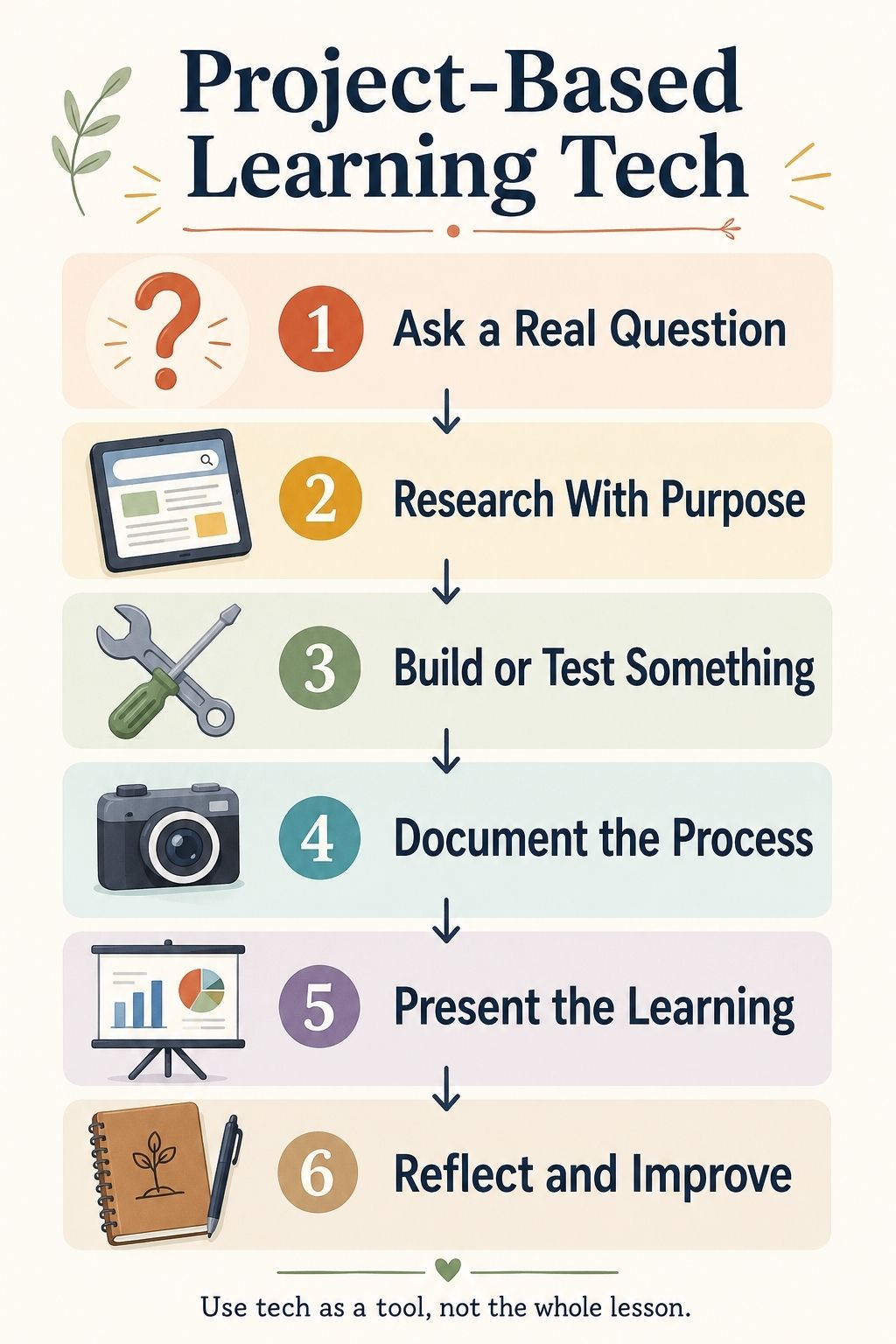
You do not need a complicated planning binder to start. Begin with one question.
A good question is clear, practical, and open enough to investigate. “How do plants grow?” is too broad. “Which window in our home gives basil the best growing conditions?” is better. It gives the child something real to test.
Once the question is clear, decide what the child will make. This could be a short video, model, slideshow, podcast, photo essay, website, demonstration, chart, field guide, or small exhibition.
Then choose the technology. This order matters. When technology comes first, the project often becomes “use this app.” When the question comes first, technology becomes a support tool.
After that, set a few checkpoints. Younger kids may need daily check-ins. Older kids can work with weekly milestones. The point is not to control every move. It is to prevent the project from drifting until everyone is tired and nothing is finished.
Finally, build in reflection. This can be as simple as asking, “What surprised you?” or “What would you change next time?” For older children, reflection can become part of a project journal or portfolio. This is where the learning becomes visible.
What Parents Should Do Without Taking Over
A parent’s role in project-based learning is active, but it should not be controlling. You help shape the project, keep it safe, ask good questions, suggest resources, manage the timeline, and encourage revision. You do not fix every rough edge. That can be hard.
When a child’s video has awkward pacing, you may want to edit it. When their model leans to one side, you may want to rebuild it. When their presentation looks messy, you may want to redesign the slides.
But if the parent improves everything, the final product may look better while the learning gets weaker. A child’s project should show the child’s thinking. It can be imperfect and still be valuable.
Instead of correcting everything, ask questions that help the child notice the problem:
- “What do you want the viewer to understand here?”
- “Which part of the chart is hardest to read?”
- “What happened when your first design failed?”
- “What would make this explanation clearer?”
Those questions keep ownership with the child.
Project-Based Learning Tech by Age
The right technology depends heavily on age. Younger children need simple tools and close support. Older children can handle more independence, more revision, and more complex digital products.
| Age Group | Best Technology Role | Good Project Fit |
| Younger kids | Light documentation and guided exploration | Photo journals, plant observations, voice notes, simple slideshows |
| Elementary kids | Simple research, charts, digital posters, stop-motion | Nature guides, weather tracking, recipe experiments, neighborhood maps |
| Middle school kids | Creation, data tracking, editing, beginner coding | Podcasts, simple games, documentaries, robotics challenges, surveys |
| Teens | Portfolio-building and real-world production | Websites, app prototypes, research projects, documentaries, community projects |
For younger kids, keep the technology almost invisible. They should be touching, sorting, drawing, building, and talking more than they are navigating menus.
Elementary children can begin using technology to organize and show their learning. A digital poster, photo slideshow, or simple graph can be enough.
Middle schoolers are ready for more layered projects. They can record a podcast, edit a short video, build a simple game, or track data across several days.
Teens can use project-based learning tech for serious portfolio work. They can build websites, create documentaries, prototype apps, analyze data, or help a local group with a real communication problem.
The older the child, the more the project should include audience awareness. A teen should not only ask, “Did I finish it?” They should ask, “Is it clear, accurate, useful, and worth sharing?”
Practical Project Ideas That Still Feel Real
The best projects are usually close to the child’s life.
A backyard biodiversity field guide is a gentle starting point. A child observes insects, birds, leaves, or plants, takes photos, sketches details, researches names, and creates a digital or printed guide. Technology supports the process, but the learning starts outdoors.
A home water-use investigation works well for older elementary or middle school kids. They can time showers, track laundry, observe faucet habits, and create a family water-saving plan. A spreadsheet turns the observations into something they can analyze.
A family history podcast can be surprisingly meaningful. The child interviews relatives, records audio, chooses the best moments, and builds a short episode. This teaches listening, storytelling, editing, and historical thinking without feeling like a traditional assignment.
A kitchen science project is another easy win. The child changes one ingredient in a recipe and observes the result. They might test flour types, baking times, sweetness levels, or freezing methods. A camera, timer, and digital recipe card may be all the technology they need.
A simple coding or robotics project works best when it has a goal. “Play with the robot” is vague. “Can we program the robot to move through a cardboard maze?” gives the child a challenge, a reason to test, and a reason to revise.
For teens, a documentary or website project can be powerful. They can research a local issue, interview people, collect visuals, edit a short video, or create a simple website that explains what they learned.
The project does not need to impress the internet. It needs to make the child think.
Using AI Without Letting AI Do the Learning
AI can be useful in project-based learning, but it needs boundaries.
It can help a child brainstorm project questions, simplify a difficult concept, create a materials checklist, organize a timeline, or suggest reflection questions. It can help parents create a light rubric or think through age-appropriate project steps. But AI should not become the student.
It should not write the report, invent observations, fake data, replace research, or explain the final project for the child.
A better way to use AI is to make the child respond to it. For example, they might ask AI for three project ideas about backyard birds. Then they choose one, improve it, explain why it interests them, and decide how they will investigate it. That keeps the thinking human.
For older students, AI can become part of the reflection process. They can compare their first plan with AI’s suggestions and explain what they accepted, rejected, or changed. That teaches judgment, which is more valuable than simply getting an answer.
Digital Safety and Privacy Come First
Because project-based learning tech often involves children, accounts, photos, videos, voice recordings, and online tools, privacy cannot be an afterthought.
Many homeschool projects do not need public posting. A child can present to family, a small co-op, a private group, or a personal portfolio. That is often enough.
Before using a tool, parents should think about what the child is being asked to share. Does the platform require a name, age, email, photo, voice, location, or public profile? Can the project stay private? Are comments turned off? Is there advertising? Does the child really need an account?
These questions are not meant to scare families away from technology. They are meant to make technology safer and more intentional. Screen balance matters too.
Turn off notifications. Avoid unrelated tabs. Do not let a five-minute search turn into an hour of drifting. A project can use technology without letting the device take over the day.
Purposeful screen time feels different from passive screen time. Kids can feel that difference too.
How to Assess Learning Without Making It Feel Like a Test
One of the best things about project-based learning is that assessment can feel like a conversation.
A polished final product does not always mean deep learning. A rough model, messy chart, or imperfect video may show far more thinking if the child can explain what happened.
Ask about the process:
- What was your first idea?
- What changed?
- What did you try that failed?
- What did the technology help you do?
- What would you improve next time?
For younger kids, this can be a simple talk at the table. For older kids, it can become a reflection paragraph, audio note, or portfolio entry.
If you want a light rubric, keep it focused on the essentials: the question, research, planning, making, revision, explanation, and reflection. Do not let the rubric become more important than the learning.
The best assessment is when a child can say, in their own words, “Here is what I thought at first, here is what I tried, here is what happened, and here is what I understand now.” That is real learning.
Common Mistakes Parents Should Avoid
- Starting with the tool instead of the question. A new app can be exciting, but if the child does not know what they are trying to learn or create, the tool becomes a distraction.
- Making the project too big. A six-week project sounds impressive until everyone loses energy by week two. Start with a small three-day or one-week project. Build confidence first.
- Helping too much. Parents often want the final product to look clean, especially if others will see it. But rough edges are part of learning. Let the child revise, not disappear behind adult polish.
- Confusing decoration with understanding. A beautiful slideshow is not enough if the child cannot explain the idea.
- Skipping reflection. Once the final product is done, it is tempting to move on. But reflection is often where the child finally notices what they learned.
- Allowing screens to expand quietly. If the child needs 20 minutes of research, set that expectation. Then move back into building, observing, writing, or discussing.
A Simple Starter Project for This Week
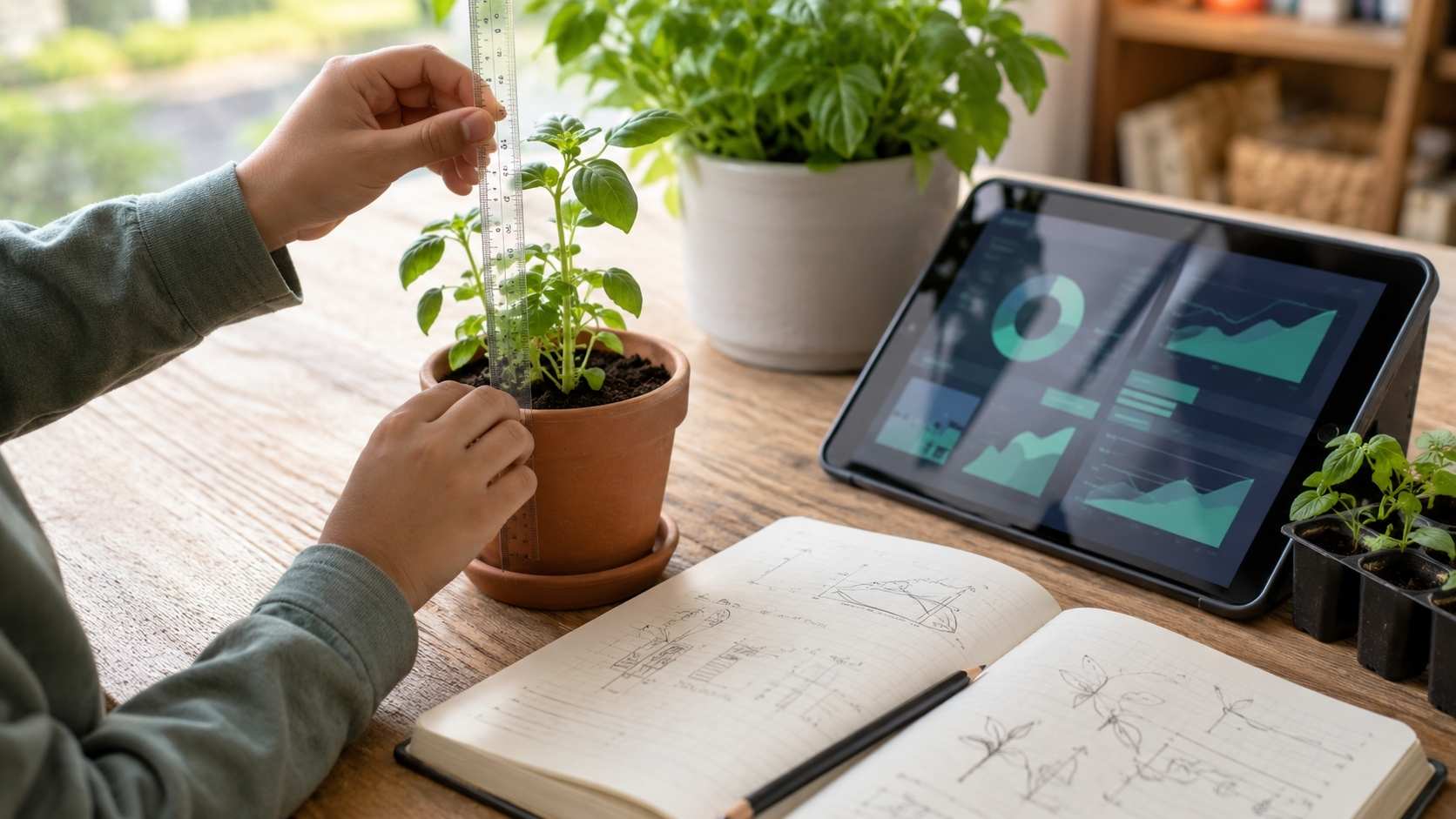
For a first PBL homeschool project, start small. Try this: Which place in our home is best for growing herbs?
The child chooses two or three spots with different light. They plant or place herbs in each location and make a prediction. Over the week, they photograph the plants, measure growth, check soil moisture, and record what changes.
At the end, they create a short presentation explaining which spot worked best and why.
The technology is simple: a camera, a chart, and maybe a slideshow. The hands-on learning is real: planting, watering, measuring, observing, comparing, and explaining. That is enough.
You do not need an expensive kit. You do not need a complicated platform. You need a good question, a little structure, and enough patience to let the child do the work.
The Real Goal of Project-Based Learning Tech
The real goal is not a perfect project. The real goal is a child who can think through a problem. A child who can ask a question, find information, test an idea, use tools, notice mistakes, revise, and explain the result is learning more than one subject. They are learning how to learn. That is why project-based learning tech is worth doing carefully.
Used badly, technology becomes another distraction. Used well, it helps children become researchers, builders, storytellers, designers, problem-solvers, and thoughtful digital users.
The screen is not the teacher. The app is not the project. The final product is not the whole point. The learning is in the process: asking, building, testing, documenting, fixing, and explaining. That is how hands-on learning tech becomes more than screen time. It becomes real learning.
Frequently Asked Questions About Project-Based Learning Tech
1. What is project-based learning tech?
Project-based learning tech means using digital tools to support meaningful project-based learning. The tools may help with research, planning, data collection, building, documentation, presentation, or reflection. The goal is not more screen time. The goal is better learning through real projects.
2. How does PBL homeschool work?
PBL homeschool works by organizing learning around a meaningful question or problem. A child investigates the topic, creates something, gets feedback, revises the work, and explains what they learned. It can connect subjects like science, writing, math, art, and technology inside one project.
3. What are good project learning kids can do at home?
Good home projects include growing herbs in different light conditions, making a backyard field guide, recording a family history podcast, building a weather station, creating an educational game, testing a recipe change, tracking household water use, or making a short documentary.
4. How can technology support hands-on learning?
Technology supports hands-on learning when it helps children research, record, measure, design, code, photograph, graph, edit, present, or reflect on real work. The child should still build, observe, test, move, talk, draw, measure, or create something beyond the screen.
5. Should kids use AI in project-based learning?
Kids can use AI carefully for brainstorming, planning, simplifying explanations, organizing notes, and creating reflection questions. AI should not write the whole project, invent data, replace research, or do the thinking for the child.
6. How do parents assess project-based learning?
Parents can assess project-based learning by looking at the question, research, planning, problem-solving, use of technology, revision, final product, explanation, and reflection. The process matters as much as the finished project.





















