

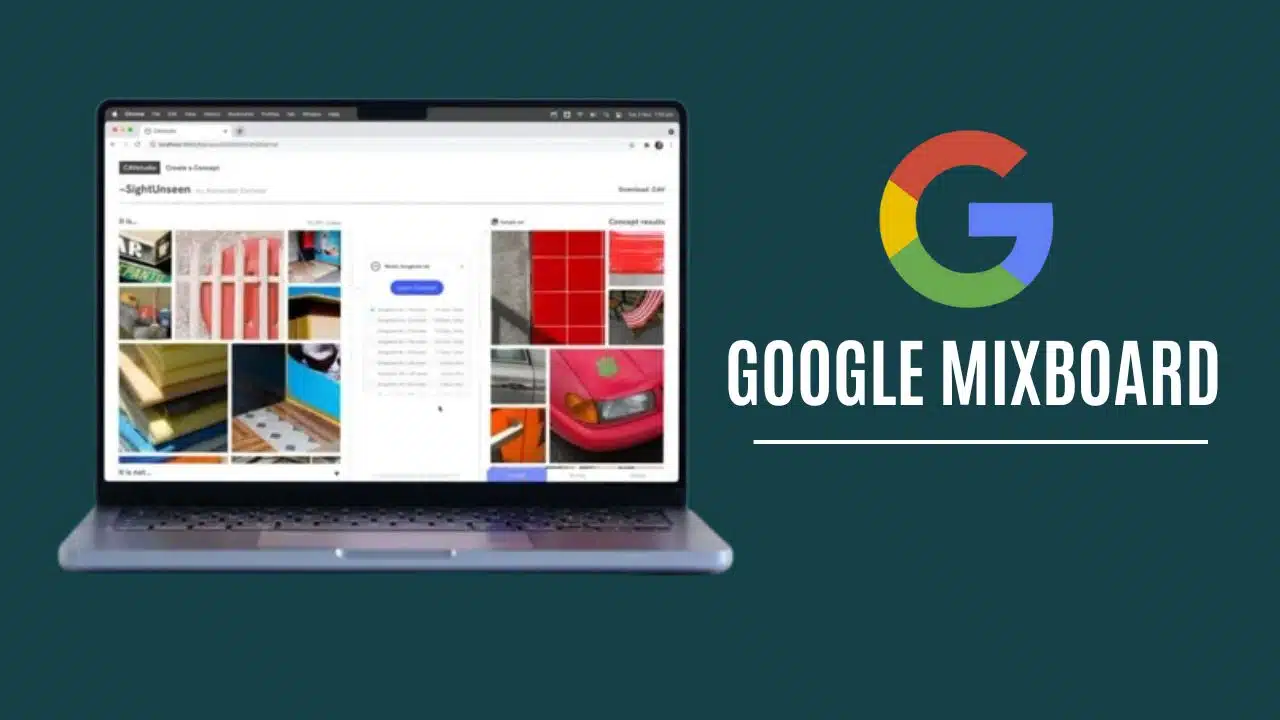
Google has rolled out Mixboard, a new AI-powered mood board application aimed at transforming how people brainstorm, visualize, and design ideas. The app is available as a public beta in the United States through Google Labs at labs.google/mixboard. To support the rollout, Google has also launched a Discord community where early adopters can share feedback, creative experiments, and feature requests.
Mixboard arrives at a time when AI creativity tools are rapidly expanding. The app’s launch positions Google against platforms like Pinterest’s Shuffles and newer AI-driven creative startups, reflecting Google’s intent to push deeper into consumer-facing design and ideation tools.
How Mixboard Works
Starting with Prompts, Not Collections
Unlike traditional mood board apps where users manually upload images or curate from a library, Mixboard starts with text prompts. A user can describe a concept—such as “minimalist Scandinavian living room with natural light”—and the AI generates images, collages, and entire editable boards.
This shift from curation to generation makes Mixboard different. Instead of relying on pre-existing visuals, it allows anyone, regardless of design background, to quickly create fresh visual directions.
Nano Banana Model at the Core
The tool is powered by Google’s Nano Banana model (also referred to in Labs updates as Gemini 2.5 Flash Image), a next-generation AI image editing system. This model specializes in complex visual edits and realistic outputs, letting users:
-
Generate new variations of an existing design.
-
Apply natural language edits like changing colors, lighting, or style.
-
Combine uploaded reference images with AI-generated content.
-
Create multiple “more like this” options for iterative exploration.
Because the model handles fine-grained adjustments, Mixboard isn’t just about producing mood boards but also about refining and evolving them during the creative process.
Editing and Iteration
Once a board is generated, users can rearrange elements, request changes, and regenerate sections. For example, you might ask the AI to soften lighting, adjust textures, or swap out a piece of furniture. The system maintains context so changes flow naturally across the board.
Mixboard also includes pre-populated templates for those who want to start with a base style rather than a blank canvas. These ready-made options cover categories like décor, fashion, events, and branding.
Text + Image Integration
In addition to visuals, Mixboard integrates text generation tools. This allows users to create captions, short descriptions, or presentation notes aligned with their mood boards. For designers preparing client decks or marketers creating pitches, the text+image pairing is particularly useful.
Who Mixboard Is For
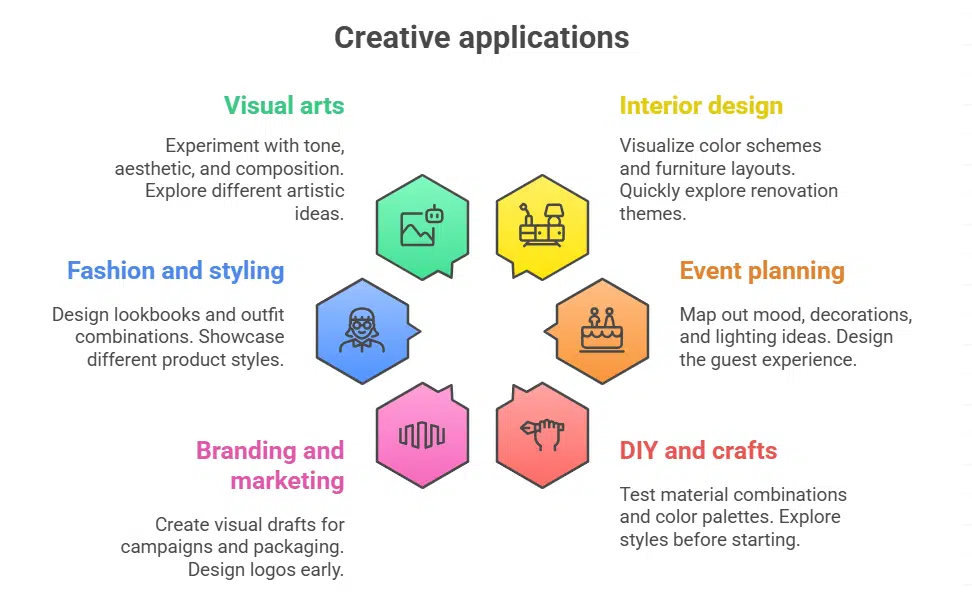
Google has positioned Mixboard as a multi-purpose creative assistant that can be applied to a range of everyday and professional needs.
-
Interior design and home décor: quickly visualize concepts like color schemes, furniture layouts, or renovation themes.
-
Event planning: map out mood, decorations, lighting ideas, and guest experience design.
-
DIY and crafts: test material combinations, color palettes, and styles before execution.
-
Branding and marketing: create early visual drafts for campaigns, packaging, or logos.
-
Fashion and styling: design seasonal lookbooks, outfit combinations, or product showcases.
-
Photography and visual arts: experiment with tone, aesthetic, and composition ideas.
The goal is to make creative visualization faster, accessible, and less dependent on professional software.
Competitive Landscape: Who Mixboard Is Up Against
The creative AI and digital mood board market is heating up, with Mixboard entering a crowded space that includes Pinterest, Adobe, and a wave of startups.
Pinterest and Shuffles
Pinterest remains the dominant visual inspiration platform. Its Shuffles app, launched in 2022, went viral with Gen Z users by allowing drag-and-drop collages from Pinterest’s catalog. However, Shuffles relies on curated images, while Mixboard generates new content using AI—giving Google an edge in originality.
Adobe Firefly and Creative Cloud Tools
Adobe’s Firefly and tools like FigJam and Adobe Express already provide AI-assisted design canvases. But Adobe tools often come with a steeper learning curve and subscription cost. Mixboard, in contrast, is lightweight and user-friendly, making it accessible to non-designers.
Startups: Verse, Landing, and Depop
-
Verse and Landing offer AI-driven visual tools with niche adoption among creators.
-
Depop, the fashion resale marketplace, added collage-style features for styling collections.
Google’s scale and integration potential with existing services (like Workspace, Drive, or Photos) gives Mixboard a strategic advantage these startups lack.
Comparison Table: Mixboard vs Competitors
| Feature / Platform | Google Mixboard | Pinterest Shuffles | Adobe Firefly/Boards | Verse / Landing |
|---|---|---|---|---|
| Core Approach | Generative AI boards from text prompts | Collage from existing Pinterest images | Professional design + AI editing | AI experimental tools for niche creators |
| Image Source | AI-generated + user uploads | Pinterest image library + uploads | Adobe Stock + AI generation | User prompts + AI |
| Editing Tools | AI edits, “more like this,” natural language adjustments | Basic collage tools, manual edits | Advanced editing (layers, pro tools) | Limited, experimental editing |
| Text Integration | AI captions, descriptions, presentations | Manual text add-ons | Copy tools integrated via Firefly | Basic text prompts |
| Target Audience | Casual creators, pros, marketers | Gen Z, social collages | Professionals, agencies | Indie creators, testers |
| Accessibility | Public beta in U.S. via Google Labs | Global app (with Pinterest) | Paid Creative Cloud | Early-stage startups |
| Strengths | Fast ideation, generative originality, AI-powered refinement | Community sharing, viral collages | High-end professional quality | Experimental, creative freedom |
| Limitations | Beta only in U.S., dependent on prompts | Reliant on existing content, limited originality | Complex learning curve, cost barrier | Niche user base, limited adoption |
Limitations and Challenges
Beta Availability
Currently, Mixboard is limited to U.S. users in beta, which means global availability is uncertain. As with other Google Labs projects, features may evolve—or be discontinued—based on adoption and feedback.
Prompt Dependence
As with any generative AI, results are highly dependent on the quality of text prompts. Ambiguous or overly abstract prompts may lead to mismatched visuals. This means human refinement and iteration remain necessary for high-quality boards.
Intellectual Property and Ethics
Like other AI tools, Mixboard raises questions of copyright and attribution. While the model generates new images, concerns remain around how training data influences results and whether outputs might inadvertently resemble copyrighted designs. Google has not yet detailed how it handles attribution in Mixboard.
Performance Gaps
Being experimental, Mixboard may struggle with complex edits or maintaining consistency across iterations. Some early reviewers note that while results are visually striking, they may require multiple refinements to align with real-world design expectations.
Future Outlook: Where Mixboard Could Go
-
Global Rollout – Expansion beyond the U.S. will be critical for mainstream adoption.
-
Mobile Apps – Dedicated apps for Android and iOS would make Mixboard accessible to casual creators on the go.
-
Collaboration Features – Multi-user editing could help teams work together on shared boards.
-
Google Ecosystem Integration – Mixboard could be embedded into Google Slides, Docs, Drive, or Workspace, turning it into a professional creative tool for presentations and pitches.
-
Premium Options – Monetization may come through premium features like higher-resolution outputs, enterprise licensing, or export support for design tools like Figma and Adobe.
By connecting Mixboard to its ecosystem, Google has the potential to capture both casual users and professionals who want fast visual ideation paired with powerful AI editing.
Mixboard is Google’s bold entry into the AI-powered design space, combining generative models with mood board creation. By starting with text prompts, offering powerful image editing via Nano Banana, and pairing visuals with captions and templates, the app reduces barriers to creative brainstorming.
While it faces competition from Pinterest, startups, and established design platforms, Google’s scale and AI infrastructure give Mixboard a strong foundation. Challenges remain—particularly around intellectual property, global rollout, and prompt reliability—but Mixboard signals Google’s intention to redefine how people ideate, design, and share visual concepts online.




























