Artificial intelligence (AI) is no longer an experimental add-on in the workplace—it’s becoming part of everyday tools. Microsoft, one of the world’s biggest enterprise software providers, is pushing this change aggressively by weaving Copilot, its AI productivity assistant, into every layer of Microsoft Teams.
From meetings and project channels to workplace communities, new AI agents are arriving to take care of note-taking, task assignment, reporting, and even answering employee questions. This shift is part of a broader strategy: Microsoft wants Teams to evolve from a communication platform into a true AI-powered work hub.
Why Microsoft Is Doubling Down on AI in Teams
Over the last year, Microsoft has steadily added Copilot features across its 365 ecosystem. A recent IDC study named Microsoft the most dominant provider of AI productivity tools for businesses, beating out rivals like Google and Salesforce. With enterprises prioritizing efficiency, Microsoft sees AI agents as the natural next step.
By embedding Copilot into Teams, Microsoft aims to:
- Reduce meeting fatigue by automating notes and agendas.
- Turn chats and channels into knowledge bases that automatically generate reports.
- Free up employee time by offloading repetitive admin work.
- Compete with Google’s Gemini for Workspace, which offers a similar AI layer for Gmail, Meet, and Docs.
This isn’t just about keeping up with rivals—it’s about reshaping how millions of people worldwide collaborate every day.
Meet Facilitator: The AI Meeting Assistant
The most eye-catching addition is Facilitator, a specialized AI agent built into Microsoft Teams meetings. Facilitator isn’t just a notetaker—it’s designed to act like a digital co-host.
Key Functions
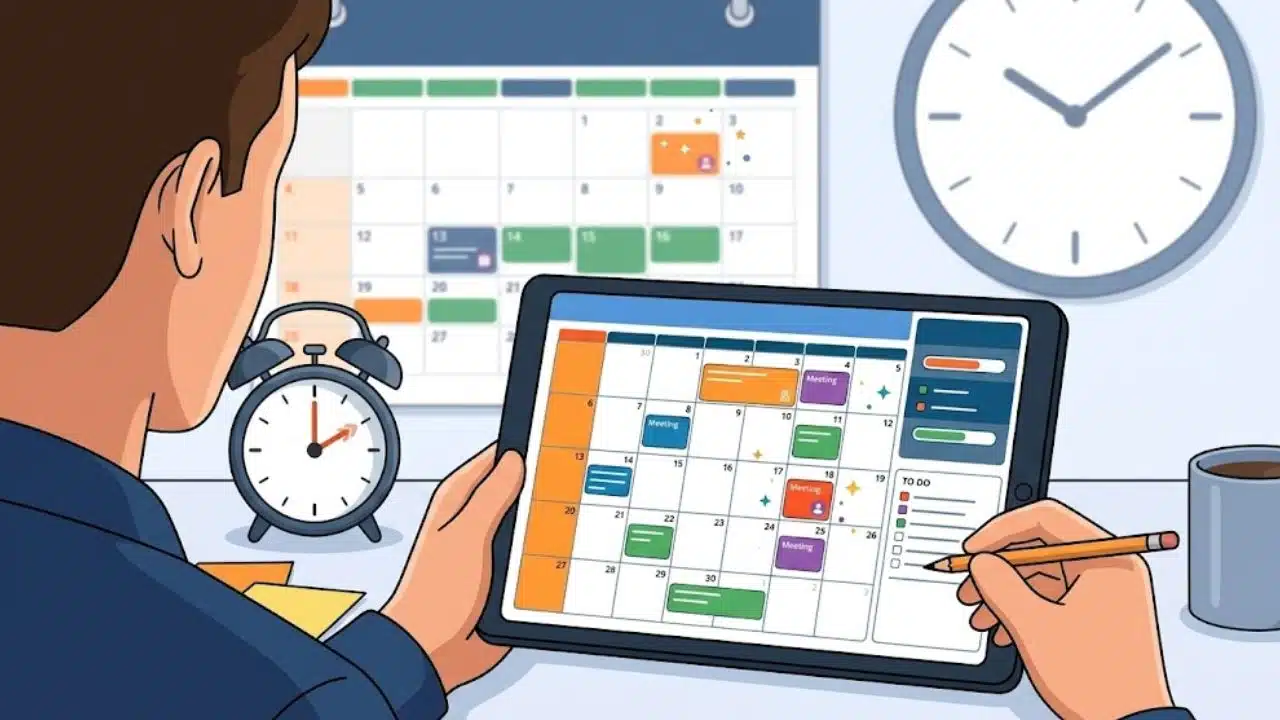
- Agenda Creation: If a meeting invite doesn’t include an agenda, Facilitator can automatically build one from the opening discussion. This ensures that every meeting starts with structure instead of chaos.
- Real-Time Notes: Notes appear live during the meeting, visible to all participants. Unlike traditional transcripts, these notes highlight key takeaways and can be edited by attendees to ensure accuracy.
- Task Assignment: When someone says “I’ll handle that report,” Facilitator automatically logs it as a task and assigns it to the person. This reduces the risk of forgotten responsibilities.
- Capturing Spontaneous Ideas: Even side conversations or quick brainstorming moments can be recorded through mobile integration, making sure no important insight gets lost.
- In-Meeting Questions: If participants need clarification—say, “When’s the deadline for this project?”—Facilitator can answer from meeting context or even search the web.
- Time Management: Facilitator helps keep discussions on track, giving gentle reminders when topics drift or time is running out.
Why It Matters
Studies show that employees spend 31 hours a month in unproductive meetings (Harvard Business Review). By capturing key points and managing flow, Facilitator could save organizations significant time and money.
AI Agents in Teams Channels
Meetings aren’t the only place where Copilot is gaining power. Microsoft is also deploying agents directly inside Teams channels—the virtual spaces where projects and departments communicate.
These channel agents can:
- Generate status reports by pulling information from conversations, shared files, and meeting summaries.
- Search across messages, threads, or plans to retrieve relevant data.
- Draft progress updates that team leads can review before posting.
For example, if your marketing channel has been discussing an upcoming product launch, the agent can automatically create a weekly update that summarizes tasks completed, pending approvals, and campaign metrics.
This transforms Teams channels from passive chatrooms into living project dashboards powered by AI.
Automating Community Engagement in Viva Engage
Microsoft hasn’t forgotten about Viva Engage, its workplace social network designed to strengthen company culture. Many organizations use Viva Engage to run communities—such as “New Hires,” “Wellness Club,” or “Women in Tech.”
Here, AI agents are being introduced to:
- Answer routine questions (“Where’s the onboarding handbook?”).
- Post announcements automatically, such as reminders for deadlines or events.
- Moderate discussions to flag inappropriate content or highlight unanswered queries.
- Learn over time to provide increasingly personalized support to each community.
This is especially valuable for HR and community managers, who often struggle to keep engagement high while juggling other responsibilities.
Beyond Meetings and Communities: Other Copilot Expansions
Microsoft is also rolling out new features across Teams and the wider 365 ecosystem:
- AI-Powered Audio Recaps: Employees who miss a meeting can now receive not just written notes but also an AI-generated audio recap—almost like a podcast episode summarizing the discussion.
- Improved Chat Summarization: Copilot can condense long conversations into clear summaries, saving employees from scrolling through dozens of messages.
- Document Drafting: Using meeting context, Copilot can draft reports, proposals, or presentations directly within Teams.
- Workflow Automation: Agents can trigger workflows automatically, such as creating Jira tickets from meeting tasks or sending follow-up emails after project updates.
How Microsoft Ensures Security and Compliance
One of the biggest concerns with workplace AI is data privacy. Microsoft has emphasized that Copilot in Teams is built on its enterprise-grade security and compliance framework.
- Data Control: Agents only access information within the boundaries of Microsoft 365 permissions. They can’t pull data from outside unless explicitly connected.
- Admin Oversight: IT teams can enable or disable specific agents, decide where data is stored, and manage compliance requirements.
- Responsible AI Standards: Microsoft says it follows its Responsible AI principles, which include fairness, accountability, transparency, and privacy.
This focus on governance is crucial, especially for industries like finance, healthcare, and government where regulations are strict.
The Bigger Picture: Microsoft vs. Google
Microsoft’s aggressive Copilot rollout directly challenges Google Workspace, which is powered by Gemini AI.
- Google offers AI features like smart meeting summaries in Meet and “Help me write” in Gmail.
- Microsoft’s strategy goes deeper by introducing persistent agents—not just assistants you call on, but AI workers that stay embedded in your teams and projects.
This difference may prove to be Microsoft’s advantage, as it positions Copilot not just as a productivity booster but as a digital teammate.
What It Means for Workers
For employees, these changes could mean:
- Less manual admin work: No more rushing to take notes or remembering every action item.
- More focus on decision-making: Teams can spend meetings on strategy instead of logistics.
- Personalized support: Agents adapt to team culture and communication style over time.
However, it also raises questions: Will employees trust AI to capture important details? Could over-reliance on agents reduce human accountability? Microsoft will need to balance automation with human oversight.
Getting Started with Copilot in Teams
To try these new tools, organizations will need:
- Microsoft 365 Copilot license – Agents like Facilitator are only available to licensed users.
- Public preview access – Some features are still in preview and require early enrollment.
- Admin setup – IT administrators must enable agents in Teams meetings and channels.
- User training – Employees should learn how to edit AI notes, review generated tasks, and validate reports.
Final Take
Microsoft’s push to bring Copilot into every corner of Teams marks a turning point for workplace AI. Instead of being a passive tool, AI is becoming an active participant ian meetings, chats, and communities.
The vision is clear: a future where AI agents handle the repetitive busywork, freeing humans to focus on creativity, strategy, and collaboration. Whether companies embrace this fully—or approach cautiously—will determine how quickly AI truly becomes the backbone of modern work.
The Information is Collected from ZNET and Microsoft.