

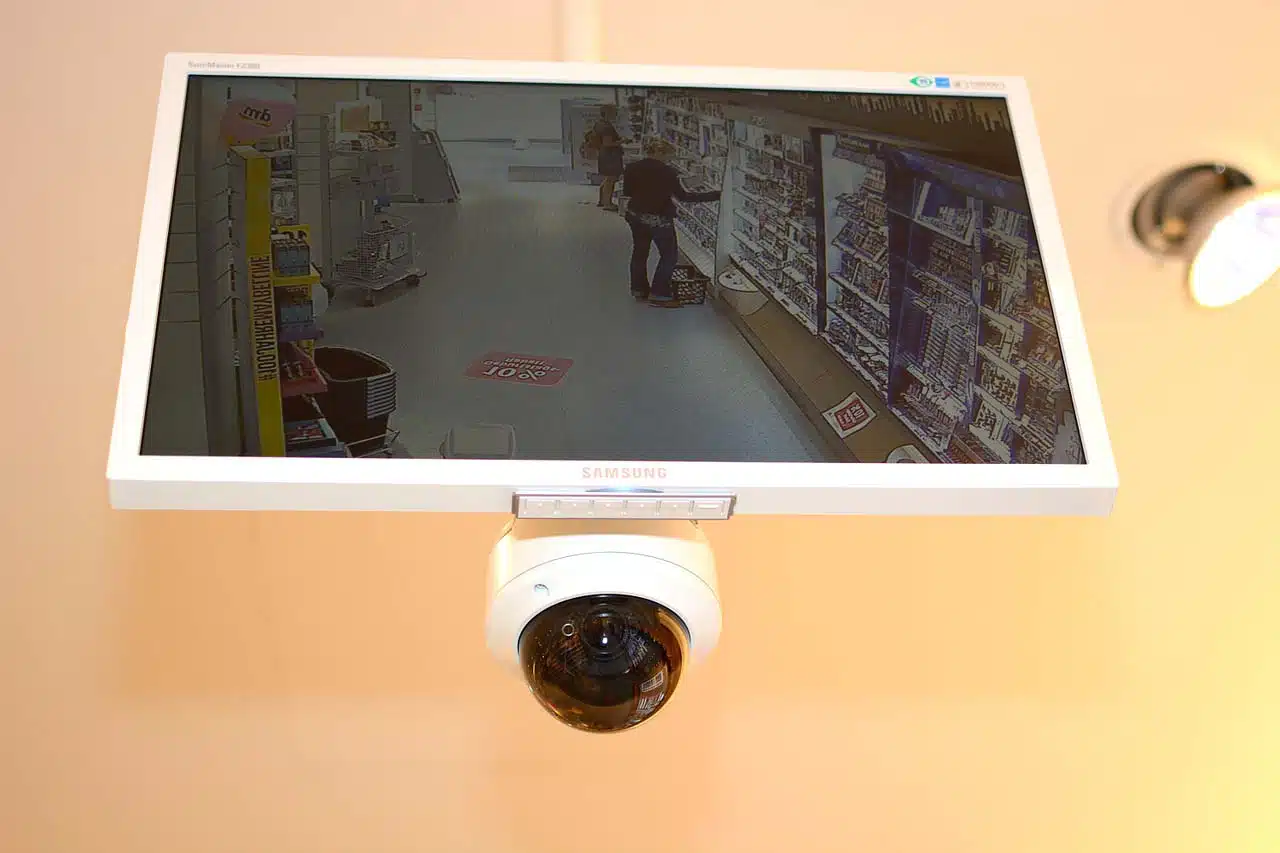
Why video surveillance for business matters
Most commercial-grade security systems consist of both physical and cyber security strategies to keep unauthorized individuals out, and safeguard valuable business assets. A business video surveillance system adds a visual element to the security platform, giving teams the ability to see what’s happening in key areas of the property. Without a video surveillance system, it can be near impossible to identify potential security threats, mitigate risk, or even determine what’s happening at any given moment on the property. In short, every modern business should have a video surveillance strategy in place to protect their most important assets.
However, there are a lot of different components and options when choosing video surveillance systems. Having the right types of security cameras, employing smart monitoring strategies, and having quick access to audits and reports are all essential to a successful video surveillance strategy for business. Here are 5 questions that will ensure your video security system is the right fit for your business.
5 questions to consider when putting together your video surveillance strategy
-
What type of cameras do I need to install?
When looking at a new video surveillance system, the first step is choosing the right type of cameras for your needs. When securing a property with video surveillance, you’ll need cameras that keep you up to speed on what’s occurring at key ingress and egress points. For example, exterior doors or outdoor parking lots will need cameras that are rated for weather conditions in your area. If you will be operating the cameras after-hours, look for night vision settings. Other factors to consider are video security cameras with high-definition video, rotating and zoom lenses that can be operated remotely, and providers that offer a range of cameras for different uses.
While it’s tempting to install the cameras yourself to save on installation and wiring costs, professional installation and configuration is recommended. It’s also a good idea to have a video security installer visit the site to make recommendations for where and what type of cameras to install for the best monitoring experience.
-
How interoperable is the video surveillance system?
Not all video security systems are designed to function alongside other physical and cyber security systems. There are some security providers that offer all-in-one systems that include both video surveillance and access control, but many of these have limited integration capabilities, and still lack the full functionality you would get with the best-in-class providers of individual systems. Using a video surveillance system that runs on an open platform will offer the highest level of flexibility and functionality, future-proofing the business security system.
When comparing video surveillance security systems, look for a provider that easily integrates with your existing systems, plus the flexibility to integrate with technologies you plan to implement down the road. Integrated security systems offer more potential for automation, creating smarter buildings, faster response time, and greater ROI. With access control and video surveillance integrations, smart physical security becomes easier to manage, and gives teams better control and visibility to everything that’s happening at the property.
-
How can I maximize visibility and security with a VMS?
Once you have identified the right type of cameras you need, it’s time to think about how to make your system do the work for you. A video security system that requires additional overhead, weeks of setup, and tons of additional training is likely not worth the investment. A cloud-based VMS solution offers the most flexibility, and increases visibility with remote access and security monitoring. To get the best protection and functionality from your video surveillance platform, ensure your system also includes the following features:
- Remote monitoring — One of the benefits of a cloud-based video surveillance system is that teams can easily monitor the system from any device, anywhere in the world. When they’re not tied down to a local IT room or onsite server to view critical security camera footage, security monitoring is more efficient and flexible, and reduces your security operating costs.
- Automatic alerts — Ensure the right people are notified of security events as they are happening. When integrated with access control and other building security systems, security teams can receive an alert for an unauthorized entry attempt, complete with a video snapshot of the person trying to enter. Once the team identifies if the person should be allowed in or not, they can take action in minutes, instead of hours.
- Zero to low-contact solutions — Improve safety across your business with a touchless video access control solution, which eliminates common touch points at key entries, and allows for remote identity verification and visual monitoring.
- Occupancy tracking — Using a VMS provider that can ingest entry activity, density sensor information, and facial recognition data into one system provides a better picture of who is accessing the space and when. Occupancy data informs decisions about space usage and optimization, and helps improve attendance management in the workplace.
-
What compliance and retention requirements should my system meet?
One important component of video surveillance is how the footage is recorded and stored. Using a video management system (VMS), security teams can watch recorded footage live, or playback specific events. VMS providers offer different features and functionality for video playback, including options such as:
- Live, real-time video
- Remote access to footage
- Video storage and retention capacity
- Local or cloud-based storage
- Professional monitoring services
There are strict rules and regulations regarding video surveillance footage, and it differs by locale and industry. Before settling on a VMS, always check local regulations to ensure your system is meeting those requirements and helping you achieve the compliance standards your business needs to operate, including who has access to the footage, video retention rates, and how that data is secured. It is recommended to keep at least a 30-day record of video security camera footage for regular auditing and to comply with any investigations into reported issues.
-
How secure is the VMS platform?
Protecting identities and data is key to system security. The last thing any business wants is to find their video security footage leaked or their valuable data breached. Video security vulnerabilities cost businesses millions of dollars each year. But the right security strategies and technologies can help prevent these attacks, and even lower the cost of damages if a breach does occur. In fact, automated security systems save businesses approximately $3.58 million in responding to security threats. Using a cloud-hosted security platform can offer additional potential for integration, as well as the ability to respond to issues more quickly thanks to remote access.
However, your own data is only as secure as your provider’s policies. Even with a cloud-based system hosted by a third party, data and video security should be a top priority. Always ask about security processes when comparing VMS and video security system companies. Look for security system providers that employ the concept of least privilege, have strict zero-day vulnerability management and testing processes, require multi-factor authentication (MFA) for all logins, and use end-to-end encryption throughout their entire system.
When implemented with a smart security strategy in mind, video security systems offer immense security benefits for businesses. Organizations that want to future-proof their security operations with adaptable technology should look for cloud-based VMS solutions that easily integrate with access control and other security systems to harness the power of IoT automations across their entire operation. A smarter building starts with physical and video security systems that offer the best protection, visibility, and functionality to protect what matters most.
Author bio:
Andi Hendrickson is the content manager and copywriter for Openpath Security, a leading provider of mobile, and touchless access control solutions for business and commercial spaces. Openpath’s cloud-based, open API platform enabled unlimited integrations with the top video surveillance systems, directory tools, and all the software needed to run your business.



























