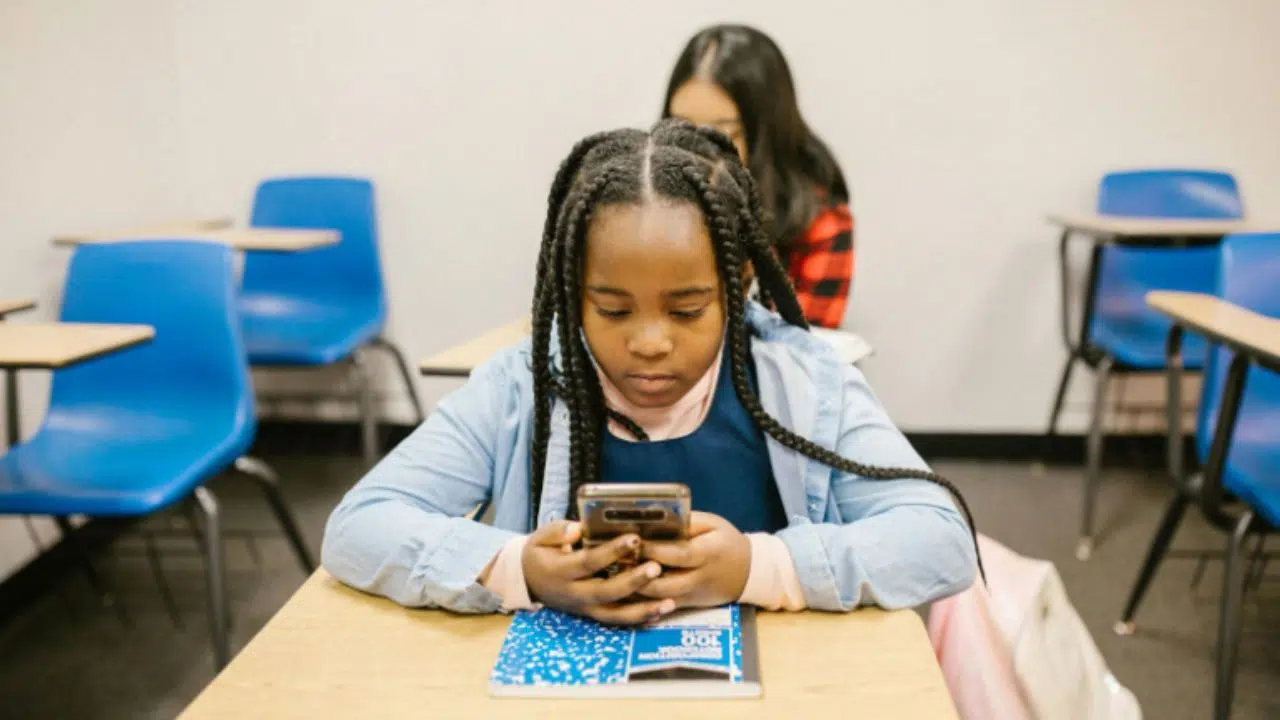
1. The School Supply List Has Changed in the Digital Classroom
For years, a typical school supply list looked almost identical from one classroom to another. Notebooks. Pencils. A binder. Maybe a calculator when required.
The essentials have not disappeared, but the environment around them has shifted. A growing share of school activity now happens online.
Lessons move through digital platforms; assignments appear on portals, and communication often arrives through apps or messages instead of printed notices.
Because of that change, devices such as smartphones and laptops are slowly becoming part of the everyday learning toolkit.
A student may still write notes on paper. Yet many of the steps surrounding those notes now live on a screen. If you can easily access those systems, schoolwork tends to move smoothly. When access is limited, even simple tasks can take longer than they should.
Digital Learning Platforms
Schools increasingly organize coursework through digital learning systems. Teachers therefore use the online platform for teaching or handing out homework or material.
And you can see that students often rely on tools to involve in the education activities like doing homework or accessing school reading materials.
It is visible that these systems offer real convenience for both the teachers and students.
But the benefit depends on one basic requirement: a connected device.
Without it, accessing those same platforms becomes difficult.
Communication With Teachers
Communication between schools and families has also moved online.
While the traditional face-to-face meeting still exist, the online communication for parents to keep up close to their kids’ education circumstances also rely on the virtual environment
With a connected device, these updates arrive instantly. You can see the quick review on how your kids are doing and what kind of action should be taken for them to improve at school.
Without that connection, important information may never reach the students and families at all.
2. When Students Do Not Have Access to the Right Devices
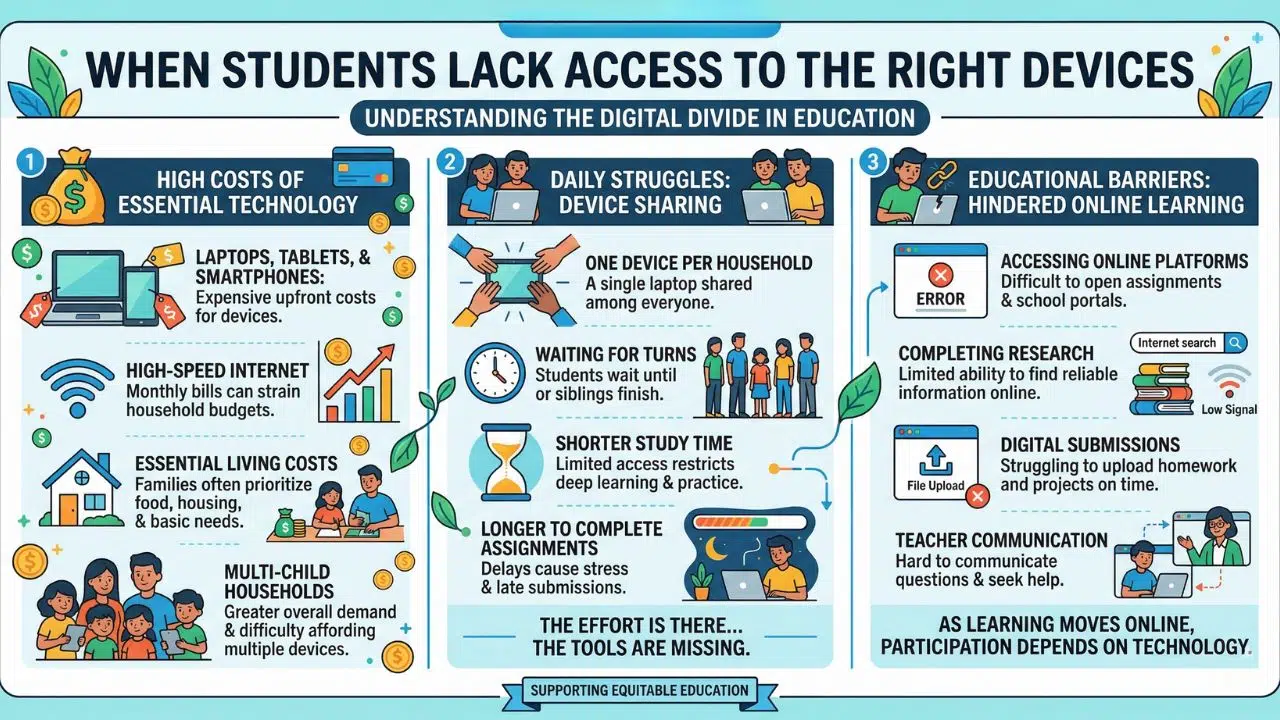
Technology is not a problem. Cost often is.
Smartphones, laptops, and internet service can be expensive, especially for households already covering essential living costs. The challenge becomes even clearer in families with several children who all need access to schoolwork.
Device Sharing at Home
In many homes, one device is shared across the household. Students may take turns using a laptop or wait until someone else finishes their homework.
When access is limited, study time becomes shorter, and assignments may take longer to complete. The effort is there, but the tools are not always available.
Barriers to Online Learning
Many assignments now require online platforms, research tools, and digital submissions. Without reliable device access, students may struggle to open assignments, complete research, or communicate with teachers.
As learning continues to move online, participation increasingly depends on having the right technology available.
3. Programs That Help Students Access Essential Technology
As digital learning becomes the norm, several programs have focused on improving communication access for households that need support.
One of the longest-running initiatives in this area is the Lifeline program.
Lifeline helps make phone service or internet service more affordable for eligible households.
Instead of distributing devices directly, the program provides a service discount. Participating providers then build plans around that support so households can stay connected.
Through those providers, some households explore options related to free government smartphones. The phrase appears frequently in online searches when people look for affordable device access connected to Lifeline-supported service.
In practice, the device is offered by the provider as part of the service plan rather than handed it out directly by the government.
For students, a smartphone can quietly solve several everyday problems. They can check homework updates, receive announcements, and communicate with teachers without relying on borrowed devices.
In some communities, additional initiatives focus on computer access as well. Schools, nonprofit groups, and local programs sometimes organize projects that provide free laptops for students who need a dedicated device for schoolwork.
Taken together, these efforts reflect a broader shift. Technology access is now closely tied to educational opportunities.
4. How Providers Like TAG Mobile Help Support Student Connectivity
The program Lifeline provides the service support, but households still need a provider that can turn that support into reliable connectivity they can use every day.
This is where participating providers play a practical role. Companies like TAG Mobile offer Lifeline-supported phone service that helps eligible households stay connected without taking on the full cost of a traditional phone plan.
For families with students, that connection often becomes part of how schoolwork gets done.
Much of today’s school communication and coursework now happens through digital platforms. When a student has a reliable device and service, staying informed about school activities becomes far easier.
Free & Discounted Devices That Support Learning
Service access becomes far more useful when a student also has a device that can connect to those platforms.
Some Lifeline providers pair their service plans with device offers so households can begin using the service right away. A smartphone may seem like a simple tool, yet it can support many of the everyday interactions that keep students connected to their school environment.
Instead of waiting to borrow a device or searching for internet access, students can quickly check school information, follow classroom updates, and stay connected with the learning tools their classes rely on.
In households where several family members share technology, even one dependable device can ease daily pressure and help students keep pace with their coursework.
Simple Straightforward Enrollment
Support programs only make a difference when families can realistically access them. Many Lifeline providers, including TAG Mobile, allow households to apply online through a streamlined process.
Applicants typically confirm eligibility, check whether service is available in their area, choose a plan, and submit basic documentation if required.
Once approved, the service becomes active, and the household can begin using the device.
For students navigating digital classrooms, that step can quietly change daily routines. Instead of searching for access or missing important updates, they gain a consistent way to stay connected with the systems their school now depends on.
Final Words
School supplies still include notebooks and pencils. But the modern classroom now extends well beyond those traditional tools.
When students have reliable access to those tools, participation becomes easier. They can stay informed, complete assignments on time, and engage fully with the learning systems schools rely on today.
The Lifeline initiative, along with participating providers like TAG Mobile, is helping more households maintain that connection. As device access improves, the modern school supply list begins to reflect a simple goal: giving every student a fair opportunity to participate in the digital classroom.