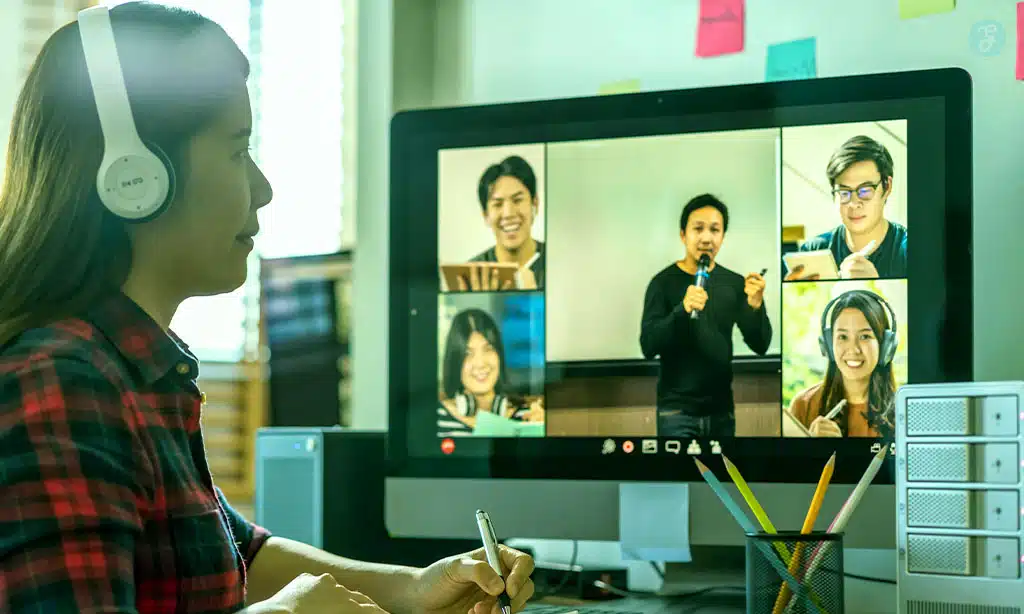
Imagine you’re in a different room every time you take a test: the library, your home, a study lounge.How can universities ensure exams keep the same integrity and fairness as in an in-person classroom?
One piece of the puzzle remains: digital proctoring. Keep reading – by the end you’ll understand not only what proctoring is, but how it protects students and which questions we should ask before using it.
What is proctoring?
Proctoring is supervising exams in digital environments to ensure assessments are fair.
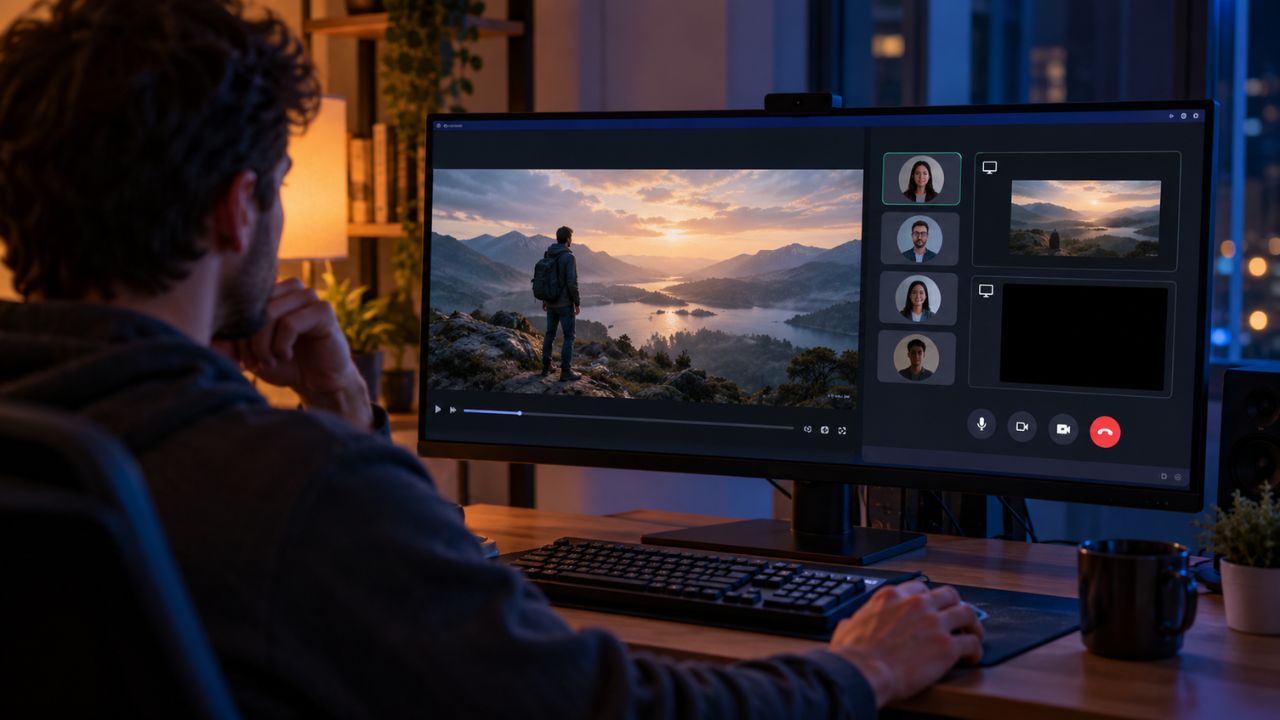
In simple terms: it’s like having a (virtual) proctor who helps check that the person taking the test is who they say they are and that they follow the exam rules. There are different types: automated proctoring, record & review, and live proctoring. It helps keep exams fair, too.
Why and when is proctoring necessary?
Proctoring is useful when assessments occur outside the classroom and the test may not reflect a student’s knowledge. It helps verify identity and monitor conditions to protect validity. Common scenarios:
- Final exams or official certifications that require guarantees of validity.
- Large-scale assessments where manual review would be impossible.
- Professional certifications where the credential’s credibility matters.
- When the institution wants to expand distance learning without losing standards.
How proctoring works
There are three basic models:
- Automated: software analyzes cameras, behavior and computer activity. It produces a report with evidence so a human can review it if needed.
- Record & Review: the session is recorded (or snapshots are taken) and an expert later reviews flagged incidents.
- Live proctoring: a human proctor watches in real time; it’s used for high-risk cases or certifications.
In all cases, the tool can integrate with the learning platform (LMS) to prevent distractions and make review easier for instructors. It helps institutions keep standards consistent too.
What does proctoring detect?
Although not foolproof, proctoring typically detects issues:
- Repeated changes in the identity of the person in front of the camera or prolonged absence.
- Other people appearing in the camera’s field of view.
- Use of unauthorized devices (phones, tablets, etc.).
- Forbidden behaviors or screen manipulation.
- Access to other applications or unauthorized windows can flag concerns
Difference between plagiarism detection and proctoring
Plagiarism detection and proctoring are two different tools that aim to protect academic integrity, but they act at different moments.
Plagiarism detection compares texts to find matches or unattributed quotes -ideal for written assignments where generative AI can’t intervene- and helps confirm that an essay or paper is original.
Proctoring, on the other hand, supervises the act of taking an exam: it verifies the student’s identity, watches behavior during the test, and monitors the environment (camera, screen and devices).
While plagiarism detection focuses on content, proctoring protects the assessment process.
Used together they until recently offered a complete solution to ensure results truly reflected the student’s knowledge.
But now, with the rise of generative AI, plagiarism tools have lost value compared with proctoring tools.
That said: it’s always essential that the university clearly explains what data is collected, for what purpose and how it’s protected, to respect the privacy and trust of both the assessor and the assessed. Also, institutions should offer clear opt-outs and retention rules.
What are the benefits of proctoring for students
Proctoring brings clear benefits for students when applied with transparency and respect for privacy.
- Fairness: it helps ensure everyone competes under the same conditions, avoiding dishonest advantages that skew grades.
- Flexibility: it lets you take exams from home or anywhere, maintaining academic standards without needing to travel.
- Credential validity: it reinforces that an online certification carries the same weight as an in-person one by ensuring the process is authentic.
- Transparency: documented reports and evidence make it easier to understand academic decisions and reduce misunderstandings.
Well-managed proctoring can also lower stress for students who value fair evaluations and speed up issue resolution.
As a student, always ask what data is collected, how long it’s stored, and who can access it: knowing these rules protects your rights and gives you more control over your evaluation.
Proctoring systems: current apps and solutions
The market offers many types of solutions: from tools focused on automated detection to full LMS-integrated platforms, plus hybrid options and plans tailored to ECTS, MOOCs, or professional certifications.
When choosing, universities and students should weigh privacy, ease of use, integration, and data transparency.
One solution available today and among the most secure and reliable is SMOWL.
From what we’ve seen, SMOWL can combine webcam monitoring, device checks, and either record & review or automated options; plus, it integrates smoothly with platforms like Moodle, Blackboard, D2L, Canvas, and more.
“At SMOWL we believe digital assessment can be both fair and respectful of privacy. Our goal is to give confidence to students and faculty by providing clear, objective, and verifiable evidence of every exam.” – Cosimo Lorenzo Guerriero, Head of Marketing at SMOWL
SMOWL also stands out for its focus on compliance and security: it has joined projects backed by European Union programs (Horizon 2020) and openly shares its compliance with standards such as GDPR, FERPA, and CCPA. On top of that, its team has been active in EdTech initiatives and events across industry forums. That’s why today it’s considered one of the strongest digital proctoring solutions on the market.
Tip for students and teachers: before taking a proctored exam, make sure you know which tool is used, what data is collected, and how it’s stored. It’s your right to know.
What are the advantages of proctoring (summary)
- Preserves academic integrity in digital settings.
- Scalable to thousands of students.
- Cuts costs and logistics compared to large in-person sessions.
- Enables auditing and traceability of academic decisions.
Clear and direct: what is digital proctoring for?
Digital proctoring ensures an exam measures what it’s supposed to measure: the student’s knowledge and skills, not their ability to get help or manipulate test conditions.
It also protects the value of credentials by guaranteeing reliable processes, allows assessments from anywhere while maintaining quality standards, and provides clear, objective evidence (recordings and reports) that help resolve questions or disputes.
For it to work well, it must be applied transparently: institutions and instructors should explain what data is collected, how it’s stored, and who can access it. As a student, always ask these details – they give you control and peace of mind over your evaluation.
Frequently Asked Questions (FAQs)
1. Can I refuse to use proctoring for an exam?
It depends on the university’s policy. Usually, the institution will explain alternatives (for example, an in-person exam instead of remote, or other formats) if a student has legitimate privacy or accessibility concerns.
2. Is everything recorded? Who can see the recordings?
Typically, recording happens only during the assessment. Access is usually limited to authorized academic staff and is governed by data retention and protection policies. Always ask about your institution’s privacy policy.
3. Does proctoring use facial recognition? Is it safe?
Some solutions include biometric authentication (like facial recognition to verify identity). These features are generally designed to comply with privacy laws and follow security best practices, but it’s important that the university explains exactly what is used and how the information is protected. Note that biometric data is not always used – it depends on several factors.
Conclusion (for those interested)
Digital proctoring isn’t some mysterious technology: it’s a tool to protect fairness and the validity of assessments in a world where learning is no longer confined to the classroom. As a student, you have the right to know what data is collected and why; as a teacher, you have the responsibility to choose solutions that respect privacy and transparency.
If your university uses a specific tool, ask for details: how it integrates with the LMS or virtual campus, what type of monitoring it applies, and what protection measures are in place. And if SMOWL appears among the options, you can check that it publishes information on compliance, integration with educational platforms, and its participation in international programs and industry forums. Seeing this name can give you added peace of mind.
In short: well-implemented proctoring protects the value of your academic effort. Stay informed, demand transparency, and engage – technology works best when students and teachers understand and oversee it together.