Resolution measures the number of pixels on your screen. And more pixels are always better. The reason is a display unit with more pixels shows an image at larger sizes with no picture degradation. So, you should look for more pixels when choosing a monitor.
Display Definitions
Typically, when it comes to deciding on pixels of a screen, you will come across four common display definitions in monitors.
- High Definition (HD)
- Full HD (FHD)
- Quad HD (QHD)
- Ultra HD (UHD)
Here’s a simple tutorial about these definitions i.e. HD display, Full HD screens, QHD display (QHD vs 4k screen), and UHD monitor. This will help you determine which of these four options is the right choice for you.
1. High Definition (HD)
A PC monitor powered by High definition resolution includes display resolutions of 1280 x 720 pixels. This offers better quality and lifelike images for the viewer. Also, you will get more details on the screen, and a wider view screen angle. You will enjoy picture details regardless of your watching position.
It is important to note that HD display monitors are less in demand. They account for less total market share each year. They’re not ideal for high-end games and highly creative tasks. If you are a student or want a unit for casual use, then go for it. In addition, if the price of the device is a concern and you want to invest a low budget, then HD display monitors will be the right choice for you.
However, avoid opting for a simple HD display monitor if you are choosing them for gaming purposes, close-up office work, and advanced streaming.
2. Full HD (FHD)
Full HD resolution means that the product you have selected comes with 1920 pixels horizontally across the screen and 1080 pixels vertically. It is popularly known as a 1920×1080 monitor. It is also often shortened to a 1080p monitor.
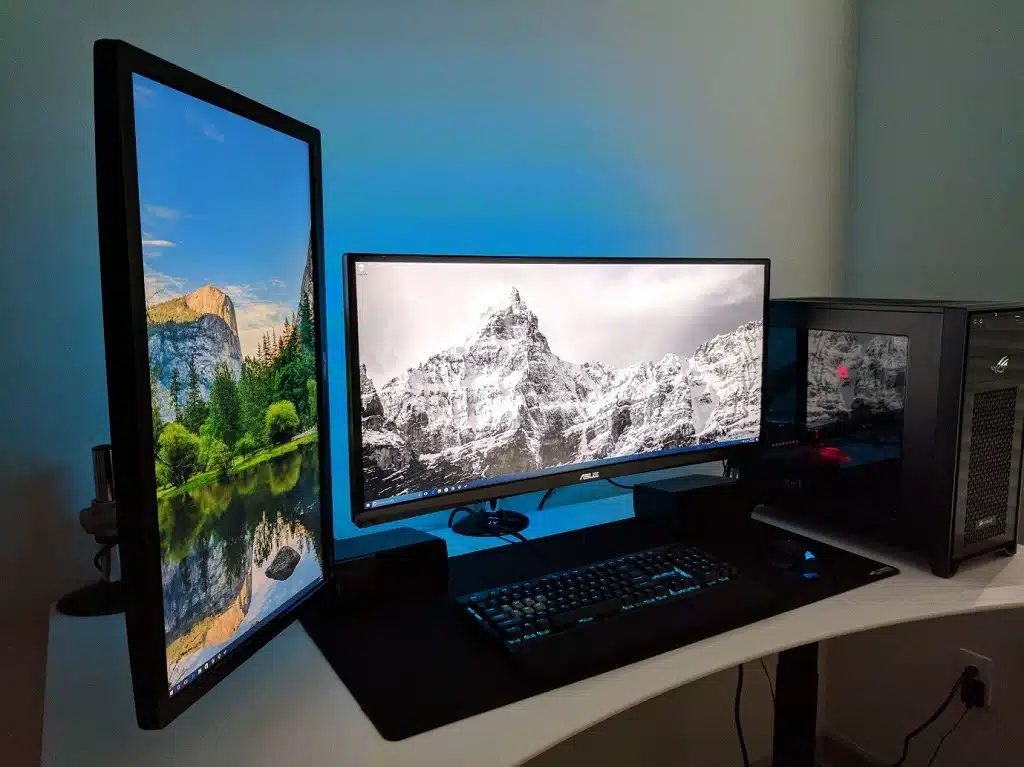
Full HD or 1080p monitors dominate the industry and have been used for many years for personal and office uses. They are perfectly fine for basic gaming requirements. Opt for it if you need a unit for video streaming from services like Hulu and Netflix, or watching DVDs and online videos.
FHD Display offers an immersive viewing experience, lets you play graphic-intensive advanced games, access online tasks easily, and reduce eye strain when working on your system for a long period of time.
3. Quad HD (QHD)
The term Quad in QHD is referred to as Four. This means the QHD monitor is four times the resolution of the original high-definition screens. Typically, it is 1280 x 720 (a total of 921,600 pixels). Images produced by the QHD monitor are better defined, sharper, and more detailed.
Typically, quad HD products are gaining demand from gamers who want more pixels in comparison to Full HD, but are reluctant to pay for Ultra HD. The QHD monitors are also suitable for editing photos and videos that are taken with today’s advanced mobile phones. Also, these models have the capability to capture images at resolutions higher than 1080p.
When discussing 4k vs QHD, QHD offers a resolution of 2560 x 1440 pixels. 4k on the other hand has a whopping 3840 x 2160 pixels with 4 times more detail than full HD! 4K is specific to movie theaters and cinematic displays. It offers slightly higher pixel totals and uses an even wider, 256:135 aspect ratio. However, you can see some consumer-level manufacturers using the terms Ultra HD and 4K interchangeably.
Remember that many PC graphics cards do not fully support ultra HD. So, ensure that the monitor you want to buy is supported by your computer.
4. Ultra HD/4K (2160p)
Ultra HD (UHD), or 4K, means a resolution of 3,840 x 2,160 pixels. It has four times as many pixels as full HD (FHD). And the increased pixel density means a cleaner, more detailed, and textured image.
Images produced by a UHD monitor are effectively twice as sharp as 1080p images which result in more detail for high-graphic, high-power applications and games. These 4K resolutions let you enjoy the benefits of multiple Portable monitors. Also, they provide incredible visual quality when it comes to photo editing, watching films, advanced computer gaming, and more.
Conclusion
The bottom line is that a variety of monitors with various resolutions are available in the market. The idea is to understand your requirements and know your options before buying a monitor. In addition, learn about the capabilities of your existing display unit and consider why you want to replace it. This will allow you to choose the most suitable monitor for your needs.