


Starting a new project is one thing—but managing it well is another story. If you’ve ever felt overwhelmed juggling deadlines, tasks, and resources, you’re not alone, and that’s exactly where Microsoft Project training can make a big difference.
Microsoft Project is a powerful tool for project planning, and learning how to use it effectively can boost your productivity and confidence. In this blog, you will explore practical tips to help you succeed in Microsoft Project Training Courses and make the most of what the platform has to offer.
1. Choose the Right Training Format
The first step to succeeding in Microsoft Project training is selecting the right training format. You can choose from online courses, classroom-based sessions, or even self-paced learning. Online courses offer flexibility, while classroom sessions provide more direct interaction with instructors.
Think about your learning style and schedule before making a decision. If you prefer learning at your own pace, an online course may be best. However, if you learn better through face-to-face interaction, a classroom setting might be a better fit.
2. Build Basic Project Management Knowledge First
Before diving into Microsoft Project, it’s helpful to have a basic understanding of project management. Learn key terms like project scope, timelines, and task dependencies. Familiarity with these concepts will make it easier to use Microsoft Project effectively.
If you’re new to project management, consider taking an introductory course or reading beginner-level books on the topic.
3. Practice With Real-World Examples
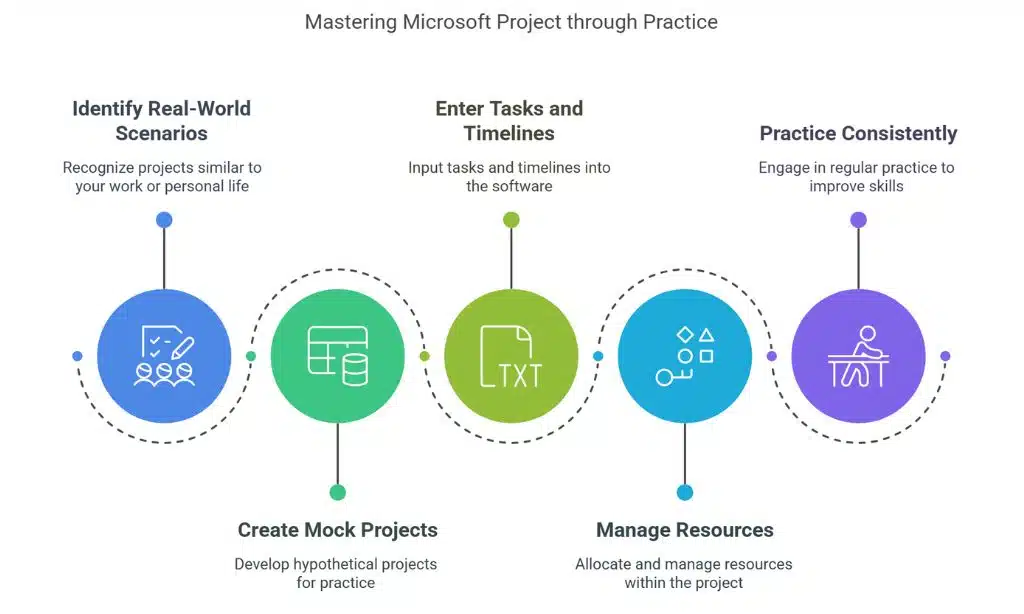
To truly master Microsoft Project, it’s essential to practice with real-world examples. The best way to learn any software is by using it in real scenarios. Try working on projects that are similar to the ones you might manage in your job or personal life.
If you don’t have any real projects, create a mock project and work through it step by step. As you practice, focus on entering tasks, creating timelines, and managing resources in the software. The more you practice, the more comfortable you’ll become with its features.
4. Master Key Features of Microsoft Project
Microsoft Project offers many features that can help you manage complex projects. Focus on mastering the most important ones, such as creating task lists, setting deadlines, and managing resources. Learn how to set up and manage Gantt charts, which help you visualize tasks over time.
Get familiar with the Resource Allocation tool, which helps you track workloads and assign resources effectively. Understanding these key features will help you organize projects more efficiently and increase productivity.
5. Participate Actively During the Course
Active participation is crucial for success in any training course, including Microsoft Project. Ask questions, take notes, and engage in discussions to better understand the material. If the course offers hands-on practice, make sure to complete every exercise and practice on your own.
Taking part in group activities, sharing experiences, and listening to others will deepen your understanding. If you’re taking an online course, don’t just watch videos passively—make sure to practice what you’re learning and ask for help when needed.
Stay Consistent and Keep Practicing
By continually applying what you’ve learned, you’ll build confidence and proficiency in no time. Don’t hesitate to revisit challenging concepts or explore new features—growth comes from repetition and hands-on experience. Keep pushing forward, stay dedicated, and soon you’ll be able to navigate Microsoft Project like a pro.






















