


With the arrival of the PS5 Slim, it is clear that Sony wants to guide the distribution of its catalog through digital downloads, mainly. Although it will still be possible to get the physical games, those who get this console, if they do not intend to get its add-on for Blu-Ray, will have to exchange game keys to be able to play them. Likewise, gift cards must be redeemed with codes to be entered into the PS Network, and in this guide, we explain how to do it.
How to Gift Games on PS5 [Also Works in PS4]
The catch is that Sony’s purchasing policies restrict your digital purchasing options to the PlayStation Store. Additionally, you can’t buy PS4 or PS5 games for other people through the PlayStation Store.
Therefore, your best option is to buy a PlayStation gift card. In other words, it is not possible to give digital copies of games to family and friends.
However, there is a secondary option: game sharing. For example, PS4 users can log in with their username on their friends’ PlayStation and set it as their primary PS4. That gives the secondary console access to your entire library.
Or, of course, you can buy a physical game from any retailer. I bet it may not work for you. In particular, the other person may not be physically close. Additionally, the PS5 Digital Edition doesn’t even have a disc tray.
How to Buy a PlayStation Store Cash Card?
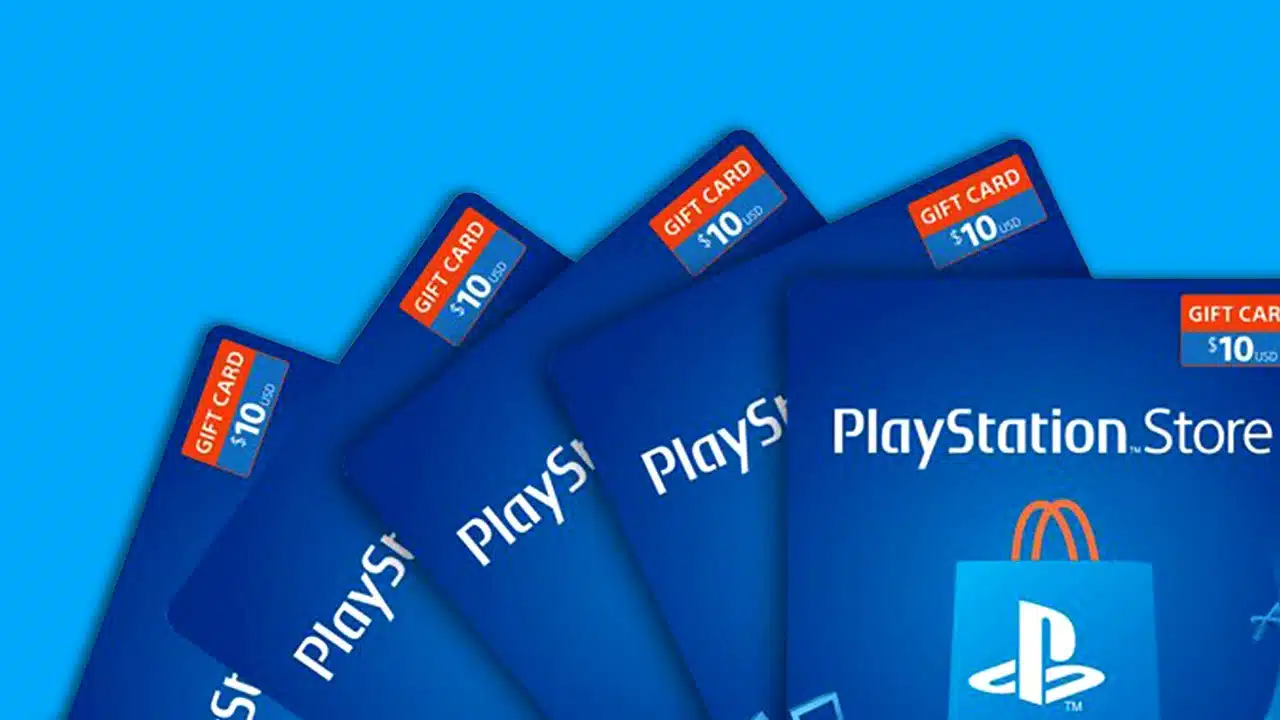
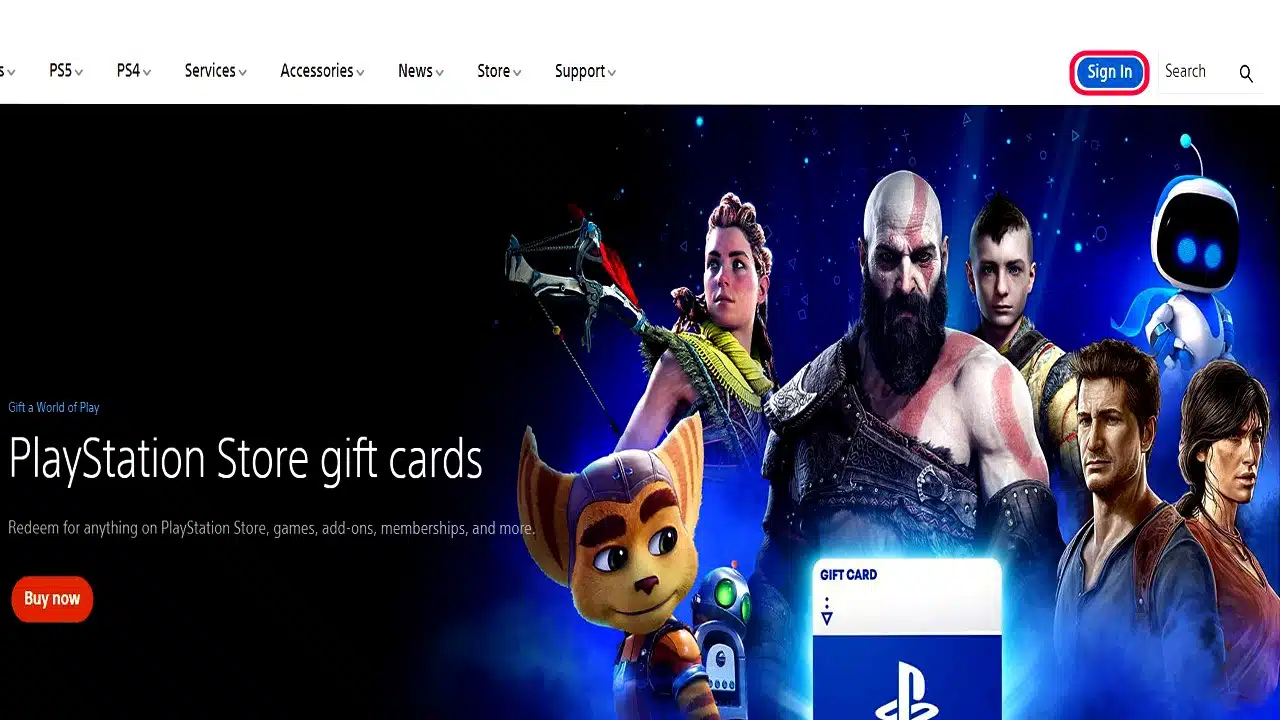
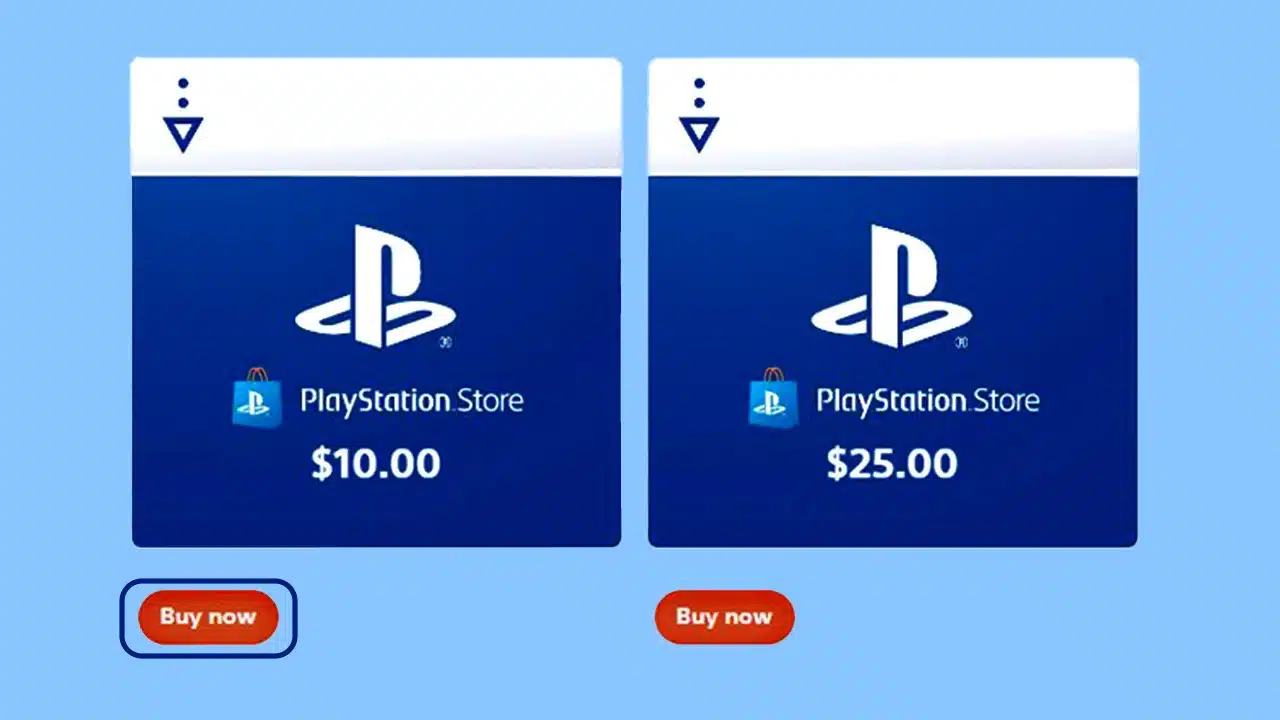
You can visit this PlayStation Store site to purchase a gift card. These are the steps you need to follow:
- You do not need to log in to purchase the item, as it does not work through the PlayStation Store.
- The options are €10, €25, €50, and €100. You can press buy now to choose the option you want.
- After choosing a purchase option, the site will link you to several retailers where you can purchase the card.
You can purchase the PlayStation Store Cash Card at various physical and digital retailers.
These options include Walmart, Target, GameStop, and Best Buy. Alternatively, you can find it at other gaming, technology, or convenience stores in your country.
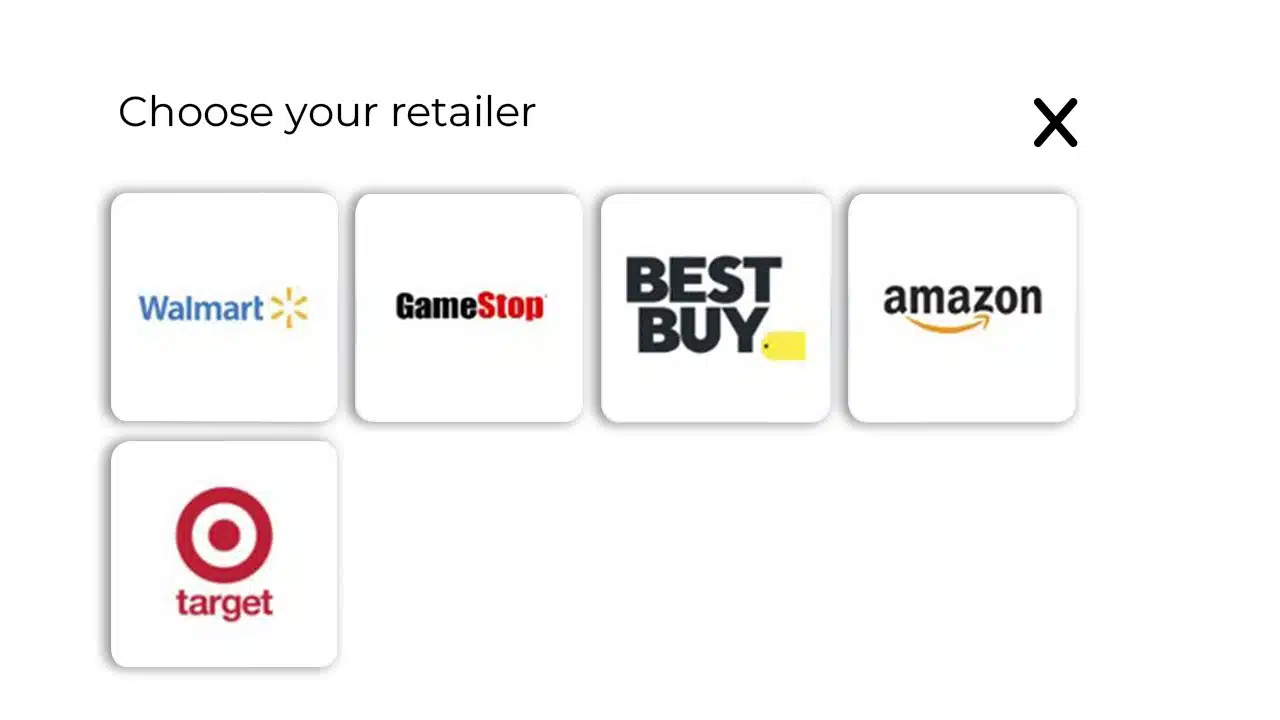
You can then physically hand the card to the other person or simply send the digital codes.
Generally, getting a PlayStation Cash Card depends on where you are in the world. It will be easier if you have globally accepted payment methods or are physically close to an official PlayStation retailer.
Finally, you can also buy a PlayStation Plus card in physical or digital stores. That way, you could gift a subscription to a friend. That being said, redeeming these cards works just like a regular card.
How to use a PlayStation gift card on the PS5?
Redeeming the code on the PS5 is very easy, and here are the instructions:
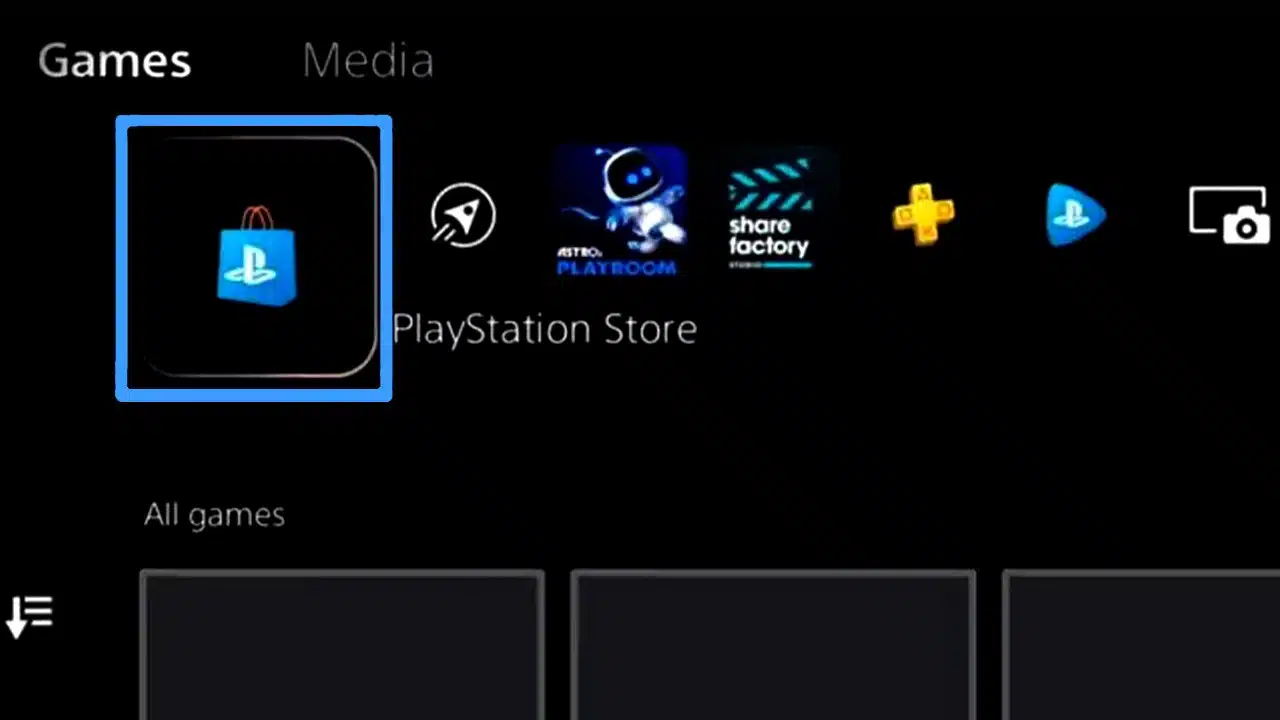
- On your PS5 dashboard, go to the PlayStation Store.
2. Press the three-dot options menu () on the left.
3. Select redeem code.
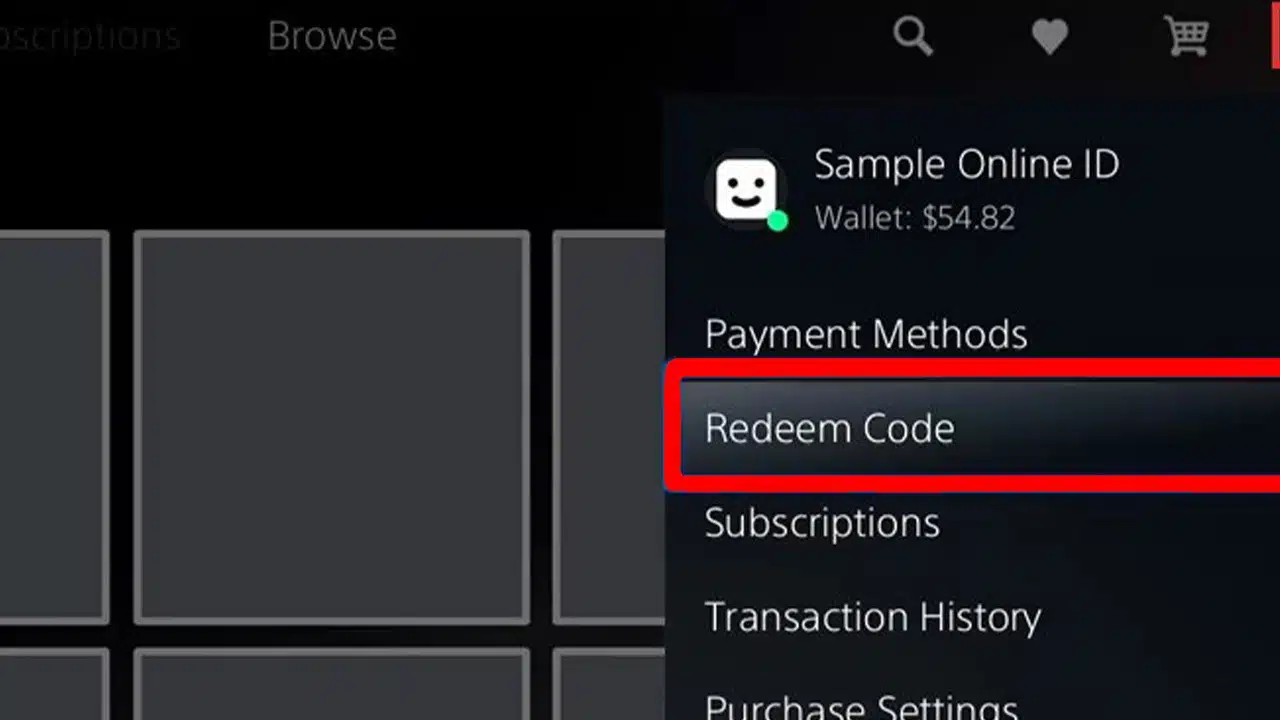
4. Enter the 12-digit code to collect the gift.
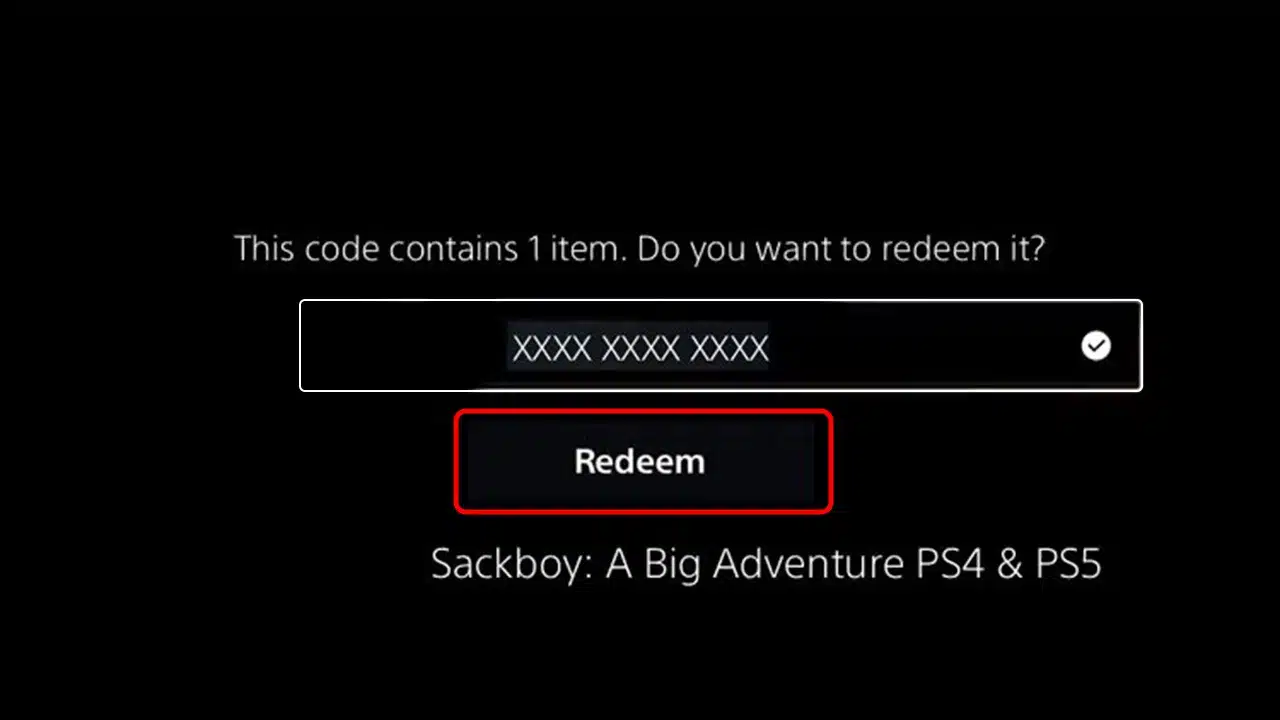
5. After redeeming the cash card, your funds will become part of the PlayStation Wallet.
How to use your PlayStation wallet funds?
PlayStation will automatically use wallet funds every time you shop in its online store.
Specifically, it will first deduct funds from your wallet and top them up, if necessary, with your payment method.
For example, if you add €20 via a cash card and purchase a €60 game, the full €20 will be deducted from your wallet and €40 will be charged from your payment method. If you don’t have a payment method at this point, it will ask you to add one.
How to check your PlayStation wallet balance?
You can check wallet funds on PlayStation if you’re wondering.
This is pretty easy. When you enter the PlayStation Store, your avatar, username, and PSN balance (your wallet) will be in the top right corner.
Is there a better alternative?
All this is not very convenient, but it is still possible. If you’re looking for an easier way to gift games, maybe you can try it through Steam.
In particular, if you don’t have a payment method that PlayStation retailers accept, you may have one for Steam. Notably, Steam Wallet has a wider range of payment methods around the world, and you can purchase a Steam Gift card within the platform.
























