
The hotel was paid in euros, the train tickets in Swiss francs, and dinner went on someone else’s card. By the time the group gets home, “split it equally” has become a pile of receipts and competing exchange rates.
A group travel expense app can keep those payments together. The detail worth checking is how it turns them into a final balance. Some apps convert foreign expenses as they are entered. Others keep separate currency balances or use a rate chosen by the group.
That choice affects what each traveler owes. So does the ability to exclude someone from a meal, correct an entry, or add a receipt without a connection.
These nine options include mobile apps and browser-based tools. They are grouped by useful travel features, rather than ranked by untested performance.
1. Tricount: One trip balance across different currencies
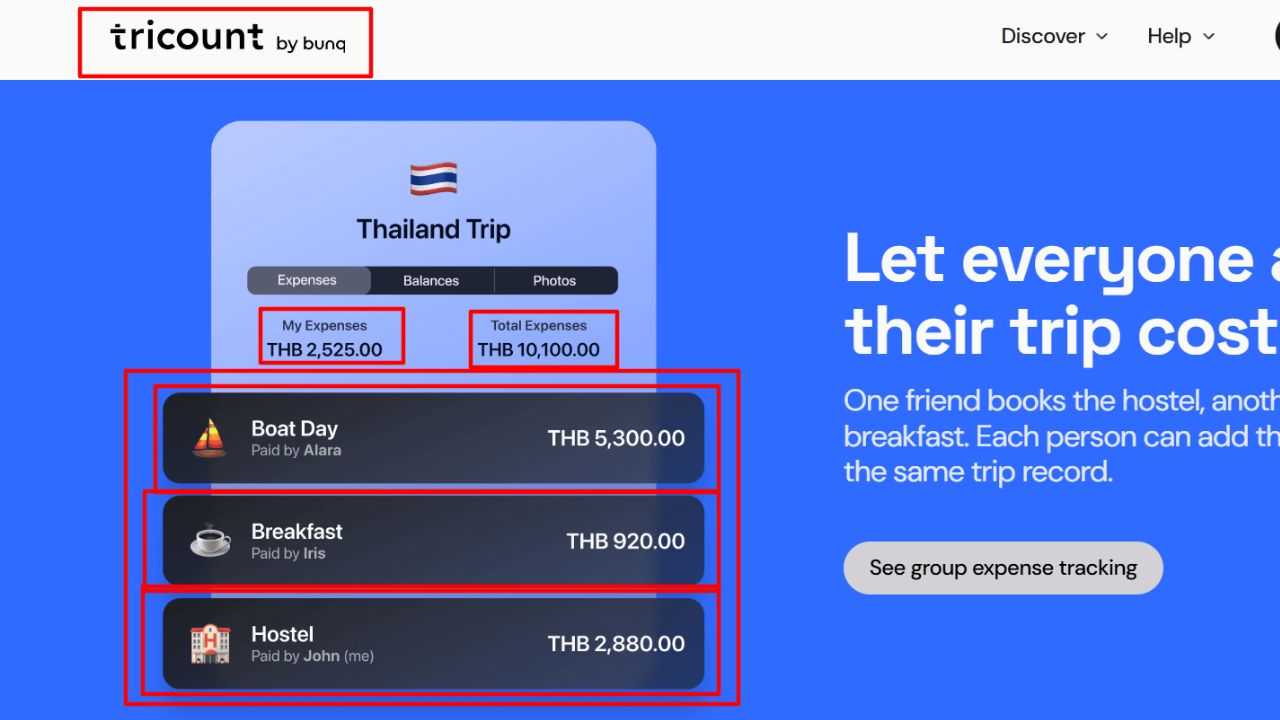
Tricount lets travelers enter each expense in its original currency and view the converted cost alongside the group’s other spending.
Its help documentation describes one main currency for each group, with reimbursement suggestions shown in that currency. Conversion uses market rates, and the app provides a daily exchange rate. Unequal contributions can be entered as individual shares or amounts.
This is a sensible starting point for a trip where the group wants one running balance. The expense entry can follow the receipt while the settlement stays in an agreed currency.
Choose that main currency before adding bookings. It is easier to agree on how debts will be expressed before someone pays for the accommodation than after the trip’s spending has accumulated.
2. Splitwise: Separate currencies unless the group converts them
Splitwise’s currency guide makes an important distinction: balances in different currencies stay separate by default. Changing an expense’s currency symbol changes its label, not the numerical amount.
Conversion into one currency is a Splitwise Pro feature. It uses the market rate when conversion is performed, rather than automatically applying the purchase-date rate to every bill. New foreign-currency expenses added afterward need another conversion.
Splitwise also warns that conversion applies to past expenses, including settled ones, and can affect other participants’ balances. Its guidance recommends waiting until the group is ready to settle.
Keeping separate balances can work when travelers intend to repay in the original currencies. For a single final balance, account for the paid feature and agree on the timing of conversion. Avoid changing a currency label as a shortcut for doing the conversion.
3. Splid: Useful when one person keeps the trip ledger
Splid supports automatic conversion across more than 150 currencies. It offers offline groups, optional synchronization for entering expenses together, and downloadable PDF or Excel summaries. Its website says no sign-up is required.
That setup can suit a trip where one traveler records the spending while others supply their receipts. A group can begin with a local ledger and use synchronization when shared entry becomes useful.
An export is valuable after the holiday, particularly when someone asks which costs were included in a repayment.
The reviewed product page confirms conversion but does not explain the exchange-rate timing in detail. Check the rate shown in an actual entry before committing to it for the trip. Automatic conversion alone does not establish that the result matches the amount charged to a traveler’s card.
4. Settle Up: More control over the group’s exchange-rate rule
Settle Up documents automatic exchange rates for foreign-currency transactions. Users can inspect and edit the rate or the converted amount in the group’s currency.
There is a consequential detail: after a manual rate change, future transactions use that rate until the setting is switched back to current rates. That can help a group deliberately use one rate for a vacation, but it also means an old setting deserves attention when adding later expenses.
The app supports default member shares, which can represent a couple or family as a larger share. Returned deposits can be entered as income, reducing the recorded spending.
For a trip with families and uneven participation, those controls deserve a closer look. Set up the shares and rate rule together so the currency calculation and the allocation both reflect the group’s agreement.
5. TravelSpend: Group balances alongside a travel budget
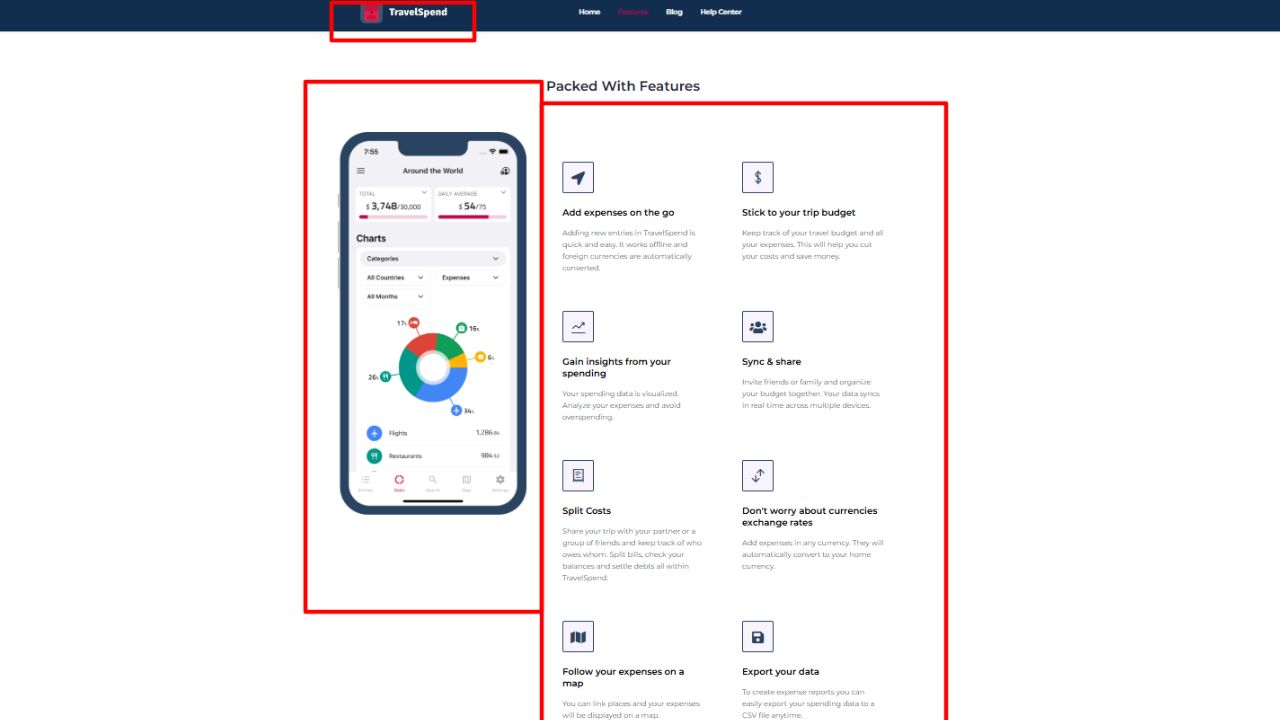
TravelSpend combines expense tracking, group cost splitting, spending visualizations, offline entry, and shared trips. Foreign expenses convert into the trip’s home currency.
Its currency documentation explains that rates are updated daily and sourced through currencylayer. Users can enter custom rates when the standard conversion does not reflect their preferred accounting method.
This is worth considering when the group also wants to understand spending as the trip progresses. Settling debts and tracking the remaining budget are related tasks, but they answer different questions.
TravelSpend offers a Premium upgrade. Its terms say paid features may include sharing and exports, so check access to the group workflow in the current app before relying on the free version. Test both the invitation process and a foreign-currency entry with another traveler.
6. Splitser: Conversion at the time an expense is entered
Splitser supports group expense tracking through its app and website. Its expense-entry guide says an amount entered in a different currency is converted into the list currency using the rate at the time of entry.
That timing matters when receipts are entered later. Logging an expense after returning home should not be assumed to reproduce the exchange rate from the day it was paid.
Participants can contribute through shares or specified amounts, and an image can be attached to the expense. These are useful controls for trips where some people join only part of an activity.
Splitser also offers payment methods such as iDEAL/Wero and Bancontact, with possible service fees. Check whether those methods suit the group’s accounts; expense tracking and access to a particular payment method are separate considerations.
7. Splital: Flexible participation without requiring everyone to install it
Splital advertises multi-currency expense splitting, offline entry, and equal, percentage-based, or exact-amount allocations. Its FAQ says people can be added by name even if they do not have the app.
That is useful for a family trip where the organizer keeps the ledger and some relatives prefer sending receipts through the group chat. An account is optional for local use, but is needed for backup or synchronization across devices.
The free offering includes unlimited expenses and groups; an optional Pro subscription adds features such as detailed statistics.
Its reviewed website and FAQ are less explicit about exchange-rate timing and overrides than some alternatives here. Before choosing it for a complicated itinerary, check how a mixed-currency expense affects the group balance and whether the rate can be corrected. Treat currency support as a feature to inspect, rather than evidence of a particular conversion method.
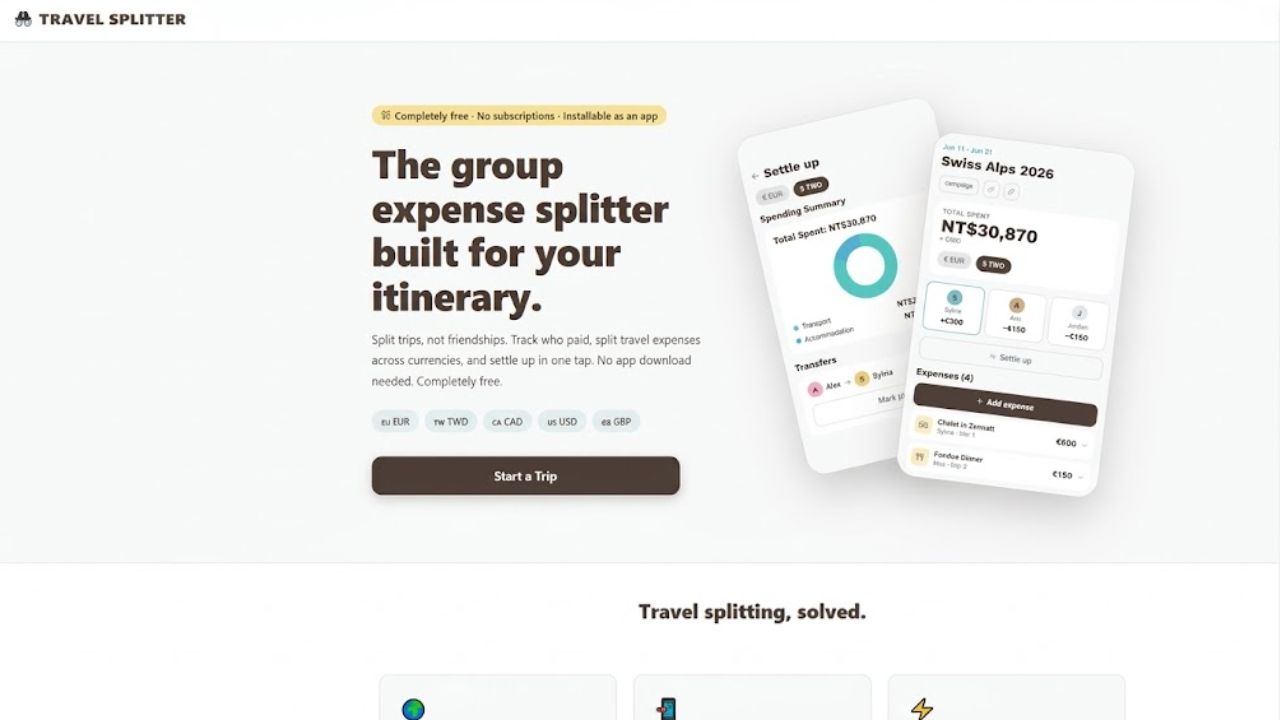
Travel Splitter’s official FAQ describes a different approach: the group sets an exchange rate for each currency, and expenses are converted into one base currency before balances are calculated. The browser-based tool does not fetch live rates.
The trip owner can update a rate, which recalculates the trip. Expenses can be split equally, by percentage, or by exact amounts, with participants selected separately for each expense.
This suits travelers who want a consistent, agreed conversion rule. It also places responsibility for the rate on the group.
Record where the chosen rate came from and agree on when it may change. A fixed rate keeps the arithmetic consistent, but it may differ from the cost someone actually incurred through their bank or cash exchange.
9. Mr.Splitter: A stored rate for each recorded expense
Mr.Splitter is a web app that converts foreign expenses into the group currency and stores the rate with each entry. Its documentation says it uses the rate on the day the expense is recorded, so later exchange-rate movements do not change past entries.
People can join through a link and sign in with LINE or Google. The organizer can also add an unregistered participant and record expenses on that person’s behalf.
The app supports uneven allocations, receipt-image drafts for confirmation, and Excel exports that include the rate used. It needs a connection for synchronization.
The recorded-day rule is useful to understand before entering older receipts. A stored rate provides a traceable calculation; it does not automatically prove that the entry uses the rate from the purchase date or the payer’s bank statement.
Compare the currency rules before choosing
The table summarizes documented behavior. Where the reviewed pages do not explain a detail, it is left as a check rather than filled in with an assumption.
| App | Documented currency handling | Practical point to check |
| Tricount | Foreign expenses converted into the group’s main currency; daily market rate provided | Whether the settlement currency suits everyone |
| Splitwise | Separate balances by default; Pro converts at the rate when conversion occurs | Paid access and when the group will convert |
| Splid | Automatic conversion across supported currencies | Rate timing and adjustment options in the app |
| Settle Up | Automatic rates with manual rate or converted-amount edits | A manually set rate can carry into later entries |
| TravelSpend | Daily rates with custom-rate entry | Group sharing and export access on the chosen version |
| Splitser | Converts at the rate when the expense is entered | Delayed entry can use a different rate from the purchase day |
| Splital | Multi-currency splitting advertised | Confirm conversion timing and rate controls before departure |
| Travel Splitter | Group-set rates; no live-rate fetching | Changing a rate recalculates the trip |
| Mr.Splitter | Recorded-day rate stored with each expense | Purchase date and recording date may differ |
Agree on what the group is reimbursing
An app can calculate a balance correctly while the travelers still disagree about the amount. Often the disagreement concerns the conversion rule rather than the bill itself.
There are several workable approaches: use an app’s reference rate, use the actual home-currency charge, or agree on a fixed rate for the trip. Choose one deliberately and apply it consistently where possible. Decide separately whether foreign-transaction fees or cash-withdrawal charges are shared.
TravelSpend’s documentation explicitly notes that its mid-market rates may differ from a bank statement. That distinction is relevant whenever a traveler expects repayment of the amount actually charged, rather than an app’s reference conversion.
A simple example shows why the rule matters. Suppose a shared meal costs €120 and the agreed illustrative rate is €1 = £0.85. The ledger records £102. If the payer’s bank statement shows £105, the group needs to decide whether to share the £102 reference value or the £105 actual charge. These figures are examples, not live exchange-rate quotes.
Whichever rule is chosen, avoid recording both versions as separate meal expenses. Keep the receipt and any conversion note attached or recorded alongside the single entry.
Test the awkward expenses before the first booking
A short trial can reveal more than a feature list. Add a foreign-currency expense, assign it to only the people who shared it, and inspect the resulting balances. Correct the amount and check that the change reaches the other participants.
For families, try an unequal allocation. For a changing itinerary, test what happens when someone joins after accommodation has already been paid. An excluded participant should remain outside that particular bill, even if they belong to the trip group.
If offline entry matters, try it without a connection and confirm the entry synchronizes afterward. Offline recording and live exchange-rate retrieval should not be assumed to happen together.
Also inspect how the app records repayments. A suggested settlement tells the group how to clear the ledger; the actual transfer may happen separately through cash, a bank, or an available payment service. Record it once, after the payment has occurred.
Leave the trip with an agreed balance
For a straightforward shared trip, Tricount or Splid offers a useful starting shortlist. Settle Up and TravelSpend deserve attention when rate control or budget tracking matters. Splitwise fits groups that already use it and understand its separate-currency and Pro-conversion behavior.
The browser-based options offer another route: Travel Splitter for an agreed group rate, and Mr.Splitter for rates stored with recorded expenses. Splital and Splitser add different participation and entry workflows worth trying with the actual group.
The final choice should be the app everyone can use consistently. Set the settlement currency, agree on the rate rule, and record who shared each cost. Those decisions do more to prevent an argument over the final dinner than another chart of the trip’s spending.