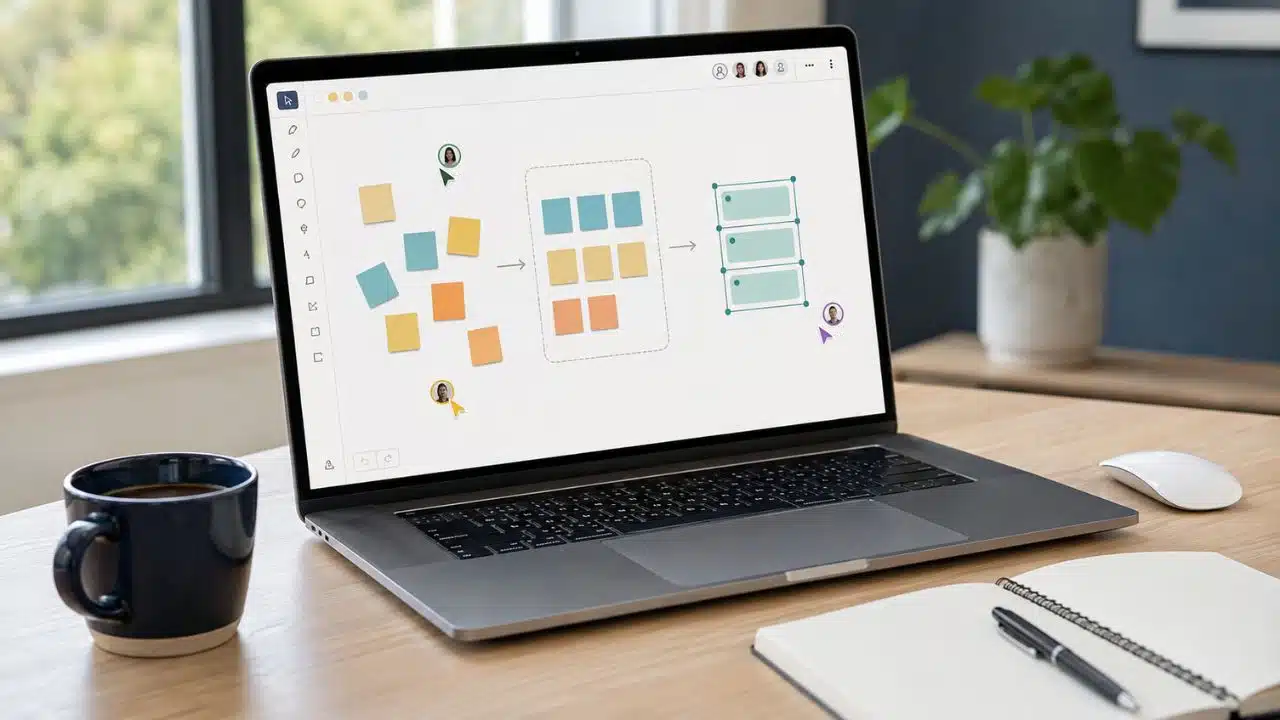
The best whiteboard apps make remote brainstorming easier at three points: getting people into the board, helping them contribute, and turning the session into a decision. Plenty of tools handle digital sticky notes. Far fewer prevent permission trouble, support a well-run discussion, and leave the team with something useful afterward.
Miro is the best overall option for most remote teams because it covers the widest path from early ideas to planning and follow-up. It is not the best answer in every setting. FigJam fits naturally into product and design work, Mural gives facilitators more control, and Zoom Whiteboard offers a surprisingly capable free setup for teams already meeting in Zoom.
The right choice depends on the session you need to run, not the size of the template library.
The Best Whiteboard Apps for Different Remote Teams
No single whiteboard app fits every brainstorming style. The nine options below stand out for different reasons, from structured workshop facilitation and visual planning to ecosystem integration and quick, account-free sketching. Each review explains where the app works best, what may limit it, and which teams should seriously consider it.

1. Miro: Best Overall
Miro is the most complete choice when the board must remain useful after the meeting. A session can begin with loose notes or a mind map, then develop into grouped themes, a vote, a presentation, a kanban board, or a project plan. The team does not have to rebuild the work elsewhere as soon as the call ends.
That range also makes Miro suitable across departments. Product teams can map journeys, marketers can plan campaigns, and project teams can connect visual thinking with a more structured workflow. Its value is not one standout feature. It is the amount of work that can stay in the same place.
The trade-off appears quickly on the free plan. It allows three editable boards, but it does not provide the guest roles or full facilitation setup that recurring client workshops may need. The interface can also feel heavy when the task is simply to draw an idea during a short call.
For a mixed remote team that wants one long-term visual workspace, Miro is still my first choice. For occasional brainstorming, it may be more platform than you need.
2. FigJam: Best for Product and Design Teams
For a team already working in Figma, FigJam is often the more sensible choice. Research notes, user journeys, early concepts, critiques, and workshop output can stay close to the designs they influence. Adding another whiteboard platform may create more friction than value.
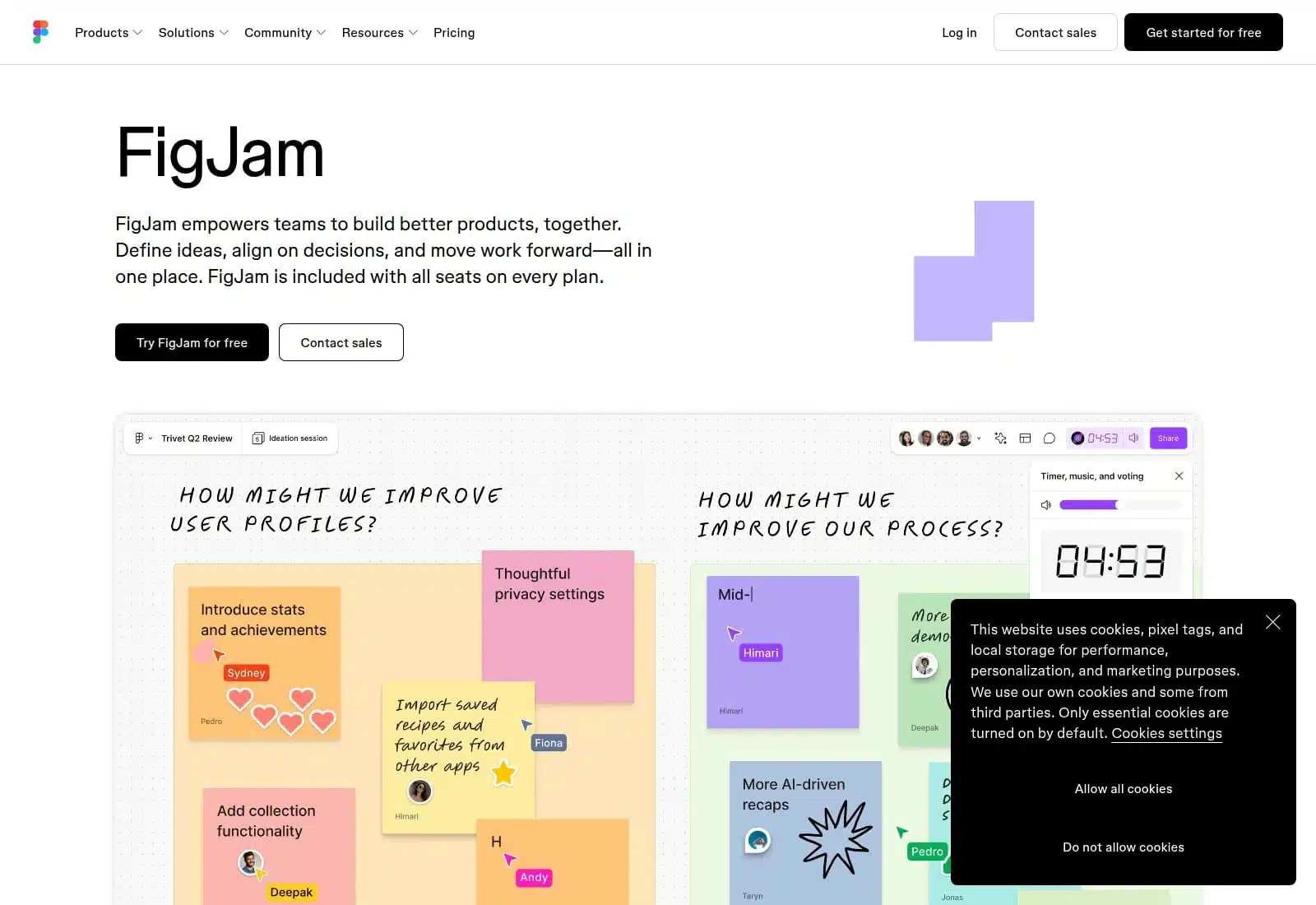
FigJam also feels lighter than Miro. Stickies, stamps, reactions, sections, cursor chat, widgets, and a built-in timer make live participation approachable. It is easy to open a board and begin without first designing a complicated workshop system.
Its limits become clearer when outside participants are involved. Formal voting and temporary open sessions for people without Figma accounts require a paid team. FigJam is also stronger at ideation than at managing the work that follows, so decisions will usually move into another tool.
If the participants already live in Figma, I would rank FigJam above Miro for everyday brainstorming. Its narrower purpose is part of its appeal.
3. Mural: Best for Facilitated Workshops
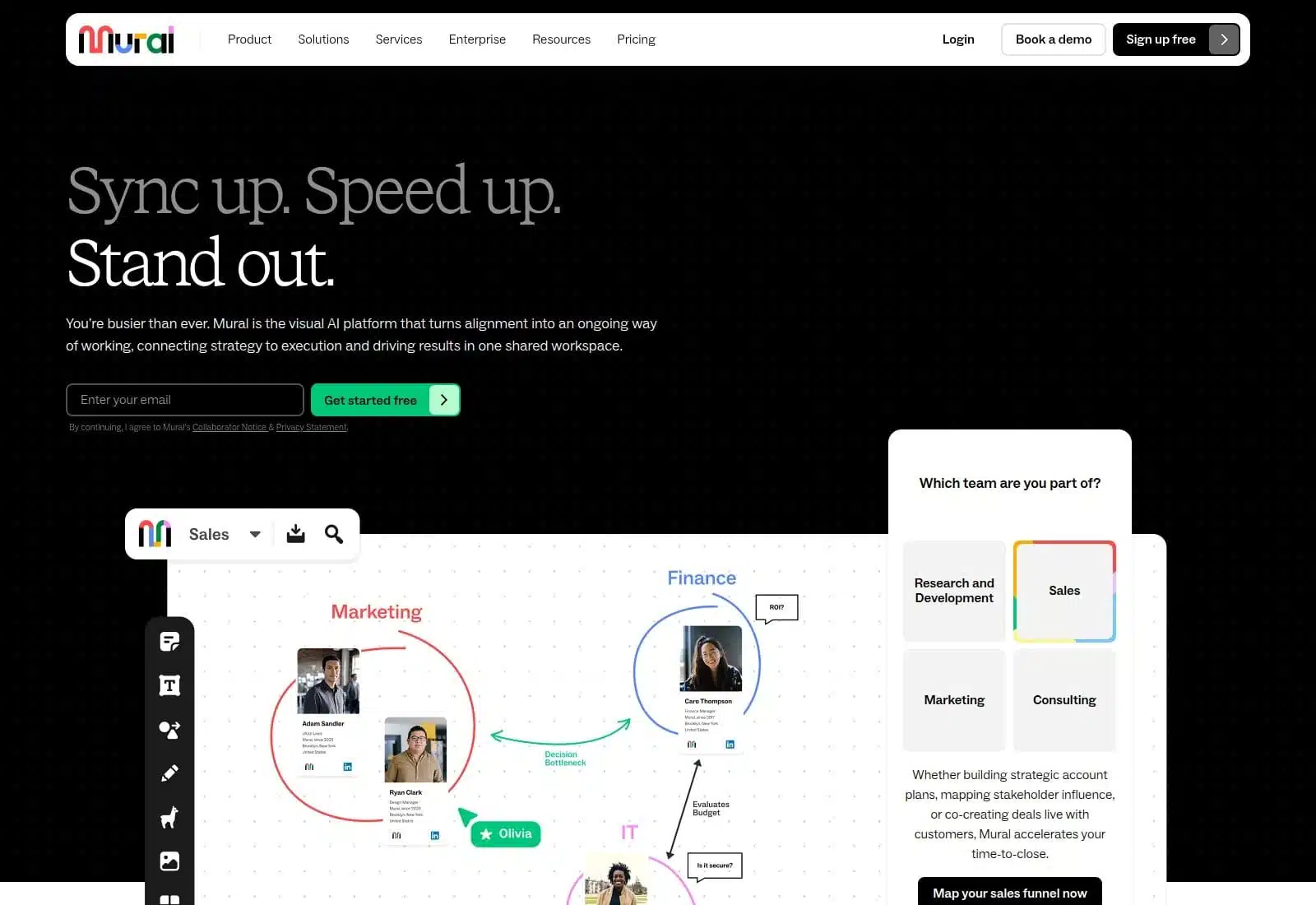
Mural earns its place through control. A facilitator can manage time, guide attention, reveal content in stages, lock objects, summon participants to a location, run anonymous voting, and use private mode for independent thinking.
Private ideation is especially useful. When participants cannot see everyone else’s notes immediately, the first confident answer is less likely to shape the whole room. Quieter contributors also get space to think before the group begins discussing and judging ideas.
The free plan keeps three murals editable and includes strong core collaboration and facilitation features. Mural uses several participant roles, however, so an organizer should test the exact access settings before inviting clients or a large external group.
I would not choose Mural for an informal sketching call. For a strategy workshop, retrospective, or training session with a deliberate agenda, it is the strongest facilitation tool in this list.
4. Lucidspark: Best for Ideas That Become Diagrams
Lucidspark makes the most sense when brainstorming is only the first stage. A rough collection of ideas can move into process maps, system diagrams, customer journeys, or work items in the wider Lucid environment.
Breakout boards help larger groups work in parallel, while voting, timers, private mode, comments, and facilitator controls support structured sessions. Guest collaborators can contribute without registering, which removes one common obstacle in cross-company meetings.
The drawback is complexity. Lucid spreads capabilities across products and plans, and some teams will need time to understand what is included. If all you want is a quick shared canvas, that effort is hard to justify.
Choose Lucidspark when the output must become a formal diagram or operational process. That handoff is its clearest advantage.
5. Zoom Whiteboard: Best for Zoom-Centered Meetings
Zoom Whiteboard is easy to overlook because many people still think of it as an extra inside a video-call app. Its free offering is more capable than that reputation suggests.
The basic plan includes three concurrently editable boards, public collaboration without mandatory sign-in, a timer, voting, presentation mode, diagramming tools, and PDF or image exports. A host can prepare the board before the call, open it during the meeting, and share the result afterward without asking the team to learn another platform.
It is not as convincing as Miro for long-running visual project work. Its real advantage is proximity: if the meeting already happens in Zoom, the whiteboard is where people expect it to be.
Small teams should try it before buying a separate workshop tool. They may already have enough.
6. Microsoft Whiteboard: Best for Microsoft 365 Organizations
Microsoft Whiteboard belongs on this list for one reason: it fits into an environment many organizations already use. A team can prepare a board, open it inside a Teams meeting, use follow and presentation controls, and return to the work later. Files for supported organizational users also sit within the familiar Microsoft 365 setup.
This convenience comes with access friction. External collaboration can depend on tenant policies, identity settings, and administrator decisions. It is a weaker choice when clients and partners regularly need to enter without help.
There is also an important deadline. Creation and editing for personal Microsoft accounts are scheduled to end on August 22, 2026, while supported business and education access continues. That makes Whiteboard an organizational recommendation, not a general free option for individuals.
If your team works in Microsoft 365 and mostly collaborates internally, start here. Otherwise, choose a board with simpler guest access.
7. Canva Whiteboards: Best for Visual Content Teams
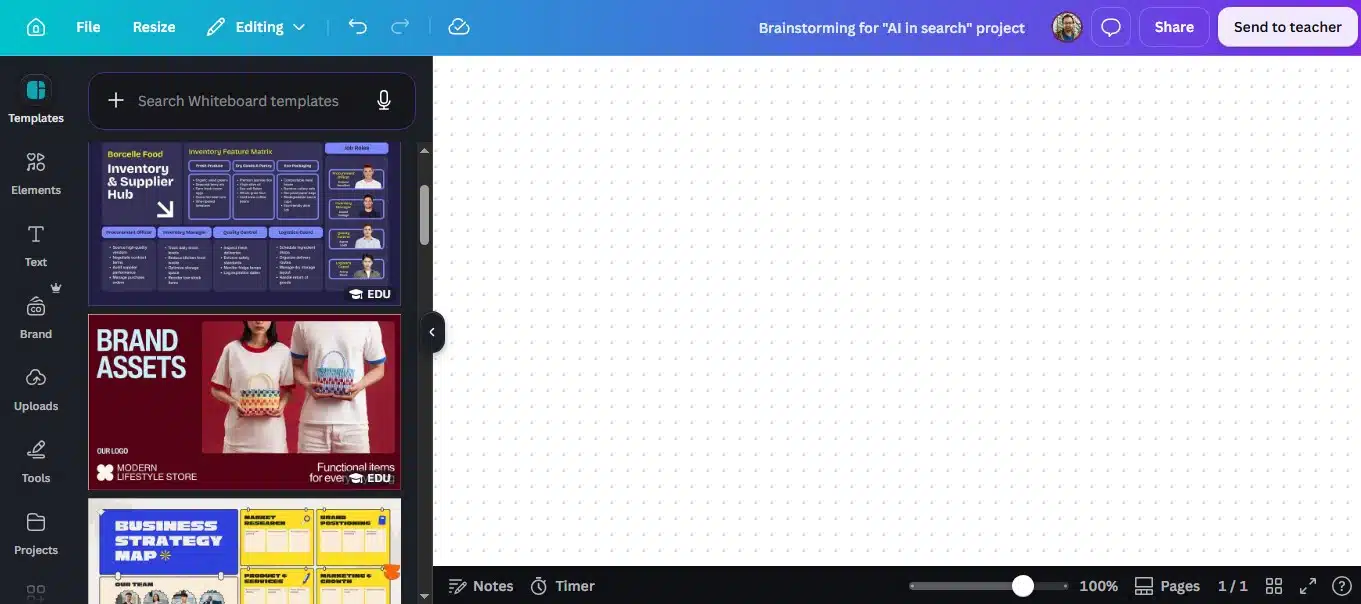
Canva Whiteboards works well when brainstorming sits beside the creative material it will produce. Marketing teams can place campaign ideas, mood boards, images, presentation concepts, and social assets on the same canvas instead of separating discussion from execution.
The whiteboard includes timers, comments, sticky-note reactions, diagrams, and real-time collaboration. Its sorting tools can group notes by theme, author, color, or reactions, which helps when a creative session leaves behind a crowded canvas.
What Canva lacks is tighter workshop governance. Reactions can surface preferences, but they are not the same as a controlled anonymous vote. Task handoff and facilitator controls also remain lighter than those in Miro, Mural, or Lucidspark.
For content planning, campaign ideation, and mood boarding, Canva is a practical fit. I would choose something else for a high-stakes strategy workshop with complex stakeholder decisions.
8. Stormboard: Best for Structured Brainstorming and Reporting
Stormboard treats a brainstorm as data that should be organized, assigned, and reported. Boards can use matrices, backlogs, calendars, and other structured layouts. Notes can carry comments, owners, tasks, and due dates rather than remaining loose thoughts on a canvas.
That approach suits retrospectives, prioritization meetings, planning sessions, and consulting workshops where someone must produce a record afterward. Paid plans add richer exports and reports for tools such as Word, PowerPoint, Excel, Google Docs, Slides, and Sheets.
Stormboard is less appealing for free-form drawing, and its interface feels more functional than playful. That is not necessarily a fault. It simply serves a different type of meeting.
Choose it when the output must become an action record or formal report. For spontaneous visual thinking, FigJam or Excalidraw will feel quicker.
9. Excalidraw: Best for Quick, Account-Free Sketching
Excalidraw removes the delay between explaining an idea and drawing it. The free, open-source editor works without an account, supports real-time collaboration and offline use, and exports to PNG, SVG, or an editable Excalidraw file.
Its hand-drawn style is more useful than it first appears. Rough diagrams invite discussion. They do not look so finished that participants become reluctant to question them.
The free editor is not a full workshop platform. It lacks built-in voting, timers, private ideation, advanced permission management, and formal facilitator controls. Organizers should also export important work rather than treat a temporary collaboration link as a permanent team archive.
For a quick technical explanation, an informal planning call, or any session where account creation would ruin the momentum, Excalidraw is hard to beat.
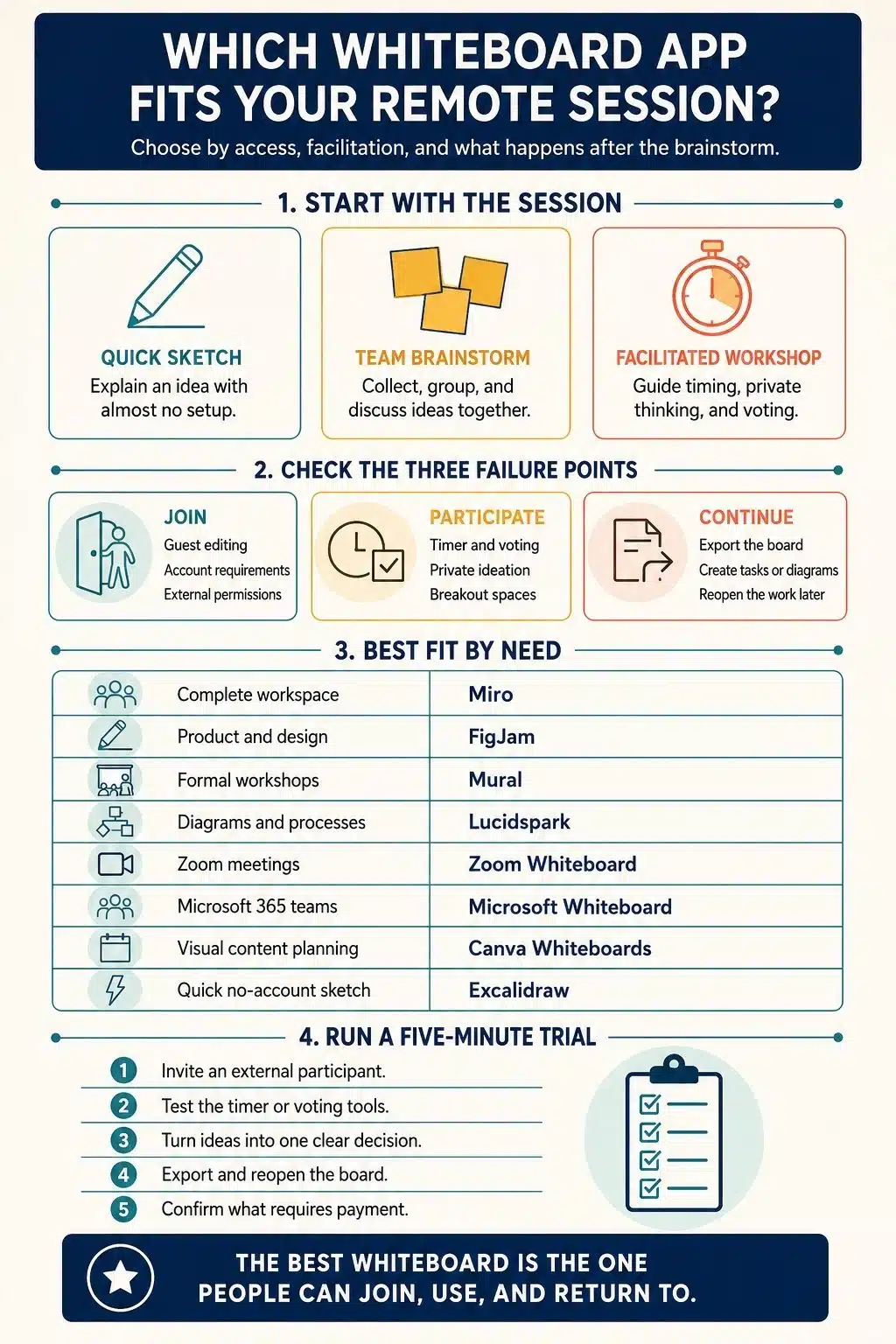
How to Choose the Right Whiteboard App
Begin with the people who need to join. If clients, research participants, or occasional collaborators are involved, test the guest experience before comparing templates. A strong feature list cannot rescue a meeting that begins with access requests and confused permissions.
Then match the tool to the session. An informal conversation may need only drawing, notes, and comments. A structured workshop may depend on private ideation, breakout spaces, anonymous voting, a timer, and a way for the host to guide attention.
The final question is what happens after the meeting. If ideas must become diagrams, assigned tasks, reports, or an ongoing plan, choose a tool that supports that transition. If the board only needs to explain one concept, a clean export may be enough.
Existing software should influence the decision. FigJam is easier to justify in a Figma team, Zoom Whiteboard in a Zoom-centered company, and Microsoft Whiteboard inside a supported Microsoft 365 organization. Familiar access often improves participation more than an extra set of advanced features.
Before committing, run one real session. Invite someone outside the team, use the timer or voting controls, export the board, and reopen it on another device. That short test reveals more than a polished demo ever will.
Which Whiteboard App Should You Choose?
Miro is the best whiteboard app for most remote teams because it supports brainstorming, facilitation, and follow-up in one place. Mural is better for a formally facilitated workshop, while FigJam is the more natural daily option for many product and design teams. Lucidspark stands out when ideas must become diagrams or processes.
Zoom Whiteboard and Microsoft Whiteboard are strongest inside their existing meeting ecosystems. Canva suits visual content work, Stormboard favors structured outputs, and Excalidraw wins when speed matters more than administration.
I would not choose a whiteboard by template count. I would choose the one that lets everyone contribute, helps the group reach a decision, and leaves behind work the team can still use tomorrow.
Frequently Asked Questions on the Best Whiteboard Apps
1. What is the best free whiteboard app for remote brainstorming?
Zoom Whiteboard has one of the strongest free packages for structured remote sessions, with three editable boards, public collaboration, a timer, voting, and exports. Excalidraw is better when you want a fast shared canvas without accounts or formal facilitation controls.
2. Is Miro better than FigJam?
Miro is better for mixed teams that need facilitation tools, planning formats, integrations, and continued work after the session. FigJam is usually the cleaner choice for product and design teams already using Figma.
3. Can guests join an online whiteboard without an account?
Some apps allow it, but the rules vary by plan and sharing setting. Excalidraw and Zoom Whiteboard support no-account collaboration, while Lucidspark provides guest access. Test the exact guest role before a client or public session.
4. What is the best replacement for Google Jamboard?
Miro is the strongest all-purpose replacement. FigJam offers a simpler collaborative canvas, and Zoom Whiteboard is a capable free option for meeting-based use. Teams already using Microsoft 365 or Canva should also test the whiteboards in those ecosystems.
5. Which features matter most in a remote whiteboard app?
Prioritize easy guest access, stable real-time collaboration, useful facilitation controls, and a clear way to preserve or hand off the result. A large template library is secondary if people cannot join easily or act on the ideas afterward.