
Selecting the right software without wasting hours on free trials and comparison tabs is a major challenge. Building a streamlined tech stack is critical, making the search for the best SEO Tools For Agencies And Bloggers essential. Instead of juggling overlapping subscriptions, the focus must remain on acquiring platforms that efficiently handle keyword research, backlink analysis, content optimization, technical audits, and client reporting.
A modern, cost-effective stack relies on platforms that deliver real results. Explore industry-leading options like Semrush, Ahrefs, Surfer SEO, and Screaming Frog alongside essential utilities like Google Search Console. By incorporating AI assistants like ChatGPT and specialized platforms such as SEOBoost and Rankability, optimizing workflows becomes effortless. Discover how to build a powerful, balanced toolkit without ever paying for unnecessary features.
Key Features to Look for in SEO Tools
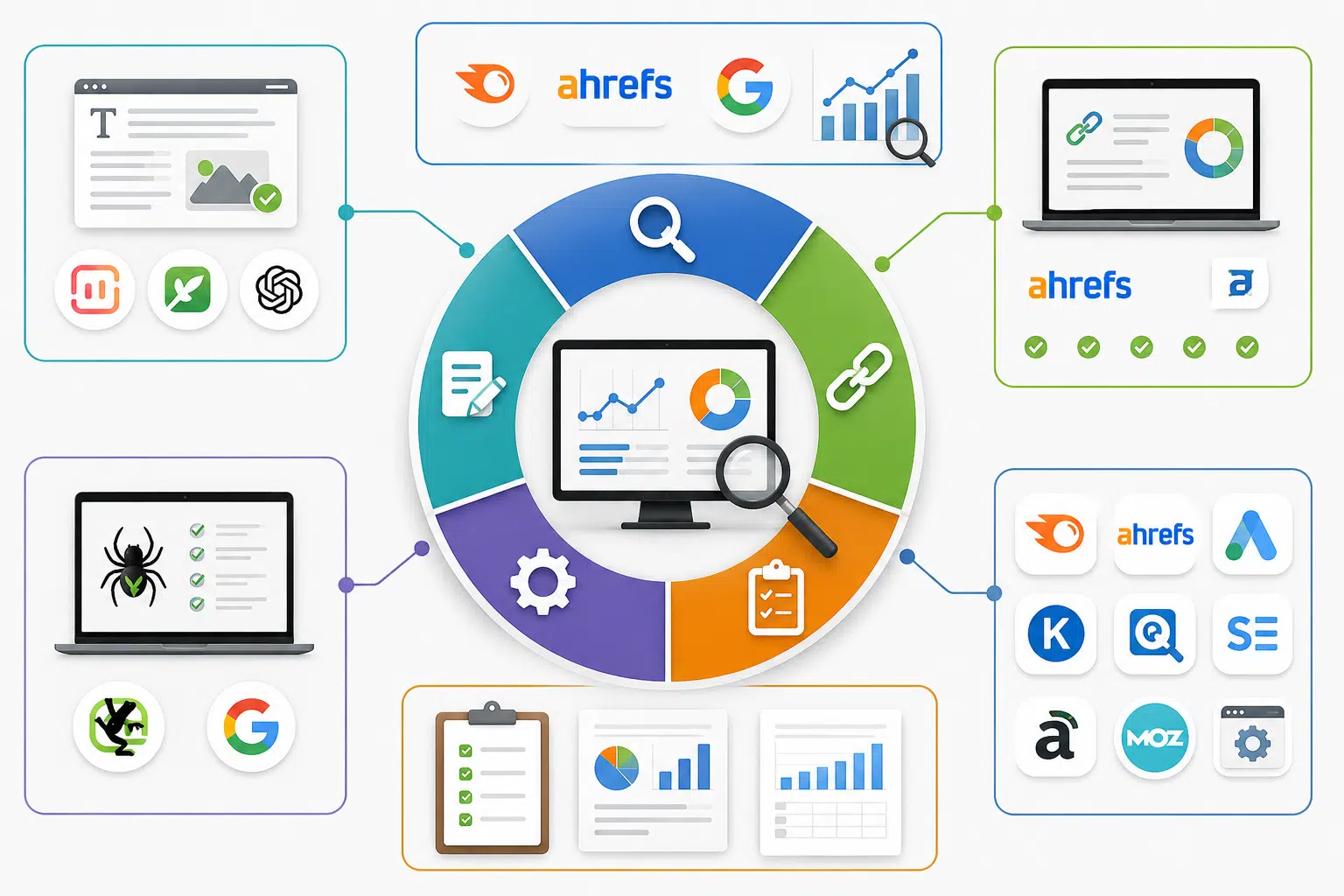
The best SEO tools save you time first, then help you make better decisions. If a platform gives you more charts but not clearer next steps, it is probably adding noise.
For most readers, the right stack comes down to five jobs: keyword research, backlink analysis, content optimization, technical SEO, and reporting. Once you know which job matters most, the buying decision gets much easier.
| What you need most | Best starting pick | Why it matters |
|---|---|---|
| All-in-one SEO with competitor analysis and reporting | Semrush + Google Search Console | Semrush handles keyword research, site audits, and client reporting. Search Console gives you Google’s own clicks, impressions, and indexing data. |
| Backlink analysis and link gap work | Ahrefs | It is still one of the cleanest tools for referring domains, anchor text, broken backlinks, and quick competitor link checks. |
| Content briefs and on-page updates | Surfer SEO or SEOBoost | Surfer is strong for live content scoring. SEOBoost is easier on the budget and stronger for briefs, audits, and content workflow. |
| Technical SEO audits | Screaming Frog + Google Search Console | One crawls the site deeply. The other shows what Google indexed, flagged, or skipped. |
| AI visibility reporting for agencies | Semrush One or Rankability | These tools help when clients ask about Google AI Overviews, ChatGPT, Perplexity, and similar answer engines. |
Scalability for agencies
If you manage more than a handful of sites, limits matter more than flashy features. As of May 2026, Semrush lists 500 tracked keywords and 100,000 audit pages a month on Pro, 1,500 keywords and 300,000 pages on Guru, and 5,000 keywords with 1 million audit pages on Business. That gives you a clear line between a solo setup and a true agency plan.
Reporting costs matter too. Semrush’s current plan docs list Base Reports at $10 per report and white-label Pro Reports at $20 per report, so an agency can start small instead of paying for a bigger subscription before the workflow is proven.
- For small agencies: start with one core suite and one specialist tool.
- For growing teams: check user-seat pricing before you buy, because extra seats can raise the real monthly cost fast.
- For client-heavy work: prioritize white-label dashboards, scheduled exports, and easy permission controls.
Content optimization capabilities
Content optimization should help you publish faster, not trap your writers in score-chasing. Surfer’s Content Editor analyzes more than 500 ranking factors and integrates with Google Docs, ChatGPT, WordPress, and Contentful, which makes it useful when you need writers and editors working in the same workflow.
SEOBoost is the more budget-friendly option for teams that care about briefs and content management as much as editing. Its pricing starts at $30 per month for Essential, $60 for Team, and $100 for Agency, and the platform includes topic reports, content briefs, content audits, and content planning. That is a practical fit for bloggers and smaller marketing agencies that want one place to manage drafts.
ChatGPT also earns a spot here. OpenAI’s help docs note that ChatGPT can analyze uploaded CSV, XLSX, PDF, and text files and turn them into tables or charts. In practice, that means you can upload exported queries from Google Search Console or crawl exports from Screaming Frog and get faster content briefs, topic clusters, or clean summaries.
Backlink analysis and monitoring
Agencies still reach for Ahrefs first when backlinks are the main job. Its current pricing starts with a $29 Starter plan for light research, then moves to Lite at $129, Standard at $249, and Advanced at $449 per month. That range makes it easier for bloggers to test the platform before committing to a full agency plan.
The feature depth is what keeps Ahrefs relevant. Site Explorer, Keywords Explorer, Site Audit, Competitive Analysis, and Brand Radar are all in the core platform, and the paid tiers increase projects, crawl credits, and tracked keywords fast. If your work lives in competitor analysis and link gap reports, that focus is valuable.
A browser add-on can speed your backlink checks even more. Ahrefs says more than 400,000 SEO professionals use its SEO Toolbar, and the free version can show on-page reports, outgoing links, redirect chains, local SERP simulation, and indexation clues right in the browser. That is a fast way to sanity-check a page before you open the full app.
Keyword research and tracking
Keyword research is not just about search volume. You also need intent, SERP patterns, and a simple way to turn findings into a content plan. Semrush, Ahrefs, and Google Keyword Planner cover the core research job well, while tools like Keywords Everywhere, KeySearch, Moz Pro, SE Ranking, AlsoAsked, and AnswerThePublic help you expand ideas and find long-tail angles.
Google Search Console is the quiet hero here because it shows the queries you already earn impressions for. That makes it perfect for finding near-win pages, especially when a URL sits on page two or has a high impression count with a weak click-through rate.
Good keyword data beats guesswork, every time.
- Use Semrush or Ahrefs to discover new keywords and size up competitors.
- Use Google Search Console to find pages that are close to ranking better right now.
- Use ChatGPT to turn keyword groups into content briefs and headline ideas.
- Use a browser extension for quick page checks when you are reviewing the live SERP.
Reporting and white-label options
Client reporting should answer three questions fast: what changed, why it changed, and what you are doing next. If a report cannot do that, it is decoration.
Semrush is one of the easiest starting points for branded SEO reporting because you can schedule PDFs, pull in Google Analytics 4 and Google Search Console data, and upgrade to white-label delivery without rebuilding your whole process. For agencies that want AI-era reporting too, Semrush One adds visibility tracking across Google AI Overviews, ChatGPT, Gemini, and Perplexity.
Rankability is worth a close look if AI visibility is already showing up in client calls. The platform says it is built for agencies managing 5 to 50 plus clients, and its AI Search Reporting tracks visibility across ChatGPT, Perplexity, Gemini, Grok, and Claude. That makes it a smart add-on when traditional keyword tracking no longer answers all the questions your clients ask.
Top SEO Tools For Agencies And Bloggers
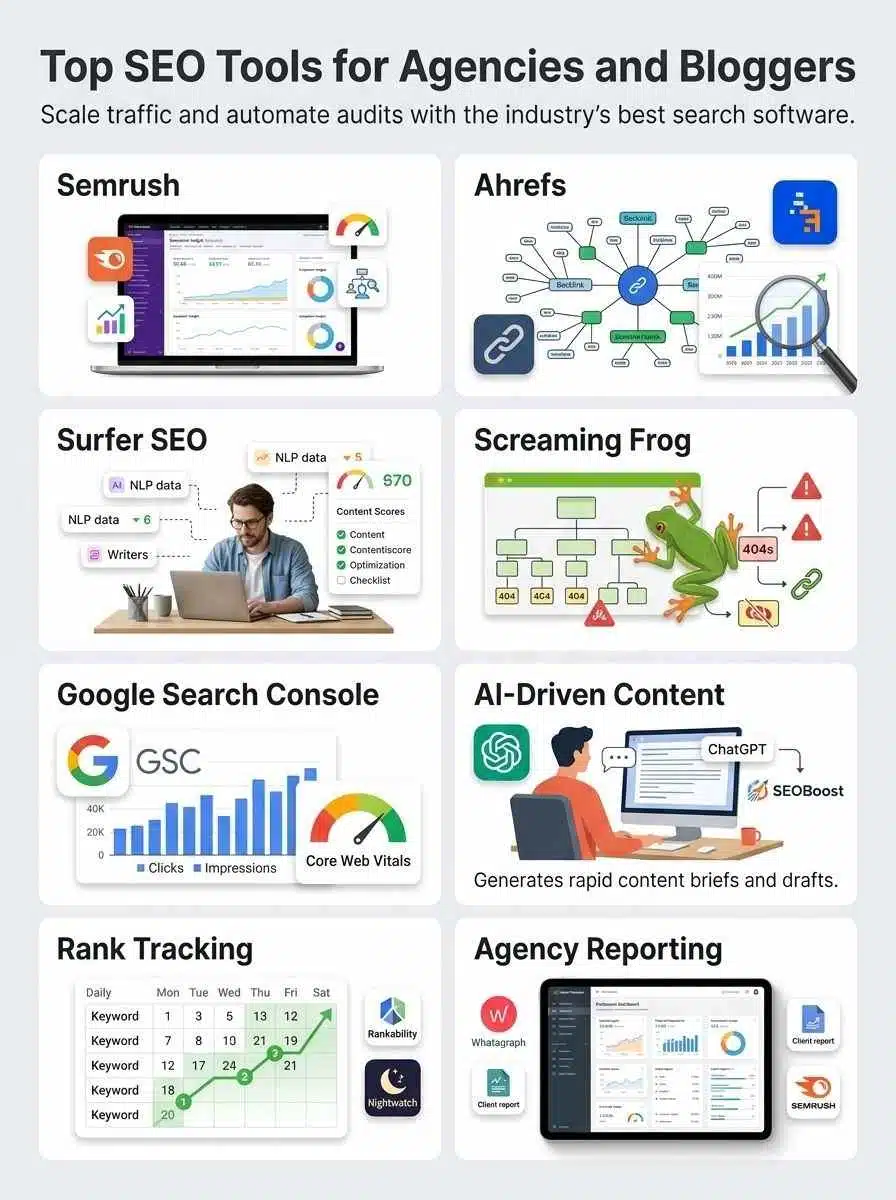
Scaling a digital presence requires more than just intuition; it demands a data-driven toolkit that balances power with efficiency. Finding the Top SEO Tools For Agencies And Bloggers is often the difference between sustainable organic growth and drowning in redundant subscription fees. In an era of generative search and evolving algorithms, your stack must excel at keyword intelligence, technical audits, and content optimization. From industry titans like Semrush and Ahrefs to specialized AI platforms like SEOBoost and Rankability, the right selection streamlines workflows and maximizes ROI. This guide highlights the essential software that earns its keep in a modern, professional SEO strategy.
Semrush – Best All-in-One SEO Tool
Semrush is the tool I would start with if you want one platform that covers the biggest SEO jobs without forcing you to stitch together a stack on day one. It handles keyword research, competitor analysis, backlink analysis, technical audits, rank tracking, and client reporting in one dashboard.
That matters for digital marketing agencies because context switching is expensive. When your team can move from keyword gaps to site audits to branded reports without exporting data five times, work gets faster and cleaner.
Features & Benefits (Semrush)
Semrush’s SEO Toolkit plans are easy to size by workload. The official comparison lists Pro at $139.95 per month, Guru at $249.95, and Business at $499.95. Pro gives you 500 tracked keywords and 100,000 audited pages a month, Guru moves to 1,500 keywords and 300,000 pages, and Business scales to 5,000 keywords and 1 million pages.
That structure makes the platform useful for both bloggers and agencies. A solo site can live happily on Pro, while a growing team can step into Guru once historical data, content tools, and multi-location tracking become important.
If your clients are already asking about generative engine optimization, Semrush One is where the platform gets more interesting. Semrush says that bundle adds AI visibility tracking across Google AI Overviews, ChatGPT, Gemini, and other AI discovery surfaces, so you can report on more than classic rankings.
- Best for: agencies that want one subscription to cover research, auditing, rank tracking, and reporting.
- Strongest use case: monthly client reporting tied to real SEO strategy, not just raw data dumps.
- Pro tip: during Semrush trials, exports are restricted, so test the workflow inside the platform before you promise it to your team or clients.
Pros & Cons (Semrush)
| Pros | Cons |
|---|---|
|
|
Ahrefs – Best for Backlink Analysis
Ahrefs is still the first name I would bring up if your main question is, “Who links to us, who links to competitors, and where are the best link gaps?” It is focused, fast to navigate, and very good at turning backlink data into action.
That focus is why many marketers use Ahrefs beside Semrush instead of replacing it. Semrush is the better all-rounder. Ahrefs is often the cleaner specialist.
Features & Benefits (Ahrefs)
Ahrefs currently offers a wide ladder of entry points. Starter begins at $29 per month for lighter research, Lite is $129, Standard is $249, Advanced is $449, and Enterprise starts at $1,499. For agencies, the jump between Lite and Standard is usually the real decision because tracked keywords move from 750 to 2,000 and crawl credits jump from 100,000 to 500,000 per month.
The platform also goes deeper than many people expect. Beyond Site Explorer and Keywords Explorer, Ahrefs includes Brand Radar, Page Inspect, Competitive Analysis, Web Analytics, Report Builder, and an always-on audit option. Its pricing page also says Brand Radar can research brand visibility across 271 million plus organic prompts, which is useful if your clients care about AI search mentions as much as traditional rankings.
The one practical limit to keep in mind is update speed for rank tracking. Ahrefs lists weekly updates on its standard plan grid, so it is a better fit for trend monitoring than for same-day ranking swings after a page update.
Pros & Cons (Ahrefs)
| Pros | Cons |
|---|---|
|
|
Surfer SEO – Best for Content Optimization
Surfer SEO makes sense when your biggest bottleneck is turning keyword research into pages that are actually ready to publish. It is less about broad SEO management and more about helping writers, editors, and SEO leads shape better pages faster.
If your workflow depends on content briefs, heading structure, content scores, and update recommendations, Surfer usually earns its keep quickly.
Features & Benefits (Surfer SEO)
Surfer’s Content Editor is still the main draw. The official product page says it analyzes 500 plus ranking factors and works with Google Docs, ChatGPT, WordPress, and Contentful. That is helpful because it meets writers where they already work instead of forcing a new publishing habit.
Pricing is more transparent now too. Surfer’s current pricing page lists Essential at $99 per month or $79 when billed annually, and Scale at $219 per month or $175 billed annually. Essential includes 30 articles a month in the editor, 5 AI articles, and 1 team member. Scale jumps to 100 articles, 20 AI articles, and 4 team members, which is a much better fit for agencies or content teams.
Content Audit is another underrated feature. Surfer says it tracks position, CTR, traffic, and Content Score, then surfaces pages with the best update opportunities. That is more useful than chasing a score on every draft because it helps you prioritize the pages most likely to move.
Pros & Cons (Surfer SEO)
| Pros | Cons |
|---|---|
|
|
Screaming Frog – Best for Technical SEO Audits
Screaming Frog is the tool I would reach for when a site has real crawl problems and you need answers fast. It shows broken links, redirect chains, duplicate titles, missing meta tags, canonicals, and a long list of technical SEO issues in a way that is easy to sort and export.
It is also one of the few tools that stays valuable even if you already pay for a larger platform. Semrush and Ahrefs can flag issues. Screaming Frog helps you dig into them.
Features & Benefits (Screaming Frog)
Screaming Frog still has one of the best free entry points in SEO. Its official FAQ says the free version crawls up to 500 URLs per crawl. The paid license is $279 per year in the United States, and that unlocks saved crawls, advanced configuration, and removes the 500 URL cap.
The feature gap between free and paid matters most on modern sites. JavaScript rendering is only in the paid version, and Screaming Frog’s user guide makes clear that the spider does not execute JavaScript by default. If your site relies on client-side rendering, that setting can completely change what you find in a technical audit.
It also plays nicely with Google data. When connected to Google Search Console, Screaming Frog can pull Search Analytics and URL Inspection data. It can also use GA, GSC, and XML sitemaps as extra discovery sources, which is a smart way to surface orphan pages that a normal crawl might miss.
- Best for: technical SEO audits, migration checks, redirect mapping, and large content cleanups.
- Best quick win: run a crawl after a redesign to catch broken links, duplicate titles, and redirect loops before rankings slip.
- Common pitfall: if a site is heavy on JavaScript, switch rendering mode before you trust the crawl.
- Useful upgrade reason: crawl comparison helps you confirm whether fixes really removed issues between audits.
Pros & Cons (Screaming Frog)
| Pros | Cons |
|---|---|
|
|
Google Search Console – Best Free SEO Tool
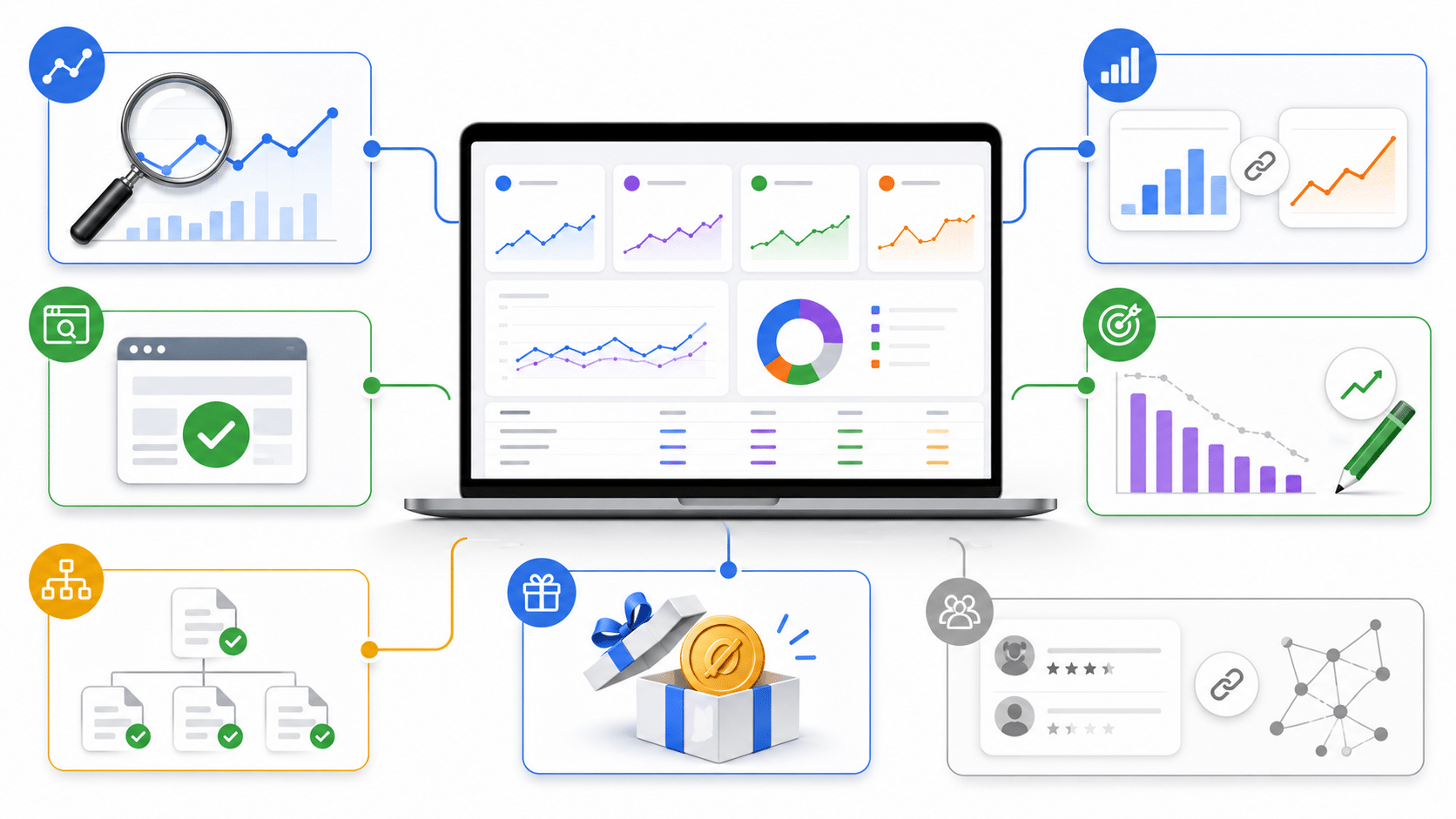
If you only install one SEO tool on a site, make it Google Search Console. It is free, it comes straight from Google, and it shows the closest thing you will get to source-of-truth search performance data without paying a cent.
For bloggers, it is the easiest place to find pages that are close to better rankings. For agencies, it is the baseline data source you should connect before you trust any third-party reporting.
Features & Benefits (Google Search Console)
Google’s own documentation says the Performance report shows clicks, impressions, click-through rate, and average position, along with filters for queries, pages, countries, and devices. That alone makes it one of the best tools for finding content updates that can produce faster wins than starting a brand-new article.
It also includes the URL Inspection tool, which is perfect for troubleshooting why a page is not indexed, checking the last crawl state, and requesting indexing after a fix. When a page disappears or a new page stalls, this is the first place to look.
There is more depth here than many people use. Google’s Analytics help center notes that when you connect Search Console to Google Analytics 4, you get a Queries report and an Organic Search Traffic report, with up to 16 months of Search Console data available in Analytics. That is a practical way to connect rankings and clicks with engagement and key events in one place.
- Best for: verifying keyword rankings, clicks, impressions, and indexing status with Google’s own data.
- Best quick win: sort pages by high impressions and low CTR to find titles and meta descriptions worth rewriting.
- Best technical use: use URL Inspection before you guess why a page is missing from search.
- Main limit: it does not give you full competitor analysis or a deep backlink database.
Pros & Cons (Google Search Console)
| Pros | Cons |
|---|---|
|
|
Final Thoughts
The best SEO tools depend on the job you need done most. If you want the broadest all-in-one platform, start with Semrush. If backlinks drive your strategy, Ahrefs is still a top pick. If content optimization is the bottleneck, Surfer SEO or SEOBoost will save you more time than another rank tracker ever will.
For technical SEO, Screaming Frog is hard to beat. For free performance data, Google Search Console should be on every site. If your clients now care about AI visibility too, add Semrush One or Rankability instead of forcing an older tool stack to answer newer questions.
My advice is simple: pick one core platform, add one specialist tool, and use ChatGPT to speed up briefs, analysis, and reporting. That mix usually gives agencies and bloggers better results than buying everything at once.
Frequently Asked Questions (FAQs) About SEO Tools for Agencies and Bloggers
1. What SEO tools should agencies and bloggers use?
Use keyword research tools, site audit tools, rank trackers, backlink analyzers, content optimizers, analytics platforms, and CMS plugins to handle SEO work.
2. How do I pick the right SEO tool for my agency or blog?
Match the tool to your goals, team size, and budget, check integrations, and look for clear reports. Think of it like picking a wrench from a toolbox, grab the one that fits the job.
3. How do these tools help with keyword research and content optimization?
They find SEO friendly keywords, spot topic gaps with competitor analysis, and score content so you can create better posts and pages.
4. Can SEO tools automate audits and track backlinks for agencies and bloggers?
Yes, site audit tools scan for errors and offer fixes fast. Backlink analyzers watch links, flag toxic ones, and rank trackers show position changes, so agencies and bloggers can prove value, without guesswork.