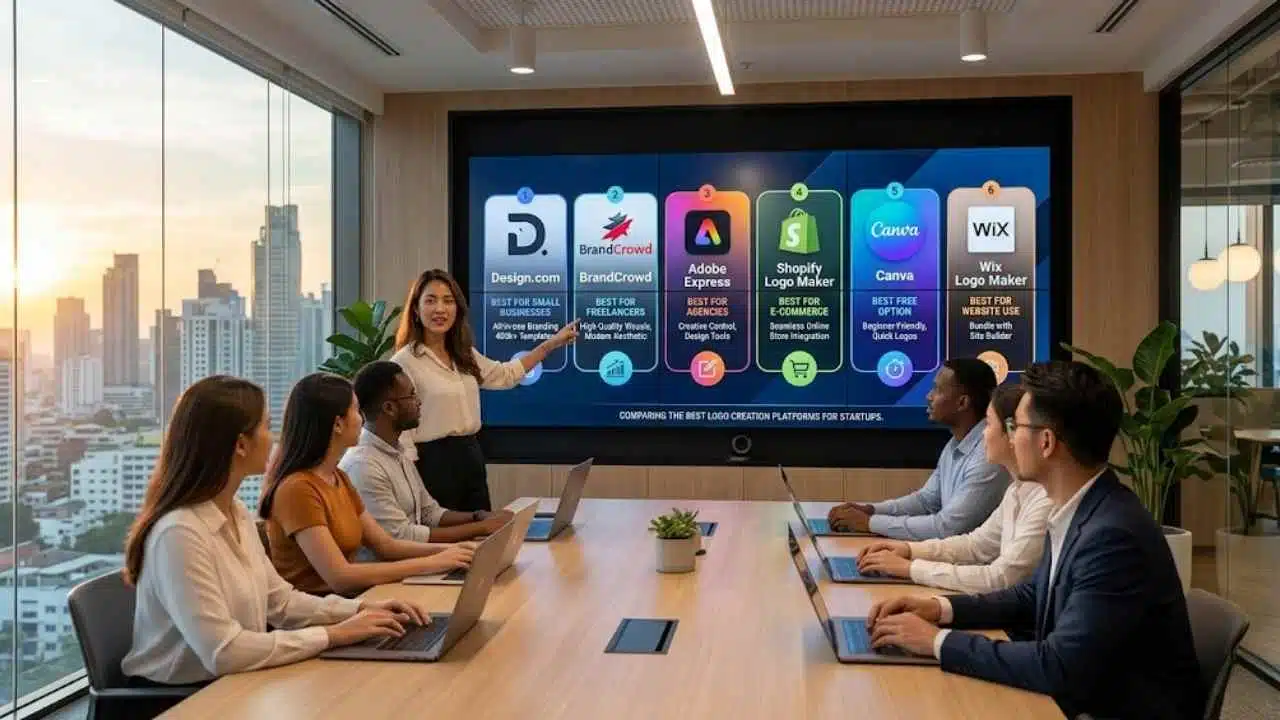
Creating a logo has never been easier, especially with the rise of AI tools and customizable template platforms. But having tons of options also means choosing the right tool has become more confusing. Some platforms are built for speed. Others focus on design quality. Some are meant for specific use-cases (say e-commerce or enterprise accounts).
So instead of ranking tools arbitrarily, we break down the best logo makers based on what you actually need: whether you’re a small business owner, freelancer, agency, or e-commerce seller.
Let’s find your best fit!
Best for Small Businesses → Design.com
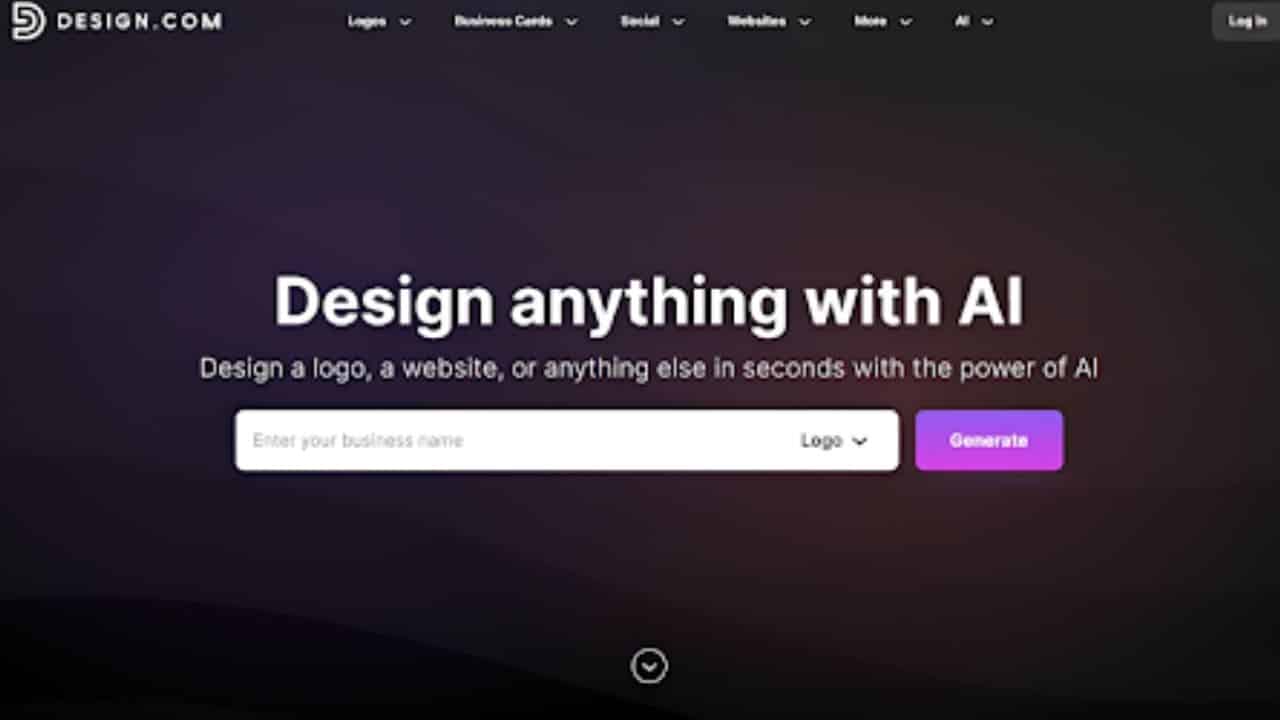
If you’re running a small business, your logo is just the starting point. You’ll also need social media graphics, business cards, a website, and consistent visuals across everything if truly want to build a brand.
That’s where Design.com’s logo maker stands out.
Why Design.com is perfect for small businesses:
- Get access to over 400k+ logo templates and over 1 million design assets, spanning across multiple styles and industries
- 50+ tools for social media posts and videos, posters, flyers, email signatures, QR codes, digital business cards, invoices, and more
- Users can also harness the power of AI to create logos, where the AI will study your brand name and keywords to generate thousands of suitable logo designs
- Users can opt to use AI chat when editing, where you can request the AI to make changes rather than doing it manually
- Get materials that instantly matches your logo’s color and style with their Brand Kit creator
- Users have the option for exclusive license, ensuring that your logo is yours only and is removed in the library
- Logos are available in multiple formats, for both print and digital use
Here is a sample of logos you can get on the platform:
We used our name as a reference. We liked how it got the tech and business feel right without looking too stiff or plain. We also like the overall variety of the designs.
What makes it the best overall choice?
Logos aren’t the only thing you can get on Design.com. It’s a full-on branding platform, so you can get tools for virtually every branding and marketing asset you’ll ever need.
And once you create a logo on the site, you can instantly have matching assets such as websites, social media graphics, or business cards. It’s an easy way to build a cohesive brand identity without having to design from scratch (nor jump into multiple tools).
For startups and small businesses, that kind of speed, simplicity, and scalability is hard to beat.
Best for: Small businesses that want an all-in-one branding solution (and the strongest overall option in this list)
Best for Freelancers → BrandCrowd
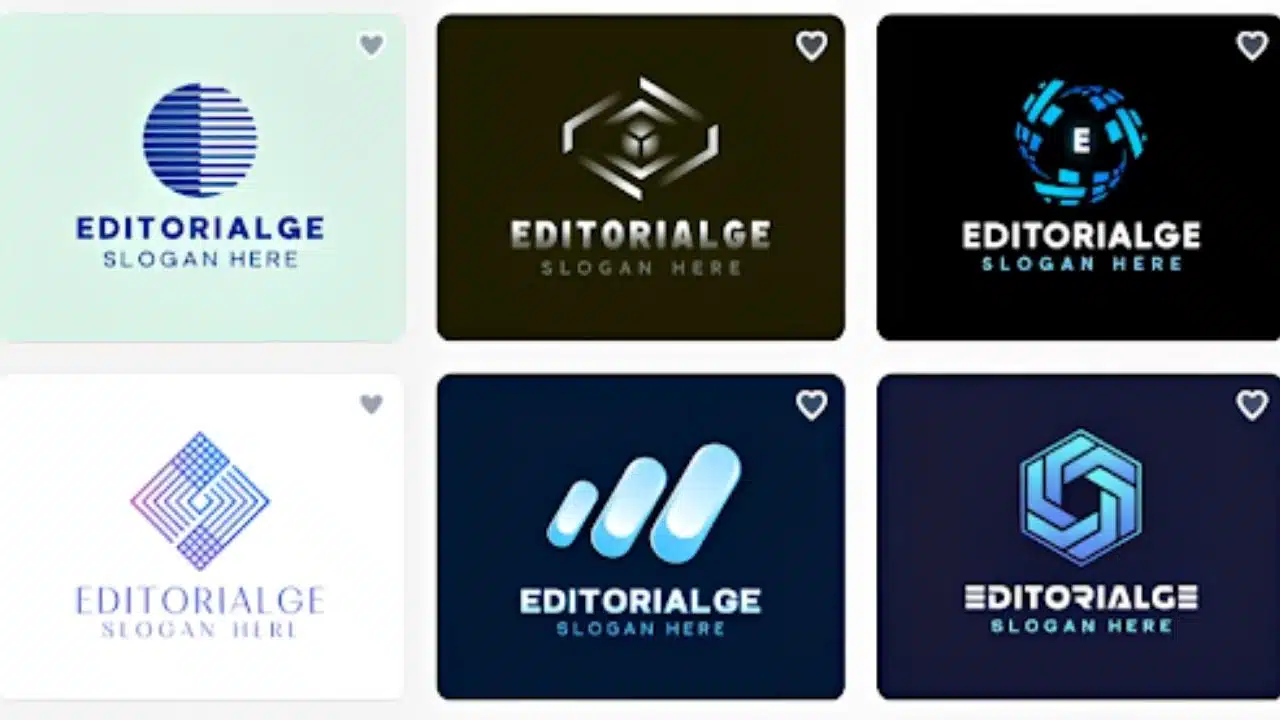
Freelancers often care deeply about how their brand looks. After all, their brand is themselves. You want your logo design to look polished, professional, and aligned with your brand identity.
Luckily, BrandCrowd delivers exactly that.
Why BrandCrowd is great for freelancers:
- High-quality design templates crafted with strong visual appeal
- Wide variety of styles, from modern minimal to bold creative branding
- Simple controls and beginner friendly editor
- Easy to use without losing design integrity, as users can make comprehensive edits such as animations, text spacing, gradients, and more
- Suitable for personal brands, portfolios, and creative services
- Logos are checked for originality and commercial safety
What makes it different?
BrandCrowd focuses on delivering great aesthetic quality and visual polish, making it a strong choice for freelancers who want their branding to look sharp without hiring a designer.
Here are their takes on our logo. We are especially partial to the interlocked golden E’s, as it gives a premium feel to the design.
Best for: Freelancers who prioritize design quality and visual identity
Best for Agencies → Adobe Express
Marketing agencies need more than speed. They need control, flexibility, and the ability to make more creative edits to fit their multiple client’s needs.
Why Adobe Express works for agencies:
- Advanced editing options, can make more granular and comprehensive edits
- Great design to choose from
- Integration with Adobe Creative Cloud
- Access to Adobe’s library of fonts, photos, and other graphic assets
- AI design tools for generated images, videos, and text
Trade-offs
- Takes more time to learn
- AI designs may need further refinement
- Some tools are locked behind paid plans
Best for: Agencies that want creative control (while still keeping it easy and hassle-free)
Best for E-commerce → Shopify Logo Maker
Planning to build an online store? Your logo should plug directly to your store, and is ideally optimized for e-commerce sizes and guidelines.
Why go for Shopify:
- Seamless integration with Shopify stores
- Fast logo creation during store setup
- Designed for product-based brands
- Works well with packaging and storefronts
Trade-offs
- Limited customization compared to dedicated design tools
Best for: Entrepreneurs launching e-commerce brands or those planning to build a store on Shopify
Best Free Option → Canva
If you’re just getting started or testing an idea, Canva is the easiest free option.
Why use Canva:
- Lots of logo templates to choose from
- Intuitive drag-and-drop editor, very beginner-friendly
- Large library of graphic elements, illustrations, and fonts to jazz up your logos
- Collaboration feature, great for teams
Trade-offs
- Canva is popular so their designs get overused a lot
- Most of their great editing features and designs are locked behind Canva Pro
Best for: Users who need a quick, free logo
Best for Website Use → Wix Logo Maker
If you need a logo and a website, Wix offers a convenient all-in-one path.
Why Wix works:
- Direct integration with Wix website builder
- Logos are optimized for website use
- AI assisted logo process, users just need to answer a form to get a logo tailored to them
- Simple setup and editing for beginners
- Good for service-based businesses
Trade-offs
- Less flexibility in terms of design customization
- Limited branding tools beyond the website ecosystem
- Logos are a bit too basic
Best for: Users who want a logo bundled with a website builder
Final Thoughts
The best logo maker isn’t about having the most features or the cheapest one you can find. It’s about the one that meets your needs.
- If you want a complete business branding engine, go with Design.com
- If you care about visual polish, choose BrandCrowd
- If you need creative control, pick Adobe Express
- If you’re launching fast, Canva will get you there
- If you want website or online store, Wix or Shopify is your best bet
But if you’re looking for the strongest all-around option, especially as a startup or small business, Design.com clearly stands out. It goes beyond logo creation and gives you everything you need to build, launch, and grow your brand without juggling multiple platforms. So if you want to build a real brand (and not just a logo), Design.com is the smartest place to start.