Choosing the right hosting provider for your WordPress website is more crucial than ever. With an increasing focus on user experience, speed, and security, the best hosting provider can significantly impact your website’s performance and growth.
As we move into 2025, WordPress hosting continues to evolve, with many providers offering cutting-edge features like cloud-based hosting, advanced security protocols, and superior customer support.
Whether you’re a blogger, small business owner, or running an eCommerce store, the hosting provider you choose will be foundational to your success.
This comprehensive guide covers the best hosting providers for WordPress websites in 2025, along with detailed insights into their features, performance, and pricing. We will also break down the key factors to consider when selecting a host, so you can make an informed decision.
Key Factors to Consider When Choosing WordPress Hosting in 2025
Before diving into the best hosting providers for WordPress websites, it’s important to understand the elements that make a hosting provider ideal for WordPress in 2025.
Speed and Performance
Page load speed directly influences user experience, SEO rankings, and even your bottom line. According to a Google study, 53% of mobile users abandon a site if it takes longer than 3 seconds to load. Therefore, selecting a provider that ensures fast page loads is essential.
- Look for a host with solid server infrastructure: SSD drives, caching, and CDN integration.
- Performance optimization tools like built-in caching or advanced content delivery networks (CDNs) help load your website faster.
Practical Tip: If you’re running an eCommerce site or expect high traffic, prioritize a host with dedicated resources and managed WordPress hosting to avoid performance bottlenecks.
Security Features
With cyber threats becoming increasingly sophisticated, security has to be a top priority. WordPress sites are frequent targets for hackers, and hosting providers should offer robust security measures to protect your site.
- SSL certificates to secure data transmission.
- Firewalls and malware scanning tools to prevent unauthorized access.
- Automated backups ensure that your website can be restored in case of an attack.
Practical Tip: Look for hosting providers that offer free SSL and regular security updates to keep your WordPress installation secure.
Uptime and Reliability
Downtime can be catastrophic for your site’s performance, especially for businesses. A reliable host should have a 99.9% uptime guarantee and offer the necessary infrastructure to minimize downtime.
- Service level agreements (SLAs) and uptime monitoring can provide additional assurances of reliability.
Practical Tip: Read independent third-party uptime tests to validate the performance claims of the hosting provider.
Customer Support
Whether you are a WordPress expert or a beginner, having reliable customer support is essential. Look for a hosting provider with:
- 24/7 support available through multiple channels (phone, email, live chat).
- WordPress-specific support, as WordPress hosting requires specialized knowledge.
Practical Tip: Opt for providers that offer managed WordPress hosting to get access to WordPress experts who understand your site’s specific needs.
5 Best Hosting Providers for WordPress in 2025
Here’s an in-depth look at the best hosting providers for WordPress websites in 2025, based on performance, security, scalability, and user experience.
1. Bluehost
Overview: Bluehost is a leading hosting provider known for its affordability and reliability. It is officially recommended by WordPress and is one of the most user-friendly hosting solutions. Bluehost’s integration with WordPress makes it ideal for beginners looking to start a website quickly and without hassle.
Key Features
- Free domain for the first year.
- One-click WordPress installation for easy setup.
- Free SSL certificate and Free CDN for enhanced security and performance.
- 24/7 customer support with WordPress-specific assistance.
- 30-day money-back guarantee, providing peace of mind.
Pros
- Ideal for beginners with easy-to-use control panels.
- Budget-friendly pricing.
- Excellent customer support, especially for WordPress-related issues.
- Free CDN and SSL certificate included.
Cons
- Higher renewal rates after the initial term.
- Limited advanced features for developers or large businesses.
Pricing Plans
| Plan | Price (Initial) | Price (Renewal) | Key Features |
| Basic | $2.95/month | $7.99/month | 1 website, Free SSL, 50GB SSD |
| Plus | $5.45/month | $10.99/month | Unlimited websites, Free SSL |
| Choice Plus | $5.45/month | $14.99/month | Free domain, Free CDN, Privacy |
2. SiteGround
Overview: SiteGround is highly regarded for its performance and exceptional customer support. Known for its advanced caching solutions and robust security features, SiteGround is a top choice for both small businesses and high-traffic websites.
Key Features
- Managed WordPress hosting with automatic updates and security patches.
- Free daily backups, free CDN, and advanced caching tools.
- Excellent customer support, with specialized WordPress assistance.
- Staging environment to test website changes before going live.
Pros
- Excellent uptime and performance.
- High-quality customer support with WordPress expertise.
- Great for both small and large-scale WordPress websites.
- Free backups and advanced security features.
Cons
- Renewal rates are higher than the initial term.
- Limited storage for lower-tier plans.
Pricing Plans
| Plan | Price (Initial) | Price (Renewal) | Key Features |
| StartUp | $3.99/month | $8.99/month | 1 website, 10GB Web Space, Free CDN |
| GrowBig | $6.69/month | $14.99/month | Unlimited websites, Free daily backups |
| GoGeek | $10.69/month | $22.99/month | Priority support, Staging, Free CDN |
3. WP Engine
Overview: WP Engine is a premium managed WordPress hosting provider tailored for websites with high traffic and complex needs. WP Engine is well-known for its exceptional speed, security, and dedicated support for WordPress.
Key Features
- High-performance hosting with advanced caching solutions and optimized WordPress architecture.
- Automatic backups, free SSL, and free CDN for enhanced security and performance.
- Staging environments to test changes safely before live deployment.
- 24/7 support from WordPress experts.
Pros
- Excellent performance and speed, especially for large sites.
- Top-tier security features, including proactive malware scanning.
- Great for high-traffic websites and businesses.
- WordPress-specific support from experts.
Cons
- Expensive compared to other options.
- May be too complex for beginners or small sites.
Pricing Plans
| Plan | Price (Initial) | Price (Renewal) | Key Features |
| StartUp | $20/month | $39/month | 1 website, 10GB storage, 50GB bandwidth |
| Growth | $39/month | $75/month | 3 websites, 30GB storage, 75GB bandwidth |
| Scale | $74/month | $150/month | 5 websites, 75GB storage, 150GB bandwidth |
4. Kinsta
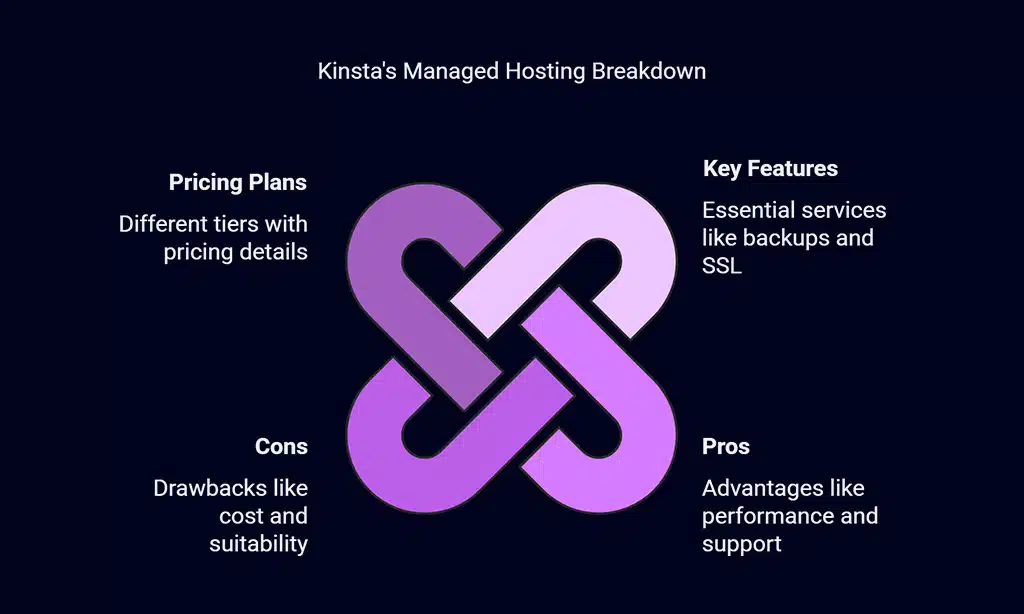
Overview: Kinsta is another premium managed hosting provider known for its Google Cloud Platform-based hosting. It offers superior performance, security, and scalability, making it ideal for businesses and large-scale WordPress sites.
Key Features
- Google Cloud Platform-based hosting for top-tier speed and scalability.
- Automatic daily backups, free SSL, and free CDN.
- Advanced security measures, including proactive malware removal and real-time threat detection.
- 24/7 expert support from WordPress specialists.
Pros
- Fast performance with low latency.
- Scalable and reliable, perfect for growing businesses.
- Excellent customer support from WordPress professionals.
- Advanced security measures, including proactive malware removal.
Cons
- Expensive compared to many other providers.
- May be excessive for smaller blogs or websites.
Pricing Plans
| Plan | Price (Initial) | Price (Renewal) | Key Features |
| Starter | $35/month | $70/month | 1 website, 10GB storage, 50GB bandwidth |
| Pro | $70/month | $140/month | 3 websites, 20GB storage, 75GB bandwidth |
| Business | $115/month | $230/month | 5 websites, 30GB storage, 150GB bandwidth |
5. A2 Hosting
Overview: A2 Hosting is known for its Turbo Servers, which provide excellent speed and performance for WordPress websites. It’s a great choice for users who want more control and speed, particularly for performance-heavy websites.
Key Features
- Turbo Servers for faster load times, up to 20x faster than standard hosting.
- Free website migration, SSL, and CDN for enhanced speed and security.
- 24/7 support via live chat, phone, and email.
Pros
- Turbo Servers for enhanced speed, perfect for high-traffic sites.
- Free migration, SSL, and CDN included in the plans.
- Cost-effective options for WordPress hosting.
Cons
- Turbo plans are more expensive than standard hosting.
- Customer support can be slow during high traffic periods.
Pricing Plans
| Plan | Price (Initial) | Price (Renewal) | Key Features |
| Lite | $2.99/month | $6.99/month | 1 website, 5GB storage, Free SSL |
| Swift | $4.99/month | $9.99/month | Unlimited websites, Free SSL |
| Turbo | $9.99/month | $14.99/month | Turbo servers, Free SSL, CDN |
Comparing the Best WordPress Hosting Providers in 2025
Below is a quick overview of the performance, security features, customer support, and pricing for the best hosting providers for WordPress websites.
| Hosting Provider | Speed | Security Features | Customer Support | Pricing |
| Bluehost | Good | Free SSL, Free CDN | 24/7 WordPress Support | Starts at $2.95/month |
| SiteGround | Excellent | Free SSL, Free CDN | 24/7 WordPress Support | Starts at $3.99/month |
| WP Engine | Excellent | Free SSL, Free CDN | 24/7 WordPress Experts | Starts at $20/month |
| Kinsta | Excellent | Free SSL, Free CDN | 24/7 WordPress Experts | Starts at $35/month |
| A2 Hosting | Very Good | Free SSL, Free CDN | 24/7 WordPress Support | Starts at $2.99/month |
How to Choose the Best Hosting Provider for Your WordPress Website?
Here’s how you can choose the best hosting provider for WordPress websites:
Consider Your Website’s Needs
- Blogging or personal sites may not need premium features, so Bluehost or SiteGround could suffice.
- Business or eCommerce sites demand high uptime, security, and scalability, making WP Engine, Kinsta, or A2 Hosting the best choices.
Determine Your Budget
- Bluehost and A2 Hosting offer affordable options, ideal for personal sites or small businesses.
- If your site demands high performance and security, WP Engine or Kinsta may be worth the investment.
Scalability
- SiteGround, WP Engine, and Kinsta offer scalable plans, making them ideal for websites with long-term growth potential.
WrapUp
Selecting the best hosting providers for WordPress websites is a vital decision for 2025. Whether you’re starting a blog, building an eCommerce site, or managing a high-traffic business website, the right hosting provider will ensure optimal performance, security, and customer support.
With the information provided in this guide, you can confidently choose a provider that meets your needs and sets your WordPress site up for success.