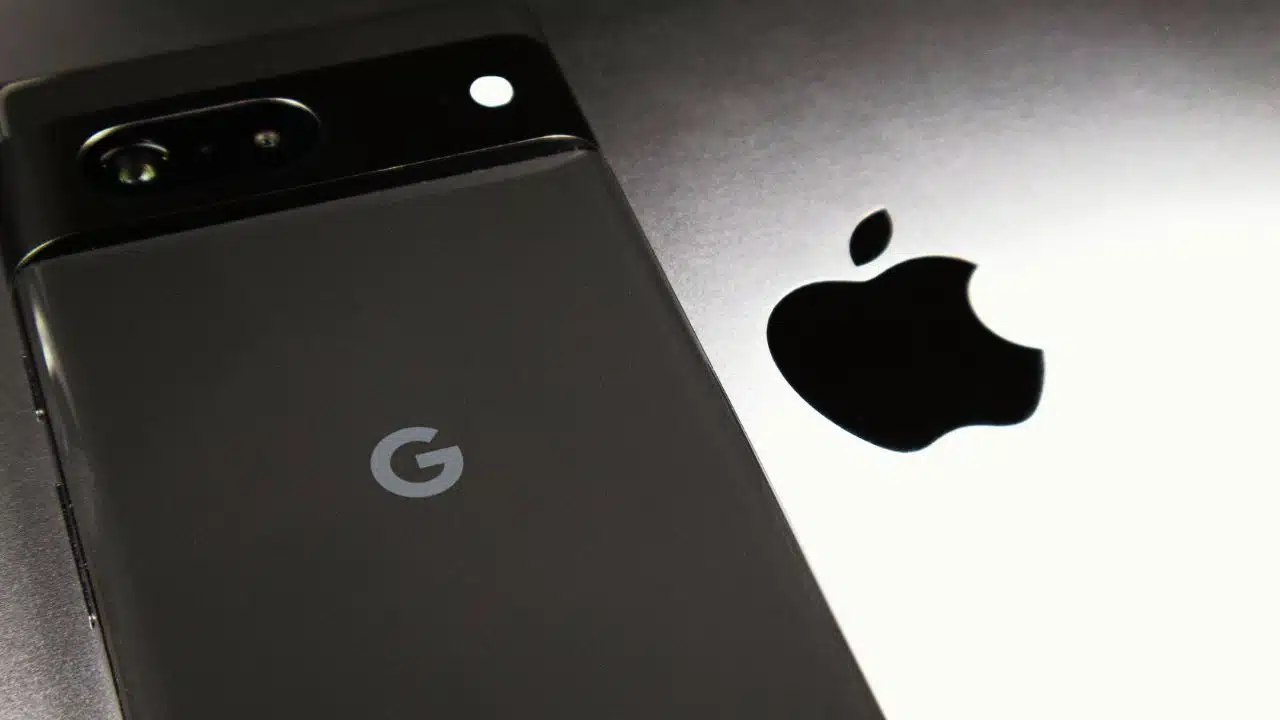
Apple and Google are rolling out a joint phone-switching system designed to make moving between iPhone and Android much faster and less painful, starting with test builds in December 2025. The move responds to years of user frustration and mounting regulatory pressure in Europe for easier data portability between rival mobile platforms.
The long-time rivals are building a unified, native migration flow that promises richer, faster data transfers between iPhone and Android, moving beyond today’s separate “Move to iOS” and “Switch to Android” apps. Early test builds suggest the change could become one of the most significant improvements to phone switching in years.
what is happening
Apple and Google have confirmed that they are collaborating on a new cross-platform setup experience that lets users move data directly between iPhone and Android during initial device setup, without juggling multiple standalone apps. The first signs of this system appeared in an Android Canary build for Pixel phones and will extend to an upcoming iOS 26 developer beta, with more data types and refinements promised over time. Apple and Google say existing tools like Apple’s Move to iOS and Google’s Switch to Android will remain available while the new, unified experience matures.
What Apple and Google announced
Reporting by specialist outlets such as 9to5Mac, 9to5Google and Mashable indicates that the companies are integrating a guided migration wizard directly into the out‑of‑box setup flow on both platforms. Instead of asking users to download separate apps or rely on cables, the new system will prompt them during setup to move contacts, messages, photos and other content directly between their old and new phones.
The collaboration is described as a “joint” effort, with both firms confirming that more categories of data will be supported than in today’s tools, though they have not yet published a full list. Early test builds suggest the focus is on making the process simpler, faster and more comprehensive, rather than changing which side users are encouraged to switch to.
Key features at a glance
| Feature / Aspect | What changes | Evidence of rollout |
| Native setup integration | Phone-to-phone transfer becomes part of initial setup on both Android and iOS, instead of relying only on separate migration apps. | Seen in Android Canary build 2512 for Pixel; iOS 26 developer beta support is planned. |
| Broader data types | Companies say more categories of data will move across, beyond current transfers of basics like contacts and photos. | Details are still limited, but reports mention messages, media and other personal data. |
| Guided, “one flow” experience | Users are led through a single, step‑by‑step wizard that handles most of the migration in one place. | Described by early testers as a unified cross‑platform flow tied to device setup. |
| Legacy apps remain | Move to iOS and Switch to Android continue to work in parallel during the transition period. | Apple and Google explicitly told reporters that existing apps remain available. |
| Competitive neutrality | The tool is framed as easing moves in both directions, not only from Android to iPhone or vice versa. | Commentators note that both sides see upside from making switching less painful. |
How the new switching system is expected to work
Based on descriptions from Android’s Canary build and coverage by mobile news sites, the process starts when a user powers on a new phone and chooses to copy data from an existing device, regardless of whether that source runs iOS or Android. The setup assistant on the new device then guides the user to connect the two phones—typically over local Wi‑Fi or a direct link—and select which categories of data to transfer, such as contacts, messages, photos, videos and possibly app data where supported.
This native approach differs from today’s common pattern, where users must search app stores for migration apps, accept multiple permissions and sometimes repeat steps if transfers fail. By consolidating everything into the onboarding flow, Apple and Google aim to reduce friction, cut down on user errors and make switching phones feel closer to restoring a backup inside one ecosystem.
Why the rivals are collaborating now
The partnership comes against a backdrop of tougher competition rules, especially in the European Union, where the Digital Markets Act (DMA) requires large “gatekeeper” platforms to support effective data portability and avoid locking users into one ecosystem. Apple previously told regulators it would make it easier to move data from iPhone to Android as part of its DMA compliance work, with a deadline stretching into 2025.
Analysts note that regulators have scrutinized how hard it is to leave a platform, not just how easy it is to join, putting pressure on both Apple and Google to prove that users can switch phones without losing key data. By presenting the new switching system as a joint initiative that works in both directions, the companies can argue that they are improving user choice and competition, even as they continue to battle for market share.
Impact on users considering a switch
For everyday users, the biggest impact is likely to be psychological as well as practical: if switching between iPhone and Android is no longer seen as a weekend‑long chore, more people may feel free to choose phones based on price, features or design instead of fear of data loss. Tech outlets expect the richer transfer to preserve a larger share of a user’s “digital life,” potentially including more message history and media, which are often cited as reasons people stay put.
However, some aspects of the ecosystem gap will remain, since the new tools do not erase platform‑exclusive services like iMessage or FaceTime, and app purchases or subscriptions usually do not transfer between stores. Users moving for the first time between ecosystems will still need to adjust to different default apps, notification styles and app availability, even if the core migration runs more smoothly.
Timeline and regulatory context
| Date / period | Development | Source context |
| March 2024 | Apple tells EU regulators it will make iPhone‑to‑Android data transfers easier as part of Digital Markets Act compliance. | EU designates several tech giants, including Apple and Google, as “gatekeepers” subject to portability rules. |
| 2024–2025 | Apple builds data‑portability APIs for EU users, allowing third parties to request certain account data with user permission. | These APIs lay groundwork for more automated data transfers between services and platforms. |
| December 2025 | Android Canary build for Pixel devices reveals a new cross‑platform setup flow tied to a joint Apple–Google migration system. | 9to5Mac, 9to5Google and others report that iOS 26 developer betas will include matching features, with a wider rollout expected after testing. |
What comes next
The new switching experience is currently limited to test channels, meaning most users will only see it after Google promotes the changes into stable Android releases and Apple ships iOS 26 more broadly. Commentators expect the companies to expand supported data categories, refine reliability and publish clearer documentation as the tools move from early previews to general availability in 2026.
Regulators in Europe and possibly other regions are likely to monitor how well the system works in practice, including whether users truly gain easier, secure access to their own data when moving between platforms. For now, experts advise users planning a major switch in 2025 or early 2026 to watch for when the new migration tools reach stable releases, as they could significantly reduce the hassle of leaving one ecosystem for another.