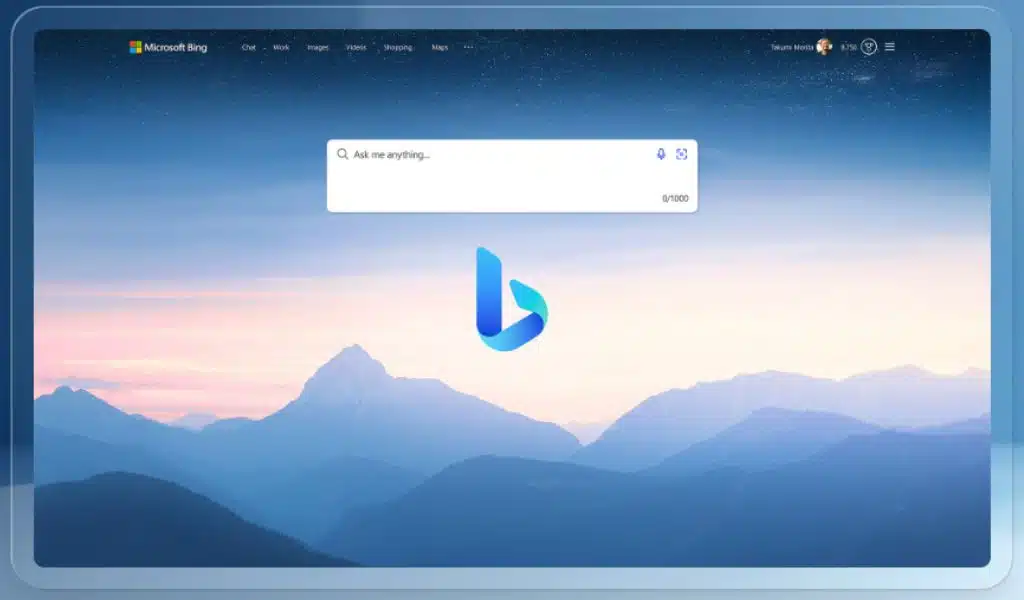
Microsoft Bing Chat Visual Search: Now Available to Everyone

Bing Chatbot to Show Ads

A new feature in Bing Chat was being tested by Microsoft a few weeks ago with a small subset of its user base. The new function gave the chatbot picture recognition, enabling users to acquire information about the image when sending a text prompt.

Microsoft today revealed that the function, now known as Visual Search, is accessible to all Bing Chat users as part of Microsoft Inspire 2023. Microsoft wrote in a blog post:

Visual Search in Chat uses OpenAI’s GPT-4 model to enable anyone to post photos and look up relevant web articles. Use a photo you’ve taken or one you’ve found somewhere, and ask Bing to describe it for you. Bing is capable of comprehending the context of an image, interpreting it, and providing answers. Upload the image into Bing Chat and use it to tap into the knowledge of the web to receive answers, whether you’re at home trying to come up with lunch ideas based on the contents of your fridge or traveling to a new city and inquiring about the design of a specific building.

Users of Bing Chat on PC and those who use the Bing mobile apps will now be able to use Visual Search starting today. Additionally, it will be included for the recently unveiled and launched Bing Chat Enterprise chatbot at a later time.

The video up top provides a demonstration of how this will operate. Someone draws a website form and submits it to Bing Chat. The next request is to generate HTML code based on the drawing. Within a few seconds, Bing Chat completes this process, allowing the user to copy and paste the code into his HTML website editor and immediately observe how the forms behave as they should.

Over the past few weeks, the Microsoft Bing Chat team has also been busy testing out a few additional features with a limited sample of users. It also entails enabling Bing Chat functionality in browsers other than Microsoft Edge, such as Google Chrome or Apple Safari.

The Bing Chat team is “running flights” to make the chatbot recall earlier interactions, according to Mikhail Parakhin, Microsoft’s head of advertising and web services, who recently posted on Twitter.

Several more features, such as a means to pin chat discussions, a way to hear chat responses without voice chat, and more, are being worked on, he added in response to a Twitter question.



Subscribe to Our Newsletter

Related Articles

Top Trending

Phonics vs. Alphabet Rote Learning
Phonics vs. Alphabet Rote Learning: How Interactive Games Redefine Early Reading
How to Make a Voice Assistant Safe for Kids
How to Make a Voice Assistant Safe for Young Kids
Document Automation Tools for Law Firms
10 Best Document Automation Tools for Law Firms
digital decluttering tools
10 Digital Decluttering Tools: What They Clean Up and Miss
Gaming Accessibility Technology
10 Accessibility Technologies Making Gaming More Inclusive

Technology & AI

How to Make a Voice Assistant Safe for Kids
How to Make a Voice Assistant Safe for Young Kids
digital decluttering tools
10 Digital Decluttering Tools: What They Clean Up and Miss
Gaming Accessibility Technology
10 Accessibility Technologies Making Gaming More Inclusive
document scanner apps
10 Document Scanner Apps: OCR Accuracy, PDF Export, and Privacy
AI Use Policy for Legal Departments
How to Create an AI Use Policy for a Legal Department

GAMING

Gaming Accessibility Technology
10 Accessibility Technologies Making Gaming More Inclusive
Discord Bots for Gaming Communities
10 Best Discord Bots for Gaming Communities
Video Games and Mental Health Benefits, Limits and Risks
Can Video Games Support Mental Health and Emotional Well-Being?
Why Payment Convenience Matters When Choosing an Online Casino
Loot Box Legal Questions Issues Gamers and Developers Should Know
8 Legal Questions Surrounding Loot Boxes and Gaming Rewards

Business & Marketing

Dynamics 365 Customer Portal
7 Ways a Dynamics 365 Customer Portal Can Reduce Customer Support Workload
Web to Print Storefront for Print-on-Demand Businesses
Legal Steps After a Cyberattack What Businesses Should Do
10 Legal Steps Businesses Should Take After a Cyberattack
Dickie Shearer’s Global South Storytelling Now Reaches Up to 10 Million Viewers a Month
Books Understand Comfort Women Issue
Which Books Should I Read to Understand the Comfort Women Issue: A Guide to History, Testimony, and Reconciliation

EdTech & E-Learning

parent-teacher communication apps
10 Best Parent-Teacher Communication Apps
do learning apps help kids learn
Does a Learning App Help a Child Learn or Just Keep Them Busy?
tablet vs laptop vs console for kids
Tablet, Laptop, or Console: Which Is Right for a Young Learner?
free ai courses for beginners
10 Free AI Courses for Beginners: What You Learn and Whether Certificates Cost Extra
Student Data Privacy Rules
10 Student Data Privacy Rules Edtech Companies Should Follow

Software & Apps

Document Automation Tools for Law Firms
10 Best Document Automation Tools for Law Firms
digital decluttering tools
10 Digital Decluttering Tools: What They Clean Up and Miss
document scanner apps
10 Document Scanner Apps: OCR Accuracy, PDF Export, and Privacy
Podcast Apps for Android and iPhone
10 Best Podcast Apps for Android and iPhone
Immigration Case Management Software for Law Firms
10 Best Immigration Case Management Software for Law Firms