

In the vast world of audio plugins, compression is one of the most used effects. By understanding and controlling the dynamics of your audio signals, a compressor will allow you to enhance clarity, control peaks, and ultimately achieve better-sounding mixes.
Today we’ll explore concepts, techniques, and compressor controls to help you achieve better results and final mixes. So let’s find out what is the best compression plugin out there and what makes them so great.
Dynamic Control: Understanding the Compressor Plugin
Understanding all the parameters of a compressor plugin is crucial for achieving the best dynamic control in your music.
A compressor plugin acts as a guardian, taming excessive peaks and ensuring a balanced audio signal. They all come with pretty much the same controls – Threshold, Ratio, Attack, Release and Makeup Gain.
From Distortion to Harmony: The Impact of Compression on Your Sound
One of the key benefits of compression is its ability to control dynamics, effectively reducing the gap between loud and soft elements in your mix. This technique not only enhances the overall clarity and intelligibility of your tracks but also allows individual instruments to sit together in harmony.
Compression 101: Key Parameters and Their Effects
To truly harness the potential of a compressor Plugin, it’s essential to understand the key parameters and their effects. Let’s go over some of the most common controls:
- Threshold: This determines the level at which the compressor starts to act. When the audio signal surpasses this threshold, the compression kicks in, reducing the volume of the sound.
- Ratio: The ratio determines the amount of compression applied once the signal exceeds the threshold. A higher ratio means more aggressive compression, while a lower ratio offers a subtler touch.
- Attack: The attack time determines how quickly the compressor responds to the incoming signal. A fast attack can tame transients, while a slower attack preserves their dynamics.
- Release: The release time dictates how long it takes for the compressor to stop attenuating the audio once it falls below the threshold.
- Makeup Gain: After applying compression, the makeup gain allows you to increase the overall volume to maintain a balanced sound.
Studio Standards: How to Use a Compressor Plugin Effectively?
New to compressors ? – just follow these steps..
- Set the Threshold: Begin by carefully setting the threshold, ensuring it captures the desired dynamic range without over-compressing the signal.
- Choose the Right Ratio: Select a suitable ratio that achieves the desired level of compression. Experiment with different ratios to find the sweet spot for your mix.
- Fine-Tune Attack and Release: Adjust the attack and release times to shape the envelope of your sound. A shorter attack can tame transients, while a longer release allows for a more natural decay.
To streamline your workflow, consider using the best master compressor plugins available. These offer precise control over the final mix and ensure optimal audio quality.
But what makes a software compressor the BEST compression plugin? There’s no definitive answer. Some are modeled on vintage analog hardware and others are fast digital compressors.
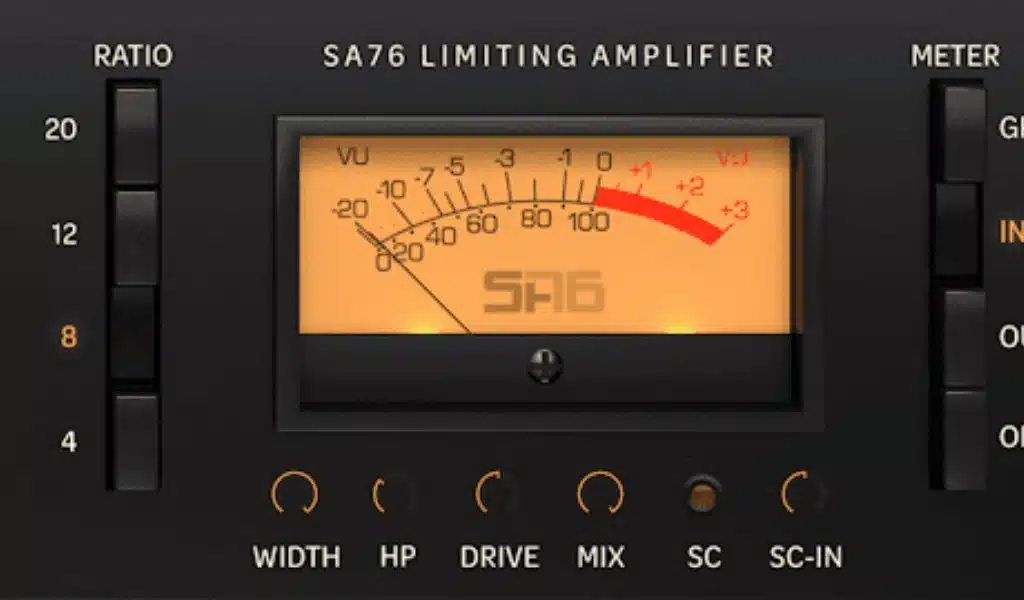
If you are looking for an inexpensive, transparent vintage analog sound (like the 1176) then take a look at the SA76 plugin offering from Sonic Academy.

Compression in Action: Practical Tips and Tricks for the Modern Producer
Understanding how to effectively use compression is crucial for achieving professional-quality mixes. Just follow these tips:
- Use Compression with Intent: Rather than applying compression just because you can.. consider why you are doing it and the desired effect you are trying to achieve. Apply compression only when it adds value and enhances the overall sound.
- Multiband Compression: This allows you to target specific frequency ranges, providing greater control over individual elements within your mix.
- Experiment with Sidechain Compression: Sidechain compression offers a creative tool to create rhythmic effects or achieve a pulsating groove. Explore different sidechain sources, such as a kick drum or a vocal, to create compelling interactions between elements in your mix.
- Combine Compression with EQ: Utilize compression in conjunction with equalization to achieve a well-balanced and polished sound.
- Try Parallel Compression: Parallel compression retains the dynamics of your mix while adding weight and impact to individual elements.
- Trust Your Ears and Practice: While technical guidelines can be helpful, ultimately, trust your ears and develop your intuition when using compression. Practice and experiment with various settings, and refine your skills over time.
In conclusion
In conclusion, mastering the art of compression with a plugin is essential for any music producer seeking to elevate their sound. Using a software compressor allows you to shape dynamics, enhance clarity, and add character to your tracks. Don’t forget to share your thoughts and experiences on improving your sound.


























