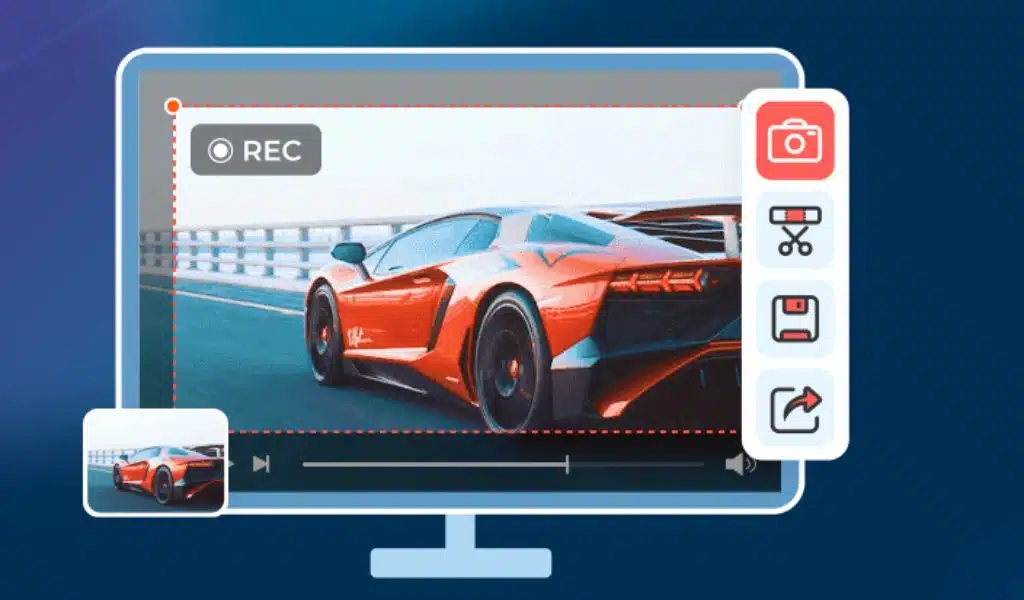
Are you searching for a screen recorder for creating instructional videos, capturing gameplay, or recording online meetings? Or an excellent quality for an output video? The answer is AnyRec Screen Recorder, a famous screen recording for Windows and Mac. With this review, you will know why this software is worth using. You can learn more about the software’s essential features, benefits, and customizable settings, providing an easier way of capturing onscreen content.
What is AnyRec Screen Recorder?
This is always the first question to ask. It is a lightweight and cross-platform desktop tool that offers different recorders for video, audio, meeting, and other online activities. Its interface allows any user, beginners or professionals, effortless navigation during recording. Besides having the latest AI technology, it allows users to configure the video settings for the best result and provide sound effects to maintain high-quality audio. As for the output result, this is a free screen recorder without watermark. This means you do not have to worry about there being some logo or shape that will cover your recorded video.
The screen recorder can be used for extensive activities on your computer, including tutorials, online meetings, hours of gameplay, dubbing, commentary, webinars, and many more. Meanwhile, here are all the functions on AnyRec Screen Recorder:
- Video Recorder
- Audio Recorder
- Game Recorder
- Webcam
- Phone
- SnapShot
It offers a free version that you can download on Windows and macOS. It provides all the features without feature limitations. You can also purchase the premium version at $24.95, with tax included. It will unlock all powerful functions for all recording purposes.
Introduction of the Main Features of AnyRec Screen Recorder
Even in the simplicity of the screen recorder, there are many features to unravel. Let’s start with the main features and their advantages.
Video Recorder
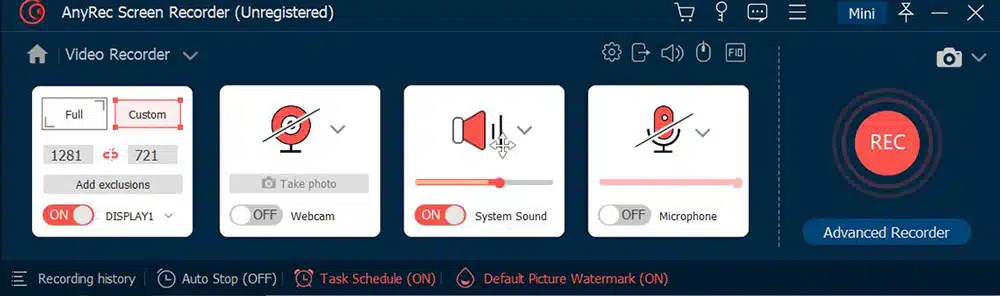
This feature empowers users to capture content without any time constraints. It provides the flexibility to customize the screen region, allowing users to select any specific area of their screen or opt for full-screen capture. Notably, this tool ensures offline playback without compromising the original quality, even without an internet connection. The recent update to the Video Recorder introduces advanced features like the professional Video Trimmer, which allows users to remove unwanted segments from their recordings effortlessly. Additionally, the tool incorporates a metadata editor, enabling users to enhance their videos with descriptions, titles, photo covers, and more. Furthermore, users can explore additional functionalities such as file conversion, merging, and video compression, enhancing the versatility of the software.
Game Recorder
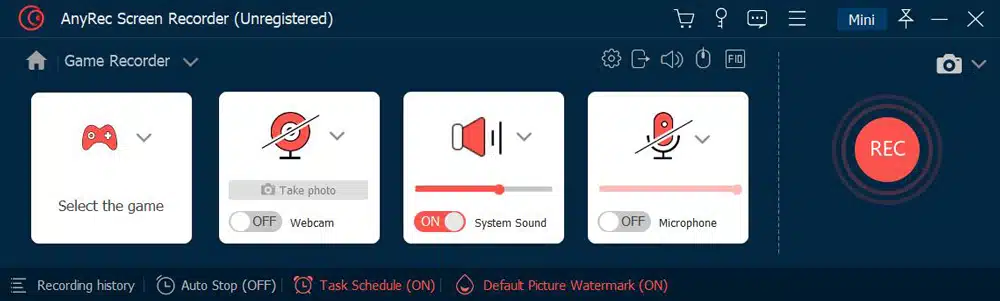
One of the standout features of AnyRec Screen Recorder is its exceptional capability to capture gameplay using GPU acceleration while preserving the game’s frame rate without any degradation. This functionality proves particularly advantageous for gamers, as it allows for uninterrupted gameplay during recording sessions that can span up to an hour or longer. With the ability to seamlessly operate in the background, AnyRec ensures that the recording process remains unobtrusive, enabling gamers to focus on their gameplay without disruptions. This game recorder is highly versatile and well-suited for a wide range of full-screen and windowed games, including popular titles like League of Legends, Roblox, World of Warcraft, and Terraria and platforms such as Twitch and Steam. Gamers can confidently rely on AnyRec to capture their gaming experiences with superior quality and ease.
Window Recorder
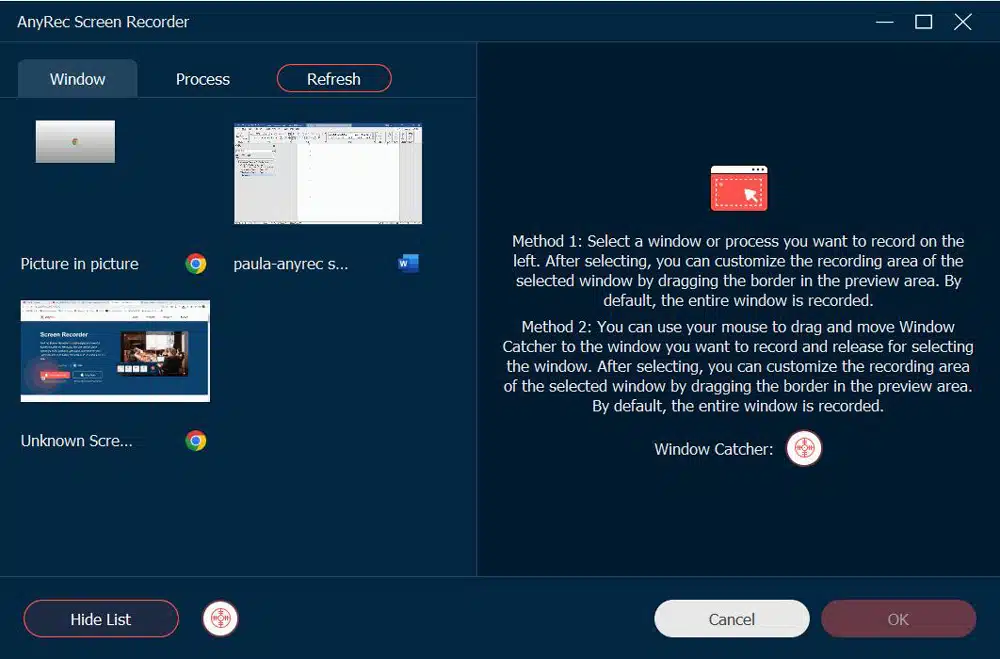
The Windows Recorder in AnyRec Screen Recorder is a dedicated tool to capture content from an open application or browser window. This feature is handy when dealing with multiple open tabs or applications but wanting to focus on capturing content from a specific window. The Windows Recorder function remains fixed on the screen, continuously recording the selected window’s content throughout the recording session. This ensures that only the desired window is captured without distractions or interference from other open tabs or applications. Additionally, users are provided with a convenient list of all the opened apps and windows, allowing them to select and record the desired content precisely and efficiently easily.
Phone Recorder
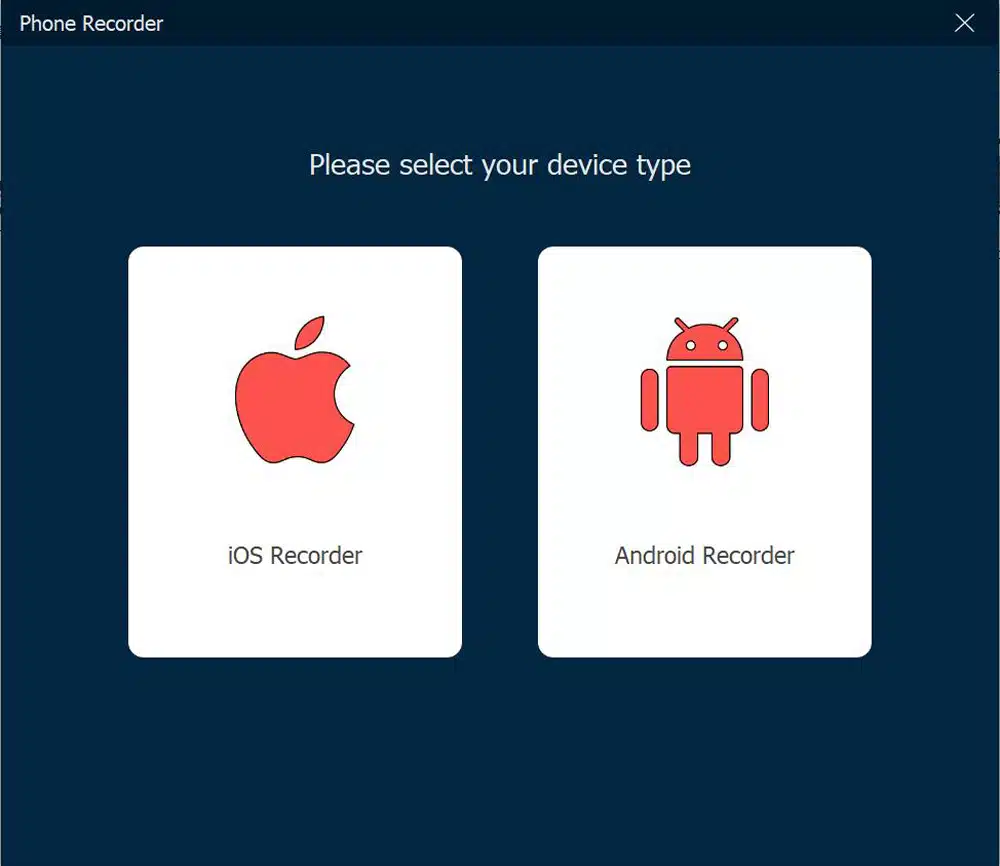
Another great deal for users is the Phone Recorder. It is an alternative for apps that create lags on your phone or capture low quality. It supports many devices, including iPhone, Android, and iPad. All you have to do is to mirror your phone on the computer with a USB cable then, you are good to go.
Audio Recorder
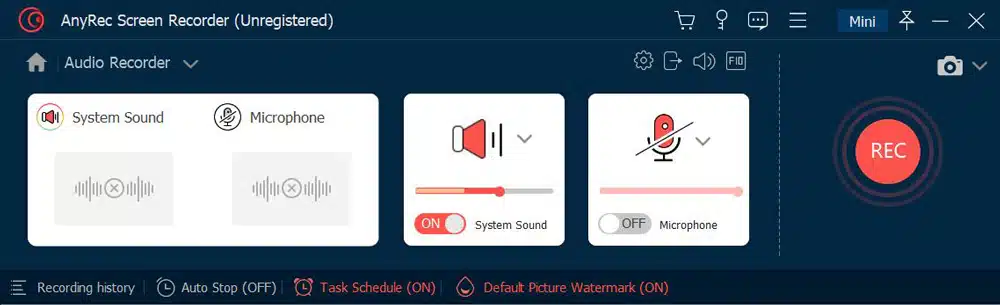
The next one is a recorder for any sound. It supports capturing audio from your computer and your voice. While it saves the audio files as MP3, you can also record and save the sound in AAC, WAV, AC3, AIFF, and other formats. Unlike QuickTime Player, you don’t need additional plugins like SoundFlower or BlackHole. Moreover, it has a built-in soundcheck system to check the sound on the computer and microphone.
SnapShot

Besides professional recording tools, the software has a default Screenshot function to save activities as images. It supports input formats like PNG, JPEG, GIF, and TIFF to save screenshots in any file extension. Furthermore, drawing tools enable you to quickly edit the picture before exporting it.
How to Use AnyRec Screen Recorder?
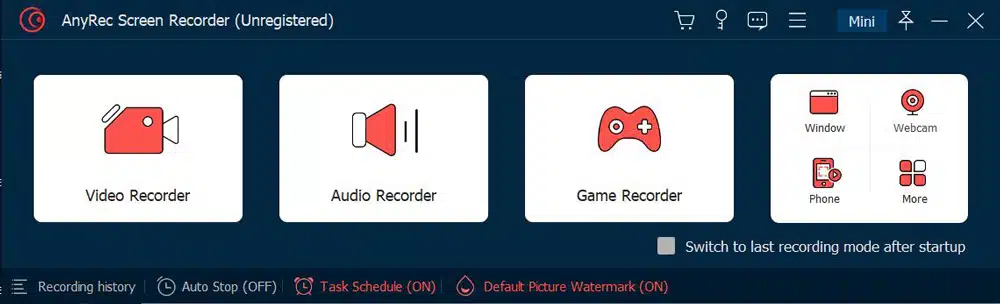
To demonstrate the effortless navigation of the software, here are the simple steps for Video Recorder, Audio Recorder, Phone Recorder, and more. Moreover, the official website’s guide to see detailed instructions.
Video Recorder:
- Click the Video Recorder button from the main menu and set up the screen region.
- Go to Preferences to edit the output format, codec, and video quality.
- Click the REC button and use the floating widget to stop or pause the recording.
Audio Recorder:
- When you select the audio, you must turn on the System Sound and Microphone to add commentary.
- From the Preferences menu, go to the Sound tab, and you can perform a sound check. You can also apply noise cancelation and microphone enhancement.
- Click the REC button to start recording.
Window Recorder:
- Click the More button from the main menu and click the Window Recorder button.
- Then, you can choose the active window to start recording.
SnapShot:
- When you click the SnapShot button, your cursor will turn to the crosshair icon; manually select the region you want to capture.
- The widget gives you drawing sets with built-in brushes, numbers, text, etc. Click the Save button once done.
FAQs about AnyRec Screen Recorder
1. What operating systems does AnyRec support?
For Windows users, the system requires Windows 11/10/8.1/8/7. And for Mac users, you are required to use Mac OS X 10.12 or higher.
2. Can I add annotations or text overlays to my recorded videos?
Yes. During the recording time, you can add text, shapes, and images to the video. And you can change the color and size of the text.
3. Can I schedule and automate recordings with AnyRec?
Yes. You can set a schedule to start recording on your computer. And you can also set the auto-stop for the recording.
4. What output formats are supported by AnyRec?
The default format is MP4. But AnyRec has a powerful format conversion feature. You can convert the recorded video to other video formats.
Yes. There are many social media sites where you can directly share the recorded videos on the History menu.
Conclusion
In conclusion, AnyRec Screen Recorder offers comprehensive features that position it as a strong contender in the screen recording software market. Its intuitive interface and customizable settings make it accessible to all skill levels. The software excels at capturing high-quality videos with various output options, catering to different use cases. Whether you are a content creator, educator, or professional seeking a dependable screen recording solution, AnyRec Screen Recorder is worth considering.