A support assistant that reads customer documents or uses connected tools creates security questions that ordinary application filters may miss. Start by mapping where data enters the system, which model receives it and what actions an agent can take. Then choose controls for the risk you actually have.
We researched current vendor documentation for US enterprise buyers. This unranked shortlist covers different types of controls, including runtime inspection and red teaming. We did not independently test the products. Confirm current US availability, pricing, deployment, support and contract terms before purchasing.
Compare the Companies
| Company | Offering | Initial fit |
|---|---|---|
| Check Point | Lakera AI Guardrails | Prompt defense |
| HiddenLayer | AI security platform | Model lifecycle |
| Google Cloud | Model Armor | Runtime inspection |
| Microsoft | Azure AI Content Safety Prompt Shields | User and document attacks |
| Amazon Web Services | Amazon Bedrock Guardrails | Prompt attack filters |
| Cloudflare | AI Security for Apps | Edge prompt detection |
| Palo Alto Networks | Prisma AIRS AI Runtime Security | Runtime protection |
| Cisco | AI Defense | Asset discovery and runtime controls |
| SentinelOne | Prompt Security | Generative AI and agent security |
| Zenity | AI agent security | Agent runtime behavior |
| Enkrypt AI | AI guardrails and red teaming | Security testing and controls |
| Mindgard | AI red teaming | Testing attack scenarios |
| CalypsoAI | Custom AI scanners | Policy checks |
Controls run in different places. A filter at the edge, a cloud guardrail and a red-team test can complement one another, but one cannot be assumed to cover traffic it never sees.
1. Check Point: Prompt defense
Evaluate prompt and document inspection where untrusted text reaches an AI application. Confirm integration coverage and test ordinary requests for false positives.
Best for: Teams building an assistant that reads untrusted prompts or documents.
Why a team might choose it: Lakera’s guardrail approach is relevant at the point where a customer message or retrieved document enters an AI workflow. It gives a security team a way to examine potentially hostile instructions before they influence the application.
What to consider: Agree where inspection happens and what the application does when a risk is detected. Test ordinary documents as well as attacks; a detector is only useful if legitimate customer requests can still get through.
2. HiddenLayer: Model lifecycle
Its documentation describes discovery, attack simulation and runtime security. Confirm the model types and deployment stages your contract actually covers.
Best for: Organizations securing several stages of an AI model’s lifecycle.
Why a team might choose it: HiddenLayer describes discovery, testing and runtime capabilities. That breadth can be useful when responsibility extends beyond a single chatbot to model assets and applications owned by different teams.
What to consider: Ask which model formats and environments are supported, what requires deployment, and which capabilities are included in the proposed agreement. A broad platform still needs a clear owner for each finding.
3. Google Cloud: Runtime inspection
Model Armor documents protection for prompts and responses. Check regional availability, data handling and consumption charges before integrating it.
Best for: Teams integrating prompt and response inspection into a Google Cloud workflow.
Why a team might choose it: Model Armor is designed to inspect AI prompts and responses for risks. It is a practical candidate when a team wants to add a defined inspection step and decide how its application responds to a finding.
What to consider: Review supported integrations, region, data-handling terms and usage charges. Test both incoming material and outgoing responses, and confirm that other routes to the model cannot bypass the inspection step.
4. Microsoft: User and document attacks
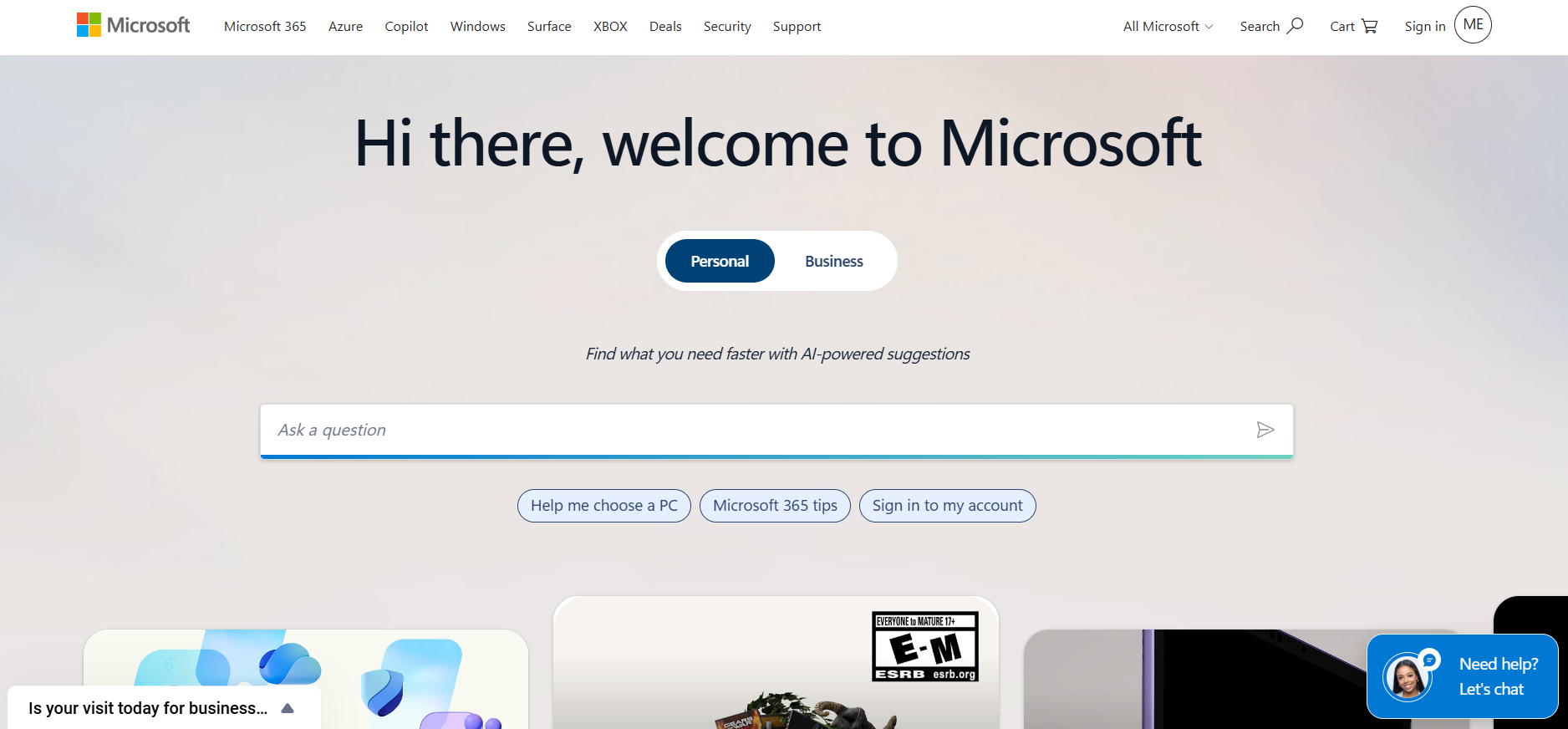
Prompt Shields analyzes user prompts and documents for attack patterns. Verify model support, region and how your application handles a detection.
Best for: Azure teams dealing with direct prompts and instructions hidden in documents.
Why a team might choose it: Microsoft distinguishes attacks in user prompts from attacks embedded in third-party documents. This distinction matters for retrieval workflows, where apparently useful source material can contain instructions intended for the assistant.
What to consider: Prompt Shields supplies detection signals; your application must decide how to handle them. Check supported deployments and regions, and test benign documents to understand false positives before enforcing blocks.
5. Amazon Web Services: Prompt attack filters
AWS documents configurable prompt-attack filtering in Bedrock. Check which input is evaluated and test retrieved material as well as direct user prompts.
Best for: Applications using Amazon Bedrock that need configurable prompt-attack checks.
Why a team might choose it: Bedrock Guardrails can be evaluated alongside the model workflow rather than treated as a separate purchasing project. A team can decide how detection results fit its existing application and monitoring process.
What to consider: Do not assume every piece of retrieved text is inspected automatically. Review AWS’s input-tagging guidance for the applicable API path, test actual payloads, and check regional support and usage charges.
6. Cloudflare: Edge prompt detection
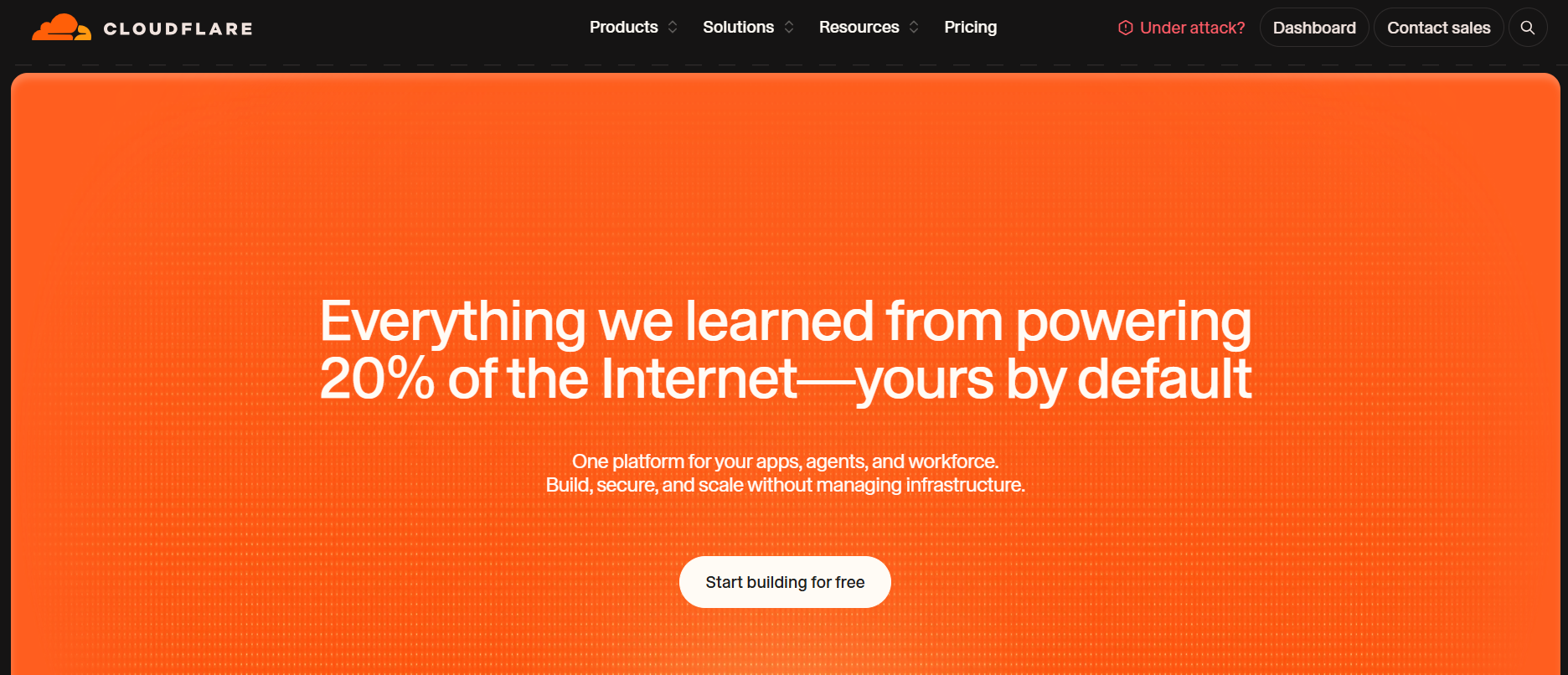
Cloudflare documents prompt-injection detection. Check the plan and whether all paths to the model pass through the control.
Best for: Teams routing AI application traffic through Cloudflare.
Why a team might choose it: Edge inspection is attractive when the team already manages the application’s entry point there and wants another opportunity to detect malicious prompts. It can complement controls closer to the model.
What to consider: Its visibility depends on traffic actually passing through the configured path. Confirm plan requirements, supported traffic and how detections feed your response process; direct or internal model calls may need separate protection.
7. Palo Alto Networks: Runtime protection
Prisma AIRS documents security for AI applications and data. Ask which deployment modes and enforcement actions fit your architecture.
Best for: Enterprises evaluating runtime controls across AI applications.
Why a team might choose it: Prisma AIRS offers a starting point for teams that want to discuss inspection and policy enforcement as part of a wider security architecture. Ask the vendor to map proposed controls to your model endpoints and data flows.
What to consider: The useful question is not whether the product protects AI in general, but which requests it sees and what it can block. Verify deployment modes, licensing and the operational cost of handling alerts.
8. Cisco: Asset discovery and runtime controls
Cisco documents discovery, supply-chain checks, model validation and runtime inspection. Request a demonstration using your model endpoint and connected tools.
Best for: Security teams needing an inventory and controls for AI use.
Why a team might choose it: Cisco AI Defense documents discovery, model validation and runtime inspection. Bringing these questions into one evaluation can help an enterprise identify unmanaged AI assets before choosing where to apply controls.
What to consider: Discovery is not the same as complete coverage. Ask how the product identifies assets in your environment, which integrations are required and how the runtime component handles requests it cannot inspect.
9. SentinelOne: Generative AI and agent security
SentinelOne identifies Prompt Security as part of its AI security strategy. Verify current packaging and application support before comparing contracts.
Best for: Enterprises examining employee AI use and agent-related exposure.
Why a team might choose it: Prompt Security is relevant to a team evaluating how generative AI applications are used and where sensitive information or risky interactions might arise. Define whether the immediate concern is employee access, a custom application or an agent.
What to consider: Product ownership and packaging can change, so confirm current SentinelOne terms, supported applications and deployment requirements. Ask for evidence of the exact workflow covered rather than assuming every agent framework is included.
10. Zenity: Agent runtime behavior
Zenity documents runtime protection for agents built with OpenAI AgentKit. Verify support for your frameworks and how an incident identifies the affected tool call.
Best for: Teams deploying agents that can use tools or take actions.
Why a team might choose it: Zenity’s agent security focus makes it worth investigating when an assistant can do more than generate text. A useful evaluation follows the sequence from incoming instruction to agent decision to a proposed tool call.
What to consider: Verify support for the specific framework and permissions in your environment. Ask what context an alert contains, whether an action can be stopped, and how the system handles tools outside its visibility.
11. Enkrypt AI: Security testing and controls
Enkrypt AI lists guardrails and testing options on its pricing page. Check which plan supports your deployment, data handling and required integrations.
Best for: Buyers who want to evaluate guardrails alongside AI security testing.
Why a team might choose it: Enkrypt AI describes both guardrails and red teaming, giving a team a reason to evaluate prevention and testing together. Use the same representative application and threat scenarios when comparing the two.
What to consider: Check the plan, deployment model and data-handling terms for each capability. An automated test can reveal weaknesses, but remediation, retesting and ownership still need to be agreed by your team.
12. Mindgard: Testing attack scenarios
Mindgard describes automated red teaming against AI model endpoints. Ask how findings can be reproduced, prioritized and remediated.
Best for: Teams looking for repeatable AI attack testing.
Why a team might choose it: Mindgard’s red-team approach is relevant before release and after a material model or configuration change. A useful pilot asks the provider to show how a finding is reproduced and how a fix can be tested again.
What to consider: Testing is not a substitute for a runtime control. Agree scope, permissions, safe test data and reporting requirements in advance, and confirm which model endpoints and deployment environments are supported.
13. CalypsoAI: Policy checks
CalypsoAI documentation describes configurable scanners for AI interactions. Verify current ownership, packaging and support because documentation can outlive a product.
Best for: Teams evaluating configurable checks on AI interactions.
Why a team might choose it: CalypsoAI’s scanner-based approach is relevant when a buyer wants to assess specific policy checks on inputs or outputs. Ask to see how rules are configured and how an application receives and acts on a result.
What to consider: Confirm current product ownership, support and packaging directly before procurement. Check how the scanner handles your languages, data types and traffic, and measure false positives against ordinary work.
Run a Practical Security Evaluation
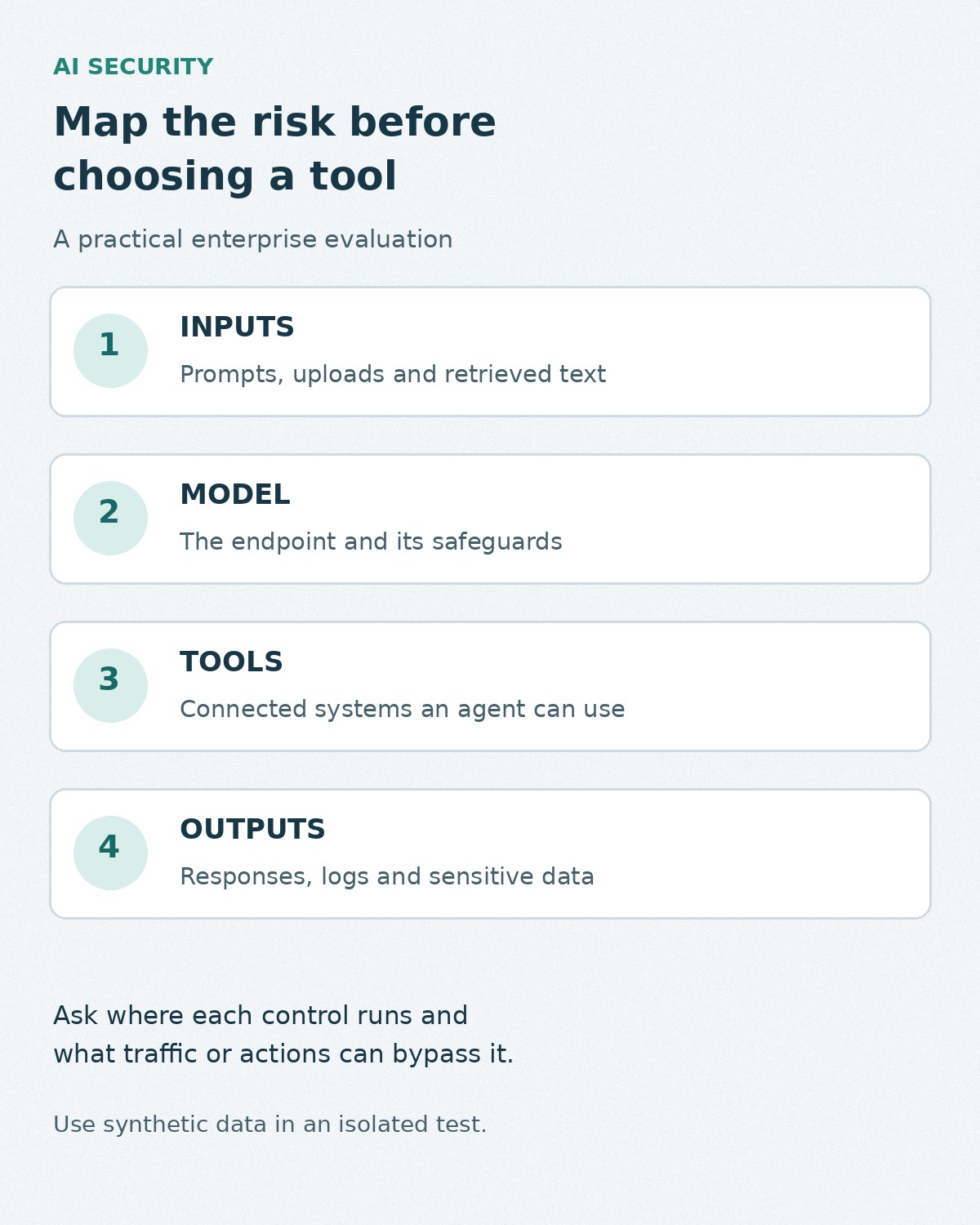
Consider a hypothetical assistant that reads a customer-uploaded document and can request an account action. Map the path from document to model to tool. In an isolated environment, use synthetic data to check whether the provider can observe the document, flag a hidden instruction and prevent or escalate an unauthorized tool request. Record the model version, configuration, permissions and result.
- Identify the risk: employee AI use, a custom application, model files or an agent with tools.
- Ask where the control runs, what can bypass it and what it can enforce.
- Check US availability, data retention, access, integrations, support and total contractual cost.
- Test legitimate tasks alongside attack scenarios and record false positives.
- Agree who investigates alerts and how a finding can be reproduced and fixed.
Compare products on the paths they can observe and the evidence they provide, then combine the selected controls with access management, logging and incident response.