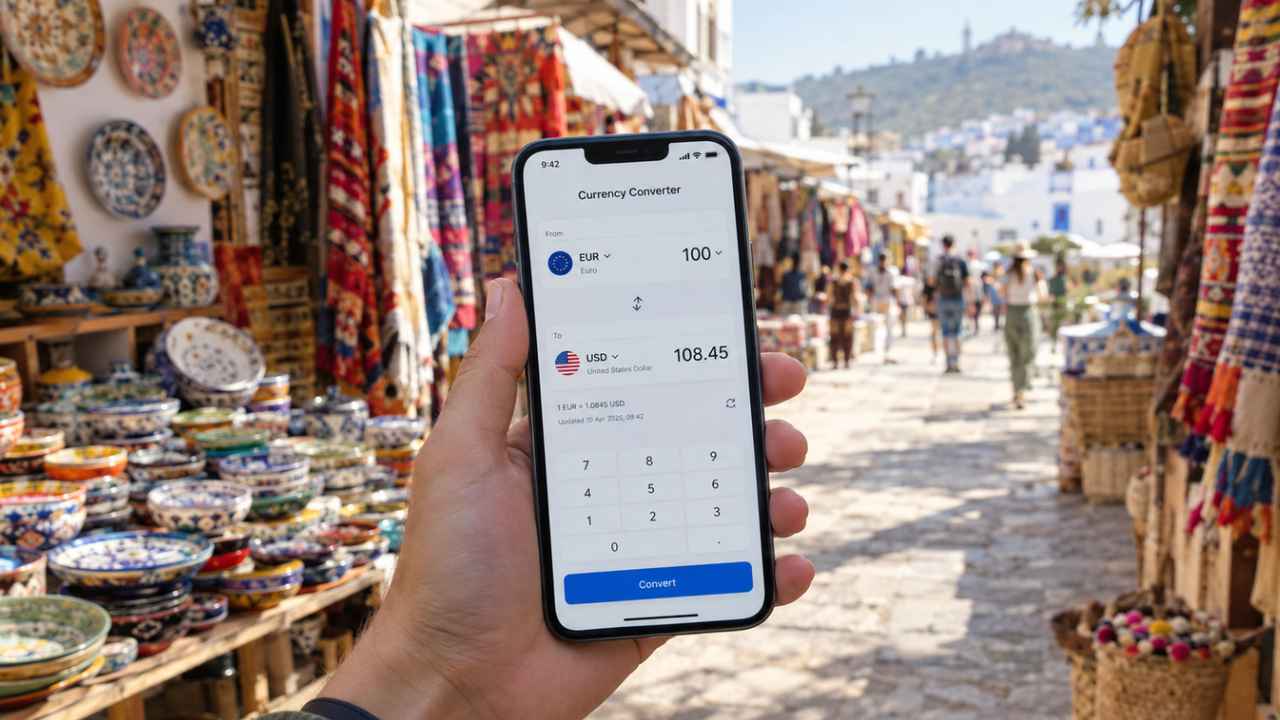
XE delivers trusted rates across 130+ currencies and works offline, making it the top pick for most trips. Most foreign card transactions carry a hidden fee of 3–5%, which adds up fast over a two-week trip. The best currency converter apps for travelers drop that cost to zero, and many cost nothing to download.
This list rounds up 10 apps built for real travel situations. Wise shows the true mid-market rate and handles transfers. Currency Converter App+ works offline with 176 currencies.
No two apps here solve the same problem. Some cache rates so they keep working when the signal drops, while others track several currencies side by side. A few simply expose the spreads banks would rather hide.
The top currency converter apps for travelers in 2026 fall into two camps: full-featured platforms that manage money, and lightweight tools that just convert fast. Ranking the best currency converter apps for travelers came down to three things. Rate accuracy came first, then whether the app survives airplane mode and how well it handles the chaos of a multi-country trip.
Every entry below covers the core function and where it falls short on iPhone and Android. Apps that work without a connection get noted where relevant. One of these will give you the actual number when you’re haggling at a street market or splitting a taxi fare across borders.
1. XE Currency Converter: The Trusted All-Rounder
A trip that crosses three borders needs a converter that still works when the signal drops. XE does that job, with trusted rates across 130+ currencies. Those rates cache for offline use, so a dropped connection doesn’t stop the app from working.
Why XE’s rates and 130+ currencies make it the default pick
The app spans over 180 currencies, and its offline mode holds up whether you’re planning a trip or standing in a shop with no signal. Coverage runs to more than 130 currencies, with rates that update regularly. Few destinations fall outside that range.
Alerts, charts, and transfers in one place
XE does more than convert a single price. You can track several currencies at once, and rate alerts tell you when exchange rates shift. It also handles money transfers to over 200 countries in nearly 130+ currencies, according to Xe. That wider set of tools is what the best converter apps for travelers in 2026 tend to offer.
The catch: more features than a quick price check needs
All those extras add up to a denser interface than the job requires. If you only want to know what 500 baht costs in euros, you’ll scroll past tools you never touch. When a fast price check is all you need, a lighter app will do. For anyone who values alerts and transfers, the extra features earn their space.
2. Currency Converter Plus: Fast Checks Without the Clutter
Currency Converter Plus goes the other way. It’s free to download and built for one job: you launch it, key in a number, and read the result. No signup form stands between you and that answer, and no charts or alerts crowd the screen.
What it does: instant conversions with minimal taps
You pick the pair, type an amount, and the figure appears. Nothing pulls you into extra menus or features, and the whole thing lives on one screen. That counts when someone is waiting behind you at the counter.
Why it matters for quick market-stall math
Confusion over the exchange rate can drain the fun out of shopping somewhere new. A price tag in an unfamiliar currency means nothing on its own, and guessing gets old fast. This app does the math in seconds. That works because it refuses to do anything else.
The catch: ads on the free version
Ads break up the conversions. They’re brief, but they slow down something that should feel instant. A small fee removes them, and the free version still works fine if you only need quick checks and can live with the occasional interruption. Sending money across a border is a different job, and it calls for an app with more under the hood.
3. Wise: Real Mid-Market Rates and Money Transfers
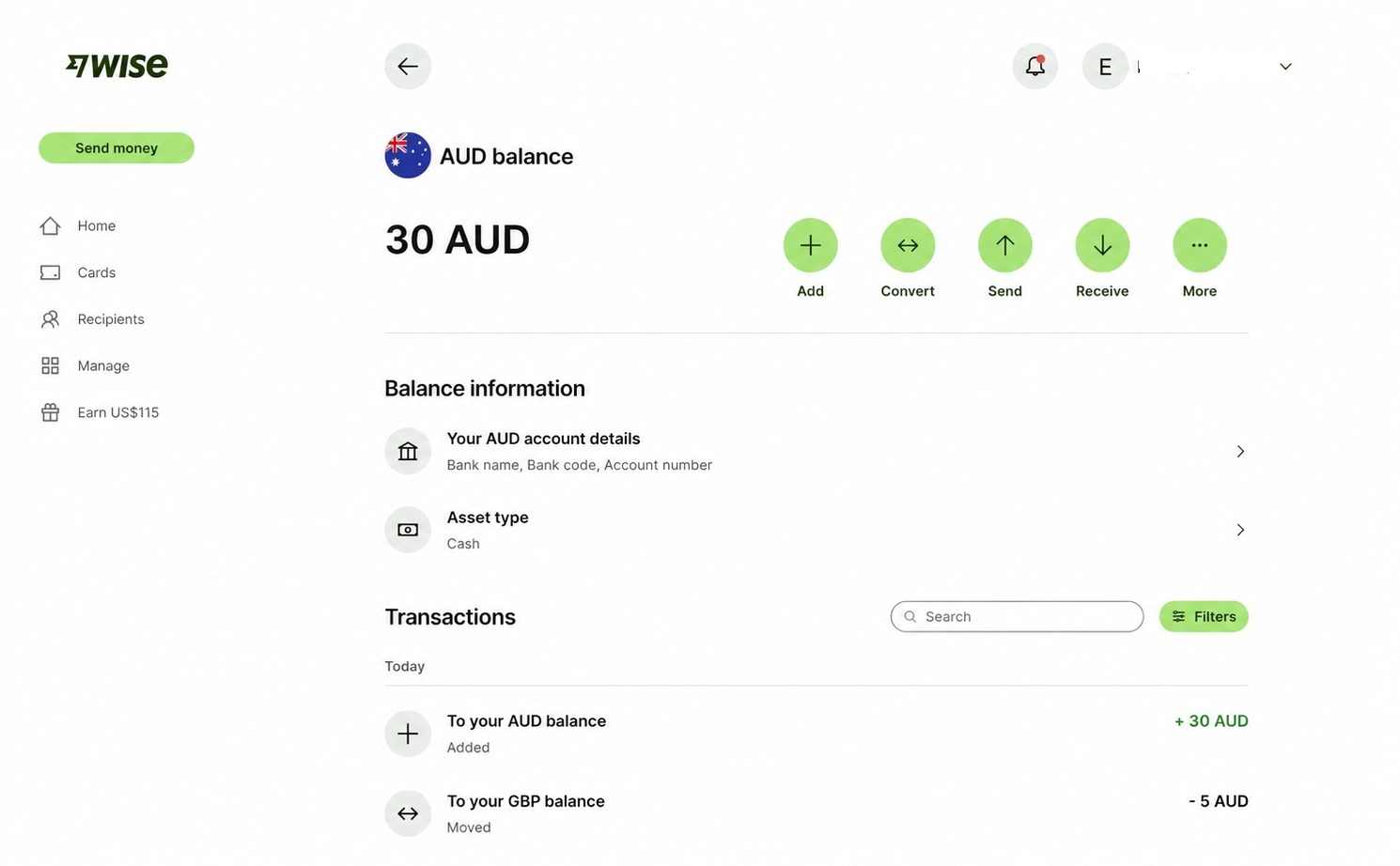
Wise charges a transparent fee of 0.3–0.6% on transfers, though you’ll need to set up an account and verify your identity first. That beats the hidden markups that drain a slice from every transfer when you send money home or pay a bill abroad. For anyone who needs honest rates plus cross-border transfers, that overhead pays off.
Converting at the rate banks use, not the rate they advertise
Banks often charge 3–5% on foreign transactions, partly by using rates worse than the real mid-market rate. Wise shows the true mid-market rate instead. That makes it the most honest converter for comparing what you pay against what banks actually offer.
Sending money abroad, not just checking rates
Most converters stop at showing you a number. Wise lets travelers send money across borders at the mid-market rate, and the transfer features reviewers highlight across top converter apps are built in. That makes it a money tool rather than a reference app.
The catch: account setup and identity checks
Before any transfer goes through, you’ll create an account and complete identity verification, which takes time and means uploading documents. If all you need is a quick rate check at a market stall, work out whether you’ll use transfers before you begin the sign-up.
4. Revolut: Converter and Card in One App
A week of travel can take someone from euros to pounds to dollars, and Revolut holds all of them at once. Its converter and its debit card also run off a single system. That’s why the rate on screen is the rate at the register.
How the converter works alongside card payments and cash withdrawals
On weekdays, Revolut displays the mid-market rate. The same rate applies to card spending and ATM withdrawals. Cash abroad works on the same terms, with free ATM withdrawals up to $200 per month at the real converter rate. Because the converter and the card share one rate, what a traveler sees is what a traveler pays.
Holding and switching multiple currencies at once
Several currencies can sit in the account at the same time, all on one balance screen. Moving between them takes seconds.
The catch: weekend fees and plan limits
Weekend fees apply when markets are closed. Revolut can’t lock in live rates then. The $200 monthly ATM limit is the other constraint, and it runs out fast on longer trips. Anyone who withdraws cash often will hit that cap and pay fees on the excess.
5. My Currency Converter & Rates: The Cleanest Simple Option
Rate alerts are gone from this app, and so are money transfers. Anyone who opens it expecting either one will hit a wall fast. Strip those features out and what remains is a 4.9-star calculator that works offline and converts without clutter.
A 4.9-star interface that stays out of the way
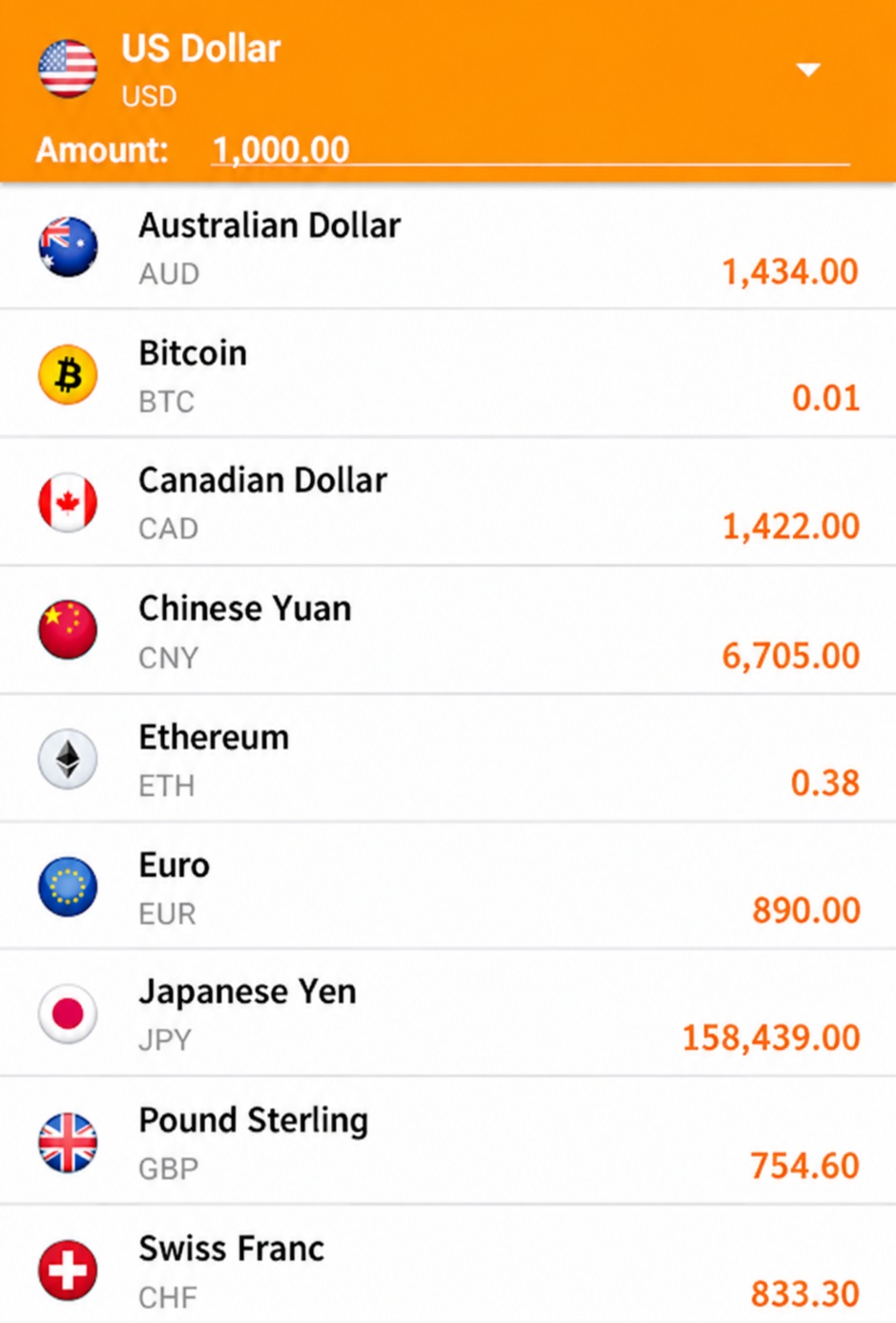
Open it, pick two currencies, and read the number. That is the entire workflow, and the 4.9-star rating reflects how well the app sticks to it. There is no account setup and no trend charts to scroll past, and that restraint seems to be what travelers reward.
Offline mode for spotty airport Wi-Fi
Cached rates sit on your phone, so the conversion runs locally with no connection at all. That matters most where exchange questions pop up—a market stall, a taxi stand, a hotel till late at night.
The catch: fewer extras like alerts or transfers
Nothing pings you when a rate drops to your target, and you cannot send money or lock in an exchange inside the app. A quick number at the point of sale is the whole promise here. If that is all you need, none of that matters.
6. Currency Converter App+: Offline Coverage for Remote Trips
Currency Converter App+ is free to download and covers 176 currencies, including gold and silver, all fully offline. Days without signal change, which converter app is worth carrying, and that spec makes this one the answer.
176 currencies, including gold and silver, fully offline
Gold and silver rates sit alongside the full currency list, and none of it needs an internet connection. A price in a mountain village or on a rural road converts in seconds. No signal, no guessing.
When offline accuracy matters most (and its limits)
Signal tends to vanish when a number has to be right: a taxi fare at night, a market stall price, or a late bill. A built-in expense tracker lets travelers log spending as it happens. Rates only stay accurate while they’re current, though.
The catch: rate freshness depends on the last update
Nothing updates a stored rate until the app reconnects and pulls fresh data. Leave it a week without signal and the number on screen can drift from the real market rate. Grab an update whenever Wi-Fi appears, and that gap stays small.
7. OANDA Currency Converter: Rates Professionals Trust
Fresh rates fix drift, but only if the underlying source is sound. OANDA supplies the same exchange-rate data that banks and financial institutions rely on, and its converter app puts that institutional-grade feed in a traveler’s pocket. What it gives up in polish, it makes up for in precision.
Why OANDA’s rate data is widely cited
Businesses and financial services run their own operations on this feed, so the app shows numbers close to what institutions actually transact at. It pulls fresh data whenever it connects. For anyone who needs accuracy they can defend, that is the point.
Best for longer stays and business travel
Small rate discrepancies add up over weeks or months, and that is where this app earns its keep. A business traveler managing expenses across a month-long assignment will notice the gap between institutional rates and consumer-facing estimates. So will a digital nomad budgeting through a season abroad. OANDA serves people tracking money over time; quick mental math at a checkout counter is not what it is for.
The catch: a utilitarian interface
Data quality came first here, and the design shows it. The app works, but next to XE or My Currency Converter & Rates, it feels clinical, even bare-bones. The numbers are impeccable. Whether travelers forgive the look for that accuracy is another matter, and some will find it off-putting from the first screen.
8. Easy Currency Converter: The Lightweight Free Pick
If your trip runs on one currency pair, this app gives you the number fast and without friction. The conversion result stays front and center, and extras like charts and historical data are stripped away.
One-screen conversions for casual travelers
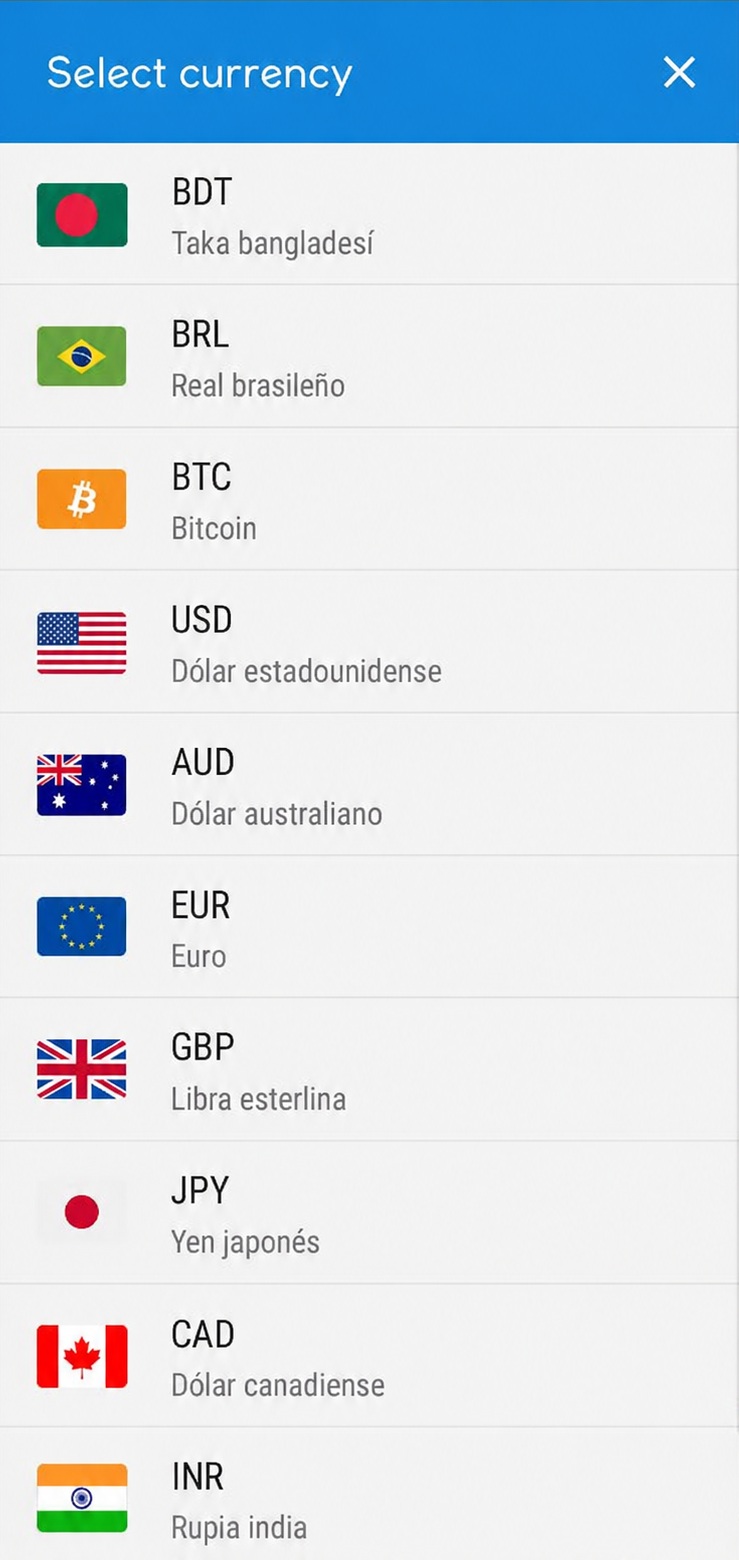
Type in your amount and the answer comes straight back. There are no tracking tools or trend analysis here. On a trip built around one destination, it works well as a backup option. For a weekend on a single currency pair, the directness keeps things simple.
What’s free and what costs money
The core conversion tool costs nothing. Some advanced features, such as extra currency pairs or an ad-free experience, may sit behind a paywall. Before you leave, check the current pricing in your app store. That way, you know the free version covers what your trip needs.
The catch: limited multi-currency tracking
The app handles one conversion at a time smoothly, but juggling several currencies is where it stops working. Travelers moving through multiple countries on one trip hit that wall fast. Keep to a single-currency itinerary and that narrow focus works in your favor. Count the destinations on your trip before you decide.
9. Google’s Built-In Converter: Already in Every Pocket
Type “100 euros to dollars” and a live exchange rate appears at the top of the results. No app to open, no account to create. The search bar you already have does the rest.
Zero-install conversions straight from search
The result is interactive, so you can change either currency or the amount right on the screen. Nothing asks for permissions or eats into storage space.
Why it fails without a connection
Live rates need a live connection, and Google pulls its exchange data from the web. No signal, no conversion.
Think of a taxi in an underground tunnel, or a market stall out in a rural area. Anywhere the phone shows zero bars, the tool goes silent, so reliability comes down to Wi-Fi or mobile data.
The catch: no alerts, no offline, no history
Some travelers need offline access. Others want to watch a currency move over several days before they exchange money. For both, the tool runs thin fast.
Each search gives you one answer and then forgets it. Google will not save a conversion for later, and it will not remind you when a rate improves. You cannot compare today’s number to last week’s either.
10. Yahoo Finance Currency Conversion: For Rate Watchers
Simplicity gets lost in Yahoo Finance. Charts, market news and indices fill the screen, and that clutter is what you trade for the history behind the number. What you gain is time: weeks of watching a currency before you book a flight or swap money.
Charts and rate history for budget planning before a trip
Historical charts show if a currency has been climbing or sliding for weeks or months. Planning a trip six months out? Those trends can hint at whether to exchange early or hold off. That data matters most when you’re timing a large swap.
Tracking several currencies at the same time
Multi-country trips mean juggling several exchange rates at once. Yahoo Finance puts multiple currency pairs on one dashboard, so there’s no toggling between separate converters. It runs in any phone browser, too — no download needed.
The catch: built for investors, not market stalls
Yahoo Finance was made for people who follow stocks and forex trades, not for travelers doing quick math. Use it to plan a budget at home. Splitting a taxi fare in real time is where it falls apart.
Currency Converter Apps for Travelers: Common Questions
The right pick depends on the trip. A price check at a market stall is one job; sending money home is another. Hopping between five currencies in one week is different again.
Every app here downloads for free, and many work offline. Their rates hold up well. The questions below sort out the details.
Can travelers trust the exchange rates these apps show?
Within reason, yes. Converter apps in 2026 pull from live market data and refresh constantly. XE draws on trusted rate sources, and Wise shows the real mid-market rate. No app can promise the exact figure a bank or merchant applies at the moment of a transaction, though. Take the number on screen as a guide rather than a promise.
Which converter apps work without an internet connection?
Signal drops are exactly when a conversion matters most, so offline support deserves a look. Currency Converter App+ runs entirely offline across 176 currencies, and My Currency Converter & Rates works without a connection too. XE keeps the rates from its last update cached for offline viewing. Google and Yahoo Finance go silent without internet access.
Are these apps free, and which ones require payment?
XE, Currency Converter Plus, Currency Converter App+, and My Currency Converter & Rates all cost nothing to download. Wise and Revolut install free as well, though both charge fees on transfers and certain transactions. Easy Currency Converter runs on a freemium model, with the advanced features sitting behind paid upgrades.
Do any of these apps let travelers send money abroad?
A few of them do, and the fees vary. Wise and XE both handle transfers, and Wise charges 0.3–0.6% per transaction. Reach and cost are where they differ:
- XE sends funds to over 200 countries in nearly 130+ currencies
- Wise transfers at the mid-market rate
- Revolut lets travelers spend and transfer with its card
- Other apps on this list are for checking rates only
Which app for hopping between several countries and currencies?
For itineraries that cross borders, two names come up. XE tracks many currencies at once, complete with alerts and charts. Revolut takes a different approach, letting travelers hold several currencies and switch between them instantly. XE suits the planning side of a trip, while Revolut covers day-to-day spending.
How should an app be used alongside cards and merchant conversion offers?
Cards frequently add 3–5% to foreign transactions. That makes the app’s rate a useful benchmark for what the card really charges. Merchant conversion is a separate trap.
When a shop or restaurant bills in the traveler’s home currency, that rate is usually worse than the card’s own. Let the card process the charge instead, and it typically costs less. Checking the app first tells you whether the merchant’s offer is fair.
Final Thoughts
Trips without reliable signal call for Currency Converter App+ or My Currency Converter & Rates. Travelers sending money get the most honest rate from Wise, while XE handles everything else as the default all-rounder.
Rates need a refresh whenever Wi-Fi appears, and the app’s figure is worth checking against the card statement later.