Software subscriptions rarely look expensive when purchased one at a time. Add separate tools for project management, forms, scheduling, design and customer management, however, and the monthly bill can grow quickly.
The right free SaaS alternatives can remove some of that cost. They may not reproduce every premium feature, but they can handle the essential work for freelancers, creators and small teams. The key is knowing where each free option performs well and where its limits begin.
1. LibreOffice
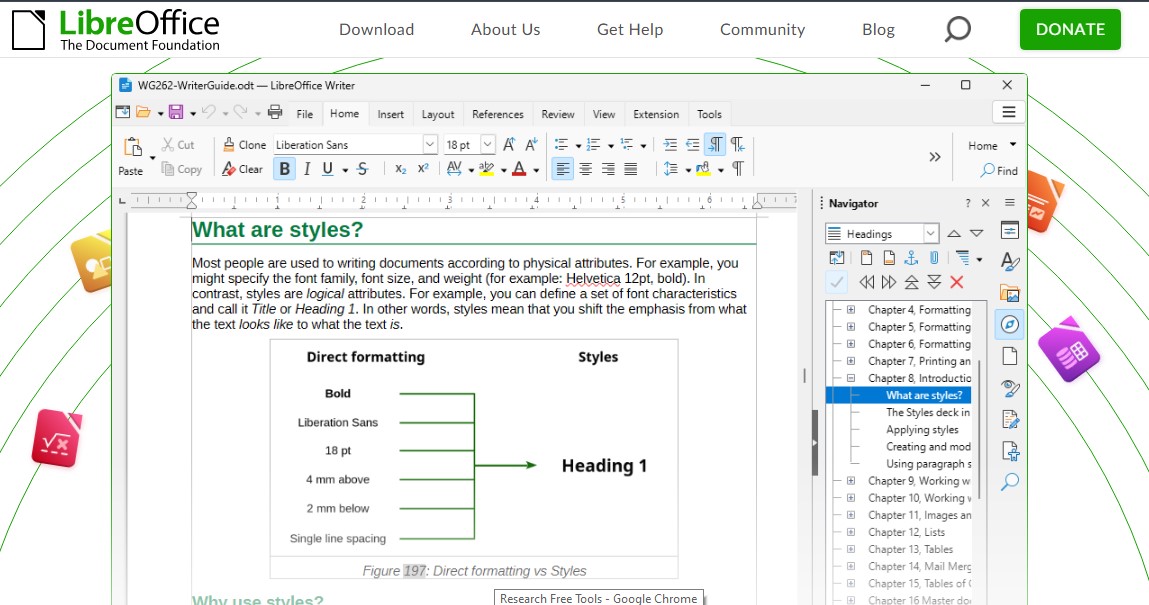
LibreOffice is a complete open-source office suite. Writer handles documents, Calc covers spreadsheets and Impress creates presentations. It also includes tools for diagrams, databases and mathematical formulas.
There are no subscription fees or feature-based upgrades. It works offline, and files remain on your computer. LibreOffice can open and save common Microsoft Office formats, making it practical for reports, invoices, budgets and presentations.
The trade-off is collaboration. It does not include the integrated cloud storage, business email or real-time browser editing found in Microsoft 365. Complex macros and heavily formatted Office files may also require adjustments.
Best for: People who mainly create and manage office files offline.
2. Trello
Trello organises work using boards, lists and cards. It is well suited to editorial calendars, marketing campaigns, hiring pipelines and other projects with clear stages.
Its free plan supports up to 10 collaborators and 10 boards per workspace. Users receive unlimited cards, due dates, assignees, activity history, Power-Ups and a limited allowance for automation. That is enough for a small team that needs to see what is being done, who owns it and when it is due.
Larger teams will encounter the limits quickly. Advanced views, custom fields, larger attachments, unlimited boards and heavier automation require payment. Exceeding the collaborator cap can also restrict workspace editing.
Best for: Small teams with a simple visual workflow.
3. HubSpot Free CRM
HubSpot Free CRM provides a more organised alternative to tracking prospects and sales in spreadsheets. It currently supports two users and up to 1,000 contacts without an expiration date.
The free tools include contact records, deals, tasks, pipeline management, email templates, document sharing, meeting scheduling and live chat. For a consultant, agency founder or two-person sales operation, that can cover the full early-stage customer process.
The limitations appear as a company grows. Advanced automation, deeper reporting, sophisticated permissions and many scaling features require paid products. Businesses should also confirm that they can export the records they may eventually need to move elsewhere.
Best for: Solo businesses and two-person sales teams.
4. Tally
Tally is a capable alternative to form builders that charge according to responses. Its free plan offers unlimited forms and submissions within a fair-use policy.
Conditional logic, calculations, signatures, file uploads, payment collection, password protection, webhooks and several popular integrations are included. These features make it useful for surveys, registrations, applications, feedback forms and lead collection.
Free uploads are limited to 10 MB per file. A paid plan is required to remove Tally branding, use a custom domain, collaborate in shared workspaces, capture incomplete submissions or access advanced analytics. Organisations receiving unusually high volumes may also need a custom plan.
Best for: Businesses that need flexible forms without low response caps.
5. Cal.com
Cal.com lets clients or colleagues book available time without a long email exchange. Its free individual plan supports one user, unlimited event types and unlimited connected calendars. It also offers mobile and browser tools, numerous integrations and payment collection through Stripe or PayPal.
That makes it useful for consultants, tutors, coaches, recruiters and freelancers who manage their own appointments.
The free plan is not designed for coordinated team scheduling. Shared availability, round-robin assignment, collective events, routing, team analytics and removal of Cal.com branding require a paid plan.
Best for: Individual professionals who schedule client appointments.
6. Bitwarden
Bitwarden provides the essential functions of a password manager without restricting users to one device. Its free plan supports unlimited passwords across unlimited devices and can store passkeys, secure notes, identities and payment cards. Selected vault items can also be shared with one other person.
Paid features include the integrated one-time-code authenticator, encrypted file attachments, emergency access and detailed vault-health reports. Companies requiring central administration, employee provisioning, security policies or activity logs need a business plan.
Whatever plan you choose, protect the account with a unique master password and multi-factor authentication.
Best for: Individuals or two people who need secure password syncing.
7. Penpot
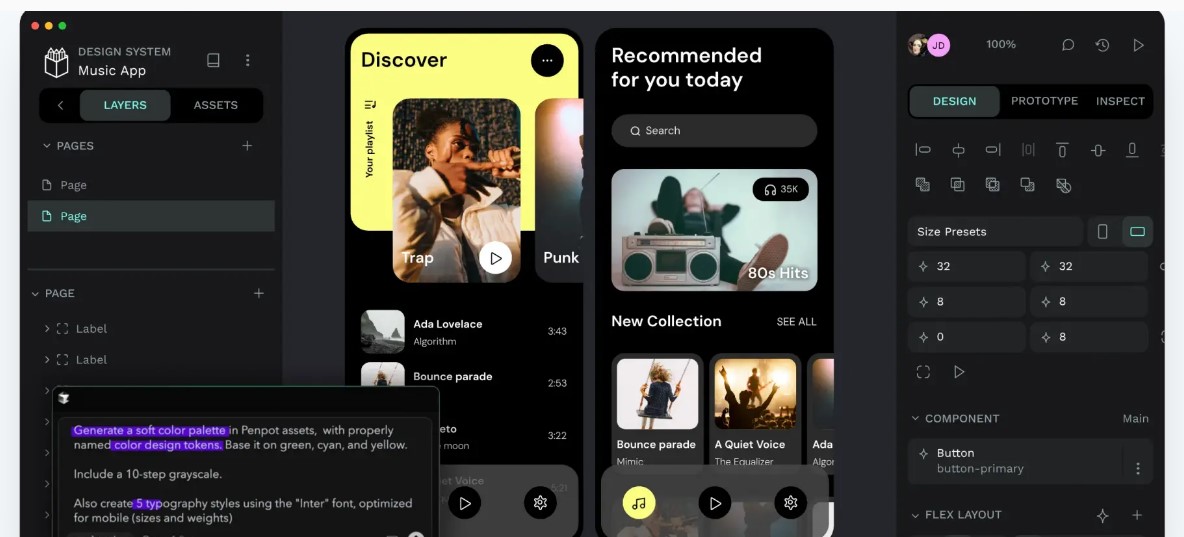
Penpot is an open-source interface-design and prototyping platform. It includes components, design systems, interactive prototypes, comments, shared libraries and developer inspection tools.
The free cloud plan currently supports up to eight team members, unlimited viewers, 10 GB of storage and seven days of version history and deleted-file recovery. Unlike many free design plans, its core editor is not stripped of essential tools.
Teams may still need to pay for additional storage, longer history, stronger permissions and enterprise administration. Penpot can also be self-hosted, but that requires a server, technical maintenance, security monitoring and backups.
Best for: Small product teams that want collaborative interface design.
8. Photopea
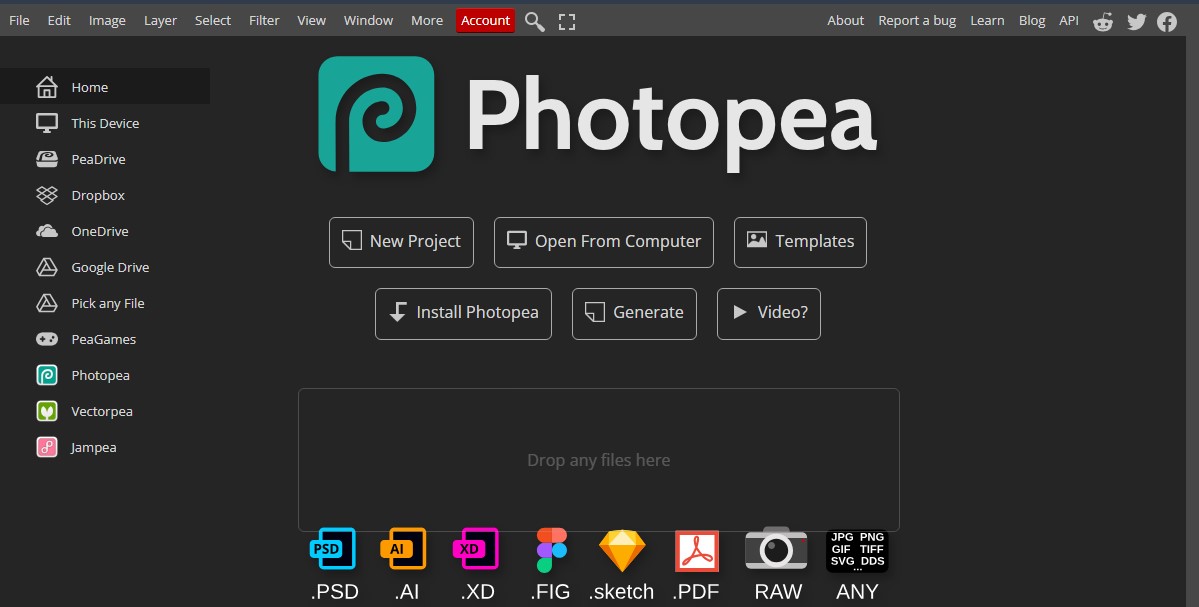
Photopea brings professional image-editing tools into a web browser. It supports layers, masks, smart objects, adjustment layers, paths, filters, vector graphics and RAW processing. It can open and save PSD files and work with formats such as PNG, JPG, SVG, PDF and AI.
Files are processed on the user’s device rather than uploaded to Photopea. Work created in the editor belongs to the user and can be sold commercially.
Photopea is excellent for product photos, social graphics and quick PSD edits. It does not provide the broader cloud collaboration and asset-management ecosystem of a large creative suite. Performance also depends on the browser and device, so users should save regularly.
Best for: Creators and marketers handling everyday image work.
9. DaVinci Resolve
DaVinci Resolve combines video editing, colour correction, visual effects, motion graphics and audio post-production in one application.
The free edition supports most 8-bit video formats at up to 60 frames per second and resolutions as high as 3840 × 2160. It also includes HDR grading and multi-user collaboration. For YouTube videos, interviews, courses and promotional content, that is a substantial toolkit.
The paid Studio edition adds advanced AI features, text-based editing, Magic Mask, stronger noise reduction, 10-bit workflows, frame rates up to 120 fps and resolutions beyond 4K. Resolve also requires capable hardware and takes longer to learn than a basic editor.
Best for: Video creators who want professional controls without a subscription.
Know When Free Is No Longer Cheaper
A free tool loses its advantage when its limitations create extra work, security risks or unreliable processes. Paying may be sensible when a team needs central administration, regulatory compliance, guaranteed support, advanced automation or dependable collaboration at scale.
Before cancelling a subscription, export and back up your data. Recreate a real project in the alternative and run both systems briefly. Check file compatibility, permissions, mobile access and the export process. Free-plan limits can change, so confirm them before completing a migration.
Cut the Bill, Not the Workflow
The goal is not to avoid paying for software. A subscription is worthwhile when it saves time, reduces risk or supports work that a free plan cannot handle.
These nine tools offer enough free functionality to manage a meaningful workload. Choose according to the task, test the tool with real work and upgrade only when a specific limitation begins costing more than the subscription.
Frequently Asked Questions on Free SaaS Alternatives
1. Are free SaaS alternatives safe for business use?
Some are, but free does not automatically mean secure. Review encryption, access controls, backups, data location and compliance requirements before storing customer, financial or confidential information.
2. Can these free tools be used commercially?
Most can support commercial work, but licensing and plan terms differ. Check the current terms before using any tool for client deliverables, regulated data or a large organisation.
3. Which subscription should I replace first?
Start with a low-risk tool used by only one or two people. Forms, scheduling and image editing are usually easier to migrate than a company-wide CRM or project-management system.
4. Can a small business operate entirely with free software?
A small business often can at the beginning. Paid plans become more valuable as the company adds employees, customers, approval processes and security requirements.
5. How can I switch without losing data?
Export records in a common format, keep an untouched backup and test a small sample first. Confirm that important fields, attachments and formatting transfer correctly before cancelling the old service.