

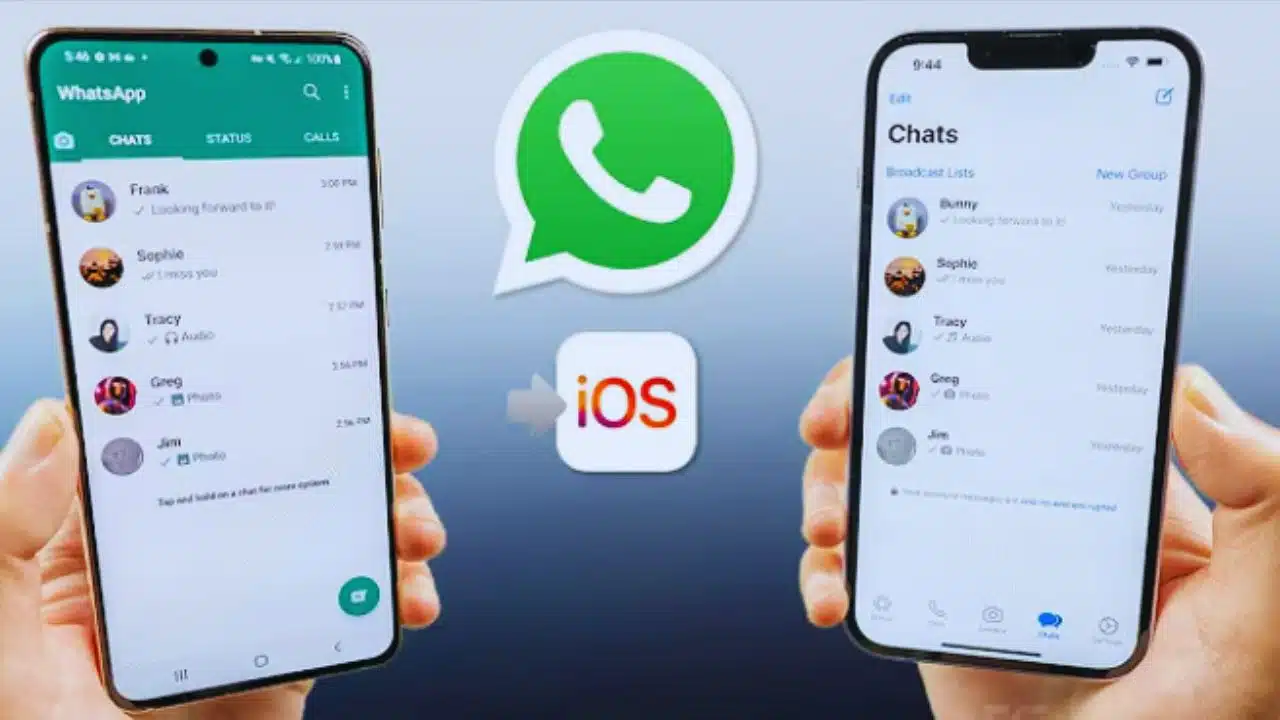
iPhone users may soon get access to one of WhatsApp’s most highly requested features—the ability to use multiple accounts on a single device. This update, which has been long available to Android users, is currently being tested in WhatsApp’s latest beta version for iOS, according to a report from the trusted source WABetaInfo, known for consistently tracking WhatsApp developments.
WhatsApp Finally Adds Multi-Account Support to iPhones
For years, WhatsApp has allowed Android users to add and switch between more than one account—particularly useful for those managing both personal and business communications. However, iPhone users were limited to using only one WhatsApp account at a time. To use multiple accounts, they had to resort to complicated workarounds, such as installing WhatsApp Business, using a second device, or even relying on third-party tools, which often posed security risks and usability challenges.
But now, things are changing. The latest beta release for iOS includes a new interface called the “Account List Page”, enabling users to easily switch between different WhatsApp accounts. This means you can now manage your work, family, and other communication needs without logging out or reinstalling the app.
How the New Account Switching Feature Works
The multi-account support feature introduces a seamless method to manage multiple WhatsApp identities. Once available, users will be able to:
- Add more than one WhatsApp account to the app.
- Access each account’s full, independent chat history.
- Configure custom settings for each account, including notifications, privacy, and media preferences.
- Switch between accounts with just a single tap, eliminating any need for time-consuming log-ins or resets.
This system works similarly to how Gmail handles multiple accounts on iOS or Android. Users simply tap on their profile icon or use a menu to select the account they wish to use.
Improved Notification System to Avoid Confusion
One of the standout features of this update is WhatsApp’s introduction of a new notification system designed specifically for multiple account users.
Each push notification will now clearly indicate:
- Which WhatsApp account the message belongs to, helping users avoid confusion.
- Direct access to the appropriate account and chat when tapping the notification.
This small but vital change will dramatically improve the user experience for individuals who receive a large volume of messages across different accounts.
Who Will Benefit Most From Multi-Account WhatsApp on iOS?
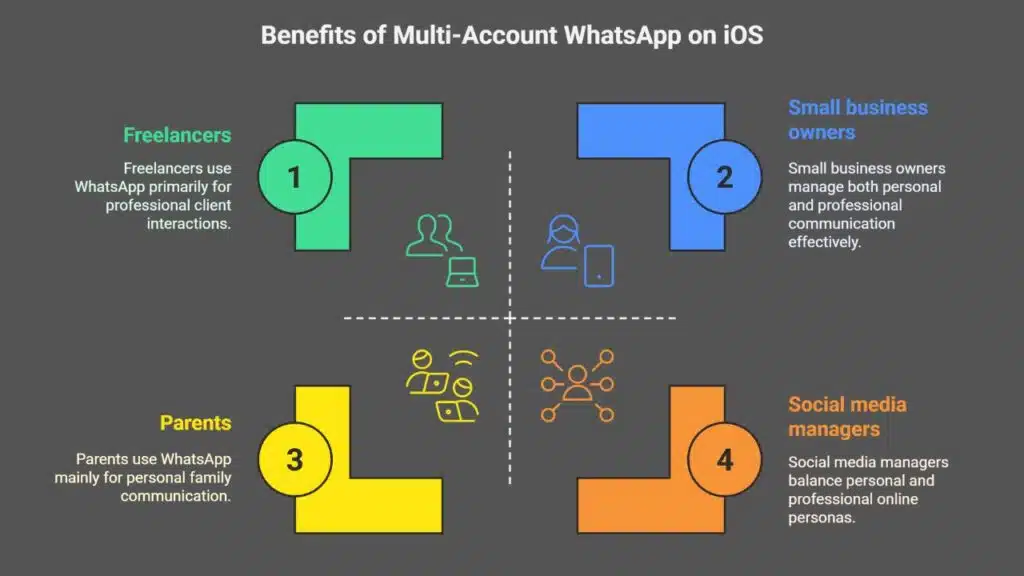
This long-awaited functionality is expected to greatly benefit a wide range of iPhone users, including:
- Small business owners and entrepreneurs, who often manage customer service, operations, and personal communication on separate numbers.
- Freelancers and remote workers, who may need to use one WhatsApp account for client communication and another for team collaboration.
- Social media managers, influencers, or brand representatives, who juggle multiple brands or online personas.
- Parents and families, where a single device may be used by more than one family member.
Previously, Apple users were forced to juggle multiple phones or use tools like WhatsApp Web with different browser profiles. With this native support, all that hassle will be a thing of the past.
Feature Still in Beta – What Does That Mean?
Currently, multi-account support is only available to a limited group of beta testers using the latest WhatsApp for iOS beta version through TestFlight. The feature is still under testing and refinement.
WhatsApp has not officially confirmed a public release date for this feature. However, since multi-account support has been stable on Android for months and WhatsApp typically aims for parity between platforms, a full rollout to all iOS users is expected in the near future, possibly in the next few updates, depending on feedback and performance.
Users who wish to get early access to this and other new features can sign up for the WhatsApp Beta for iOS program via Apple’s TestFlight, although availability is often limited due to high demand.
WhatsApp’s Broader Strategy: Business & Privacy Enhancements
This move is part of a broader push by Meta (WhatsApp’s parent company) to make WhatsApp more flexible and business-friendly. In recent months, WhatsApp has introduced:
- Channels for broadcast messaging
- AI-powered customer service integrations
- Passkey support and stronger encryption tools
- WhatsApp Cloud API, which allows businesses to manage conversations at scale
Multi-account support aligns with this strategy, making it easier for individuals and businesses to separate and manage their communication flows more efficiently.
iOS Users Can Finally Catch Up With Android
This update closes one of the long-standing gaps between Android and iOS users in the WhatsApp ecosystem. Android users gained access to multi-account support in late 2023, and since then, it has become a heavily used feature, especially in regions like India, Brazil, and parts of Southeast Asia where dual-SIM phones are common.
The rollout to iPhones will help balance the user experience across platforms and offer iOS users the same level of customization, productivity, and convenience.
What Should iPhone Users Do Now?
If you’re an iPhone user eager to try multi-account support:
- Make sure your WhatsApp is updated to the latest version.
- Keep an eye out for announcements from WhatsApp Blog or official Apple App Store update notes.
- If you’re comfortable testing new features, consider joining the WhatsApp Beta Program via Apple TestFlight (availability is limited).
Once released to the public, this update will greatly simplify life for millions of users worldwide, particularly those who depend on WhatsApp for both professional and personal communication.

























