

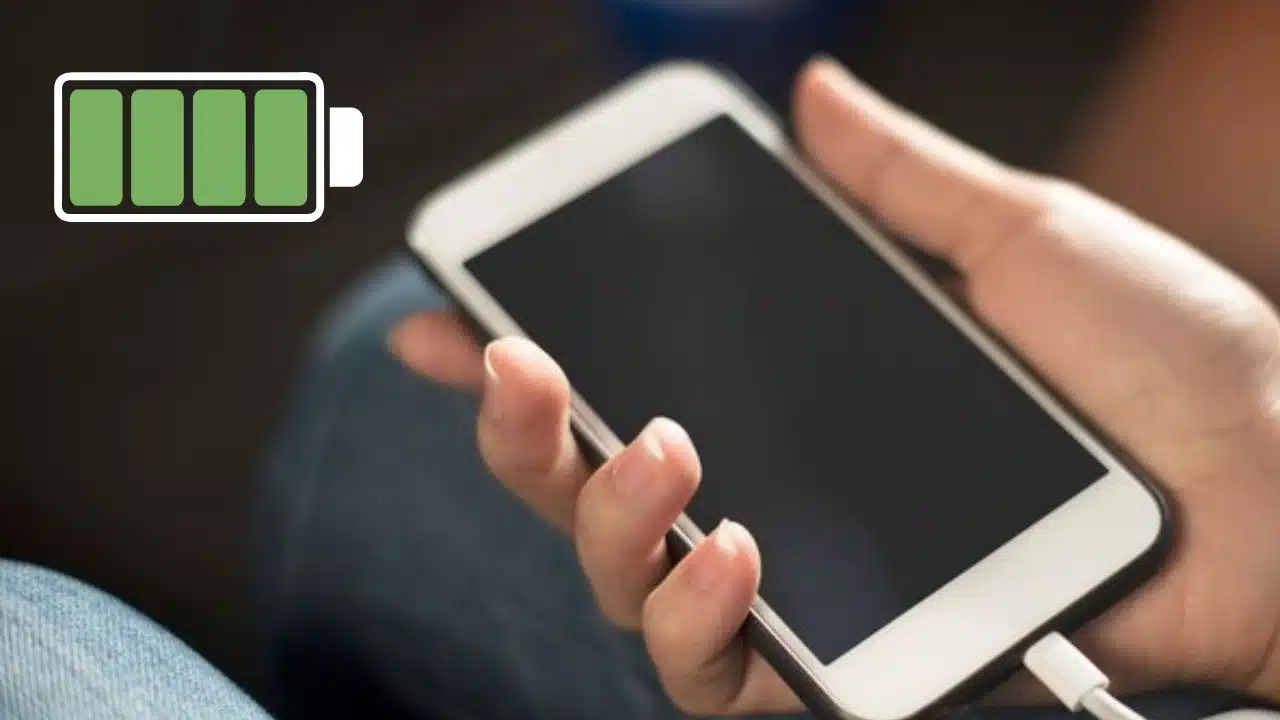
You’ve probably noticed that your smartphone battery tends to die fast. If you’ve owned several brands and models over the years, you’ve likely seen some die faster than others. Sometimes it feels like you have to charge your phone a couple times a day, even when you aren’t using it that much!
You’d think that by now, technology would be advanced enough to make long-lasting batteries, but that’s something manufacturers are still working on. However, there are ways to get more out of your existing battery.
1. Start with a good battery
It stands to reason that if you buy a smartphone with a good battery, you’ll automatically get a better experience with your battery life. Currently, the Samsung Galaxy S24 lineup that just launched comes with an incredible battery upgrade, with the S24 Ultra carrying the best battery. The capacity is higher, the batteries charge faster, and the phone itself doesn’t drain the battery as fast as usual.
Once you have a phone with a good battery, it will only give you a nice head start. You’ll still need to make sure to take great care of your battery in order to prolong its lifespan and limit your need to constantly charge your device.
You already take precautions to care for your phone, like using a quality phone case and getting insurance. Taking care of your battery is just as easy.
2. Charge your battery properly
There’s more to charging your battery than simply plugging in your phone and letting it go until you get that green light. Charging a lithium-ion battery isn’t something to do absent-mindedly. If you plug in your devices and let them charge all the way, then drain them all the way and repeat this cycle, you’re killing your battery.
Lithium-ion batteries have a finite lifespan of around 500 cycles. That means you can charge them fully only about 500 times before they won’t hold a charge and need to be replaced. The best way to charge your smartphone is to let it get down to around 25%, but no more. Then, charge it up to about 85% and take it off the charger.
When you leave your phone charging, and it reaches 100%, it will continue to attempt to charge, which will damage your battery and deplete its lifespan.
3. Avoid wireless charging
Although wireless charging has been one of the most popular new technologies for several years, it’s still in its infancy in terms of efficiency and reliability. Charging your phone with a cable is more efficient, since around 20% of the energy is lost when wirelessly charging your phone. The energy loss isn’t the biggest problem, however. That lost energy is converted into heat, and that can degrade your phone battery much faster.
When wirelessly charging your device, if you don’t have the option of using a cable, take your phone case off first. Using a thick case can prevent your phone from cooling down and dissipating the excess heat that gets generated.
If you must wirelessly charge your phone, get a charger that comes with a built-in fan. You probably don’t need to worry if you’re using a simple 5W car charger, since you won’t get much heat from a low wattage. However, when charging your phone wirelessly at home, a built-in fan is a must.
4. Avoid charging your phone overnight
As discussed earlier, charging your phone to 100% and more will diminish your battery life. This means it’s automatically a bad idea to charge your device overnight because you won’t be awake to unplug it before it reaches maximum capacity.
Instead of charging your phone overnight, get in the habit of starting to charge your phone while you get ready for bed and unplug it before you actually go to sleep. You’ll get a good enough charge to have your alarm clock wake you up in the morning, and then you can continue charging your phone when you wake up.
5. Limit the use of fast wireless charging
There are options to charge your phone faster with wireless chargers, but that will inevitably result in more heat, which can damage your battery. If you have the option to disable fast wireless charging through your settings, do that as soon as possible.
Keep your battery going strong
There’s nothing more frustrating than having to deal with a battery that dies too quickly or won’t hold a charge. Thankfully, with these tips, you can maximize your battery’s lifespan so you can go much longer before having to buy a new battery.
























