
Trust accounting software for solo attorneys covers any tool that tracks money you hold for clients, kept separate from your firm’s own funds. Six options made the cut, from QuickBooks Online at the general-ledger end to Tabs3 at the dedicated-legal end. The order follows that path, not a ranking.
The shortlist draws on vendor pages and 2026 software reviews, so check every feature claim again before you commit. Your firm’s books may be fine where they are, while each client’s balance stays hard to see. Before any demo, pull one real transaction from your practice. Make every vendor show it, start to finish.
1. QuickBooks Online
Income, expenses, and the ledger your accountant wants: QuickBooks handles that firm-books half well. Clean firm books say nothing about trust readiness, though. So whether it is enough for trust work depends on the whole workflow. Can you see a deposit, then a disbursement, then a report an auditor would ask for?
Can QuickBooks Online work for your law firm?
Yes, if you set it up the right way: client funds sit in a separate trust bank account and are tracked as a liability rather than as income. Firm books alone are not the issue. Trust handling is.
A few concrete checks decide it:
- Each client’s money stays identifiable and never merges into firm revenue. Mixing client and operating funds is a serious violation under Rule 1.15 and similar state rules.
- A separate trust bank account exists, and client funds appear as a liability on your books.
- You can name any legal add-on you would need beside it, and what that pairing costs.
What counts as law firm accounting software?
Two recordkeeping jobs, kept separate. One is the firm’s business books. The other is a ledger of its own for each client’s money.
A July 2026 review from ERP Research sets the bar. The right system keeps client trust money apart from firm money. It also reconciles the trust account three ways.
The table shows where each option keeps the source record.
| Option | Where it starts | Where client-fund records live |
|---|---|---|
| QuickBooks Online | A general ledger | Inside it with correct setup, or in a paired legal add-on |
| TrustBooks | Client-level accounting | Built in, tracked per client |
| LeanLaw | Billing tied to the books | Through its pairing with your ledger |
| MyCase | Practice management | Inside one system, per the vendor |
| Rocket Matter | Practice management | Not stated in its advice article; verify |
Most of these tools start somewhere other than the client ledger. TrustBooks starts exactly there.
2. TrustBooks
One headache drives TrustBooks: finding a single client’s balance inside a bank statement. Its maker calls it accounting software built only for law firms. It tracks all activity at the client level. The trust accounting is simple, which helps you stay compliant. What it does not replace is your firm’s general books, and that boundary is the first thing to check.
Trust accounting software for solo attorneys: what to test
Keep the test small. Make one deposit, one disbursement, and then ask to see the client’s activity on screen. Set up a single client in the demo. Deposit a sample retainer, then record one earned fee paid out of trust. Then ask the presenter to show that client’s ledger.
If the balance appears on its own, with the client’s name and the payout already applied to what remains, the tool is doing the client-level work TrustBooks advertises. If someone has to rebuild it from bank lines, keep looking. Solo attorneys rarely have staff time to spare for that repair work.
What is IOLTA trust accounting?
When client funds sit in one pooled bank account, you still owe each client a separate record of their share. IOLTA stands for Interest on Lawyers’ Trust Account, and it holds money that is too small or too short-term to earn interest on its own.
The interest goes to publicly funded legal programs rather than to you or your client. One bank balance now covers many clients, so your software has to split it, client by client. Trust rules are set state by state. California, for example, runs a Client Trust Account Protection Program through its state bar. Check your own jurisdiction’s rules before you set up anything.
3. LeanLaw
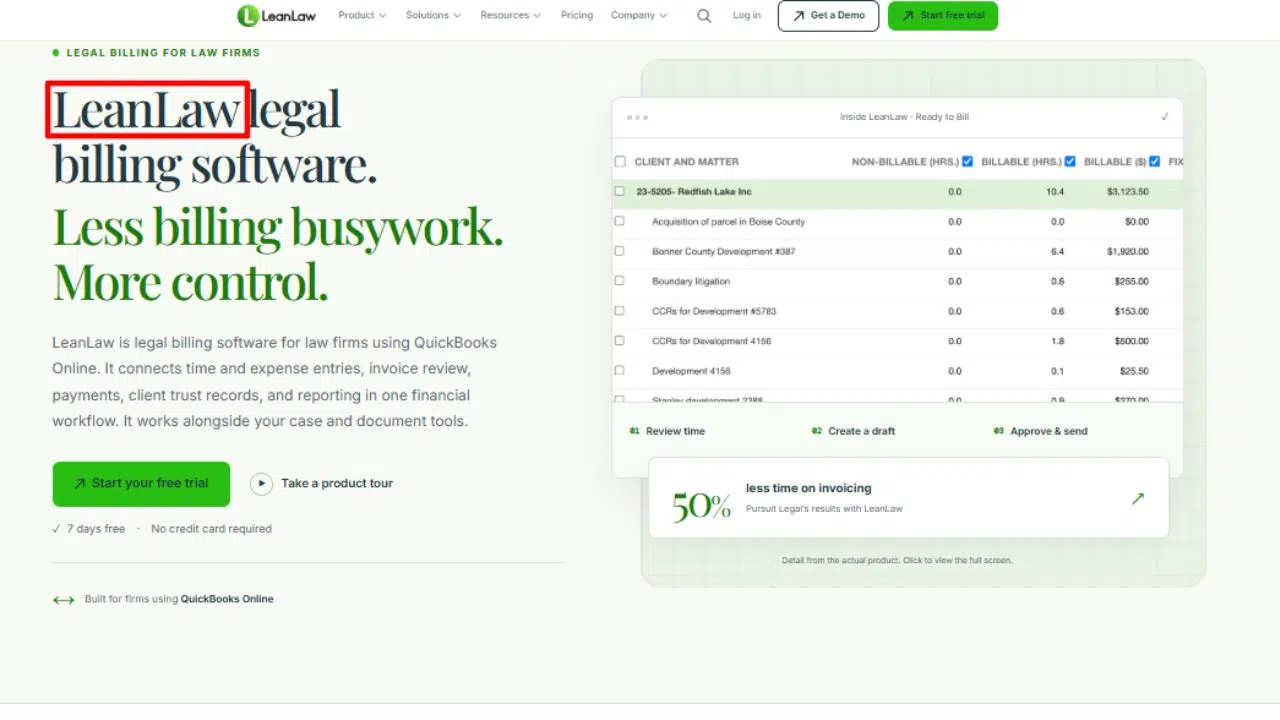
LeanLaw wrote its trust-accounting guide for small and mid-sized intellectual property firms, and that audience tells you its center of gravity. If your hard part is connecting client work to the books, with time, bills, and trust money moving together, that background matters. Its current capabilities still need your own check, since a guide is not a feature list. The hardest cases for that link are long matters with repeat billing.
Try a matter that spans several bills
Pick a matter with at least two invoices and follow its money from start to finish. That single walkthrough tells you more than any feature list.
Set up one client and record a retainer. Invoice once, invoice again, then apply trust money toward the second bill. After each step, ask what the screen shows: how much is still held for this client, and how much is still owed. Then request the same matter as a report. If you can follow the balance at every stage without re-entering anything, the billing-to-books link LeanLaw writes about holds up. If not, you found the gap before it found you.
Find the manual handoffs
Handoffs are the steps where you copy a figure from one system into another. Walk a whole month and mark each one:
- Record time on a matter. You should not have to retype it onto the invoice.
- Send the invoice. The receivable should reach the books on its own.
- Pay the invoice from trust. Both the trust ledger and the invoice should update together.
- Close the month. The trust bank balance, the trust ledger, and the sum of client ledgers should all match, which is the three-way reconciliation that law firm software comparisons weigh.
Ask the vendor who fixes a mismatch, you or their support team. If a picture helps, sketch the flow on one page first. A free AI creative platform like ImagineLab can draft a diagram from your notes; new accounts get 50 EDT credits after verified signup.
4. MyCase
The limit to weigh with MyCase is breadth. It is a full practice system first, and its accounting lives inside that system. The vendor says the accounting software works with your data in MyCase to produce compliant financial statements. Convenience of that kind only pays off if the trust and billing links hold, so verify trust scope and accounting depth before you move any records.
Does billing stay tied to the matter?
In a well-built system, yes: a charge keeps its matter tag from the time entry to the invoice to the payment. You prove it by tracing one entry all the way through. Most solo billing tools in 2026 are cloud-based and automated, but automation only helps if the tag survives the trip.
- Record one time entry on a matter. It should appear in that matter’s records, dated and priced.
- Turn it into an invoice. The invoice should list the entry with the matter still attached.
- Pay the invoice from trust. The trust ledger and the invoice should both show the payment.
- Check the client’s trust balance. It should drop by the amount paid and nothing more.
MyCase sits in the legal billing and practice management camp, so this chain is its home turf. Verify it anyway.
Convenience has a boundary
One system rarely covers every accounting job. Before you assume MyCase replaces your books, list what still needs an outside tool:
- Where your profit-and-loss report comes from, and whether your accountant can log in.
- Who runs payroll, if you have staff.
- How tax prep gets its numbers each quarter.
- Whether bank feeds cover every account you hold.
Then request a sample export in the format your accountant uses. If the export is clean, one system may be enough. If it is not, keep your current tool running beside it.
5. Rocket Matter
Begin this one from your worst trust task rather than from the product. Rocket Matter’s article on six trust challenges for solo and small firms sets the scene: imagine “dozens of bank accounts” with every transaction tracked “down to the penny”. Judge the software against your own version of that problem. The article itself is advice about challenges, not a feature specification.
Make the demo solve one real problem
Bring the task you dread most and make the demo do it live, in front of you. A vendor who skips it has told you something.
- Name the task first: “I move earned fees out of trust every month, and it takes an hour.”
- Request the exact correction you usually make, such as fixing a disbursement posted to the wrong client.
- Ask for the report you actually need, like a client ledger or a reconciliation, and watch it build.
- Confirm which steps take a click and which need a support call.
Rocket Matter wrote about these challenges because they are where solo firms slip.
Check the claim before you compare
Two things still need confirming, and a blog cannot promise either one. Does Rocket Matter keep a separate ledger for each client? Does it reconcile the trust account to the bank and to those client ledgers?
The trust-challenges article tells you the problems solo firms face. It does not list product features. Get specifics in writing before you compare it with the other five.
Ask for a live client ledger and a reconciliation on screen. Then ask who supports you at month-end, by name. A vendor who cannot show the ledger has answered part of your question already.
6. Tabs3
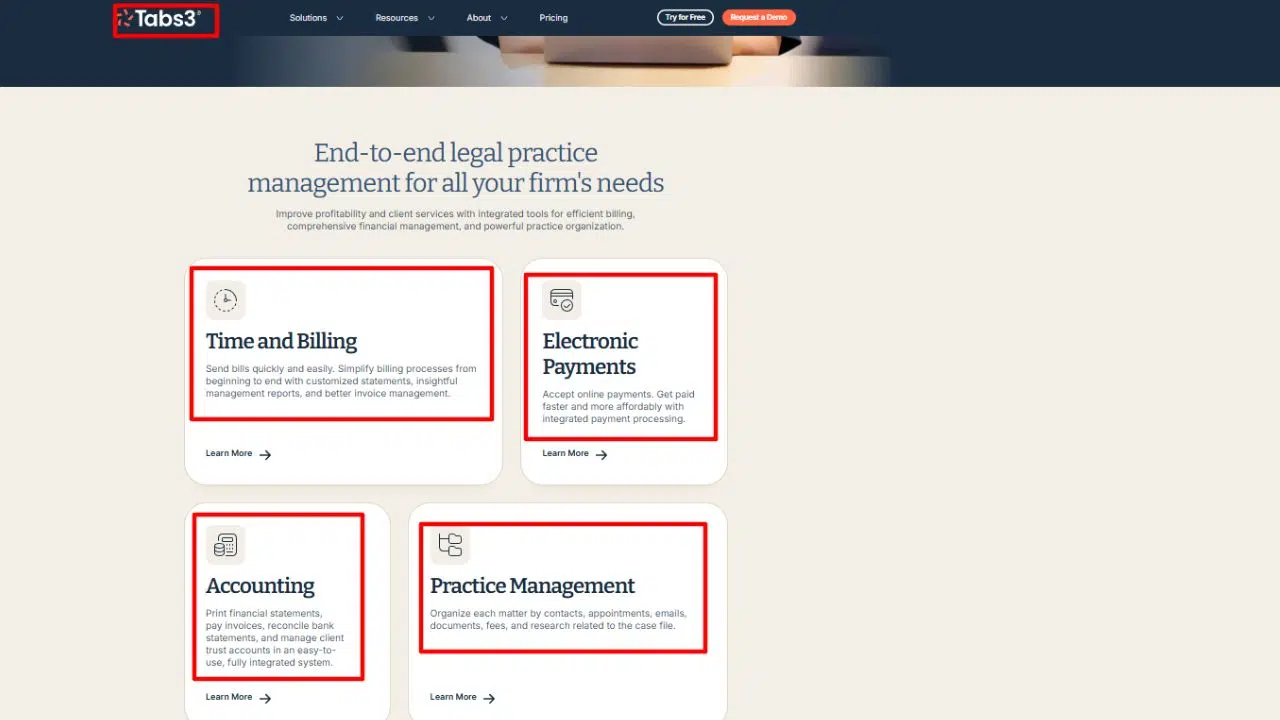
A 2024 guide on Tabs3’s own site calls managing a law firm trust account one of the most serious tasks in legal work. That’s why the test here stops being claims and becomes outputs. The open tension is whether a dedicated legal accounting system earns its setup effort in a one-person office.
Ask for the report, not the promise
Tabs3 puts its weight in exactly the right place: showing the ledger. Ask for a sample client ledger and a trust reconciliation on screen, before anyone talks price.
- A client ledger for one client, with deposits and disbursements and a running balance.
- A trust reconciliation matching the bank statement to the trust ledger and to the sum of client ledgers.
- A list of every client with funds in trust, current on the demo date.
- An export of both reports in a format your accountant can open.
One reviewer notes Tabs3 pairs with its Trust Accounting module and separates trust from the general ledger cleanly. The reports above are how you confirm that on your own matters.
Can you maintain it on your own?
You can, if a normal entry takes minutes and month-end help is one call away. Those two facts decide whether a solo office keeps a dedicated system current. Test both during the demo.
- Time one full cycle from deposit to disbursement to the ledger update. Write down the minutes it took.
- Ask who catches you up if you fall behind, whether that’s included support, a paid service, or nobody.
- Ask what training is included and what costs extra.
- Check support hours against the hours you actually do your books.
Questions That Settle a Software Choice
After the demos, settle three things. What is the total cost? How do your records move in? How do you get them out?
On the “best” question, no single system wins for every lawyer. A July 2026 review names Clio, CosmoLex, and Tabs3 as legal-specific picks. It also points solo firms that want a familiar ledger to QuickBooks Online with a legal add-on. QuickBooks can handle trust accounting when it is set up correctly.
Should you replace your current bookkeeping tool?
Not automatically. A paired setup- your current tool for firm books with a trust system beside it, works when the two match at reconciliation. Replace everything only if you are still copying figures by hand or your tool cannot show client funds as what they are: someone else’s money.
What does the full setup cost?
More than the subscription. Ask what migrating old trust records costs, which add-ons bill separately, and what training and support are included. Get each number in writing before you sign, and ask what happens to the price at renewal.
Can you retrieve records after you leave?
Only if you confirm it before you sign. Ask which export format trust ledgers and reconciliations come in, whether exports stay free, and how long your history remains reachable after you cancel. Your trust records will outlive any subscription.
What This Means in Practice
The right trust accounting software for solo attorneys is the one that makes your own client-fund test clearest. Take one real transaction from your practice and run it through every demo on this list: the retainer you know, the disbursement you dread. Keep your firm books where they are unless a full switch proves itself. The product that shows each client’s balance without extra work and hands you the report without a fight has answered the only question that matters.