


The traditional multiple-choice test is rapidly losing ground to interactive, gamified assessments that actually capture and hold a student’s attention. For schools and universities looking to dramatically increase classroom engagement, finding the right Game-Based Learning Quizzing platforms means looking beyond generic learning management systems. Independent American developers are building specialized, highly interactive applications that utilize behavioral psychology, competitive leaderboards, and collaborative game modes to turn formative assessment from a high-stress chore into a highly anticipated classroom event.
Establishing a reliable digital foundation requires a strict evaluation process to ensure these engaging platforms also deliver rigorous academic data.
How We Selected Our 15 Best Game-Based Learning Platforms
Identifying the most effective interactive assessment architecture required strict filtering to separate genuine educational innovators from developers simply building flashy video games. We focused entirely on independent American studios that balance high engagement with rigorous pedagogical tracking.
-
Geographic Baseline. Operated and headquartered strictly within the United States as independent entities.
-
Independence. Verified as independent SMEs to guarantee agile customer support and transparent student data policies.
-
Pedagogical Rigor. Proven inclusion of specialized teaching aids like state-standard alignment, detailed reporting dashboards, and spaced-repetition algorithms.
-
Data Security. Complete adherence to FERPA and COPPA regulations, ensuring student gameplay data and personal identifiers are heavily encrypted.
Understanding these core requirements helps identify exactly which organizations are equipped to handle the rigorous daily demands of modern educators.
Evaluating the Top 15 SMEs for Game-Based Learning Quizzing in USA
The following independent studios and specialized organizations are actively reshaping how academic institutions measure student understanding. Here is our curated breakdown of the standout developers driving the gamification of education today.
Starting with platforms that provide massive, crowdsourced libraries of pre-built quizzes allows teachers to implement gamification instantly.
1. Quizizz
Operating out of Santa Monica, California, Quizizz has become a staple in American classrooms by offering both teacher-paced and student-paced game modes. The platform allows educators to search a massive library of pre-made quizzes or build their own, injecting memes and power-ups between questions to keep students laughing and engaged. It seamlessly integrates with Google Classroom and Canvas, automatically transferring quiz grades to the teacher’s gradebook.
Best for:
-
K-12 teachers needing a highly flexible platform that supports both live classroom games and asynchronous homework assignments.
Why We Chose It:
-
It removes the pressure of the “fastest answer wins” model by focusing on individual accuracy, which reduces anxiety for students who need more time to process.
-
The post-game analytics highlight exactly which questions the majority of the class failed, instantly identifying areas for reteaching.
Things to consider:
-
The massive public library contains quizzes created by other users, which means teachers must manually fact-check community content before assigning it.
The 2026 Edge:
-
Advanced AI question generation that can instantly turn a copied-and-pasted reading passage into a 10-question gamified quiz.
When standard leaderboards lose their appeal, deep in-game economies provide a completely different level of motivation.
2. Gimkit
Headquartered in Seattle, Washington, Gimkit was famously developed by a high school student who wanted a more engaging alternative to traditional quiz games. The platform fundamentally changes the quizzing dynamic by introducing an in-game economy. As students answer questions correctly, they earn virtual currency which they can spend on power-ups, team upgrades, or entirely different game modes like “Humans vs. Zombies” or “Trust No One.”
Best for:
-
Middle and high school classrooms looking for highly competitive, complex game mechanics that require strategic thinking alongside subject knowledge.
Why We Chose It:
-
The platform requires students to answer the same questions multiple times throughout a single game, naturally embedding spaced-repetition studying into the gameplay.
-
The constantly rotating roster of unique game modes ensures that students never suffer from platform fatigue.
Things to consider:
-
The deep strategic elements and power-ups can occasionally distract highly competitive students from the actual academic content.
The 2026 Edge:
-
Customized map-building tools that allow students to design their own 2D digital arenas for their classmates to compete in.
Combining academic quizzing with collection-based mechanics taps directly into the psychology of modern digital natives.
3. Blooket
Located in Middletown, Delaware, Blooket utilizes a unique “gacha” system to keep students highly motivated. Students earn tokens by answering academic questions correctly during varied game modes like “Tower Defense” or “Cafe.” They can then spend these tokens to unlock randomized “Blooks” (digital avatars) of varying rarities, creating an intense, ongoing motivation to play and study.
Best for:
-
Elementary and middle school teachers wanting to leverage collection mechanics and randomized rewards to boost participation.
Why We Chose It:
-
It completely decentralizes the competitive aspect; a student can win a game mode through strategic gameplay even if they weren’t the fastest to answer every question.
-
The platform allows teachers to import quiz sets directly from other popular study tools, eliminating the need to type out questions manually.
Things to consider:
-
The randomized reward system can lead to frustration if a student spends their earned tokens and fails to unlock a rare avatar.
The 2026 Edge:
-
Enhanced cooperative game modes where the entire classroom must pool their correct answers to defeat a massive digital “boss.”
State-standard alignment is critical for schools that must justify the use of instructional game time.
4. Legends of Learning
Based in Washington, DC, Legends of Learning provides a massive suite of curriculum-aligned math and science mini-games. Unlike standard quiz platforms, this developer partners directly with game studios to build highly interactive, subject-specific games that perfectly match state and national educational standards. Teachers can assign “playlists” of games that guide students through a specific scientific concept.
Best for:
-
Science and math teachers needing highly rigorous, standards-aligned games that go beyond simple multiple-choice recall.
Why We Chose It:
-
Every single game on the platform is vetted by academic experts and directly tied to specific educational standards like NGSS or Common Core.
-
The teacher dashboard provides incredibly granular data, showing exactly how long a student struggled with a specific physics or biology concept during gameplay.
Things to consider:
-
The platform is hyper-focused on math and science, meaning humanities teachers will need to look elsewhere.
The 2026 Edge:
-
Integrated 3D augmented reality features that allow students to project their in-game science experiments onto their physical classroom desks.
Transforming passive video watching into an active, graded assessment requires specialized video infrastructure.
5. Edpuzzle
Operating out of San Francisco, California, Edpuzzle allows teachers to take any video from YouTube or upload their own, and embed gamified, interactive quiz questions directly into the timeline. The video automatically pauses when it reaches a question, forcing the student to engage with the material before they can continue watching.
Best for:
-
Flipped classrooms and asynchronous learning environments where teachers need to guarantee students actually watched and understood a video lecture.
Why We Chose It:
-
It prevents students from skipping ahead or opening other tabs while the video plays, ensuring total accountability.
-
The platform provides immediate data on exactly how many times a student re-watched a specific section of the video before answering the embedded question.
Things to consider:
-
Creating a high-quality interactive video requires a significant upfront time investment from the instructor.
The 2026 Edge:
-
Automated AI audio translation that instantly dubs the video and translates the embedded quiz questions for English Language Learners.
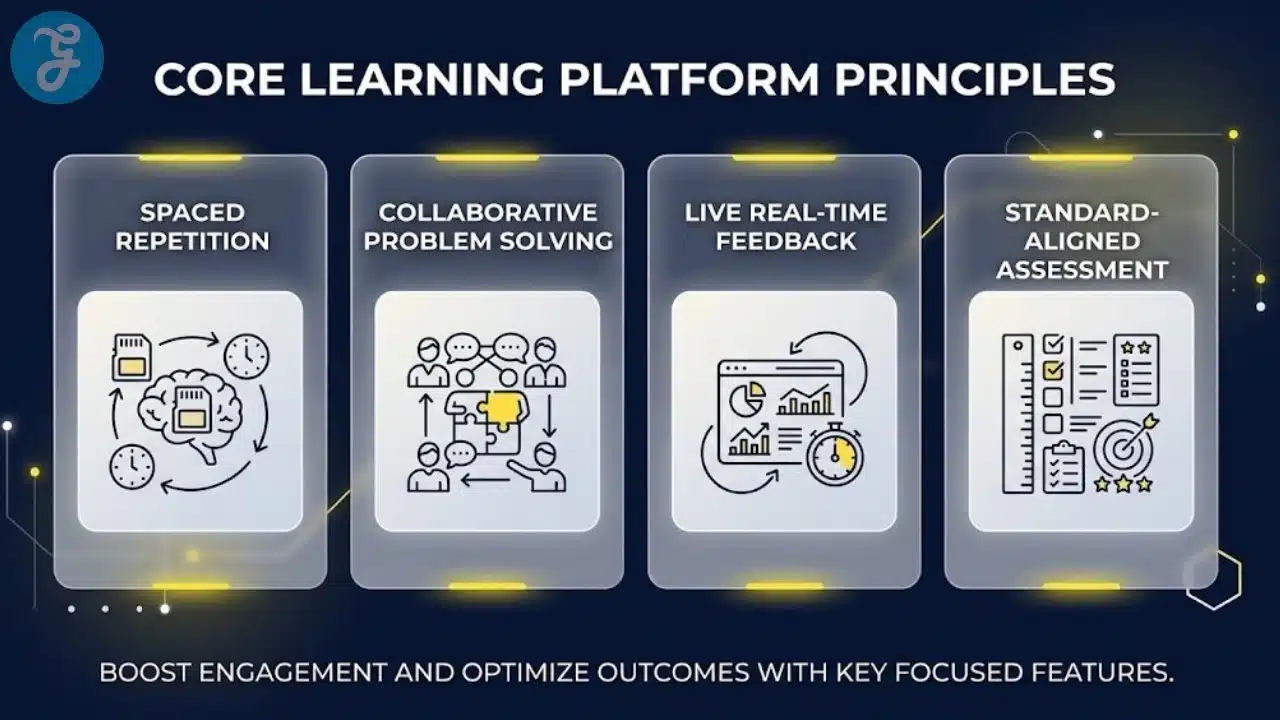
Capturing real-time formative data requires tools that allow for varied, creative student responses.
6. Formative
Headquartered in Santa Monica, California, Formative (often known as GoFormative) provides a highly versatile, real-time assessment platform. While it includes standard quizzing, its true power lies in allowing students to draw, type, or record audio responses. Teachers watch a live dashboard of every student’s screen simultaneously, allowing them to intervene the exact moment a student makes a mistake.
Best for:
-
Math teachers needing to see students “show their work” digitally, and educators prioritizing immediate, live intervention.
Why We Chose It:
-
It completely eliminates the delay between a student taking a quiz and the teacher grading it, making formative assessment instantaneous.
-
The “Show Your Work” digital canvas allows students to write out complex equations on their touchscreens, which the teacher grades in real time.
Things to consider:
-
It functions more as a powerful digital worksheet and assessment tool than a highly gamified, flashy competitive arena.
The 2026 Edge:
-
Advanced handwriting recognition that automatically flags incorrect steps in a student’s hand-drawn mathematical equation.
Injecting gamification directly into a live lecture keeps students from tuning out during slide presentations.
7. Pear Deck
Located in El Segundo, California (under the GoGuardian umbrella), Pear Deck integrates directly into Google Slides and Microsoft PowerPoint. It transforms static presentations into interactive, gamified quizzes. As the teacher advances the slides on the main projector, students respond to multiple-choice, draggable, or text-based questions on their own devices.
Best for:
-
Instructors who rely heavily on slide-based lectures and want to integrate live polling and quizzing without switching to a different application.
Why We Chose It:
-
It drastically lowers the barrier to entry for teachers, as they can simply add interactive questions to the slide decks they already own.
-
The platform allows teachers to display student answers anonymously on the main board, fostering safe class discussions without embarrassing individual students.
Things to consider:
-
The platform is designed strictly for synchronous, live instruction and is less effective as a standalone asynchronous homework tool.
The 2026 Edge:
-
Enhanced digital highlighters that allow teachers to capture a student’s specific drawing on a slide and push it to the entire class as an exemplar.
Collaborative problem-solving requires gamified environments that force students to work together.
8. Breakout EDU
Based in Syosset, New York, Breakout EDU brings the concept of the “escape room” into the classroom. The platform provides digital puzzle kits where students must collaborate to solve subject-specific riddles and quizzes to unlock digital locks. It is highly effective for team-building and applying academic knowledge under a timed, gamified constraint.
Best for:
-
Project-based learning environments and educators looking to foster intense peer collaboration and critical thinking skills.
Why We Chose It:
-
It shifts the dynamic from individual competition to collective triumph, forcing students to communicate and pool their knowledge.
-
The platform covers a massive range of subjects, wrapping standard curriculum into highly engaging narratives and mysteries.
Things to consider:
-
The puzzles require significant critical thinking, which can frustrate students who prefer straightforward, rote-memorization quizzes.
The 2026 Edge:
-
Customized story-branching architecture that changes the final puzzle outcome based on the specific choices a student team makes during the game.
Mastering rote memorization requires algorithms built specifically around cognitive science.
9. Brainscape
Operating out of New York City, Brainscape is a specialized quizzing and flashcard platform built entirely around the science of spaced repetition. As students flip digital flashcards, they self-assess how well they knew the answer. The algorithm then perfectly times when to show that specific card again to optimize memory retention, completely gamifying the act of studying.
Best for:
-
Advanced placement high school students, medical students, and language learners needing to memorize massive volumes of factual data.
Why We Chose It:
-
It strips away the flashy distractions of other platforms to focus purely on the most scientifically efficient way to encode information into long-term memory.
-
The platform features a massive marketplace of verified, expert-created flashcard decks for standardized tests like the SAT, MCAT, and bar exams.
Things to consider:
-
The self-assessment model requires a high degree of maturity and honesty from the student to function correctly.
The 2026 Edge:
-
Integrated biometric tracking through mobile devices that adjusts the frequency of difficult questions based on the student’s physical fatigue levels.
Engaging early childhood learners requires highly visual, narrative-driven game structures.
10. eSpark Learning
Headquartered in Chicago, Illinois, eSpark Learning provides differentiated, game-based math and reading curriculum for PK-5 students. The platform uses initial assessments to place students on a personalized “quest.” They complete gamified quizzes, watch videos, and play interactive games that are perfectly tailored to their specific reading or math level.
Best for:
-
Elementary school districts needing independent, adaptive learning stations that keep young students highly engaged.
Why We Chose It:
-
The platform completely automates the differentiation process, ensuring that every child in a classroom is working on the exact skill they need.
-
Students record video responses explaining what they learned after completing a game, blending gamification with critical reflection.
Things to consider:
-
The platform is highly specialized for early childhood and elementary education, lacking utility for upper grades.
The 2026 Edge:
-
Generative AI framing that places the student’s own name and chosen avatar directly into the narrative text of the reading comprehension quizzes.
Self-grading, interactive task cards completely revolutionize digital center work.
11. Boom Learning
Located in Kirkland, Washington, Boom Learning created “Boom Cards,” which are highly interactive, self-grading digital task cards. Teachers can build their own decks or purchase them from a massive marketplace. The gamified cards provide immediate audio and visual feedback when a student drags and drops the correct answer or types the right word.
Best for:
-
Special education teachers, speech-language pathologists, and elementary educators needing highly visual, interactive digital manipulatives.
Why We Chose It:
-
The interface is incredibly intuitive for young learners and students with fine motor skill challenges.
-
The massive marketplace allows teachers to find pre-made decks for incredibly niche, specific IEP (Individualized Education Program) goals.
Things to consider:
-
The platform relies heavily on its marketplace, meaning educators may need to purchase individual decks rather than getting everything in a single subscription.
The 2026 Edge:
-
Advanced data export features that automatically format a student’s gameplay data directly into compliant progress reports for special education audits.
Blending pop culture with educational assessment creates high engagement in urban districts.
12. Flocabulary
Based in Brooklyn, New York (under the Renaissance umbrella), Flocabulary utilizes educational hip-hop videos to teach vocabulary, math, and social studies. The platform wraps its high-quality music videos with gamified quizzes, interactive vocabulary games, and a “Lyric Lab” where students write and perform their own educational raps.
Best for:
-
Middle school ELA and social studies teachers looking to connect curriculum with modern youth culture and music.
Why We Chose It:
-
The music videos are incredibly high quality and utilize proven mnemonic devices to help students memorize complex vocabulary.
-
The Lyric Lab turns a standard quiz into a creative project, assessing student understanding through songwriting.
Things to consider:
-
The heavily stylized nature of the content requires teachers to fully embrace the musical format to ensure classroom buy-in.
The 2026 Edge:
-
Integrated AI beat-matching that automatically helps students align their written vocabulary rhymes to the rhythm of the instrumental tracks.
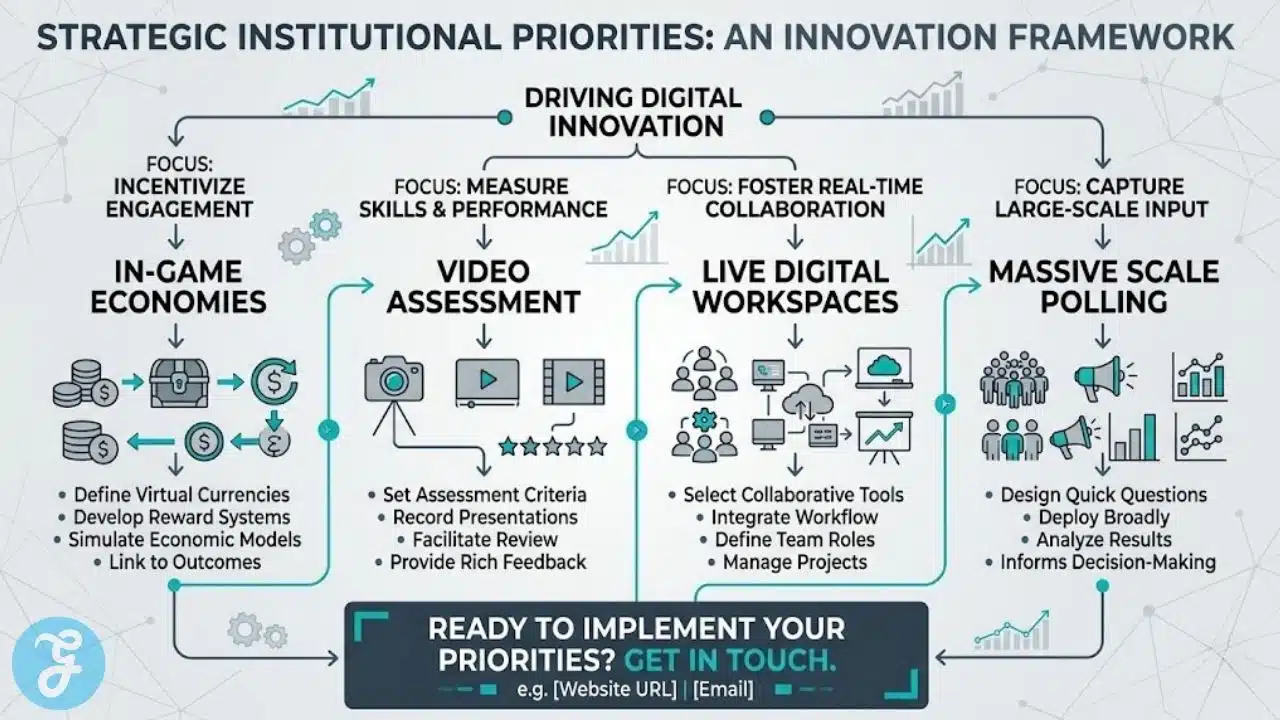
Large-scale university lectures require robust, enterprise-grade polling software.
13. Poll Everywhere
Operating from San Francisco, California, Poll Everywhere replaces traditional clicker hardware with a BYOD (Bring Your Own Device) quizzing platform. While it lacks the cartoon avatars of K-12 platforms, it provides highly reliable live quizzing, word clouds, and interactive Q&A sessions that integrate directly into keynote presentations for massive audiences.
Best for:
-
University professors and corporate trainers managing lecture halls with hundreds of concurrent attendees.
Why We Chose It:
-
It operates flawlessly at massive scale, easily handling thousands of simultaneous quiz submissions without crashing.
-
The word cloud feature provides an immediate, visually stunning representation of the audience’s collective understanding or opinion.
Things to consider:
-
The interface is highly professional and corporate, lacking the gamified flair required to hold the attention of young children.
The 2026 Edge:
-
Upgraded moderation algorithms that automatically filter out inappropriate or distracting submissions during massive, anonymous live polls.
Giving students immediate, personalized feedback on digital worksheets requires specialized monitoring tools.
14. Classkick
Headquartered in Chicago, Illinois, Classkick is a digital workspace platform where students work on teacher-created assignments on their devices. The gamification comes from the live feedback loop; teachers can view every student’s digital workspace in real time, dropping in digital stickers, point values, and personalized audio clips the moment a student completes a section correctly.
Best for:
-
Educators who want to gamify the actual process of completing a digital worksheet through immediate, highly personalized teacher feedback.
Why We Chose It:
-
Students can virtually “raise their hand” within the app, and peers can securely jump into each other’s workspaces to provide collaborative help.
-
It eliminates the isolation of digital homework, keeping the teacher heavily involved in the live learning process.
Things to consider:
-
Managing live feedback for a class of thirty students requires a highly organized and active instructor.
The 2026 Edge:
-
Automated AI “first-pass” grading that instantly awards points for correct objective answers, leaving only the complex written responses for the human teacher.
Educators operating on strict budgets need platforms that transform existing tools into engaging games.
15. Flippity
Based in Massachusetts, Flippity is a wildly popular, independent tool that turns standard Google Sheets into highly interactive digital games. By simply typing vocabulary words or quiz questions into a provided spreadsheet template, teachers can instantly generate a fully functional Jeopardy-style game show, digital flashcards, or randomized scavenger hunts.
Best for:
-
Resource-strapped public school teachers looking for completely free, highly customizable gamification tools.
Why We Chose It:
-
It is completely free to use and requires absolutely no account creation or login for the students, ensuring total data privacy.
-
The platform leverages the ubiquity of Google Workspace, meaning any teacher who knows how to use a spreadsheet can build a game in minutes.
Things to consider:
-
Because it operates directly from a spreadsheet, it lacks the deep, automated grading analytics of premium enterprise software.
The 2026 Edge:
-
New advanced spreadsheet templates that automatically pull live data feeds to create dynamic, ever-changing quiz games based on current events.
Reviewing these varied digital environments side-by-side helps administrators clarify their institutional priorities.
An Overview Of Game-Based Learning Quizzing
Examining these distinct providers collectively provides a clear perspective on the digital infrastructure available to modern educators. The following data points highlight the primary functional differences between these independent providers.
Overview Comparison Table
Comparing these specific metrics highlights the structural differences between competitive arenas and deep conceptual assessment tools.
| SME Developer | Headquarter Location | Core Focus Area | Primary Function |
| Quizizz | Santa Monica, CA | Flexible Assessment | Asynchronous & Live Quizzes |
| Gimkit | Seattle, WA | Strategic Gameplay | Deep In-Game Economy |
| Blooket | Middletown, DE | Collection Mechanics | Gacha-Style Gamification |
| Legends of Learning | Washington, DC | Standard-Aligned Games | Math & Science Mini-Games |
| Edpuzzle | San Francisco, CA | Video Assessment | Interactive Video Quizzes |
| Formative | Santa Monica, CA | Real-Time Feedback | Live Digital Canvas Grading |
| Pear Deck | El Segundo, CA | Slide Integration | Interactive Presentations |
| Breakout EDU | Syosset, NY | Collaborative Puzzles | Educational Escape Rooms |
| Brainscape | New York, NY | Cognitive Science | Spaced Repetition Flashcards |
| eSpark Learning | Chicago, IL | Early Childhood | Differentiated Math/Reading |
| Boom Learning | Kirkland, WA | Interactive Centers | Self-Grading Task Cards |
| Flocabulary | Brooklyn, NY | Pop Culture Ed | Musical Video Quizzes |
| Poll Everywhere | San Francisco, CA | Enterprise Scale | Massive Live Polling |
| Classkick | Chicago, IL | Digital Workspaces | Live Peer & Teacher Feedback |
| Flippity | Massachusetts | Google Integrations | Free Spreadsheet Game Maker |
Evaluating these diverse administrative tools naturally leads to our primary recommendations for specific institutional use cases.
Our Top 3 Picks and Why
Narrowing down the field highlights three developers making exceptional contributions to the educational gamification landscape. Gimkit stands out by completely reinventing the competitive quiz, using an in-game economy that forces strategic thinking and ensures massive student engagement. Edpuzzle provides unmatched utility by turning passive video consumption into a highly accountable, gamified assessment process. Finally, Formative completely redefines the live classroom dynamic by allowing teachers to see and grade every student’s thought process in real time, catching errors the moment they happen.
Selecting the right digital infrastructure requires balancing the technical capabilities of the software with the actual needs of the teaching staff.
How to Choose the Right Game-Based Learning Quizzing by Yourself
Implementing a new interactive assessment environment successfully means finding a platform that aligns with your specific pedagogical philosophy and budget constraints.
-
Identify the Deployment Method. Determine if you primarily need live, synchronous game shows for the smartboard, or asynchronous, self-paced quizzes for homework.
-
Evaluate Data Privacy. Ensure the platform allows students to join games via secure codes without requiring them to create accounts with personal email addresses.
-
Check LMS Integration. Verify that the platform connects seamlessly to Google Classroom, Canvas, or Schoology to prevent teachers from manually entering grades.
-
Analyze the Distraction Factor. Ensure the game mechanics actually reinforce the learning objective rather than distracting students with flashy but academically useless mini-games.
Applying this framework directly to your specific campus needs allows you to match the right developer to your school.
The Final Checklist
Running through this quick verification process guarantees you are adopting a secure, scalable platform.
-
Verify the developer complies entirely with federal regulations regarding student privacy, specifically COPPA for users under thirteen.
-
Ensure the platform allows teachers to easily mute distracting sound effects or music during quiet testing periods.
-
Test the platform’s mobile responsiveness to ensure text and images scale correctly on older student smartphones.
-
Confirm the developer provides comprehensive reporting dashboards that allow administrators to track building-wide usage data.
-
Check that the software includes built-in accessibility features, such as text-to-speech functionality for students with reading accommodations.
Implementing these systems successfully requires a deep understanding of what motivates a student to learn.
Beyond the Leaderboard: Fostering Genuine Engagement
The sudden explosion of educational technology has created a false belief that simply adding points and a timer to a worksheet instantly transforms it into a profound learning experience. The uncomfortable truth is that relying entirely on superficial Game-Based Learning Quizzing platforms can actually damage intrinsic motivation, teaching students to value the digital reward over the actual acquisition of knowledge.
Furthermore, hyper-competitive platforms that exclusively reward the fastest response speed often alienate thoughtful, methodical students, creating unnecessary test anxiety under the guise of “fun.” As institutions rush to implement these gamified systems, they must recognize that software alone cannot fix a disconnected classroom.
The future of educational assessment does not rely on building more addictive digital dopamine loops. It relies on educators utilizing these specialized digital tools to remove the administrative friction of grading, allowing them to foster a genuinely engaging classroom culture where the joy of solving a complex problem outweighs the temporary thrill of topping a digital leaderboard.
To further clarify the implementation of these digital systems, addressing common technical concerns is essential.
Frequently Asked Questions (FAQs) About Game-Based Learning Quizzing
Do these gaming platforms integrate directly with standard gradebooks?
Yes, reputable independent developers build their software using Learning Tools Interoperability (LTI) standards. This ensures that when a student completes a gamified quiz, the final score automatically syncs to the teacher’s Canvas, Schoology, or Google Classroom gradebook without any manual data entry.
How do these platforms prevent students from cheating during a live game?
Modern platforms utilize several security features, such as randomizing the order of questions for every user and randomizing the multiple-choice answer placements. Some platforms also feature “tab-tracking,” which alerts the teacher if a student opens a new browser window to search for an answer during the game.
Are gamified learning platforms accessible for students with disabilities?
High-quality SMEs adhere strictly to Web Content Accessibility Guidelines (WCAG). Their platforms typically feature integrated screen reader support, high-contrast visual modes, native text-to-speech for reading questions aloud, and the ability for teachers to disable timed countdowns to accommodate IEP requirements.
Can students play these games at home for homework?
Most major platforms offer both “Live” and “Asynchronous” (or “Homework”) modes. In asynchronous mode, the competitive timers are often removed, allowing students to complete the gamified assessment at their own pace on their home devices before the due date.
Do schools have to pay for these platforms, or are they free?
The vast majority of these independent developers operate on a “freemium” model. They provide a robust free tier for individual teachers that includes basic gamification and quizzing. However, advanced features like deep analytics, LMS integration, and administrative oversight require a paid school or district-level subscription.






















