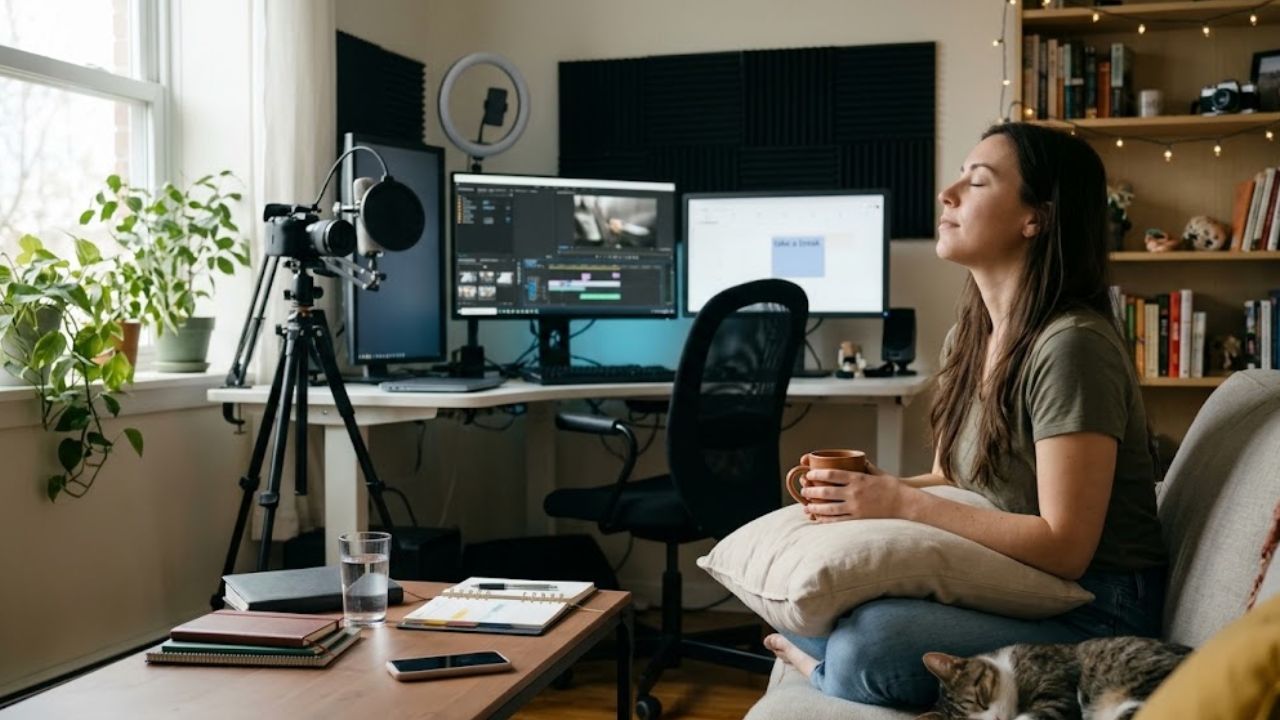
Relieving neck and back pain isn’t only about pills: small ergonomic tweaks, regular movement, and quality sleep speed recovery and prevent flare-ups. Adjust your workstation, use good lifting technique, and stay active with realistic goals; paired with better sleep, these habits reduce spinal load and improve pain control.
In this guide, you’ll find clear, vetted steps you can start today: a whole-person approach, when to seek care, and daily routines for ergonomics, activity, and restorative sleep.
Why a Whole-Person Approach Helps Manage Back and Neck Pain
Neck and back pain aren’t only about tissue damage—sleep, stress, posture, and daily habits all play a role. That’s why a whole-person approach, combining education, exercise, and everyday self-care with evidence-based resources, is so helpful.
Within this whole-person framework, resources like Integrative Care (NIH/PMC review) explain how to integrate complementary practices alongside conventional care—not as a replacement—to support overall health with whole-person models in primary care.
Practically, prioritize simple steps: micro-breaks, ergonomics (keep loads close to the body, avoid twisting), and gradual activity progressions. These principles lower lumbar load and support functional improvement without resorting to complete rest.
Signs of Recovery vs. When Pain Plateaus
- Progress: greater range/mobility and better tolerance for everyday tasks.
- Plateau: the same pain after 2–4 weeks or worsening function.
If red flags (neurologic deficit, fever, etc.) appear, see the next section for safe next steps.
Red Flags for Neck and Back Pain: When to Seek Care and Evaluation
After heavy cleanup, neck/back pain is often mechanical and improves with relative rest and gentle exercise.
However, some red flags require urgent evaluation: progressive neurologic deficits, saddle anesthesia, bladder or bowel changes, fever, unexplained weight loss, persistent night pain that doesn’t ease, a cancer history, or significant trauma. In such cases, the priority is prompt referral and, often, early imaging.
If there are no alarm features, most cases improve over weeks, and routine imaging isn’t recommended because it doesn’t improve outcomes and can lead to incidental findings. Consider a clinical evaluation in these scenarios:
- Pain limits your function (at work or home).
- No improvement after 4–6 weeks of conservative care.
- You’re uncertain about your home plan or exercise progression.
- Results of an in-person assessment could change management (e.g., referral/tests).
What to Expect at Your First Chiropractic Visit
Your clinician will take your history (onset, easing/worsening factors, prior treatments), perform a focused physical/neurologic exam (strength, reflexes, sensation, nerve-root maneuvers), and agree on goals with a plan that emphasizes education and graded exercise; tests are ordered only if they’ll change management or a specific disease is suspected.
Based on information published by Intero Chiropractic, an initial evaluation typically integrates these elements to align expectations and follow-up, with emphasis on shared goals, patient education, home exercises, ergonomic adjustments, and periodic review based on clinical response.
A brief table below contrasts emergency signs with situations suitable for initial self-care at home.
| Scenario | Urgent (seek care immediately) | Self-care & scheduled visit |
| Neurologic | New, progressing weakness; perineal numbness | Muscular soreness without deficit |
| Bladder/bowel | Retention or incontinence | Normal function |
| Context | Fever, cancer history, major trauma, unrelenting night pain | Pain eases with relative rest |
Arrive with a clear summary: location and 0–10 intensity, course over time, easing/worsening factors, tasks that are hard right now (work, home, caregiving), and functional goals (“lift 20 lb without pain,” “sleep through the night”). This information helps triage red flags and sharpens your care plan.
Daily Habits for Neck and Back Health: Movement, Pacing, and Sleep
In warm, humid climates, recovery improves when you plan ahead: alternate tasks, schedule breaks, and drink on a timetable instead of waiting for thirst. Sleeping in a cool, dark room also helps; at night, your core temperature falls, and the nervous system processes pain more efficiently.
Scheduled breaks + gentle mobility
Before starting, set short work blocks with rests in shade/cool areas, and rotate tasks so you don’t overload the same structures.
If temperature or workload rises, increase rest ratio. Keep the spine and hips moving through a comfortable range and take brief walks to reduce stiffness—without pushing to exhaustion. Schedule heavy work during the day’s cooler hours.
- Micro-breaks of 3–5 minutes every 30–45 minutes as a baseline; adjust for heat.
Gentle mobility: pelvic tilts, supported thoracic extension, short walks. - Heat danger signs (confusion, fainting, very hot/dry skin) → 911.
Hydration and heat exposure
Make hydration scheduled: as a practical rule, drink about 8 oz every 15–20 minutes during activity in the heat; add electrolytes for prolonged sweating. Avoid excess alcohol and high-sugar drinks. A phone reminder every 15–20 minutes helps you stay on track.
- Start the day hydrated; keep cool water within reach.
- Use electrolyte drinks if you’re sweating for hours.
- Rest in shade and cool down if dizziness, nausea, or headache appear.
Sleeping better on warm nights
Sleep hygiene matters: keep the bedroom dark, quiet, and cool, eat earlier/lighter, and stick to a consistent routine. To build habits guided by CBT-I, the VA’s official Insomnia Coach app offers a plan, sleep diary, and step-by-step tools; CBT-I is a first-line recommendation for chronic insomnia in adults.
30-minute “lights-out” routine (practical guide)
A consistent routine cues the brain for sleep and supports pre-sleep cooling.
- Minutes 0–5: dim lights and screens; switch to relaxing tasks.
- Minutes 5–15: lukewarm-to-cool shower (promotes post-shower cooling).
- Minutes 15–20: gentle stretches for neck, back, and hips (no pain).
- Minutes 20–25: log your sleep diary (bedtime, naps, caffeine).
- Minutes 25–30: dark, quiet, cool room; go to bed at the same time nightly.
If awakenings persist or insomnia lasts ≥3 months, consider clinical support and a structured CBT-I program alongside self-care.
Conclusion: How to Protect Your Back Every Week
Protecting your back is the sum of daily choices: simple ergonomics, paced movement, and quality rest. If red flags appear, prioritize a clinical evaluation; otherwise, follow a progressive plan and track your gains.
Reliable resources like Integrative Care (NCCIH) and Insomnia Coach (VA) strengthen education and sustainable habits without replacing professional care.