

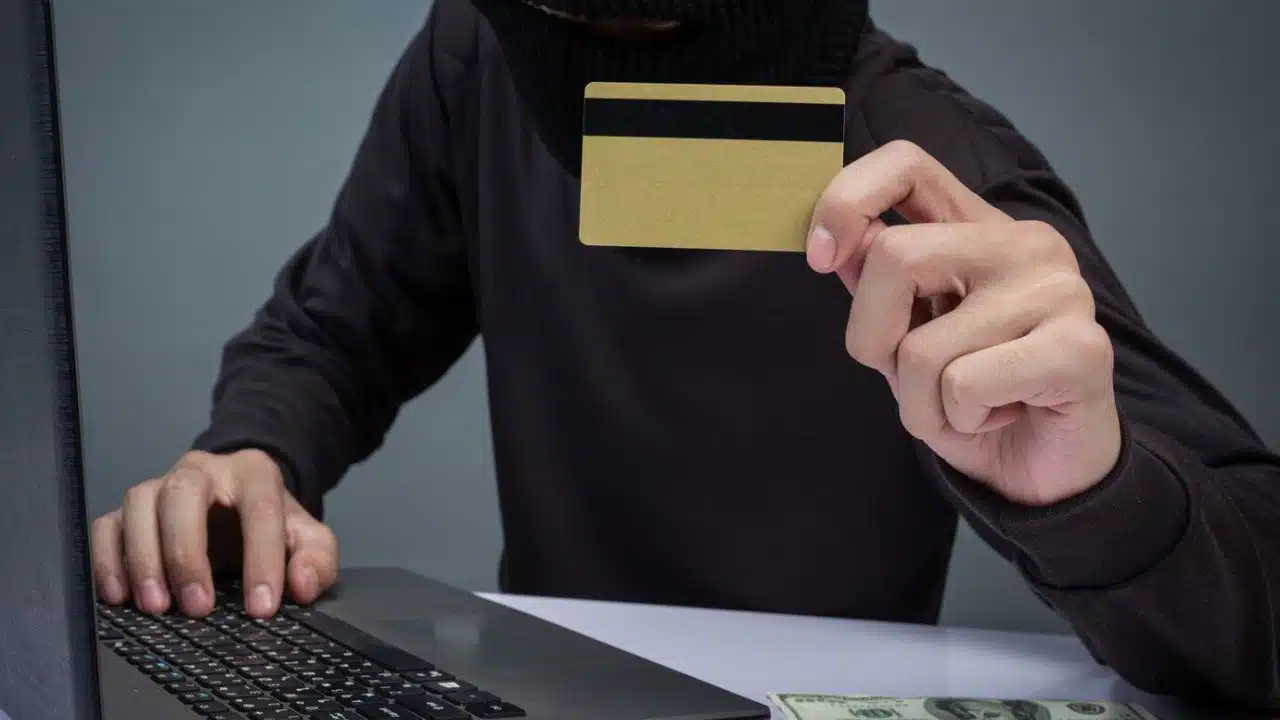
You know the feeling: you get an email from your bank and immediately start to panic. Your account is overdrawn or there’s been a suspicious login attempt and you need to change your password immediately. There’s a link in the message, so you click, and it takes you to a screen requesting your personal data. You start to type it in, then pause in a cold sweat when you notice a strange URL at the top of the screen.
You were about five seconds away from handing all your financial information to Bank of America or WallsFargo.com. Thankfully, you knew to spot the signs of phishing and averted the attempt, clicking away at the last second. Now you’re wondering, however, with organizational security breaches on the rise, how can you protect your organization from the same mistake? Here are some top tips for preventing phishing attacks from taking down your business.
1. Trust Your GAL
A global address list, or GAL, is a central list that contains contact information for all your employees as well as other essential contacts. These additional contacts might include external partners, clients, and other people that you or your employees communicate with regularly. If you use Outlook to write your emails, you’ve probably accessed your organization’s GAL before. There’s also an offline version of a GAL that can be downloaded for internet-free access.
With a GAL, it’s a lot easier to tell whether an email is coming from an organizational contact or a spammer. Messages from outside the GAL might be flagged or even blocked to prevent you from accidentally opening them or clicking links. If an email address becomes compromised, it can be removed from the GAL and blocked from contacting anyone within your organization. It’s also a secure way to store directories, keeping contacts more secure from outside infiltration.
2. Use Tech Tools
Security tools, like spam filters, multi-factor authentication, and anti-virus software can form a multi-faceted line of defense against phishing attempts. Spam filters ensure that suspicious, potentially dangerous emails don’t make it to your or your team’s inboxes. Antivirus software protects your network against malware that might be installed if someone clicks a bad link. Multifactor authentication prevents bad actors from using your credentials if they do gain access.
These are just the basics: new technologies are evolving and developing every day to help prevent against phishing attacks. For example, AI can use Natural Language Processing (NLP) to scan incoming emails and spot small details and patterns that could indicate phishing attempts. For instance, they might notice misspellings or strange requests from the sender, like speaking differently than usual or asking you to send them money.
3. Have a Password Plan
To keep passwords secure against phishing attempts, your organization should use strong password protocols. All passwords should be at least 12 characters long, and should include uppercase and lowercase letters, numbers, and symbols. Passwords should be random, and difficult or impossible to guess, not based on personal info like loved ones’ names or birthdays. To store multiple passwords, use a secure password manager like LastPass or NordPass.
Passwords also need to be updated regularly (and never reused) — cybersecurity experts recommend every three months. To enforce these updates, use tools that keep employees from accessing the network until they update their passwords. Keeping passwords fresh means that even if login info does become compromised, it won’t be usable for very long. Change all organizational passwords immediately any time you suspect a breach or cybersecurity threat.
4. Train Your Employees
Perhaps the most important component in preventing phishing attacks is training employees on what they look like and how to stop them. Less tech-savvy staff members may not recognize the signs of a phishing attack, and can be more vulnerable to scams that steal their information. For example, an employee might click a link redirecting them to a fake login page for company software. They may not know they need to check for suspicious URLs or other signs of phishing.
A strong training program is your best defense against these kinds of attacks when they make it past security tools and spam filters. Employees need to know what to look for, and how to report a suspicious email should they receive one. It’s important to note, however, that hackers have now begun using generative AI to draft more sophisticated emails. It’s no longer enough to spot typos; stopping phishing attacks now means knowing the difference between a person and a bot.
5. Monitor Your Network
Larger organizations or those with increased security needs should consider implementing more advanced enterprise systems to monitor and protect against phishing attacks. They should also use anti-spoofing controls to prevent hackers from creating fake organizational emails under their name. They might also consider alternative login methods, like biometric data (facial recognition, fingerprints) instead of passwords to protect sensitive data.
If you’re a leader at a larger company, you should also have an emergency incident response plan in place. Key cybersecurity employees need to know exactly what to do to mitigate damage if a phishing attack does occur. For example, they (and you) should have a plan for warning employees about suspicious emails that have made their way into the network. There should also be a plan in place to mitigate security issues and keep the business operating if a breach occurs.
Go Phish
Phishing attacks are only getting more and more difficult to identify and harder to avoid. Keeping your staff up to date on the latest scams can protect them and your organization from falling victim. Some companies are using AI to simulate these new phishing attempts and teach employees how to discern them. However, you can also stay ahead by teaching timeless protocols like typing in the correct URL rather than following a random link.
























