

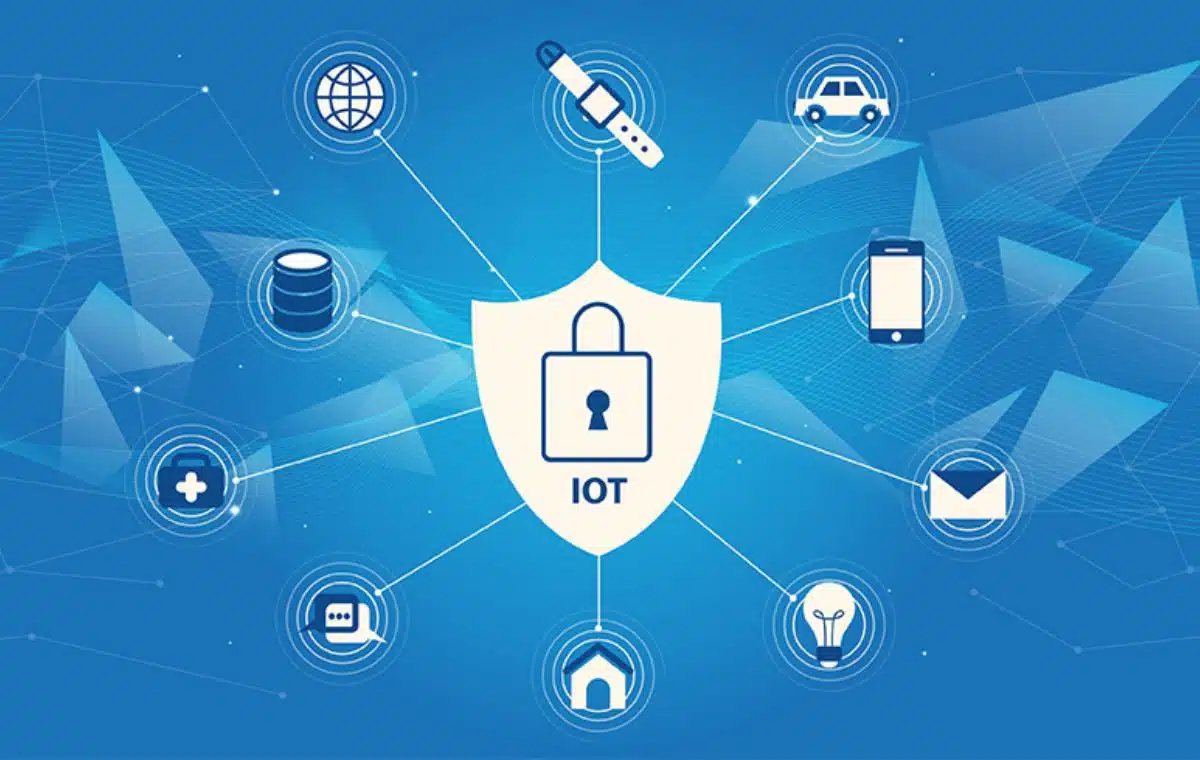
IoT, or the Internet of Things, refers to the overall network of interconnected devices as well as the technology that enables the communication between them as well as with the cloud. IoT has emerged in recent years as one of the most significant 21st-century technologies. Continuous communication between people, processes, and things is now feasible thanks to the ability to link commonplace items to the internet via embedded devices.
However, there are still a few kinks to iron out with IoT security, as with each new trend. Continue reading to find out more about what you can do to address IoT security issues.
IoT Devices: How Safe are they?
Since they are seen as useful for daily life, IoT devices have established themselves as commonplace in many homes and workplaces. However, the popularity of IoT devices has led to an increase in related privacy issues. Whether you use these devices for personal or commercial use, your privacy and security may be in jeopardy. IoT devices like smart speakers, TVs, refrigerators, security cameras, and other items are attack points for cybercriminals.
Most IoT security vulnerabilities stem from manufacturers not devoting enough time and money to security. Only a small percentage of these gadgets are rigorously tested for compliance prior to distribution. That means that you might need to take some precautions yourself for ultimate security.
IoT Security Best Practices
Use Strong Passwords
It’s only humans that occasionally fall into bad password habits, but they compromise the security of our IoT devices. In light of this, you should try to avoid using the same passwords across all of your IoT devices and be sure to use strong, unique passwords. Those passwords should also be updated periodically.
Another tip is that you should never share your passwords through email or save them in your browser. You can prevent hackers from accessing your credentials by using a password manager to store and access your passwords safely.
Employ Multi-Factor Authentication
A method of integrating more than one level of security to regulate access to something is known as multi-factor authentication (MFA). This method is already utilized in many online services, ranging from an SMS code provided to a phone number to a code generator that generates single-use access codes. Although challenging, multi-factor authentication should be implemented on IoT devices, particularly on the administrative end of things.
Multi-factor authentication is a feature that comes standard on the majority of IoT devices, but some of them don’t have it. In such a situation, utilizing third-party programs that will allow you to get that feature might be a good idea.
Even if your IoT device uses two-factor authentication through the mobile app that goes along with it, having an additional security layer provided by a reliable third-party provider can be the protection that you need.
Follow Updates and Patches
While the majority of IT systems can fix security problems through routine updates, the majority of IoT devices weren’t built with this capacity. You can visit the vendor’s website to obtain any new security updates for known vulnerabilities before configuring a new IoT device.
If you are using IoT devices at a corporate level, you might need to learn more about their security. For starters, you can establish recurring patch management and firmware upgrade plan with your IoT device providers to ensure that your devices are consistently patched with the newest upgrades. Updates are an important part of any device or software for security since providers can fix a previous bug or a security flaw.
Change the Default Settings and Passwords
You should never use the default passwords in your IoT devices. Since routers frequently carry the name of their manufacturer or the network they are connected to, hackers are given a crucial tip on how to gain access. Additionally, it’s a good idea to refrain from using your actual name or address because these are also helpful hints for hackers attempting to access your network.
When you initially connect a device to your network, you should browse through its settings and adjust it to meet your specific needs by turning off functions you won’t be using. The majority of IoT devices connect to other networks and devices when they are nearby. While this function could be advantageous in a busy office setting, it also introduces a security hole that could allow an unauthorized user to quickly join your network.
Establish a Monitoring System
It’s crucial to maintain a careful check on the condition of the devices and data flow in environments that host complex networks of IoT devices and utilize them to carry out crucial activities. A monitoring system keeps track of the health of your devices and notifies you if anything is out of the norm. The out-of-the-norm activity can be a strange data flow, a suspicion of unwanted access, or a link to the internet and other networked devices.
Final Words
The industrial world has been transformed by IoT devices, and now they have made their way to our homes and workplaces. As the number of linked smart devices increases in complexity and scale, we must address cybersecurity concerns before we experience security breaches.
You should take whatever precautions are necessary to safeguard yourself or your company, even if they require additional time and money on your side. A security breach might be more costly in terms of time and money than if you had systematically and gradually worked to secure your IoT devices.


























