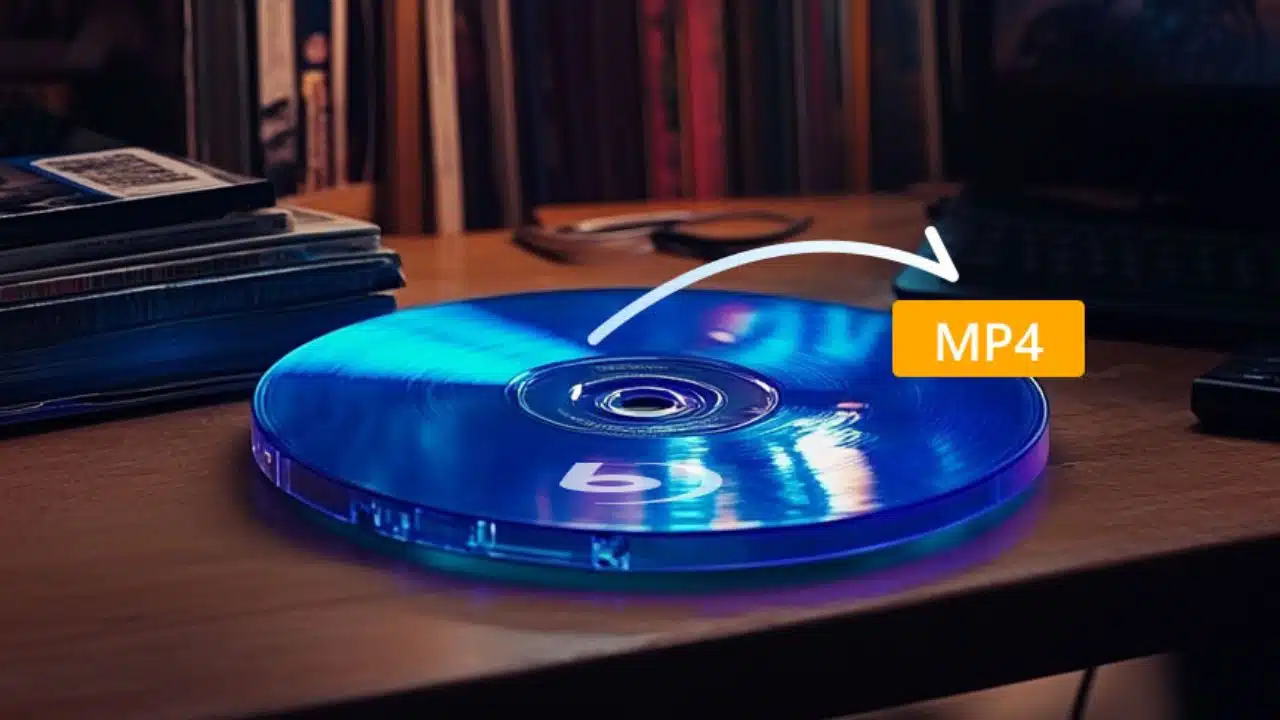
You most likely have a collection of Blu-rays collecting dust on your shelf if you’re a movie buff. The issue is that although Blu-ray provides incredible quality, only specialized Blu-ray playback devices can play it. Ripping Blu-ray to MP4 is an excellent way to solve this problem! MP4 files are more versatile, and you can watch your favorite movies anywhere, anytime—on your phone, tablet, or computer.
In this guide, I’ll walk you through two simple ways to rip Blu-ray to MP4, including our personal experience with both methods, so you can decide which one works best for you.
Part 1. Which is the Best Way to Rip Blu-rays to MP4?
Before we dive into the details of how to rip Blu-ray to MP4, let’s first compare these two methods in a table. This way, you can get a quick overview of their strengths and weaknesses.
|
Feature |
Blu-ray Master Free Blu-ray Ripper |
HandBrake |
|---|---|---|
| Compatibility | Windows & macOS | Windows, macOS, Linux |
| Ease of Use | Very user-friendly, intuitive | More complex, requires some knowledge |
| Ripping Speed | Fast, especially for 4K Blu-ray | Moderate, depends on file size |
| Quality | High-quality MP4 conversion | Good quality, customizable settings |
| Cost | Free (basic features) | Free |
| Additional Features | Supports 4K Blu-ray, batch ripping | Advanced options for tweaking output |
| Output Formats | MP4, MKV, MOV, AVI, etc. | MP4, MKV, AVI, and more |
From this table, it’s clear that both tools have their merits, but your choice depends on what you’re looking for: simplicity or advanced features.
Part 2. How to Rip Blu-ray to MP4 with Blu-ray Master Free Blu-ray Ripper
The first recommended Blu-ray ripping software is Blu-ray Master Free Blu-ray Ripper. This tool is perfect if you want to convert Blu-ray to MP4 quickly and without much hassle. I’ve used it for several of my movies, and here’s how you can do it too:
Step-by-Step Guide:
- Download and Install: Go to the Blu-ray Master website and download the Free Blu-ray Ripper. The installation is straightforward and doesn’t take long.
- Insert Your Blu-ray Disc: Insert the Blu-ray into your drive. Launch the software, and it should detect the disc automatically.
- Choose Output Format: In the interface, select MP4 from Profile as the output format. If you’re dealing with a 4K Blu-ray, select a 4K resolution to keep that crisp quality.
- Set Destination Folder: Choose where you want your MP4 file to go—on your desktop, an external drive, etc., by choosing the Browse button.
- Rip Blu-ray to MP4: Click on Convert, and within minutes, you’ll have your Blu-ray movie in MP4 format.
Why I love it: The process is incredibly fast, and the quality is top-notch. Plus, this 4K Blu-ray ripper is super intuitive, which makes it a perfect choice for beginners.
Part 3. How to Rip Blu-ray to MP4 with HandBrake
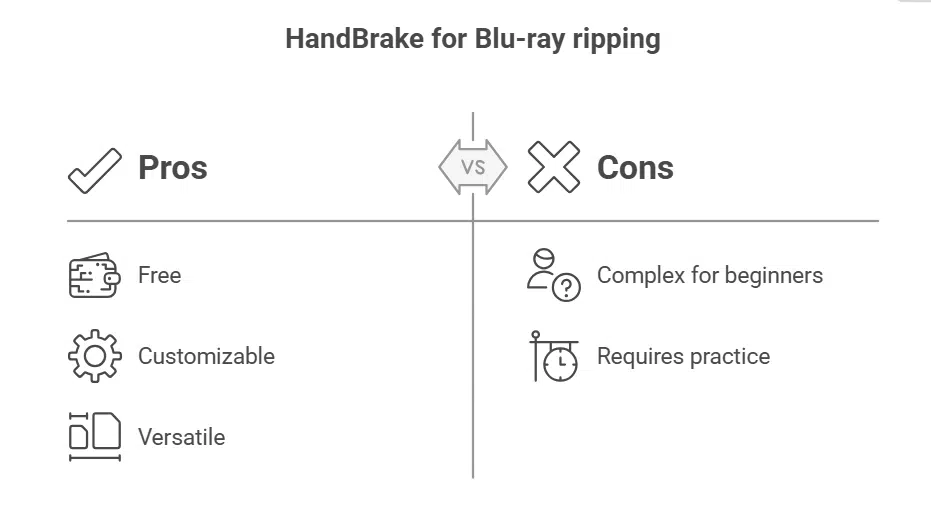
If you’re looking for a free option to rip Blu-rays, HandBrake is the best choice. However, it is a bit trickier for beginners. The good news? With a bit of practice, you can get it to work just how you want.
Step-by-Step Guide:
- Download and Install HandBrake: Go to the HandBrake website, download the version suitable for your system, and install it.
- Insert Your Blu-ray Disc: Make sure the Blu-ray is inserted into your drive. HandBrake doesn’t automatically detect Blu-rays, so you’ll need to select the source manually by clicking Open Source.
- Select Output Format: Under the Format section, choose MP4. You can also tweak the settings for video resolution, frame rate, and bitrate. If you’re new to this, the default settings should work fine.
- Choose Destination Folder: Pick where you want the MP4 file to be saved.
- Start the Ripping Process: Click on Start Encode, and the ripping process will begin. It can take a bit longer than Blu-ray Master, but the result is high-quality.
Why I love it: The customization options in HandBrake are great for people who want to adjust the output. It’s also completely free, making it a solid choice for anyone on a budget.
Part 4. FAQs
- Can I rip 4K Blu-ray to MP4?
Yes, both Blu-ray Master and HandBrake can handle 4K Blu-ray ripping. Just make sure to choose the appropriate resolution in the settings. - Is it legal to rip Blu-rays to MP4?
Ripping Blu-rays for personal use is generally considered legal in many countries, but it may vary depending on where you live. Always check the laws in your area. - How long does it take to rip a Blu-ray?
The time depends on your computer’s specs and the software you’re using. Blu-ray Master is faster, especially for 4K Blu-ray, but HandBrake gives you more customization, though it may take longer. - Are these tools free?
Blu-ray Master offers a free version with some limitations, while HandBrake is completely free.
Conclusion
In conclusion, both Blu-ray Master Free Blu-ray Ripper and HandBrake are excellent tools for ripping Blu-ray to MP4, but each has its strengths and shortcomings. If you’re looking for simplicity and speed, Blu-ray Master Blu-ray Ripper is your best bet. If you want more control over your settings and a free tool, HandBrake is a fantastic choice.
Now that you know how to rip Blu-ray to MP4, it’s time to start converting your movie collection. Whether you want to watch your movies on your phone, tablet, or laptop, these tools will make sure you can enjoy them anywhere.
Don’t let your Blu-rays sit on a shelf gathering dust. Rip them to MP4 and enjoy your favorite movies, anytime, anywhere!