Ever wonder which Autonomous Driving Features Redefining Luxury EVs will actually make your commute feel easier, and which ones just sound impressive on a window sticker?
That is a fair question. Today’s luxury electric vehicles can brake, steer, center themselves in a lane, help with parking, and reduce some of the strain of stop-and-go traffic, but they still need an alert human driver.
In the United States, most of these systems are advanced driver assistance systems, not fully autonomous driving. I’ll walk you through what each feature does, where it helps most, and what to check during your test drive.
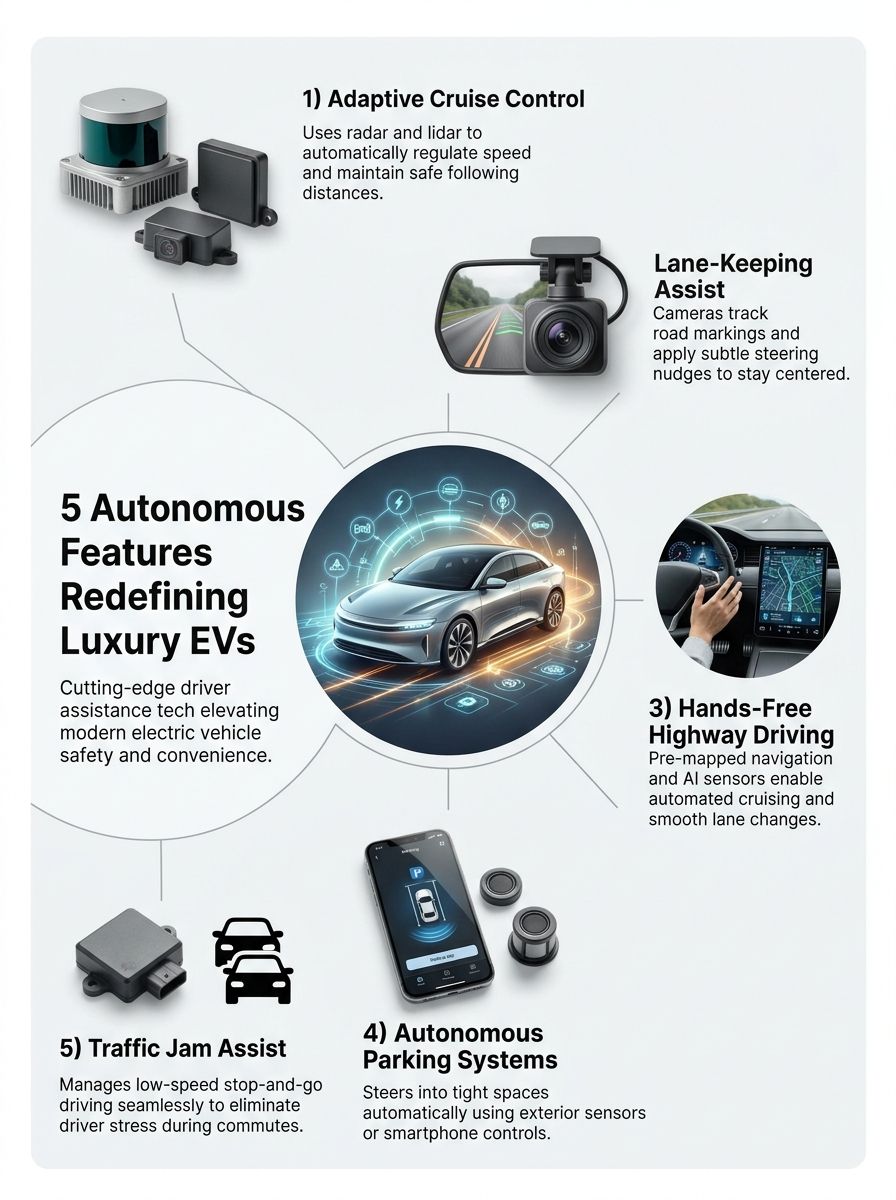
1. Adaptive Cruise Control for Safer Highway Driving
Adaptive Cruise Control is often the feature drivers use first because it takes the annoyance out of constantly changing speed on the highway. You set a target speed and following gap, then the vehicle uses forward-facing cameras, radar, or both to slow down and speed up with traffic.
Despite the name, this is not a hands-free feature. The National Highway Traffic Safety Administration describes adaptive cruise control as driver assistance, which means you still watch the road, steer the vehicle, and take over whenever conditions change.
Maintaining Safe Distances
The best systems let you choose a following distance, often shown as bars or car icons on the instrument display. For a smoother ride, start with a longer gap, especially in rain, heavy traffic, or when you are still learning how your EV responds.
Luxury EV shoppers should pay attention to how naturally the system handles a vehicle cutting into their lane. A car that leaves too little space can feel stressful, while one that brakes too sharply can make passengers uncomfortable.
- Look for adjustable gap settings: A longer setting gives you more reaction room and usually produces gentler braking.
- Test it near highway traffic: Watch whether the car slows early and smoothly when it approaches a slower vehicle.
- Check restart behavior: Some systems resume after a brief stop, while others ask you to tap the accelerator or steering-wheel button.
- Do not confuse it with collision avoidance: Adaptive Cruise Control manages speed and spacing, but it cannot replace your own braking judgment.
Automatic Speed Adjustments
Adaptive Cruise Control can make long drives less tiring because it handles small speed changes that normally force you to move between the accelerator and brake. It works best on clearly marked roads with predictable traffic flow.
Do not assume every system handles curves, exits, stopped vehicles, or sudden cut-ins the same way. During a test drive, try it at normal highway speed and listen for alerts, feel how it brakes, and see how quickly you can cancel it.
Smart buying tip: Ask the salesperson to demonstrate Adaptive Cruise Control in real traffic, not just explain it while the vehicle is parked. Comfort comes from the car’s braking and acceleration behavior, not from the feature name.
2. Lane-Keeping Assist and Lane Centering
Lane-Keeping Assist helps stop unplanned drifting. Lane centering goes a step further by making small steering adjustments to keep the EV near the middle of a detected lane.
Most systems rely on cameras that read lane markings. That means faded paint, construction zones, glare, snow, standing water, and sharp curves can reduce how well the system sees the road.
Centering the Vehicle Within the Lane
A good lane-centering system feels calm. It makes subtle steering corrections instead of bouncing from one side of the lane to the other.
Look at the steering-wheel display or driver screen while you test the feature. Most vehicles show lane lines in a different color when the system sees the road clearly and is ready to provide steering support.
| What to Test | What a Good Result Feels Like | Why It Matters |
|---|---|---|
| Clear highway lane markings | Small, steady steering inputs | Helps reduce fatigue on longer drives |
| Gentle curves | The vehicle follows the bend without sudden corrections | Shows whether the system feels natural at highway speed |
| Faded or patched lane paint | The vehicle warns you clearly when support becomes limited | Lets you judge how much attention the road will demand |
Automated Lane Departure Corrections
Lane departure correction usually activates when the vehicle senses that you are leaving a lane without using a turn signal. It may vibrate the steering wheel, beep, or gently steer the car back toward the lane.
This feature works as a backup, not permission to loosen your grip on the wheel. The Insurance Institute for Highway Safety rates partial automation safeguards partly on driver monitoring, alerts, and how the vehicle responds when a driver stops paying attention.
When comparing electric vehicles, ask whether the system uses a steering-wheel sensor, a camera that tracks your face and eyes, or both. A driver-monitoring camera can detect distraction more directly than a wheel sensor alone.
3. Hands-Free Highway Driving on Approved Roads
Hands-free highway driving is one of the most talked-about luxury features because it can control steering, acceleration, and braking without requiring your hands on the wheel. It does not mean you can use your phone, watch a movie, or stop watching traffic.
Ford BlueCruise, GM Super Cruise, and similar systems use detailed map data, cameras, radar, and driver-monitoring technology. They only work on approved roads or within specific operating conditions.
Enabled on Pre-Mapped Routes
GM states that Super Cruise works on more than 600,000 miles of compatible roads in the United States and Canada. That broad coverage can make it appealing for frequent highway travelers, especially if your regular routes fall within its mapped network.
Ford BlueCruise also uses designated highway zones and monitors whether your eyes remain on the road. Before you pay for a subscription or package, check whether the routes you actually drive qualify.
- Check route coverage: A system is more useful when it supports your daily highway, weekend trips, and airport route.
- Ask about subscriptions: Some hands-free features require a trial period, recurring payment, or connected-services plan.
- Test the driver monitor: Look away briefly only when parked and ask how the system alerts an inattentive driver.
- Ask about weather limits: Heavy rain, snow, dirty sensors, and poor lane markings can prevent activation.
Smooth Automated Lane Changes
Some systems can suggest or perform a lane change when traffic slows ahead. Ford lists Automatic Lane Change on BlueCruise 1.5 or later for certain newer vehicles, while GM offers automated lane-change support on compatible Super Cruise models.
This can make highway travel feel more relaxed, but it is still your job to watch mirrors, nearby vehicles, motorcycles, merging traffic, and road work. Treat every lane change as a maneuver you are supervising, not one you have handed off.
Mercedes-Benz DRIVE PILOT is different from Level 2 systems because it is classified as Level 3 conditional automation in limited conditions. Mercedes-Benz says it can allow hands-off, eyes-off driving only within a defined operating area and only when the system is available, so do not assume a Level 3 badge means it works everywhere.
4. Autonomous Parking Systems for Tight Spaces
Parking assistance can be one of the most practical luxury features, especially if you deal with narrow garages, crowded shopping lots, or tight parallel spaces. These systems use ultrasonic sensors, cameras, and surrounding-area views to identify space and guide the car.
Most current systems are better described as automated parking than autonomous parking. You still need to watch the area, stay ready to stop the vehicle, and follow the instructions on the screen or phone.
Self-Parking in Tight Spaces
Automatic Park Assist can steer into a parallel or perpendicular space while you control the pedals, or it may manage steering, braking, and gear changes depending on the vehicle. The useful part is not showing off, it is reducing the pressure of judging every inch near curbs and other cars.
Look for a high-quality 360-degree camera view as well. Even if you prefer to park yourself, a clear overhead image can be more useful every day than a feature you only activate in a difficult spot.
- Try parallel parking: This shows how well the system judges curb distance and the space behind the vehicle.
- Try a parking garage: Low light and painted concrete can reveal whether the camera view is sharp and easy to read.
- Check obstacle alerts: Ask whether the car warns you about pedestrians, poles, wheel stops, and cross traffic.
- Learn the stop control: You should know exactly how to pause or cancel the maneuver before relying on it.
Remote Parking via Smartphone
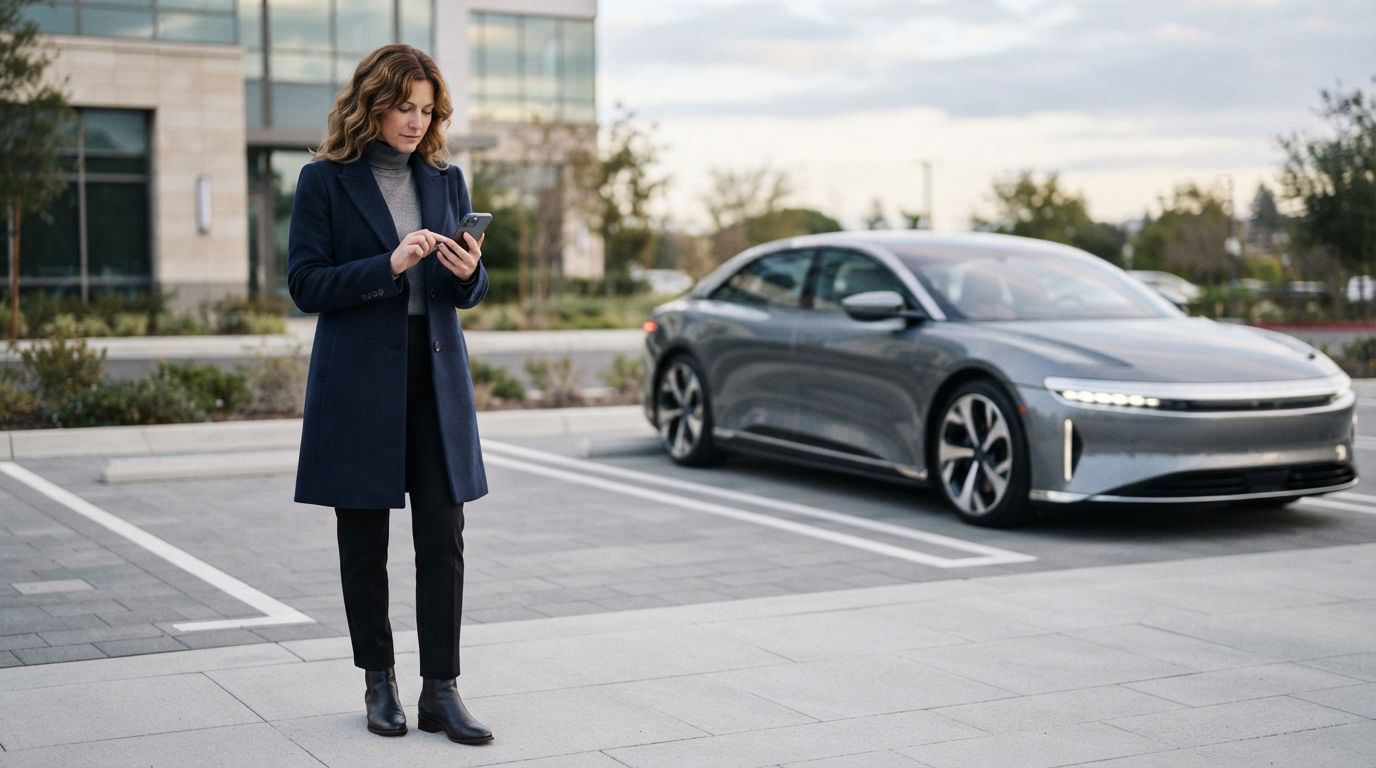
Remote parking lets you stand outside the vehicle and guide it into or out of a tight spot. BMW’s Remote Control Parking function, for example, works through the My BMW App and requires you to remain within 6 meters of the vehicle.
That short range is a useful safety boundary. It keeps you close enough to watch the car, spot a child, pet, shopping cart, or low obstacle, and stop the maneuver quickly if something changes.
Before you buy: Confirm that remote parking is included on the exact trim you want. This feature may depend on a parking package, compatible smartphone hardware, and the vehicle’s software version.
5. Traffic Jam Assist for Stop-and-Go Commutes
Traffic Jam Assist combines Adaptive Cruise Control and lane-centering support for slower, congested highway traffic. It can follow the vehicle ahead, brake to a stop, restart, and help hold the lane while you stay focused on the road.
AAA evaluated five vehicles with low-speed active driving assistance systems in 2025, with each vehicle driven for an average of 342 miles during daytime traffic. That kind of testing matters because stop-and-go driving exposes the small behaviors that shape your experience, such as how smoothly the car brakes and how clearly it asks for help.
Low-Speed Automated Driving in Heavy Traffic
This feature can take pressure off your right foot during a slow commute, but it works best on limited-access roads with visible lane markings. It may not activate on city streets, near toll booths, in construction zones, or where lanes split without clear markings.
Luxury EVs often pair Traffic Jam Assist with navigation systems, camera sensors, radar, and connected-car data. Lidar technology may appear in a few premium vehicle designs, but cameras and radar remain the equipment you will see most often in current driver assistance systems.
Stop-and-Go Functionality
Stop-and-go support can bring the vehicle to a full stop behind traffic and move again after a short pause. If traffic remains stopped for longer, many systems ask you to confirm that it is safe to resume.
Use your first few commutes to learn the system’s timing. You want to know whether it leaves enough space, how it reacts to a vehicle merging ahead, and how it signals that you must take over.
- Keep your eyes forward: Traffic Jam Assist can support you, but it cannot replace your attention.
- Watch for cut-ins: Cars entering your lane can force sudden braking or require you to intervene.
- Expect limits near construction: Cones, shifted lanes, and faded markings can confuse camera-based lane detection.
- Practice canceling the feature: Learn the brake, accelerator, and steering-wheel controls before you need them quickly.
Final Thoughts about Autonomous Driving Features
The best luxury EV driving technology helps you feel less worn out, not less responsible. Adaptive Cruise Control, lane centering, hands-free highway driving, automated parking, and Traffic Jam Assist can make daily driving calmer when you understand their limits.
As you compare electric vehicles, focus on how each feature behaves on roads you actually use. Ask for a real test drive, try the controls yourself, and pay close attention to driver monitoring, map coverage, parking-camera quality, and over-the-air update support.
These 5 Autonomous Driving Features Redefining Luxury EVs can improve comfort and user experience, but your awareness remains the most reliable safety feature in the car.