

Most of us were taught the same trick. Take a word. Capitalize the first letter. Stick a number on the end. Add an exclamation mark because the website refused to accept anything else. Then forget whether you used the number 1 or the number 7, get locked out, reset it, and end up with a password that looks almost exactly like the last one.
That habit is the problem. The old advice on how to create strong passwords was built around what confuses a computer, not around what a human brain can hold. So people did what people do. They picked something easy, then used it on forty websites.
There is a better method, and it does not require memory tricks or a notebook full of scribbles. It also does not ask you to memorize forty passwords, because you do not need to.
The Rules You Were Taught Have Officially Changed
The National Institute of Standards and Technology, usually shortened to NIST, writes the password rules that most American companies copy. In July 2025 it finalized a new version of that guidance, and it reversed a lot of what people were told for twenty years.
Three changes matter to you:
- Length beats symbols. When a password is the only thing guarding an account, the new floor is 15 characters. Systems are also supposed to accept long passwords, up to at least 64 characters, and allow spaces.
- Forced complexity is out. Websites are no longer supposed to demand one uppercase, one number, and one symbol. That rule never produced strong passwords. It produced over and over.
- Forced 90-day changes are out too. You should only be made to change a password when there is real evidence it leaked. Regular resets pushed people toward small, predictable edits, which attackers already expect.
Plenty of websites have not caught up yet, so you will still meet forms that reject a space or cap you at 16 characters. Work around them where you have to. But the direction is settled, and it works in your favor.
How to Create Strong Passwords Using Words Instead of Symbols
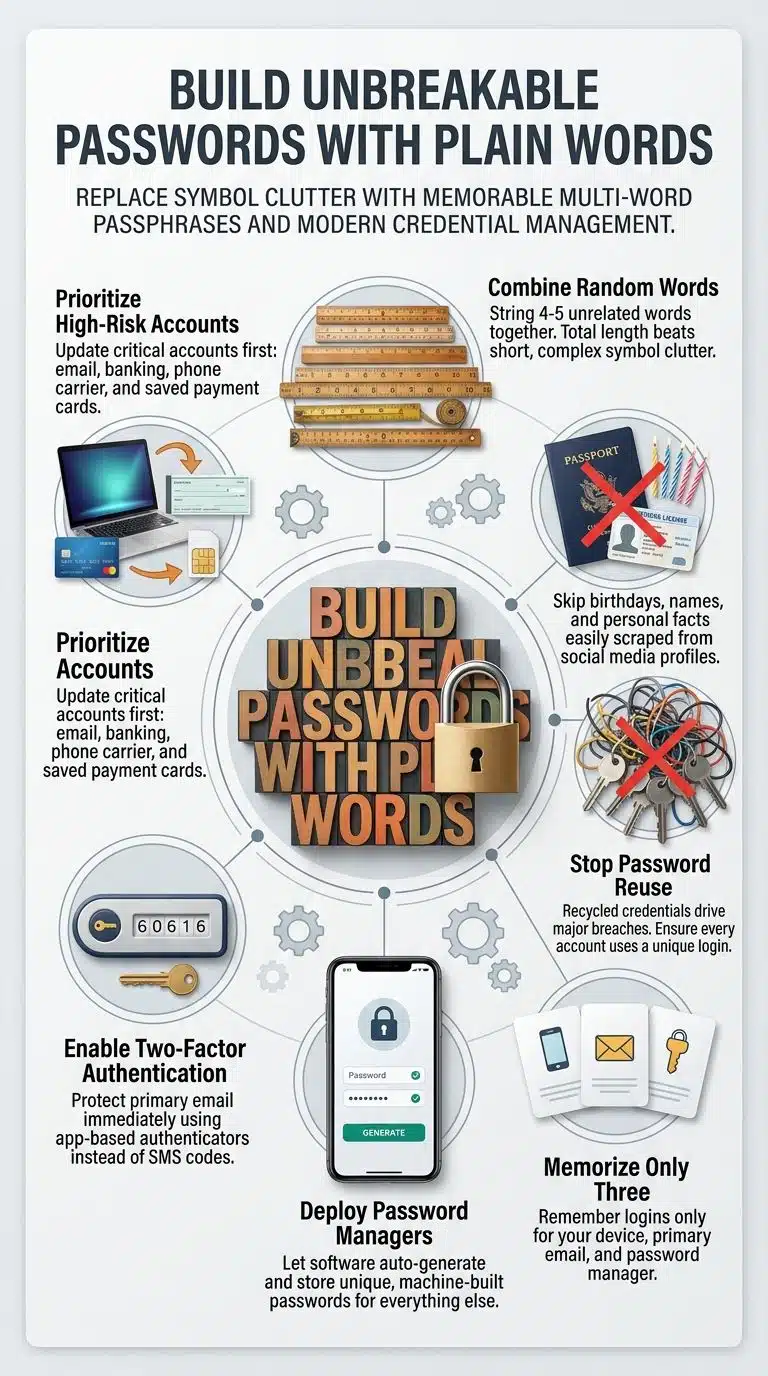
The method is simple. Pick four or five ordinary words that have nothing to do with each other, and string them together.
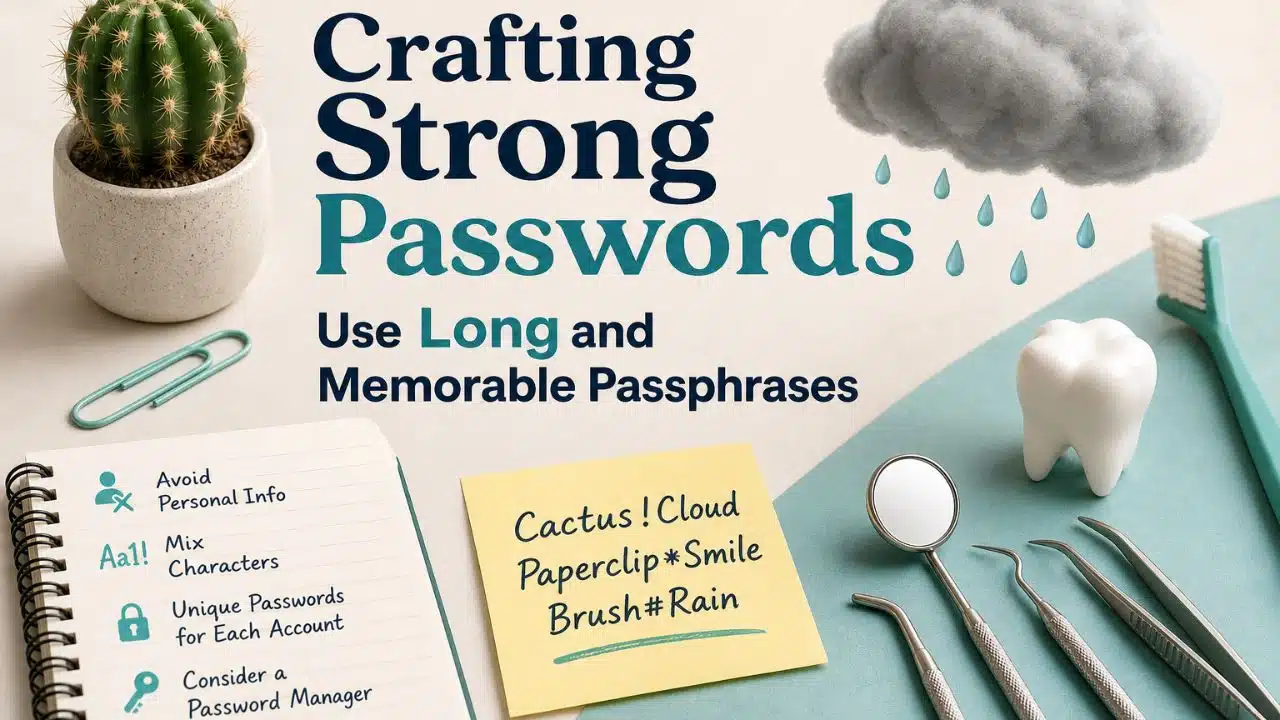
Something like this “cactus paperclip monsoon dentist” runs 32 characters. It is far harder to crack, and you can picture it in about two seconds. Do not use that exact one now that it is printed here, but build your own the same way.
A few things decide whether this works or fails:
Pick words that surprise you. Look around the room and grab objects at random. If the four words form a phrase that makes sense, the strength drops fast. “The quick brown fox” is a sentence people have typed before; “stapler flamingo gravel violin” is not.
Skip anything a stranger could guess about you. No pet names, no children’s names, no birth years, no city you live in, no favorite team, no song lyrics. A surprising amount of that is already on your Facebook page.
Do not decorate it. Adding “!” at the end buys you almost nothing. Adding a fifth word buys you a lot.
Length is the whole game. A 25-character string of plain lowercase words is stronger than an 8-character mess of symbols, and you will actually remember the first one.
If a site forces a capital letter and a number, put them somewhere you will not forget, like the same position every time. Do not build a whole system around it.
What Two Real Breaches Actually Prove
People assume a strong password is a clever password. Two well-documented cases say otherwise.
Colonial Pipeline, 2021. Attackers shut down the largest fuel pipeline in the United States and caused fuel shortages across the East Coast. They got in through an old VPN account that was still active but no longer used. Testifying before a Senate committee, the company’s CEO made a point of saying the password was not something lazy like “Colonial123”. It was complicated. It still failed, for two reasons: the account had no second login step, and the password later turned up in a batch of leaked credentials circulating online, which suggests someone had used it on another site that got breached.
Complexity did not save that account. Reuse killed it.
23andMe, 2023. This one is closer to home for ordinary users. Attackers never broke into the company’s systems. They took username and password pairs stolen from other websites and typed them into the 23andMe login page, over and over, for months. About 14,000 accounts opened. Through a feature that connects users to genetic relatives, that handful of accounts exposed profile information belonging to roughly 6.9 million people.
Those 14,000 people did nothing unusual. They reused a password. Their relatives, who had no say in it at all, got exposed anyway.
This attack has a name, “credential stuffing,” and it is the single most common way ordinary accounts get taken over. It only works on recycled passwords. A unique password, even a boring one, is immune to it.
You Only Need to Remember Three Passwords
This is the part that makes the whole thing manageable, and it is where I think most password advice goes wrong. It tells you to create strong, unique passwords for every account, then leaves you to memorize sixty of them. Nobody does that.
Memorize three:
- The password that unlocks your phone or laptop.
- Your main email password. Every “forgot password” link on earth ends up in that inbox. If someone owns your email, they own everything else eventually.
- The master password for a password manager.
For all three, use the word “method” above. Then let a password manager generate the rest as random junk you will never see or type. Bitwarden has a free tier that covers normal use. 1Password and Apple’s built-in option are fine too. The point is not which one. The point is that machine-generated passwords are unique by default, which is the property that actually protects you.
Turn on two-factor authentication for the email account today, before anything else. An app code beats an SMS code where you have the choice, because phone numbers can be stolen.
If you have sixty accounts and one weekend
Here is a realistic situation. Someone has used the same password with small variations since 2014, spread across maybe sixty accounts. Fixing all sixty in one sitting is not going to happen, and pretending otherwise is how people give up on day two.
Fix them in this order:
- Bank and anything that moves money
- Your mobile phone account, since it controls SMS codes
- Anything with a saved card, like a shopping account
- Work accounts
That is usually a dozen or so, and it covers most of the damage. Everything else gets fixed slowly, whenever you happen to log in and the manager offers to replace the old password. Six months later you are done without ever having set aside a day for it.
Small Habits that Undo Good Passwords
- Bumping the number. “Summer2024!” becoming “Summer2025!” is not a new password. Cracking tools try those variations first.
- Answering security questions honestly. Your mother’s maiden name is public record. Treat those answers as extra passwords and store nonsense in the manager.
- Sending passwords over chat or email. Once it is in a message thread, it lives in two inboxes and any backup either account has.
- Reusing your master password anywhere else. That one password protects all the others. It goes nowhere near another site.
- Ignoring breach notices. When a company emails to say your data leaked, that is the one time changing a password is genuinely urgent.
You can check whether your own passwords have already turned up in a leak. Have I Been Pwned lets you search an email address for free, and its password checker never sends your actual password to the site. If something you still use shows up there, change it today.
Final Thoughts
Knowing how to create strong passwords comes down to two ideas that do not need much explaining. Make them long, using words your brain can picture. Make every single one different, and use software to handle the ones you will never remember.
Start with your email password tonight. Four unrelated words, no symbols required, then switch on two-factor authentication while you are in the settings. That single change closes off most of the ways ordinary accounts get stolen. The rest of the cleanup can wait for a slow evening.

























